
First the wheels started turning as our vehicles moved across the ground. Then the bay doors opened to reveal what was being carried inside. Now it's the wipers' turn.
Vieneo's latest major update is now on Steam. It moves Rise to DirectX 11, replaces the old flight cloud rendering with volumetric clouds, and brings persistent raindrops, flowing water and working windshield wipers to the cockpit.
The changes reach from rain on a parked car's windshield to storm formations seen from orbit. Alongside them are new lighting effects, better external-camera instruments and sound, vehicle damage improvements, animated city billboards, better remote-assay tools, and fixes across ATC, colony management and the Player Portal.
A new DirectX 11 graphics foundation
The game client now runs on a native Direct3D 11 renderer. World geometry, cockpit instruments, interface text, weather and wet-glass effects have been brought onto the new graphics system.
Change MSAA anti-aliasing and VSync directly in the Video tab. Supported anti-aliasing levels are available without restarting the client.
Windowed and fullscreen operation, resizing, minimizing and restoring have received extensive attention during the migration.
City and vehicle rendering now batches compatible geometry and reduces repeated shader setup. Clouds and windshield rain also have targeted optimizations, including heavy rain on control-tower windows.
The client and installer no longer depend on the legacy DirectX 9 redistributable.
Graphics requirement: the new renderer requires DirectX 11 feature level 11.0.
Volumetric clouds from the streets to orbit
Clouds now have depth, shape and an interior you can fly through. Broad overcast layers develop billows and taller formations, with their structure driven by the server's global convection map.
Weather shapes the clouds. Calm areas retain a smoother deck; active regions build stronger formations. Weather-map updates blend gradually into the scene.
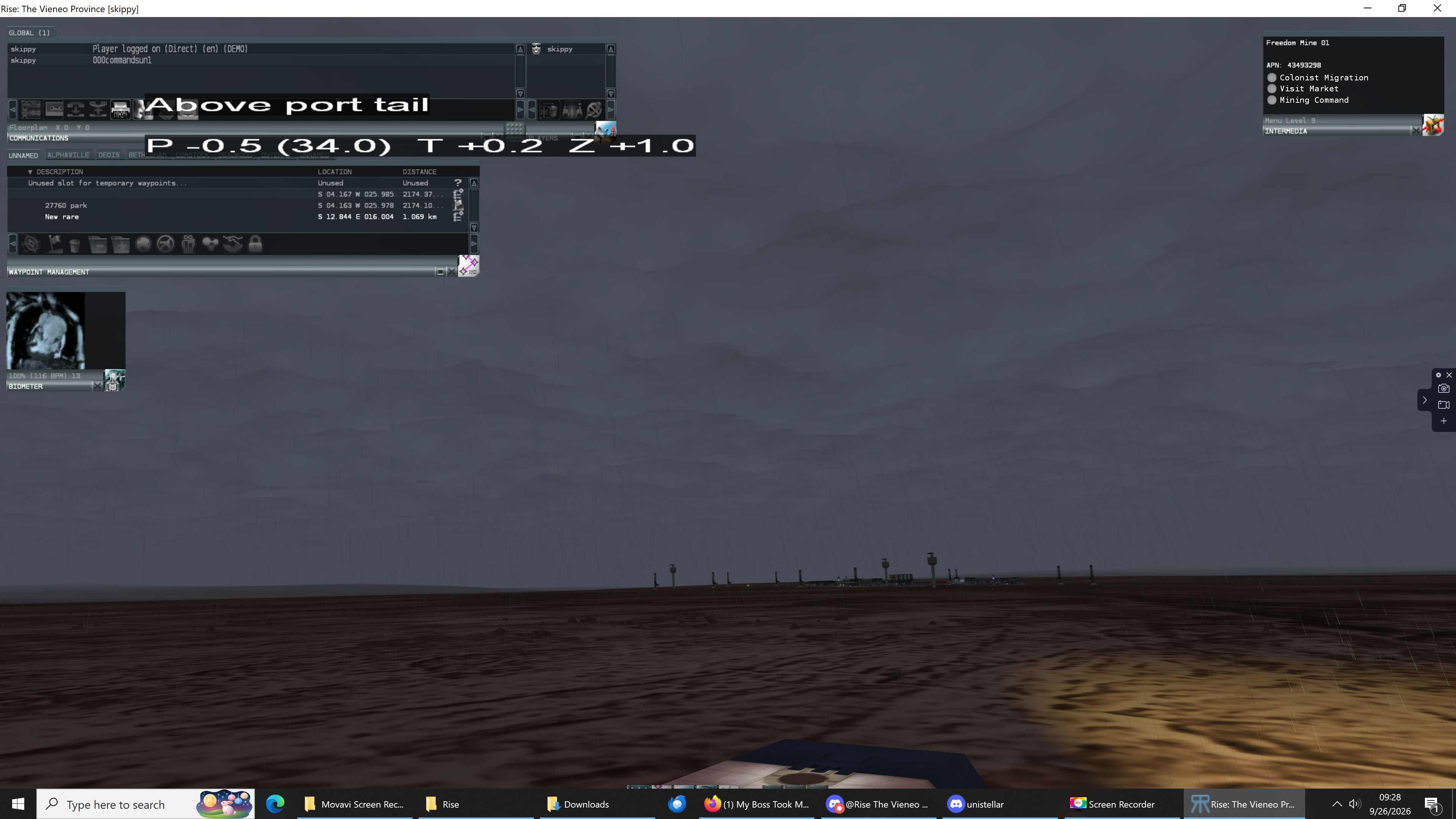
Visibility changes within the cloud. Denser pockets obscure nearby scenery and aircraft, while thinner areas reveal more detail. Local cloud density also influences precipitation and the existing turbulence effects.
Ground, climb and orbital views connect more naturally. Cloud entry and exit, distant detail, horizon haze and the atmosphere's curved edge have been refined across altitude changes.
Lighting follows the world. Cloud tops respond to local sunlight and the day-night boundary, with softer shading at orbital distances and more definition nearby.
Deois can experience lower ceilings. The old restriction that held clouds above the city's tallest buildings has been removed.

Cloud appearance and performance have received substantial tuning throughout this work, including close exterior views, cloud-top transitions and very low ceilings. Daytime illumination beneath thick cloud has been recalibrated, and fog and cloud transitions have been smoothed. Low ceilings also use revised visibility limits to keep these demanding scenes manageable.
Rain that moves across the glass
Raindrops now collect on supported cockpit glass, merge into larger beads, run down the pane and leave wet trails. Gravity, acceleration, braking, turning and relative airflow all affect their movement.
At speed, water breaks into smaller, faster-moving beads and short wakes. When you leave the rain or enter shelter, the remaining water continues to run off and dry. Looking around does not reset the pattern on the windshield.
Drops and runoff distort the scenery behind the glass, with highlights and restrained blur that help heavy rain read clearly.
Rain respects cockpit frames, instruments, windshield markings and damage overlays.
Shallow bends and small side panes have received fixes for more continuous, reliable coverage.
Apartment and control-tower windows also receive rain.
Exterior rainfall has a denser nearby appearance in downpours, corrected motion during climbing flight, and lighting that follows the actual headlamp beams. Landing-light highlights have been softened to keep nearby rain from washing out into bright white streaks.
Rain protection and horns
R is the default Rain Protection control on ground vehicles and aircraft. On vehicles with animated wiper blades, it switches continuous wiping on or off. Turning it off lets the blades finish their sweep and park; loss of cockpit power stops the local mechanism.
Wipers push collected water ahead of the blade and clear trails along the swept area. Their sound follows the animation, and their switch state is shared over the network.
The C-2, C-2A, T-121 and T-27 have authored cockpit wiper motion. The C-2A's blade animation has been corrected.
The E-11, T-19 and W-6 now have pneumatic rain protection, also selected with R. Engine air pushes water upward across the forward windshield, helping shed rain while leaving side windows to their normal runoff. Active rain air carries a small 0.5% thrust penalty, and the CAS displays RAIN AIR INOP when the installed system or its required supply is unavailable.
Hold H to sound the horn, or use your configured controller binding. Horns now have a beginning, a sustained section while held, and an ending when released. Other players receive the press and release state, and crash-latched horns remain separate from manual input.
Custom bindings still apply, and Shift+R remains Repair.
Storm lighting and vehicle lights
Lightning now illuminates the cloud volume. Flashes above the deck favor regions of strong convection, and nearby lightning lights the surrounding lower cloud.
City and colony lights can illuminate low cloud overhead, with the glow tied to the location and height of the emitting terrain. Deois emergency weather alerts now also respond to strong winds and gusts.
Colony airfields now have runway edge lights aligned with their runway markings, with visibility that responds to darkness, fog and cloud.
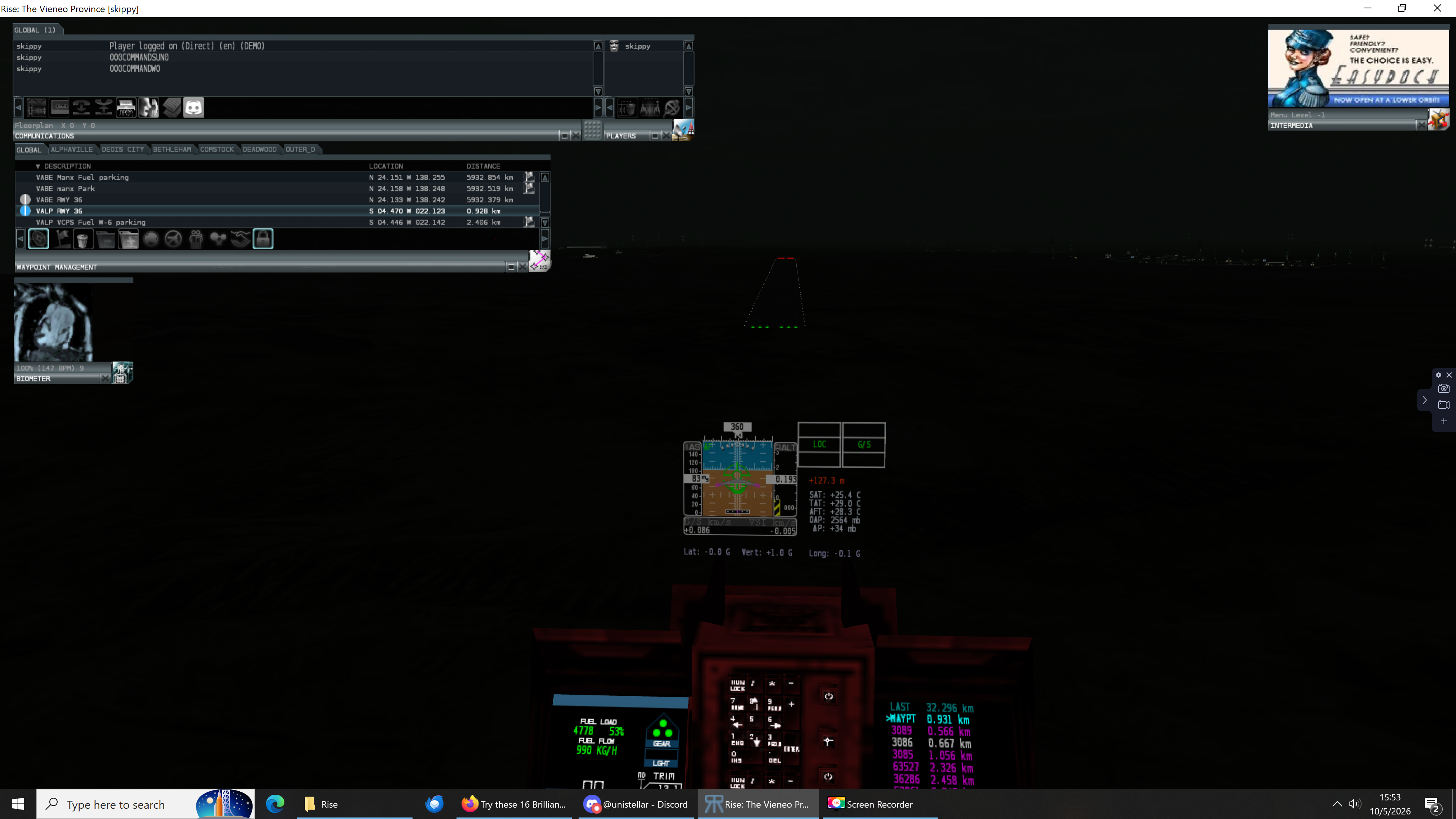
Vehicle lighting has received its own overhaul:
Paired headlights and landing lights use their authored mounting positions.
Road, off-road, aircraft and helmet lights use appropriate beam shapes.
Rain highlights, cloud scattering and surface illumination follow the same light definitions. Exterior beams no longer illuminate cockpit surfaces.
Signal lights fade correctly through fog and cloud, including dense cloud between the light and the viewer.
Your vehicle's headlights and landing lights can dim, flicker or fail as their condition deteriorates, including damage from impacts. Repairs restore their condition.
Animated signs and vehicle artwork
Deois gains animated, illuminated billboards, with new sign assets and placements in the Financial, Transit and City Center districts. Shared artwork uses a common animation cache, and off-screen signs pause their animation processing to reduce unnecessary work. Animated advertisements are kept out of the simulator.
Vehicle artwork can also extend across passenger windows using a perforated-film effect. Close up, small openings preserve the lit glass; at a distance, the pattern blends into the artwork.
Better external views and cockpit feedback
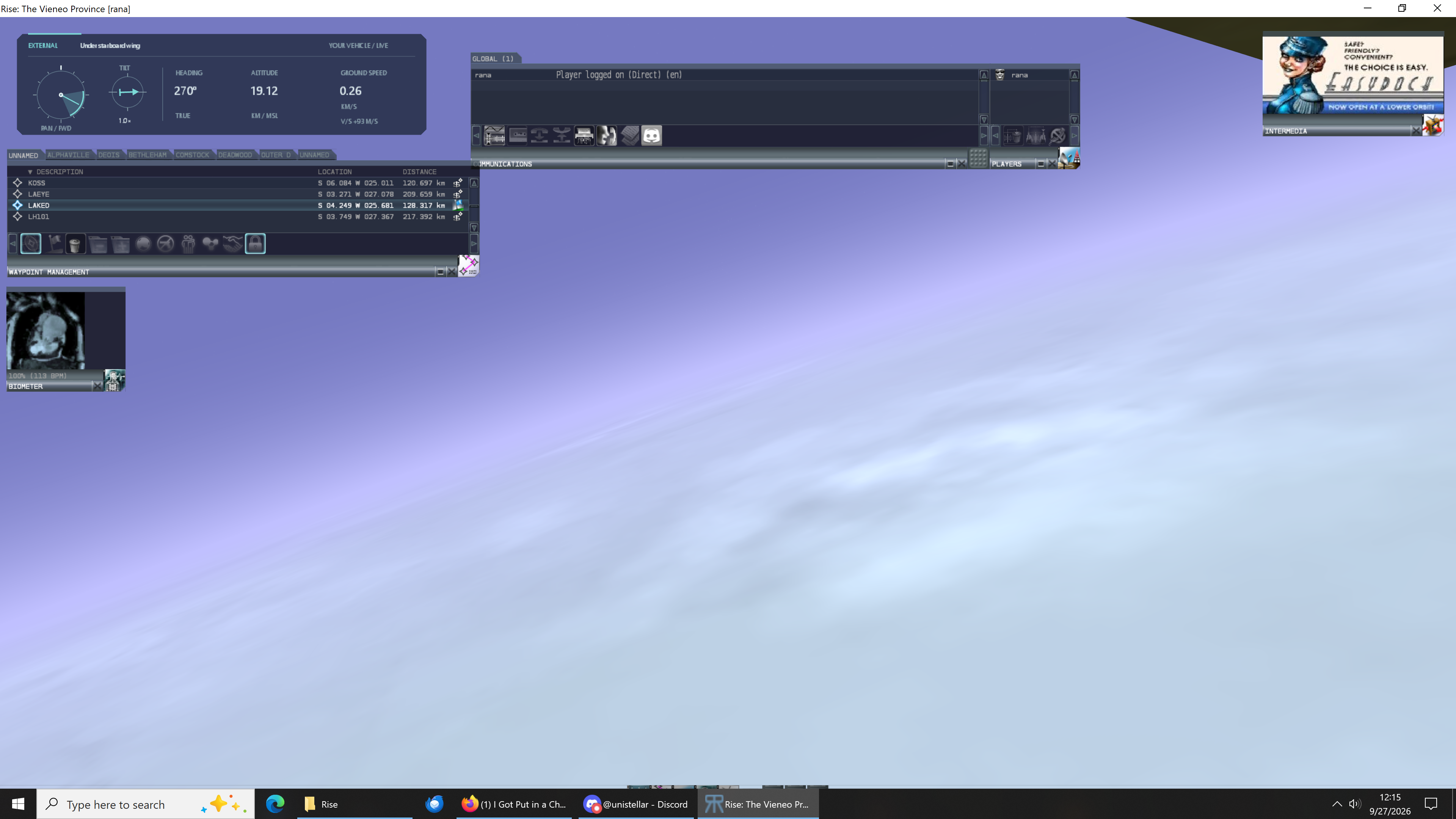
External cameras now have a compact, movable instrument window with a visual pan-and-tilt indicator, aircraft attitude, zoom, heading, altitude, speed and vertical speed.
A new artificial horizon shows your aircraft's pitch and bank independently of the camera's direction, including during vertical and inverted flight.
The window adapts its altitude reference and speed units for ground vehicles, low-altitude flight and higher-altitude travel. Drag it to a convenient position, close or reopen it from the toolbar, and keep its saved position between sessions. It follows normal window focus, dims when the mouse is idle, and shows the active camera name in its status bar.
Vehicle sounds now respond to the external camera's position and direction. Engine sound placement follows the engine locations, while internal cabin ambience and startup audio stay inside the cockpit.
Windshield damage also develops more progressively: sparse cracks grow into a denser safety-glass fracture pattern as condition worsens, and repair reverses that progression.
Clearer remote assay readings
Remote assay now shows MAX SCANNED values for rare ore, common ore and fuel ore beside the map. These values update with the current scan, making promising readings easier to spot. The scanning indication and signal quality now share a 500–700 metre band above ground, with reduced signal outside it.
The scan also handles terrain seams more reliably. Samples remain aligned with their ground cells across map boundaries, and delayed scans retain their original position as the vehicle moves.
Controls and client fixes
Fixed the Enter-key behavior in communications and restored double-click default actions in dialogs.
Restored the F10 autoflyte binding without Windows menu handling intercepting it.
Preserve saved settings and bindings when an older executable encounters a newer configuration file; the client explains that an update is needed.
Fixed empty waypoint lists after login and stopped graphics reloads from clearing downloaded waypoints.
Refresh the waypoint display after clicking or dragging a waypoint from chat.
Clear recovered engine-failure warnings correctly.
Restore cockpit text layers, improve scaled text clipping, correct the E-10 heading alignment, and fix clipped dialog footers.
Correct the T-121 cockpit mesh layout and restore runway identification and approach-light flashes.
Correct hangar and building-interior rendering when aircraft are present.
Fix stretched white bars on the A-4's localizer and glideslope indicators.
Give the overspeed clacker a steady repeating cadence and restore the warning correctly after cockpit reloads or audio resets.
Restore the 15-second rejoin countdown on the death screen.
Improve recovery of crash reports after abrupt exits and limit repeated diagnostic uploads while keeping every error in the local trace.
ATC and the wider world
ATC now retains an established contact when a pilot takes longer to answer an intentions request. Late East/West or arrival selections can continue the conversation, and a lost contact has a route back to communications. Administrative repositioning also clears stale ATC instructions and queued radio messages.
On the server, vapor, wind speed, wind direction, convection and temperature layers now vary their rotation rates smoothly over time. Forecast sampling and the global cloud feed use the updated weather calculations.
Other changes include:
Colony construction: fixed concurrent population refreshes that could report an error after construction had already succeeded, encouraging accidental repeat builds.
Terrain streaming: fixed a vehicle-transfer case that caused subsequent terrain rows to be rejected, leaving gaps in the moving map. Terrain and weather also remain continuous while crossing map boundaries, with fresh destination data loaded after repositioning.
Station staffing: laborer pickup now protects station employees and households containing an employee, helping prevent pickups from depleting docking staff.
Deois street map: added optional Building numbers and Billboards layers. Building numbers help describe locations; use the district name with the number, since numbers are local to each district. Billboard markers show screen locations, sizes and aspect ratios.
Player Portal privacy: private waypoint names are hidden from public destination listings.
Traffic reliability: made pathfinding graph reloads safe during concurrent use.
Crash news: expanded observable ground-motion reporting, more varied event and weather descriptions, and simulated witness accounts where the scene supports them.
Vehicle availability: player occupancy of the C-98 is temporarily disabled while its cockpit and exterior alignment need correction.
We've also added an AI support assistant for game questions in global chat and the English and Portuguese Discord channels. When enabled, you can address it as codex or support; its replies appear under codex. It can use game documentation and public issue reports to help with controls, procedures and known problems, and provide regional weather outlooks for Deois and named colonies.
Improvements to Makeship
Our authoring tools have also moved forward. Makeship now previews animated sign artwork, loads textures in the background while geometry becomes available, and handles external file updates more smoothly. Editing improvements include rotation around authored hinges, combining compatible triangles into quads, independent held-key movement, and fixes for texture selection, file dialogs and saved color palettes.
Thanks to everyone who has been driving, flying, testing and sharing screenshots, videos and reports. That feedback has shaped the clouds, rain, lighting and many of the fixes in this update.
Related community reports: windshield rain #9, wipers #51, cloud lightning #845, progressive windshield damage #1865, external camera instruments #2023, weather dynamics #2094, and remote assay improvements #1803.