
The new character customization tool is live on the playtest. Now you can name your species and change its appearance. Click the new Customize button on the main menu to open the customization window.
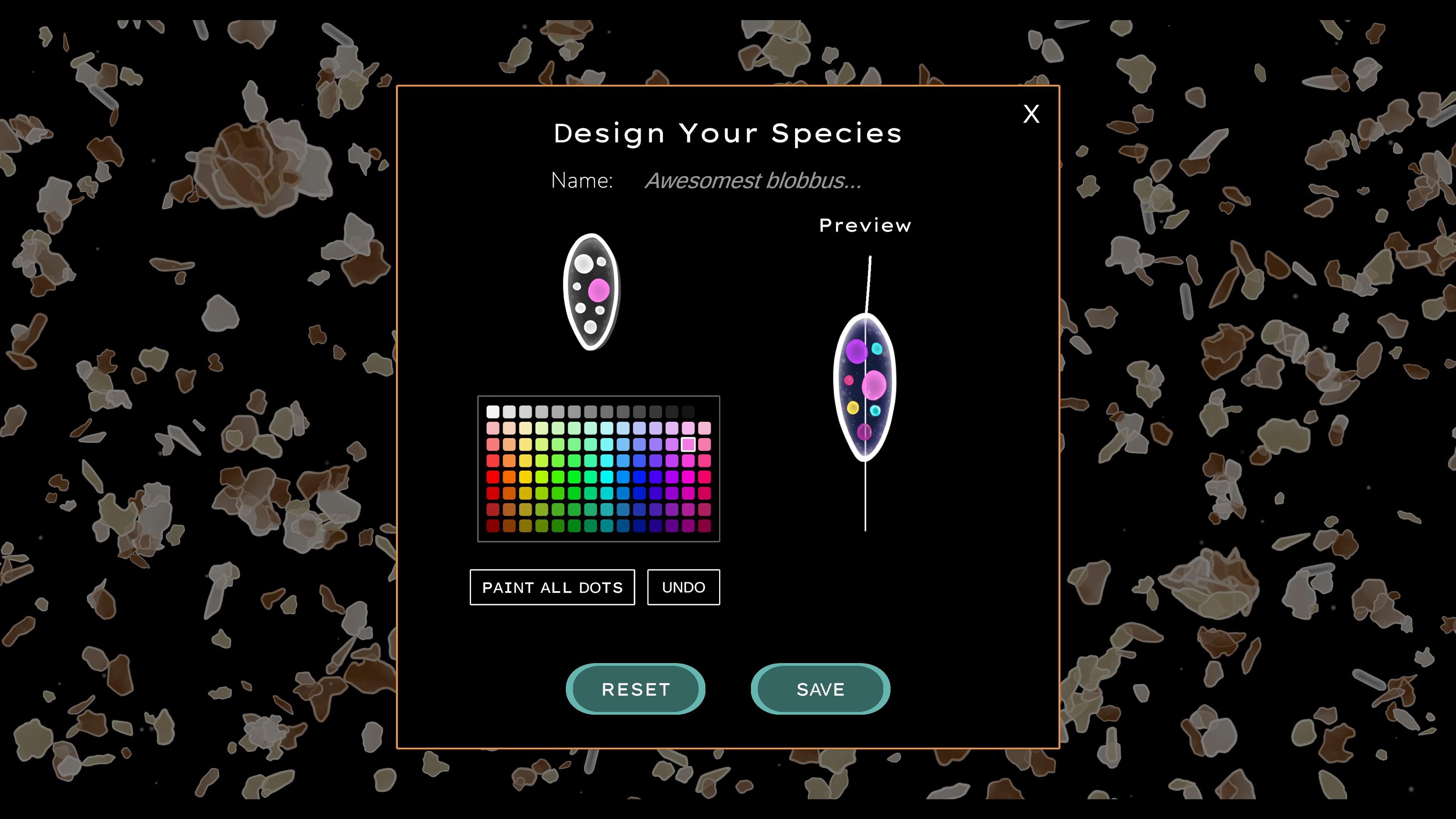
Here you can choose a name for your species, and pick your colours.
Click on any of the dots or the cytoplasm (the inner jelly part) of your cell in the image above the colour palette, and then choose a colour. You can also click the "paint all dots" button to make all the vacuoles (dots) the same colour. Right click to clear your colour selection, and use the Undo button if you made a mistake.
The cell on the right side is a live preview of your design. Click save to apply it to your character.
Your species name will show up on the run stats and high score pages.
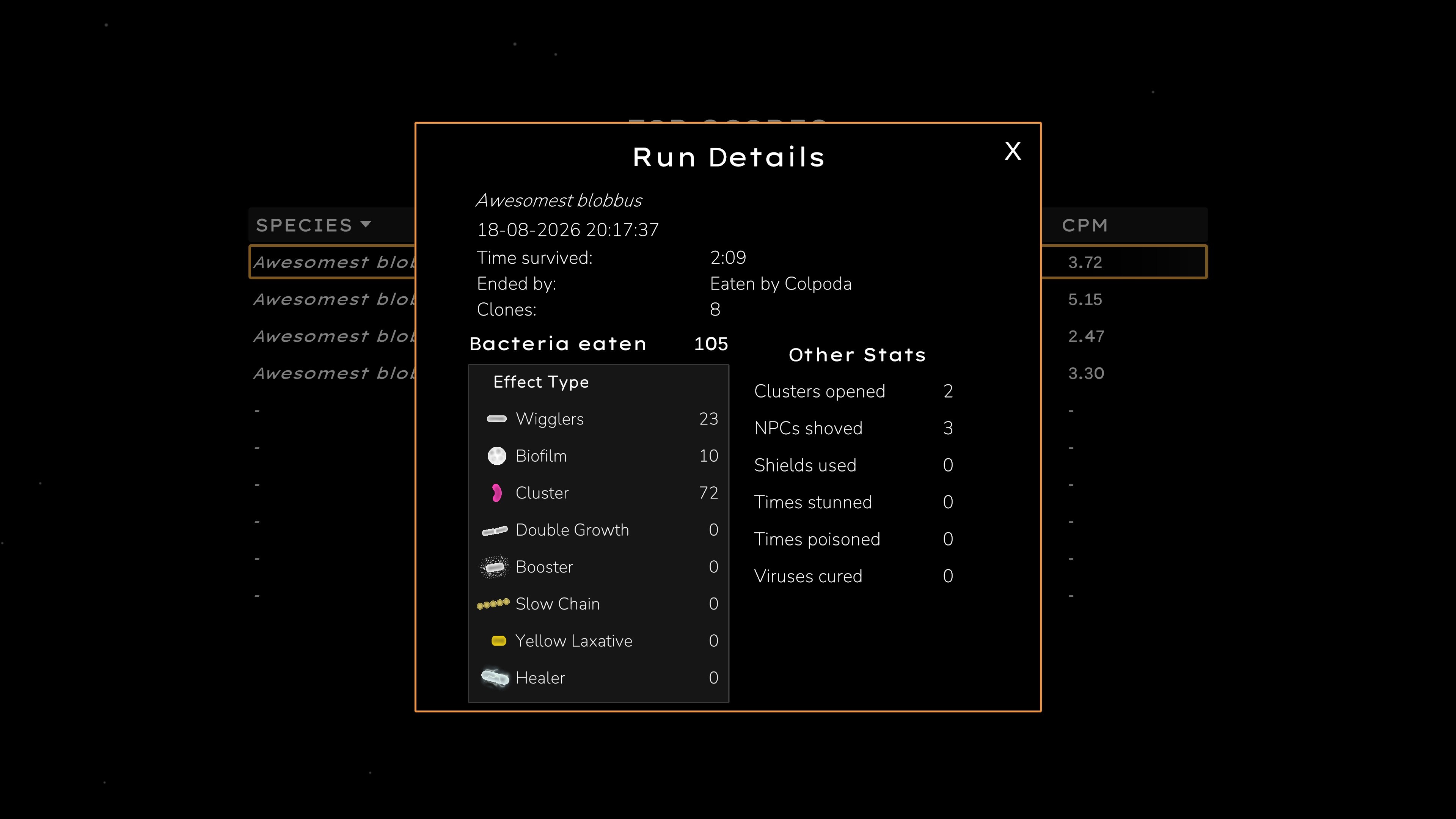
You can change your character's appearance and name at any time. The new name will be saved going forward (you can't change old entries).
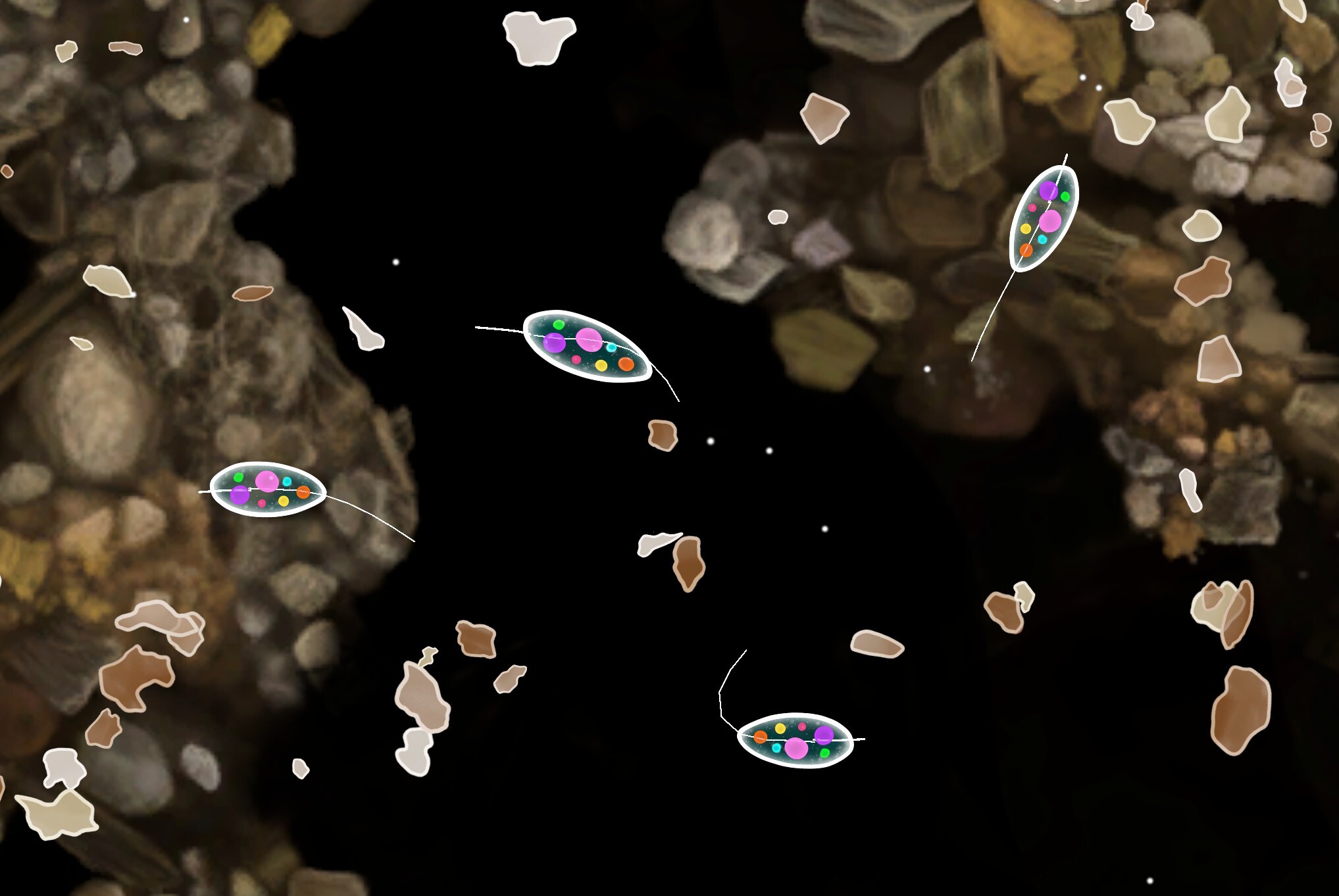
Clones also inherit your custom colours!
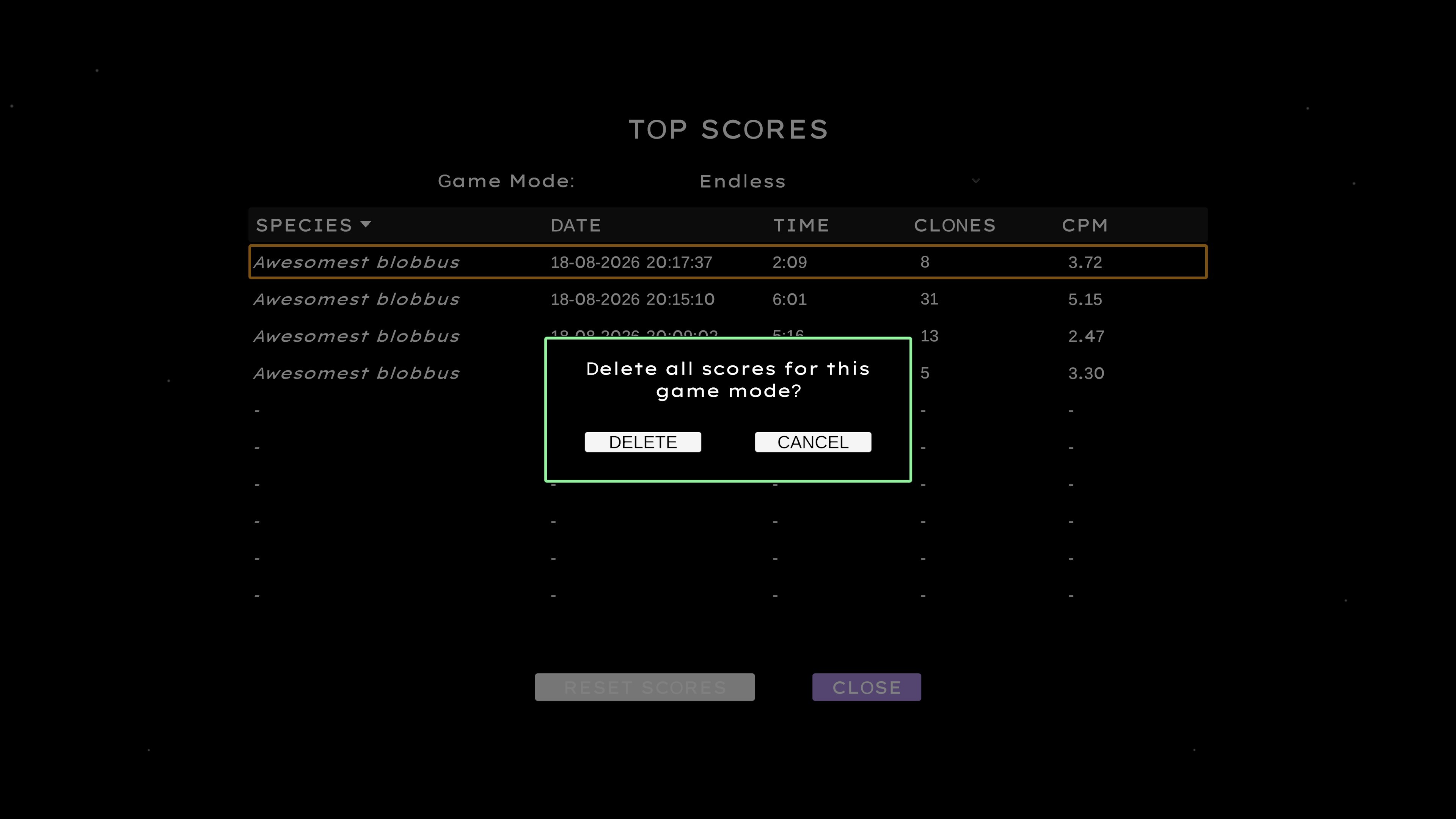
Clear Scores
You can now clear your high score page for each game mode. This may be useful in testing, eg. if the chart is full of high scores from a period where the game was easier, and you can't get new entries on the list anymore.
That's all for now, hope you enjoy the new features!
Kate