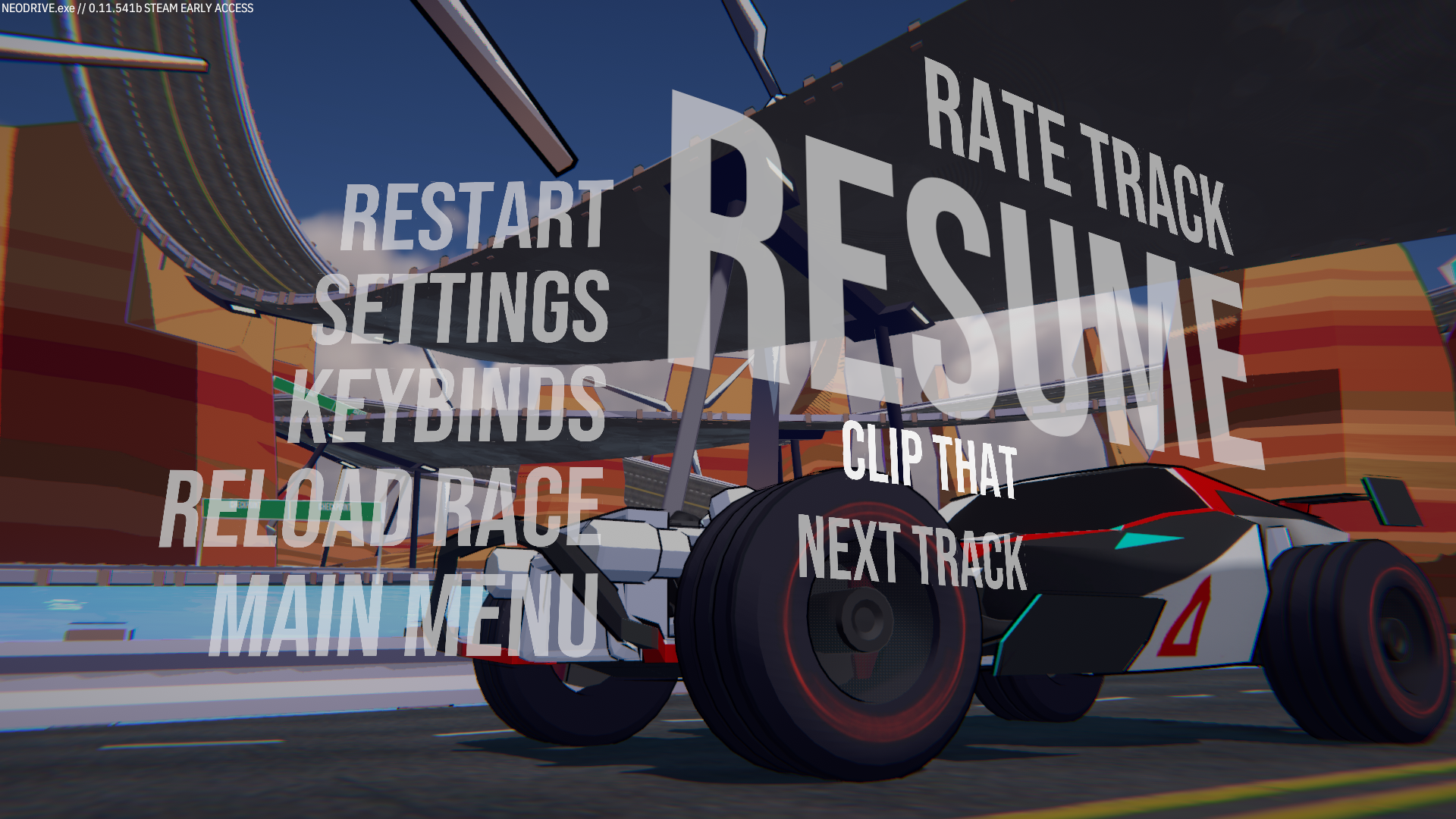
In addition to automatically saving your best time, I just added a feature to let you save a clip of the current race, either from the pause menu or from the post-race summary screen. Your personal bests are still synced across devices, but any other manually-generated clips are only stored locally because of Steam cloud limitations.
There's a new button in the Pause menu that takes you to the replay saving window. You can overwrite files or open them in your system's file explorer if you want to rename or delete them.
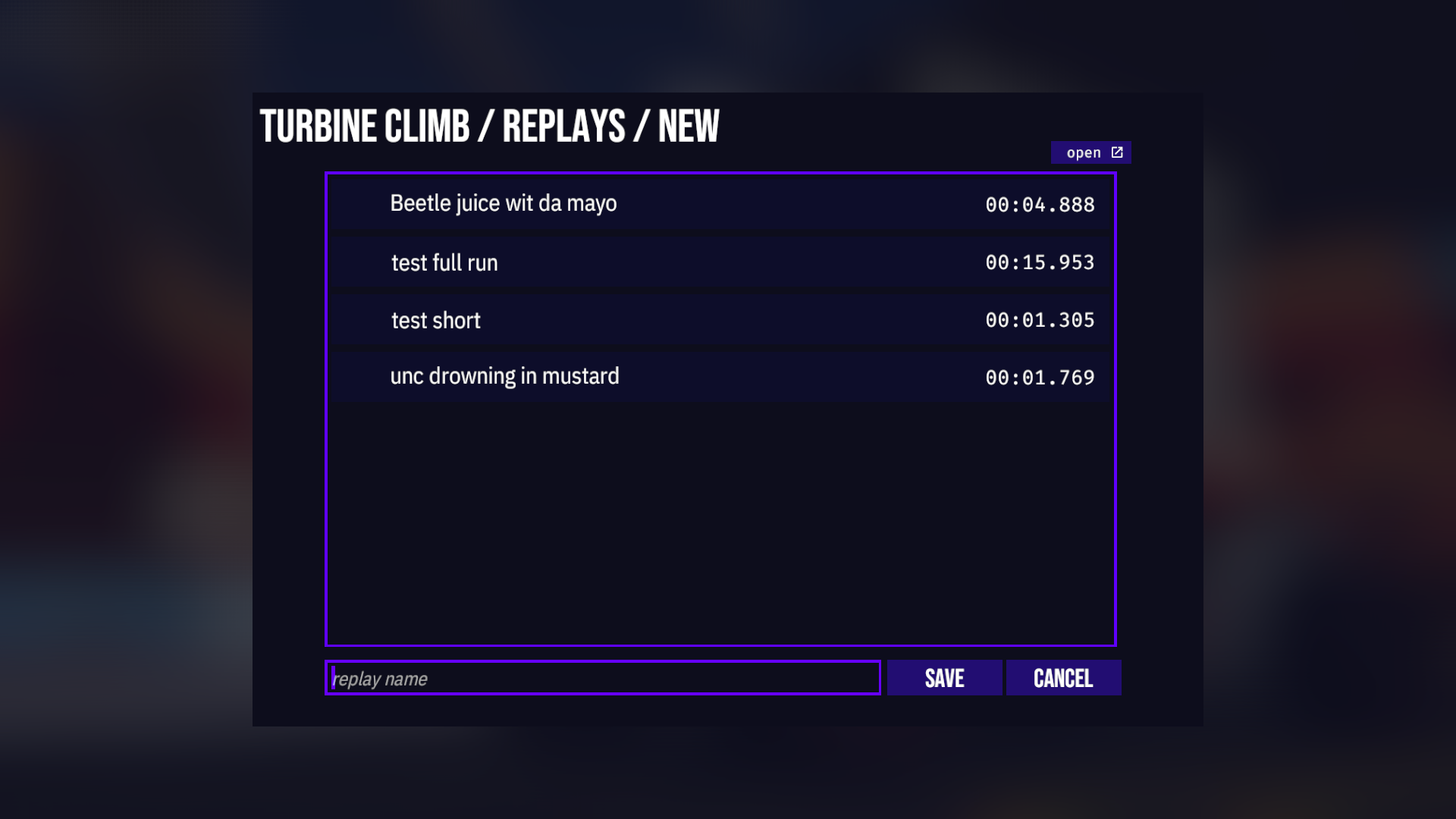
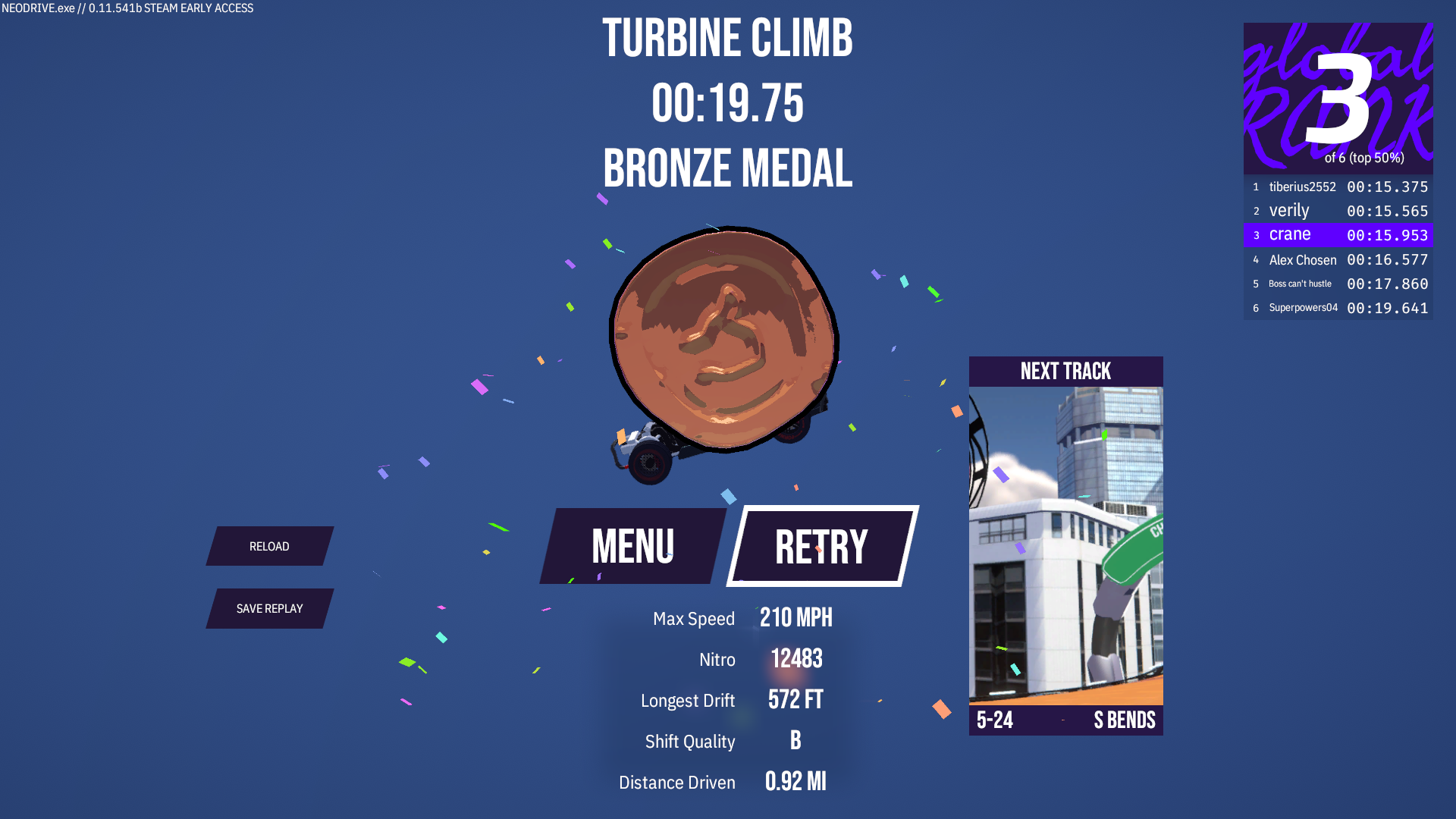
You can also save the replay of your last run from the post-race screen.
Once you've saved your replay, you can view it from the same place you'd see your other replays in the pre-race menu.

You can also watch your personal best time, which is saved separately so you're not in danger of overwriting it.
All Changes
Added the ability to save the current race’s replay from the pause menu and post-race screen
Changed the “Watch Replay” button in the pre-race menu to open a replay browser window
Fixed a bug in Turbine Climb where invisible support pillar colliders intersected the track
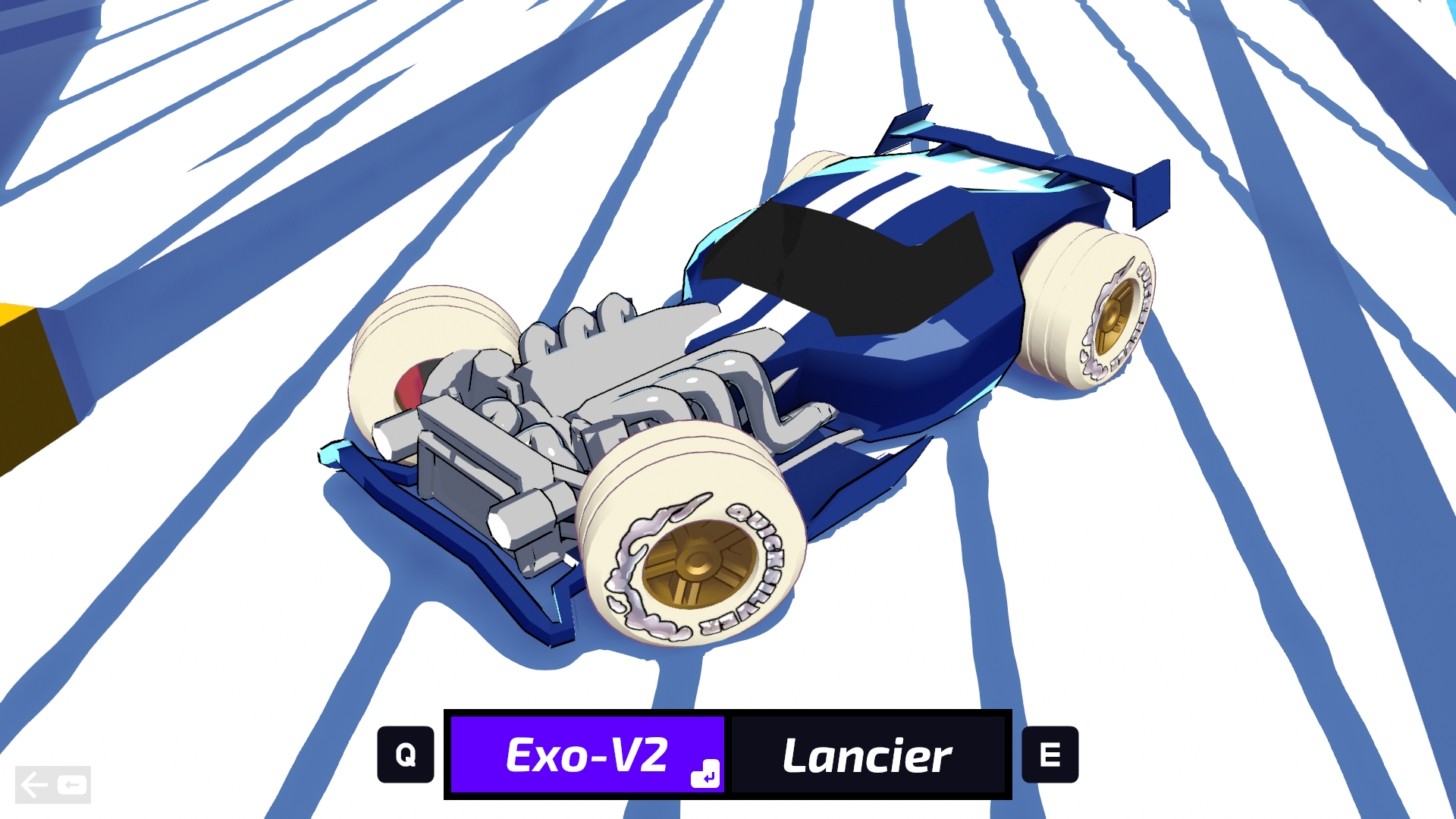
Added a new Exo-V2 skin, Racing Blue
Added a new Exo-V2 skin, Racing Red
Added a new Exo-V2 skin, Type-1
Added a new Lancier skin, Skill Cut
Added a new Exo-V2 skin, Cartmans
Here are some of the new skins.