This release is mainly adding 2D lights with normal maps on Image and Animated image.
Roadmap and news
Documentation and tutorials
New features
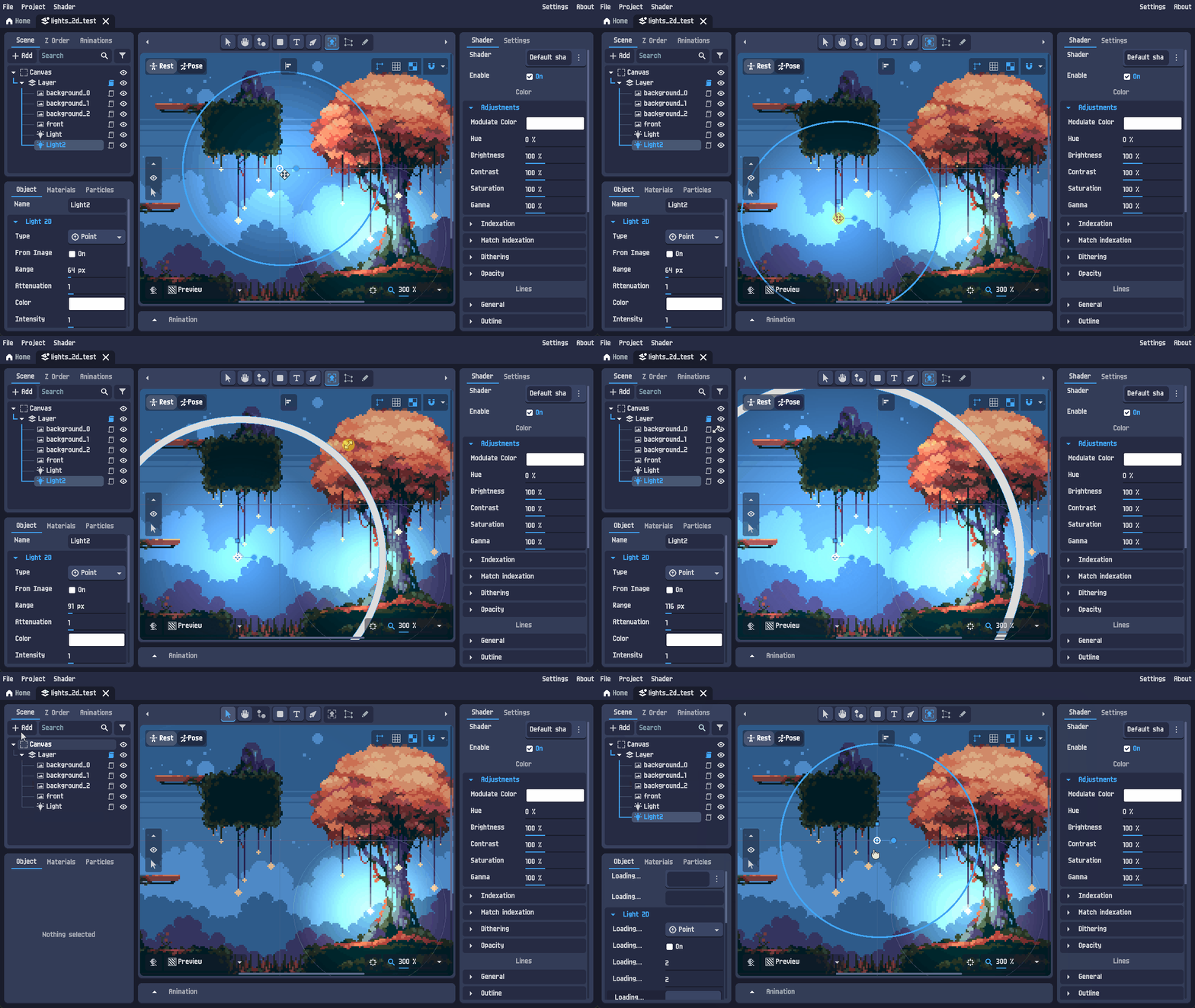
Added 2D light object.
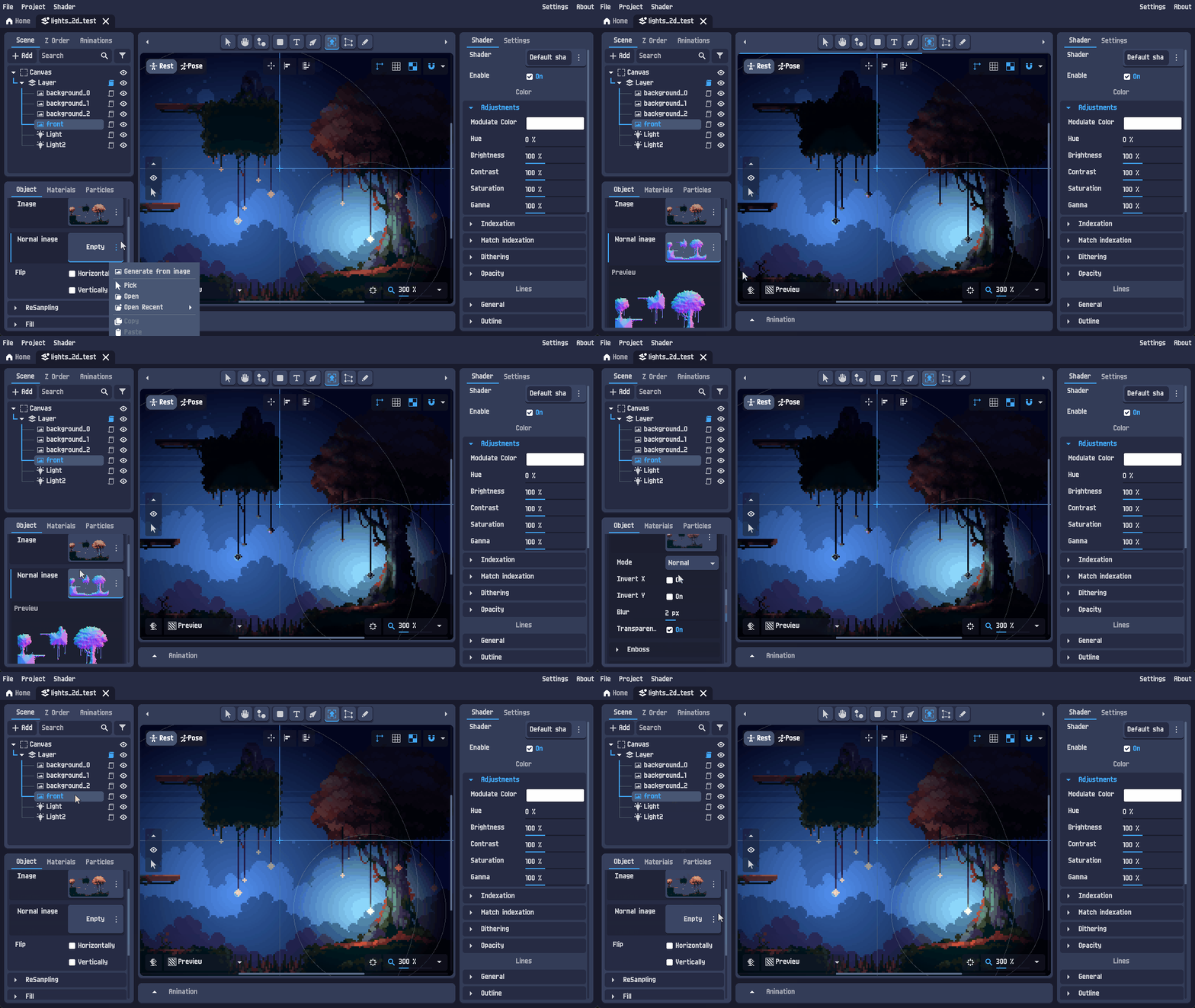
 Normal maps on Image and Animated image.
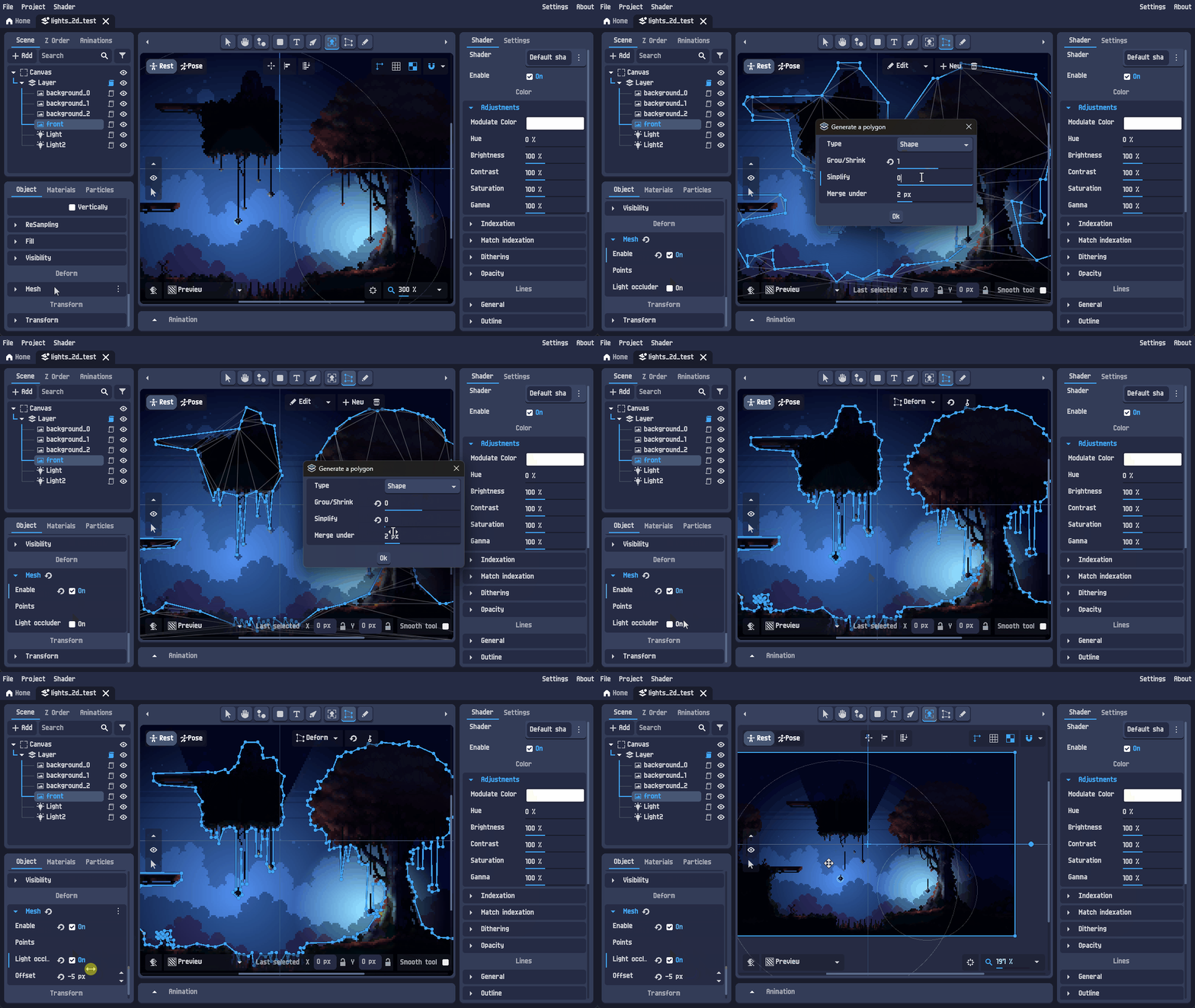
 Light occluder.
 And ambient color for 2D layer.
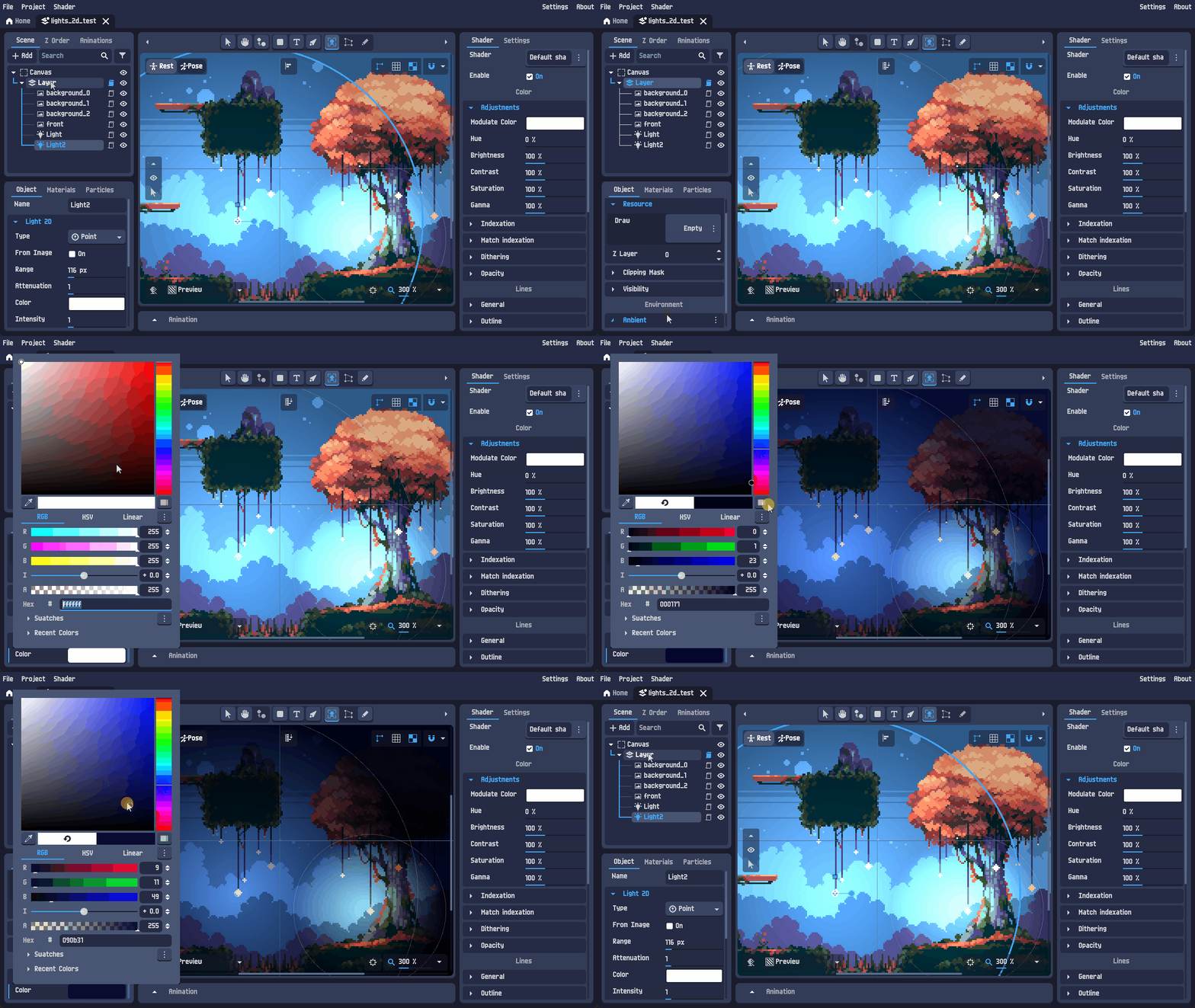 The asset pack used for the example : [url href = https://trixelized.itch.io/starstring-fields]STRINGSTAR FIELDS[/url]
|
Changes
| Added an export option to combine 3D auto rotation directions into one file. |
| Added option to apply current animation track value to rest. |
| Pivot presets can now be animated. |
| Re-enabled drag & drop for objects in Pose Mode. |
| Add option to choose which inputs auto-create an animation track: - Bone transform (always required) - Object transform - Object transform + deform - Any input |
| Adjust input behavior in Animation Mode (unless auto-track is enabled): - replace the key button by a button to create the track, in this state changing the input value will affect the rest value - Once the track created, input changes only affect that animation and behave with the normal key button - Clicking the input reset button removes the track |
| Add options for a single animation and reset button for vector inputs (position, scale, etc.) instead of one per axis |
| Safest way to save and load projects |
| Prevent sub windows to minimize and some of them to maximize when not necessary |
| Added object rename in menu option with an available shortcut |
| Improved images loading speed |
| Improved sprite sheet loading speed and fixed image mipmap generation |
| Mouse now wrap when moving or rotating the view |
| Added undo/redo system on animation advanced selection |
| Updated translation |
| Improve animation graph scales and added a key to rescale the graph |
Bug fixes
| Issue | Reference |
| Prevent animation length change when updating FPS in Time Mode. | Link |
| Dropdown input animation now behaves like constant values. | Link |
| Fixed multi-selected objects creating invalid animation tracks. | Link |
| Fixed rest/pose for custom pivot. | (Not Reported) |
| Set correct Z min / Z max for objects. | Link |
| Fixed spin buttons (number inputs without range). | (Not Reported) |
| Prevent deleted or converted objects from still reserving their unique name. | Link |
| Fixed not auto add key preventing to update input value. | (Not Reported) |
| Fixed missing lock ratio and wrong min and max for animation input. | (Not Reported) |
| Fixed manual snap. | Link |
| Fixed linked keys. | (reported by DM) |
| Prevents keyframes to move below position 0. | Link |
| Added a security on undo/redo keyframes position (it could fail because of some not yet moving keyframe takes place of another one). | (Not Reported) |
| Empty aseprite file when exported without animation. | Link |
| Animation advanced selection flips (similar issue than before mentioned). | (Not Reported) |
| Fixed set default bezier handles in the settings. | (Not Reported) |
If you encounter any bugs or have feature suggestions, feel free to share them in the
community forum.
Thank you!