Down Ward has been funded! If you pledged, or supported in other ways, or are a player who just enjoys my game. It all helps in one way or another, and I really appreciate it, and I just wanted to thank you. :) 💟 Post-Kickstarter thank you message
Down Ward has been funded!
If you pledged, or supported in other ways, or are a player who just enjoys my game. It all helps in one way or another, and I really appreciate it, and I just wanted to thank you. :)
💟 Post-Kickstarter thank you message
Hi all, Down Ward has passed the funding goal, has funded all 4 original stretch goals, and is still going. :) Under 24 hours left! 💟 Down Ward - Kickstarter I've added one last stretch goal, which is already 35% complete. Thanks to all who have supported in any way, by pledge o
Hi all, Down Ward has passed the funding goal, has funded all 4 original stretch goals, and is still going. :)
Under 24 hours left!
💟 Down Ward - Kickstarter
I've added one last stretch goal, which is already 35% complete.
Thanks to all who have supported in any way, by pledge or word of mouth!
I've also released several updates to the free version of Down Ward During the Kickstarter, but I haven't had a chance to write up the change notes yet. I'll do that as soon as I get time. :)
I posted the b115.3 update notes in a Kickstarter update.
Last update was version b115.5.
Down Ward's Kickstarter has passed its funding goal! (◠,◠) It's still going, and with over half the campaign time left. Thanks to all joining in, & to all helping to spread the word! Down Ward - Kickstarter I also posted a thank you update on Kickstarter following the good ne
Down Ward's Kickstarter has passed its funding goal! (◠,◠)
It's still going, and with over half the campaign time left.
Thanks to all joining in, & to all helping to spread the word!
Down Ward - Kickstarter
I also posted a thank you update on Kickstarter following the good news.
Thanks all, and I hope you're all having a wonderful April! :)
Hi all, the Kickstarter has Launched! :D Down Ward - Kickstarter It's off to a fantastic start! I'll still be working on Down Ward during the Kickstarter, and I actually just released a patch a few hours ago. Any thoughts, critique, or feedback on either my game or the Kickstarte
Hi all, the Kickstarter has Launched! :D
Down Ward - Kickstarter
It's off to a fantastic start!
I'll still be working on Down Ward during the Kickstarter, and I actually just released a patch a few hours ago. Any thoughts, critique, or feedback on either my game or the Kickstarter are always welcome.
The freeware version of Down Ward that's currently on Steam will always remain free, and future additions to it will also be free.
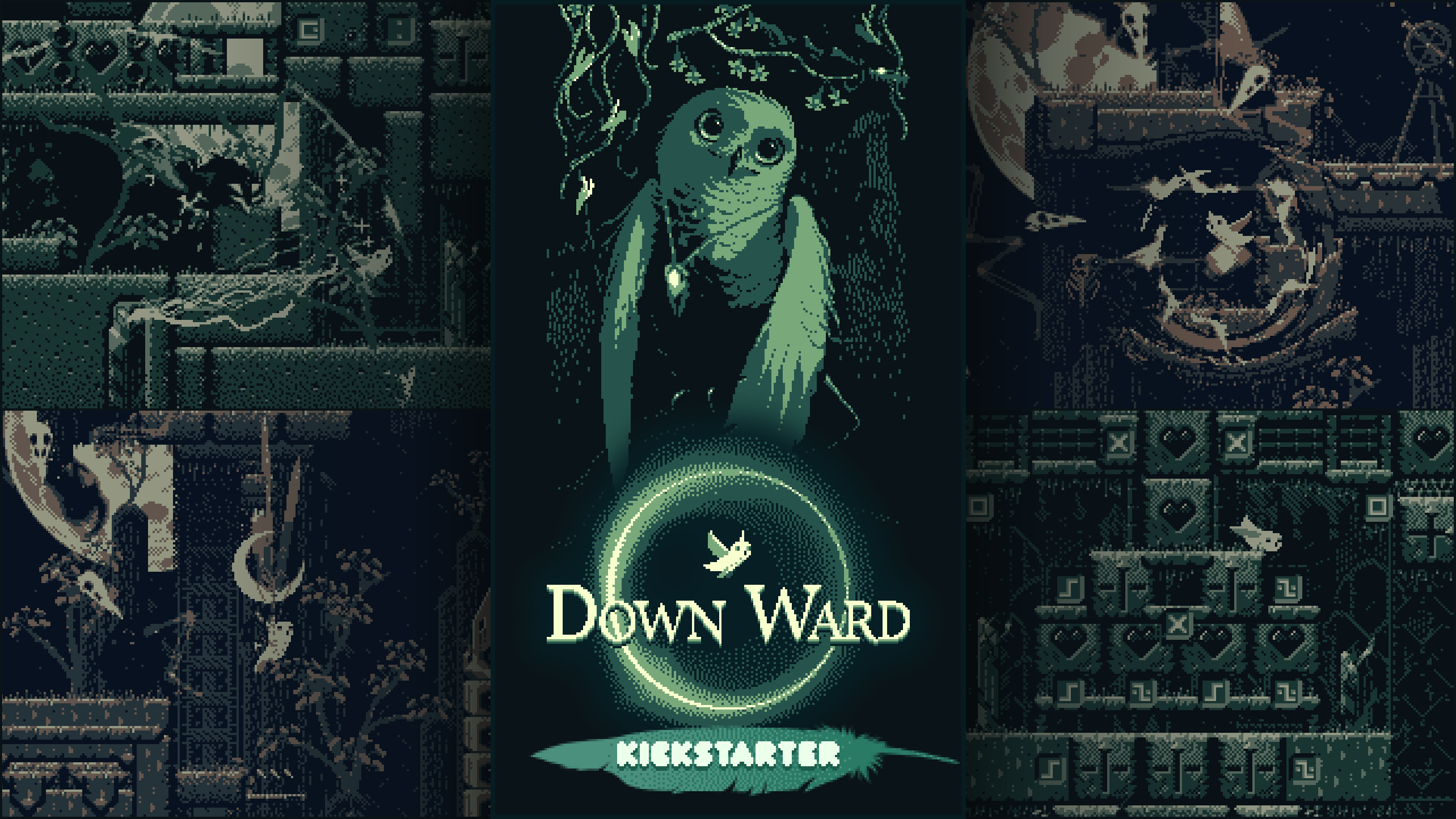
The Kickstarter is aimed at creating a full length title that will exist along side the free version. If you'd like to join in, it's at the link above, or click the image. :)
Hi all, :) Down Ward will be on Kickstarter Monday (March 29th)! Kickstarter link The current freeware version of Down Ward on Steam will remain free, and future additions to it will also be free. The Kickstarter Is aimed at creating a full length title that will exist along side
Hi all, :)
Down Ward will be on Kickstarter Monday (March 29th)!
Kickstarter link
The current freeware version of Down Ward on Steam will remain free, and future additions to it will also be free.
The Kickstarter Is aimed at creating a full length title that will exist along side the free version. If you'd like to join in, it's at the link above (currently a pre-launch page), and will launch Monday, at 6PM pacific time. :)
Gable sprints past some sparky spectral spooks! Hi all! :) A new Down Ward update, beta113, is out! Lots of level refinements and modifications, with some levels getting entirely new areas. Updated music. Significant improvements and additions to Gamepad support, including a new
Gable sprints past some sparky spectral spooks!
Hi all! :)
A new Down Ward update, beta113, is out!
Lots of level refinements and modifications, with some levels getting entirely new areas. Updated music. Significant improvements and additions to Gamepad support, including a new default control layout, which I think works much more intuitively.
Most important for the gamepad though, you can now finally bind Up and Fly as separate controls. Previously Up/Fly was a single control, and though you could bind it to extra buttons on the gamepad, like a Shoulder button, it was still the equivalent of pressing Up. The old system made sense on the keyboard, but it would manifest in strange ways on the gamepad, where it was less obvious that Up and Fly were the same command. With the new gamepad control system, you can still optionally assign a combined "Up/Fly" command to a gamepad button and it behaves like the old system, but now by default all gamepad control schemes use the separated Up and Fly commands.
Speaking of which, I also added preset gamepad controls schemes to choose from, and a new menu page for them. The new default is the "Birch" scheme. There's an alternate "Aspen" scheme, and the old control scheme is "Cedar".
I'll have more detailed update notes in a followup post.
Take care all. :)
Gable scurries her way through some puzzly heart blocks. :) Hi all. This update (112) and the next one I'm currently working on are focused on refining a bunch of Down Ward's rough areas, in UI, mechanics, and levels. Below I've listed some of the notable changes in 112. Wide vie
Gable scurries her way through some puzzly heart blocks. :)
Hi all. This update (112) and the next one I'm currently working on are focused on refining a bunch of Down Ward's rough areas, in UI, mechanics, and levels.
Below I've listed some of the notable changes in 112.
Wide view default
The camera mode is now "Wide" by default, and the original "Wide" menu item has been replaced with a GB-Res option, that zooms in to 160x144 GameBoy resolution.
(Note that in the zoomed in GB-Res mode, the game will still use all of your screen, rather than cropping to 160x144. This mode scales up the game by the largest integer amount that will fit the 160x144 GB resolution in your monitor. This gives you the option of playing at GB pixel scale, but with full widescreen support. The menu option just below "GB-res" is "GB Frame" which will letterbox the screen to exactly 160x144, if you want to try out the classic pixel count of the GB LCD panel. Also, because Down Ward was initially created for a GameBoy-themes game jam, this is the original resolution the game ran in. I've kept this option in mostly for fun.)
Music update
I've adjusted, and recomposed some elements of the music, added a few instruments, and trimmed a few elements I felt didn't quite fit. I've also done some additional work since the 112 update that will be out in the next update.
Picture of music things happening... Specifically the mixer rack for the Down Ward theme. :)
Audio volume
The Sound and Music volume now both start at a quieter default volume. They're both set to the quieter 2nd quick-cycle volume step, instead of the 3rd step.
(Just a note: The N and M keys quick-cycle the sound and music volume respectively. Each has 4 volume steps, 0%, 12%, 35%, and 70% at the loudest. In the sound menu you can set the volume all the way up to 100% if needed.)
Level Color Palettes
I've updated almost all level palettes for better contrast. Some have completely new colors that I think work a bit better. For most I wanted to try getting the darkest color a little darker, if it was on the foggy side, which quite a few were.
Stack (level 10)
I fixed a potential stuck state on the level "Stack" where it was theoretically possible for a player to lock themselves in a section of the level. Fortunately, given the pretty roundabout way it worked, I don't think it would be easy to do by accident, but I also didn't want a player to get stuck while exploring around and experimenting with stuff, so I worked out a fix. When working with sliding blocks and switches that can only be accessed from certain directions, or which shouldn't be accessible depending on the states of other switches, building a level that can't ever trap a player is a puzzle in itself. :)
Arbourfringe Gate (secret level 1)
I've rearranged a decent amount of "Arbourfringe Gate". It's now less linear and allows access to the upper gallery from either the left or right of the outdoor portion of the level. The long heart block bridge can be retracted from below now, so it opens up a fairly different alternate approach to the level.
The first feather in the cage just outside the starting room is now accessible via a nearby switch. This gives players a much more forgiving introduction to the arc owl specters.
Gable faces an arc owl.
Likewise, the Mantle has been moved to the starting room, so it's much easier to remember where you need to go to enable saving partial progress.
Arbourfringe Dungeon (secret level 2)
In "Dungeon", the one safety block you could raise in the horizontal flight corridor has been expanded to three blocks, and is quite a bit more forgiving. This area has been one of the hardest in the game since nearly the first version. It still is if you don't partake of the safety blocks, but even with the optional one-block island, it was pretty treacherous. This addition should make the level much less of a hard gate on the rest of the secret levels. A few other areas have been opened up a bit for more fluid platforming.
Labyrinth (secret level 4)
I've added blade prisms to the "Labyrinth" level, and integrated them into some of the puzzly stuff. I've also added the blade prisms to the diagonal heart block area (seen in the gif at the top). The original razorvine on the switch made for some somewhat awkward platforming, which the blade prisms resolved. Several tight areas have been opened up to make moving around in them more fluid. For the brutally hard vertical flight gauntlet at the far upper right of the level, I've restructured it to include several switches and heart blocks that can be used to help you along. Though, if a player is so inclined, they can still "iron-bird" all the way up without any heart block support, if they are angling for a speedrun.
I'm working on another game update now, which should be out shortly.
Take care all. :)
Gable makes the pedestal below a feather a little more forgiving before she tries her luck. :) I've been working on a bunch of refinements and fixes for Down Ward. Some of these are aimed at softening the rather jumpy difficulty curve. The gif above shows an example of this, in t
Gable makes the pedestal below a feather a little more forgiving before she tries her luck. :)
I've been working on a bunch of refinements and fixes for Down Ward. Some of these are aimed at softening the rather jumpy difficulty curve. The gif above shows an example of this, in the newly added (as of update 112) area at the bottom of Carven (level 5).
The way I'm currently planning to approach this is that, rather than taking out a difficult section entirely, I'll add optional detour paths that a player can use to alter the level state in a way that makes the difficult sections less risky. I think this will work well for both the challenge seeking players, and the more laid back players.
This way the really difficult areas aren't as much of a hard gate on progress for players who might otherwise have trouble with them. At the same time, these safety measures are side objectives that won't interfere with the harder more direct paths through the levels, and so they won't force hand-holding on the more challenge oriented players. Likewise, for speedrunning purposes, all the side objectives that make a rout safer, are partial detours, and take more time than forging ahead through the rout directly. That is, no safety switch is ever just on-the-way through a speedrun viable rout.
Another major step towards easing the learning curve is the completely rebuilt tutorial level.
The new tutorial level is much more open and cleanly laid out than the previous one. Since it's the first level that new player's will try moving around in, and they'll be learning the basic mechanics, I've tried to structure it so that everything is playable with or without relying on flight. (Other than the two parts where you specifically learn about flying.) There are lot's of wide spaces for experimenting with flight, but there's also a way to hop to pretty much anywhere you need to get.
More topics are covered in the new tutorial, and hopefully with clearer explanations thanks to the less crowded text. It should also be much easier to backtrack to any part of the level to revisit an area and its information.
The game also defaults to wide view now.
If you didn't know the game had a wider view option ... that's partly why it's now the default. :)
There's quite a bit of other stuff in this new update, which I'll explain a bit more in a followup post, to keep this one from getting too long.
Take care all. :)

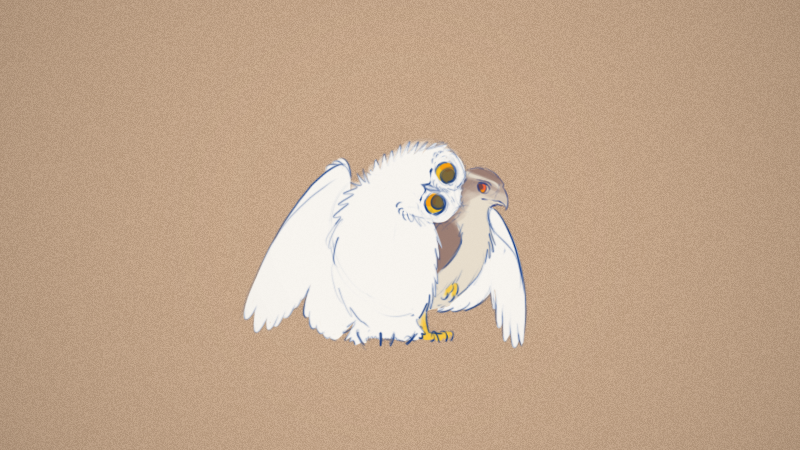 Down Ward has been funded!
If you pledged, or supported in other ways, or are a player who just enjoys my game. It all helps in one way or another, and I really appreciate it, and I just wanted to thank you. :)
💟 Post-Kickstarter thank you message
Down Ward has been funded!
If you pledged, or supported in other ways, or are a player who just enjoys my game. It all helps in one way or another, and I really appreciate it, and I just wanted to thank you. :)
💟 Post-Kickstarter thank you message
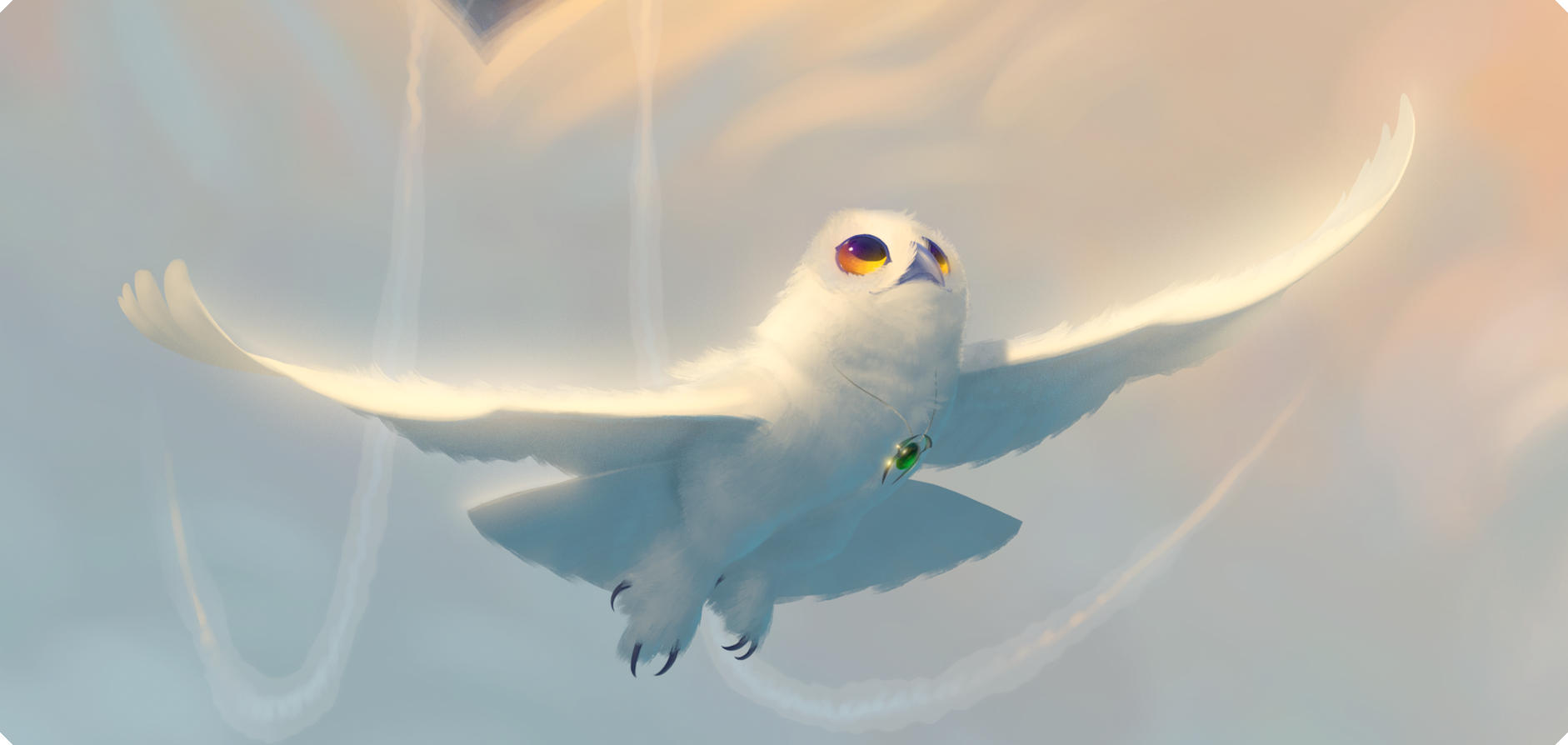 Down Ward's Kickstarter has passed its funding goal! (◠,◠)
It's still going, and with over half the campaign time left.
Thanks to all joining in, & to all helping to spread the word!
Down Ward's Kickstarter has passed its funding goal! (◠,◠)
It's still going, and with over half the campaign time left.
Thanks to all joining in, & to all helping to spread the word!