
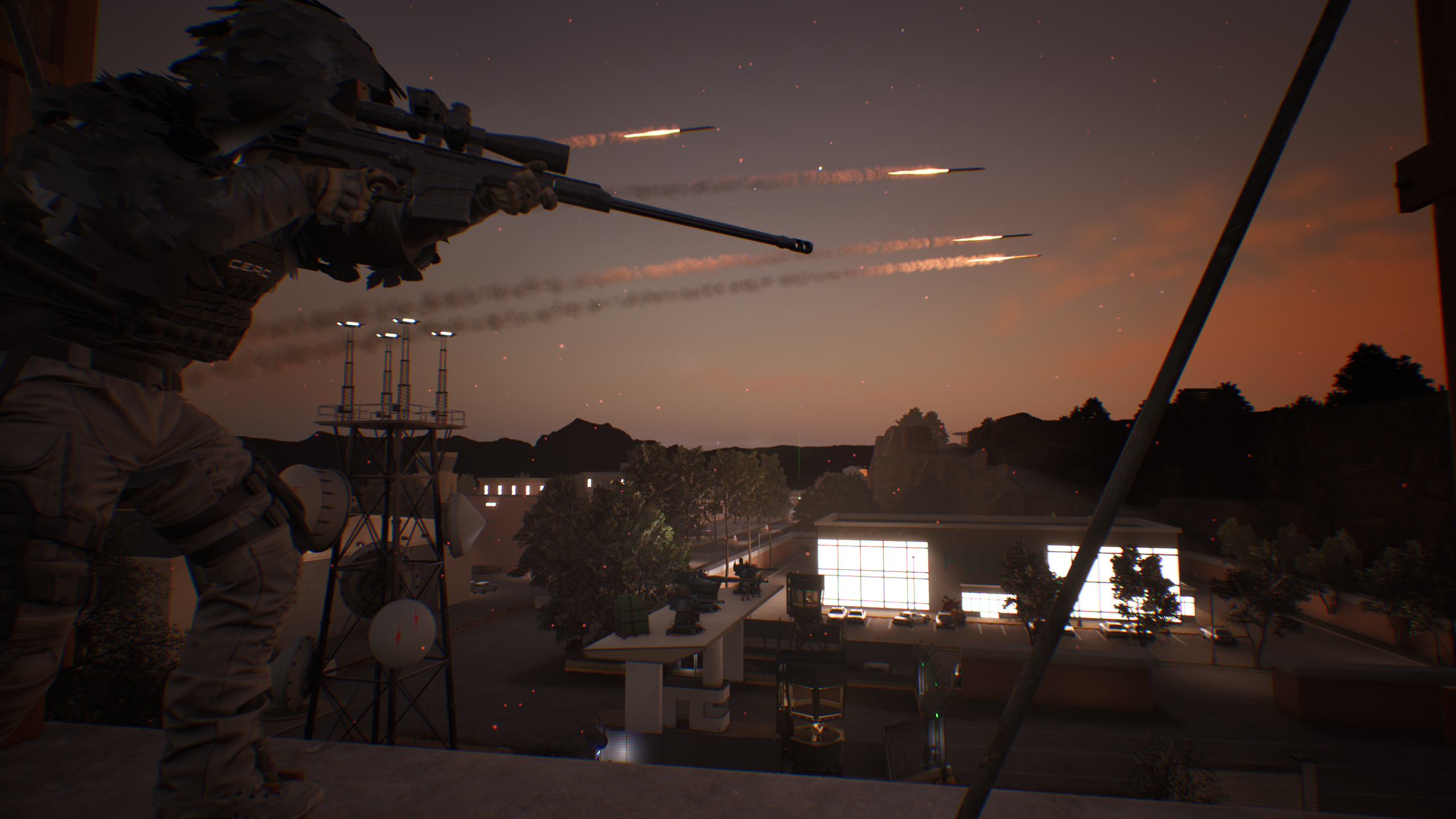
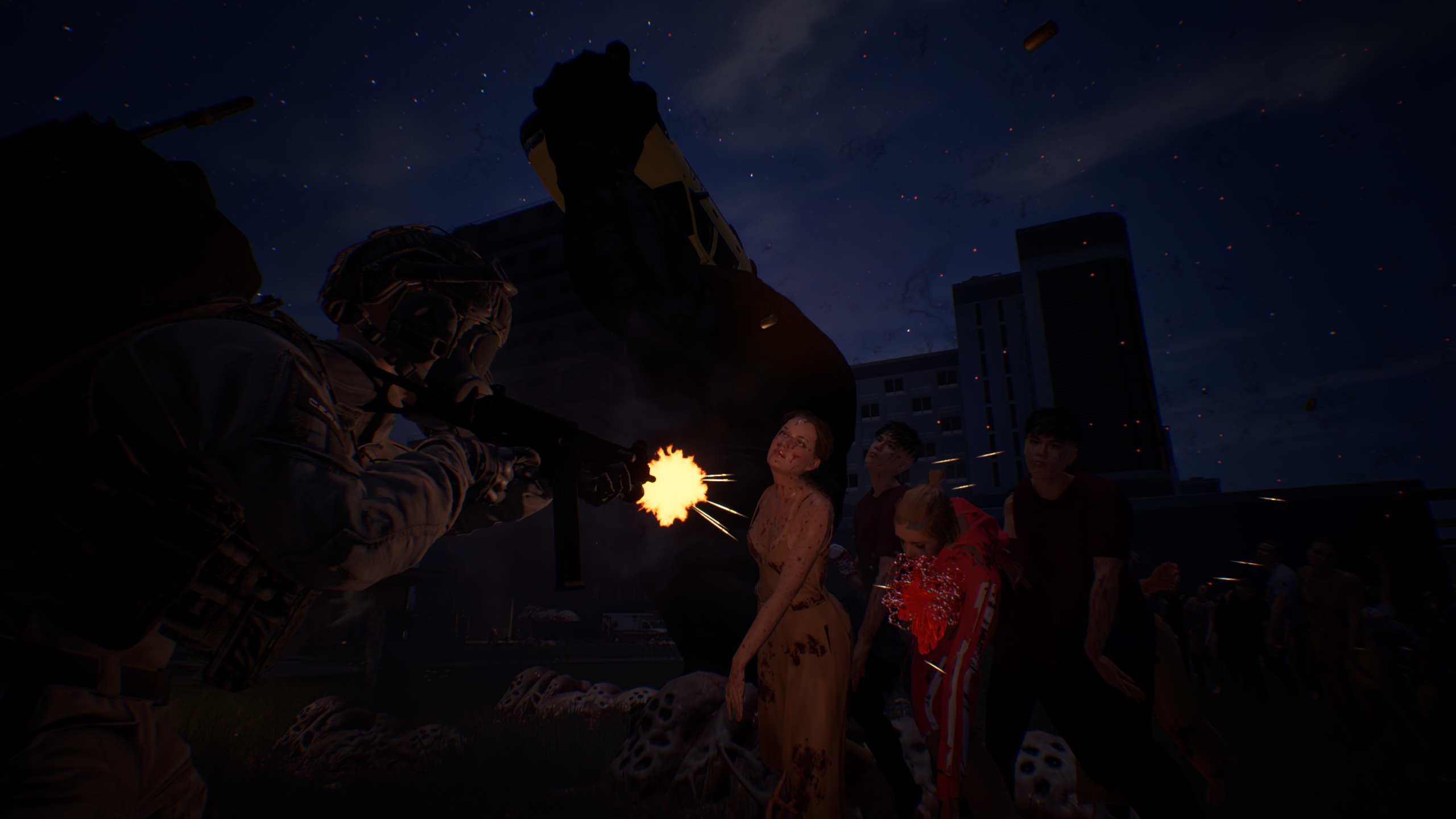
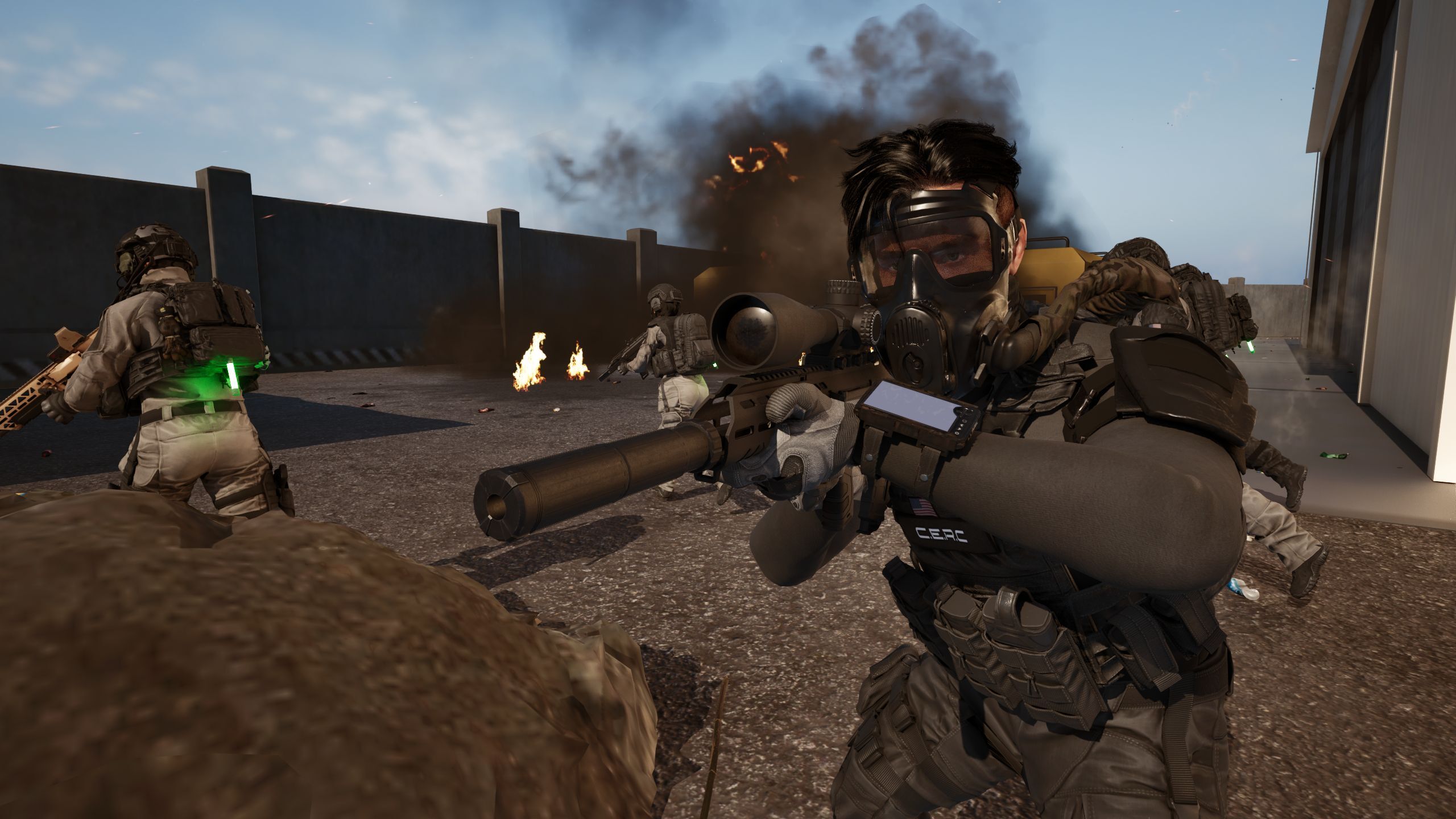
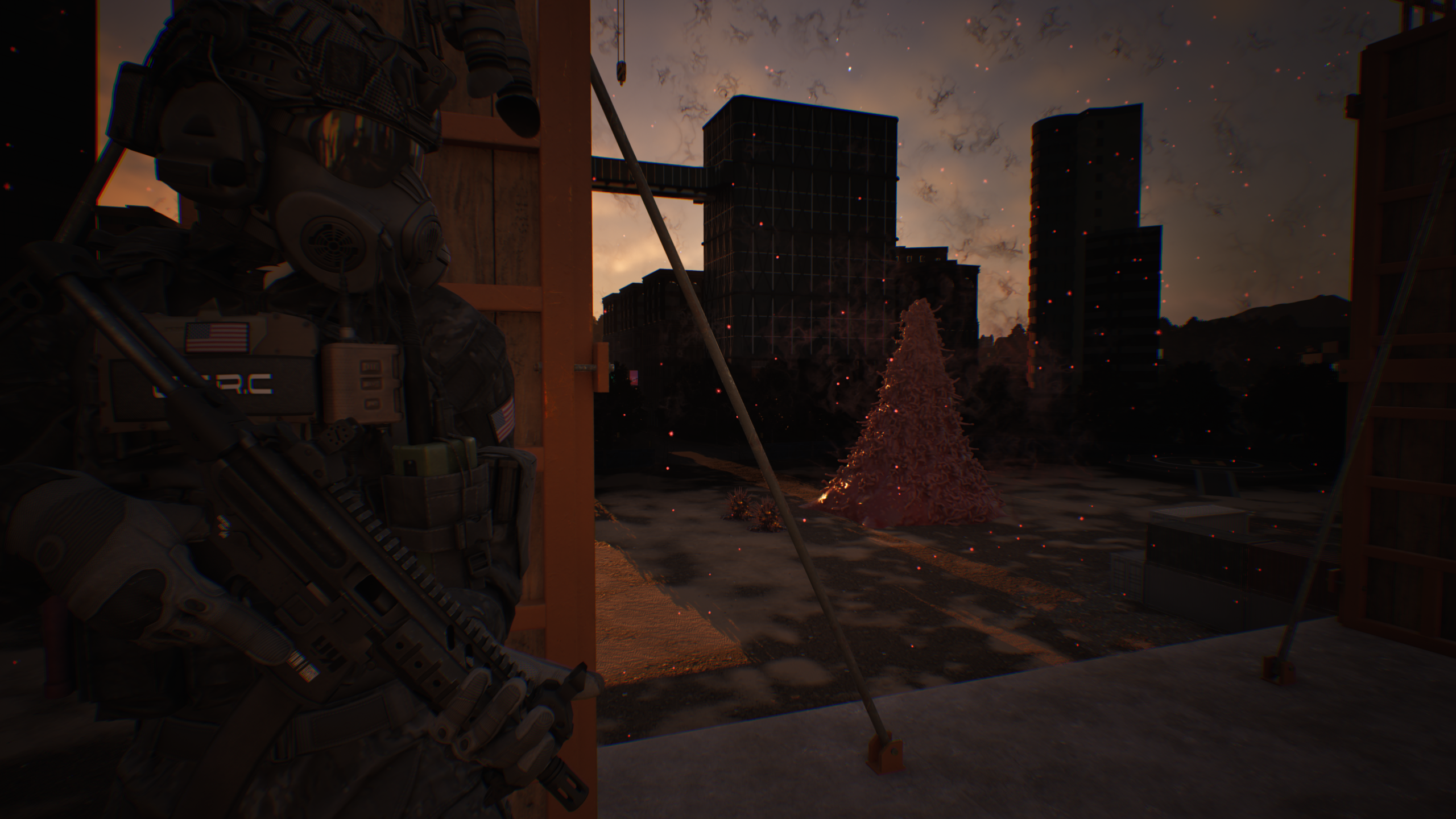
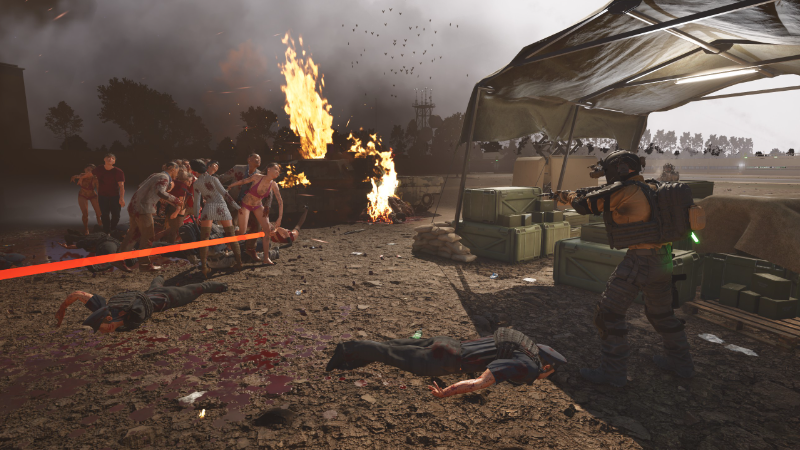
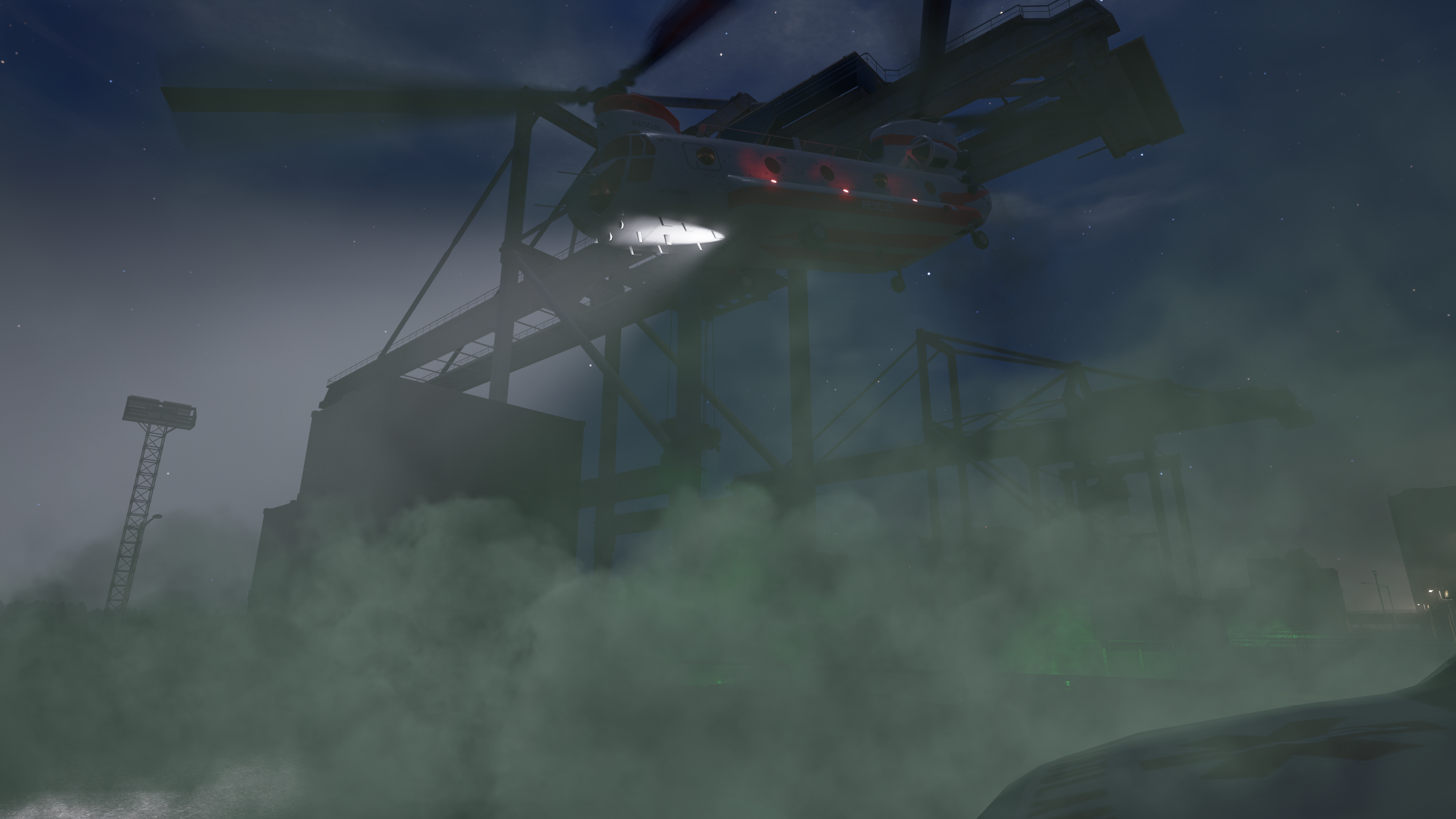
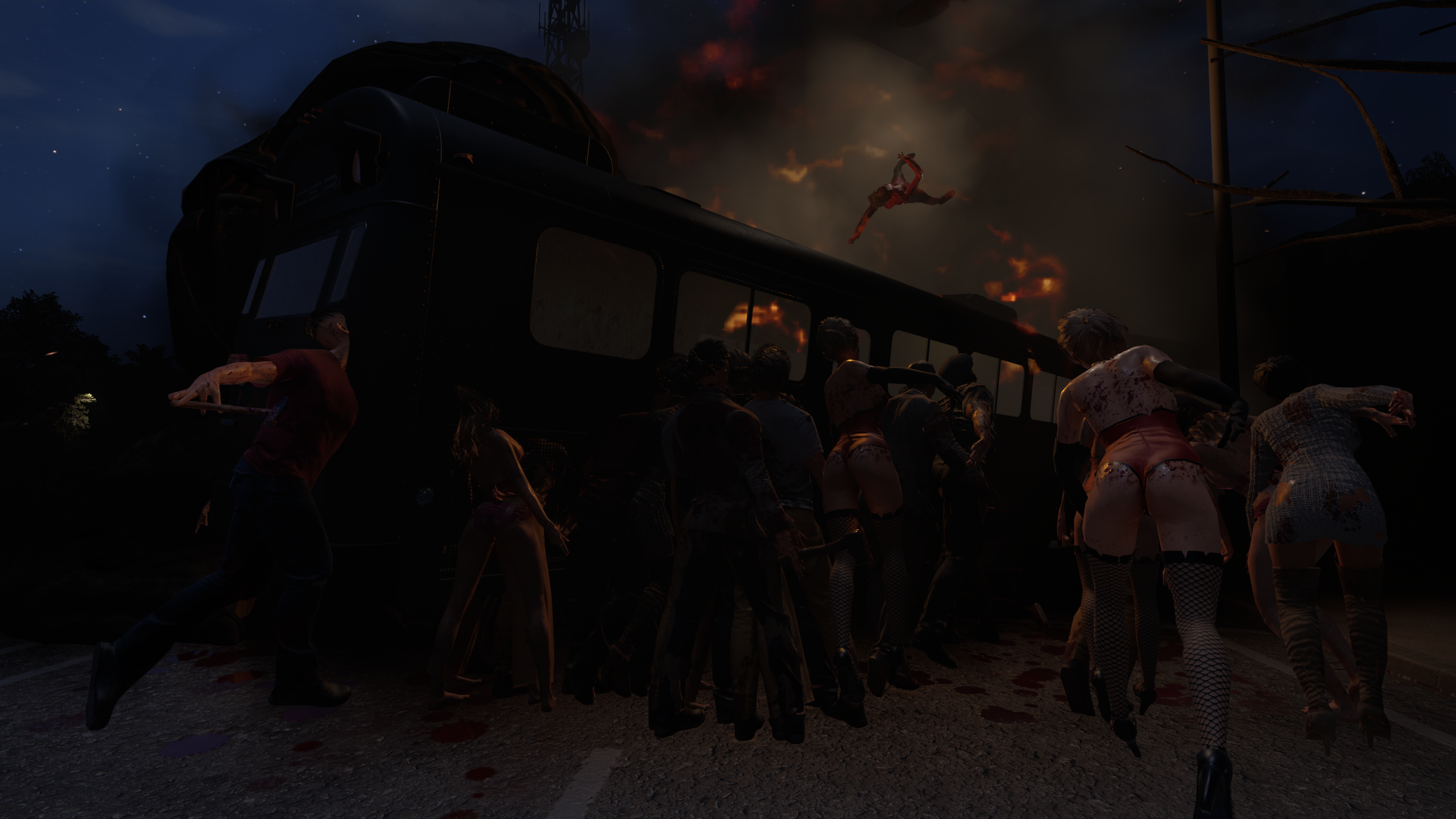
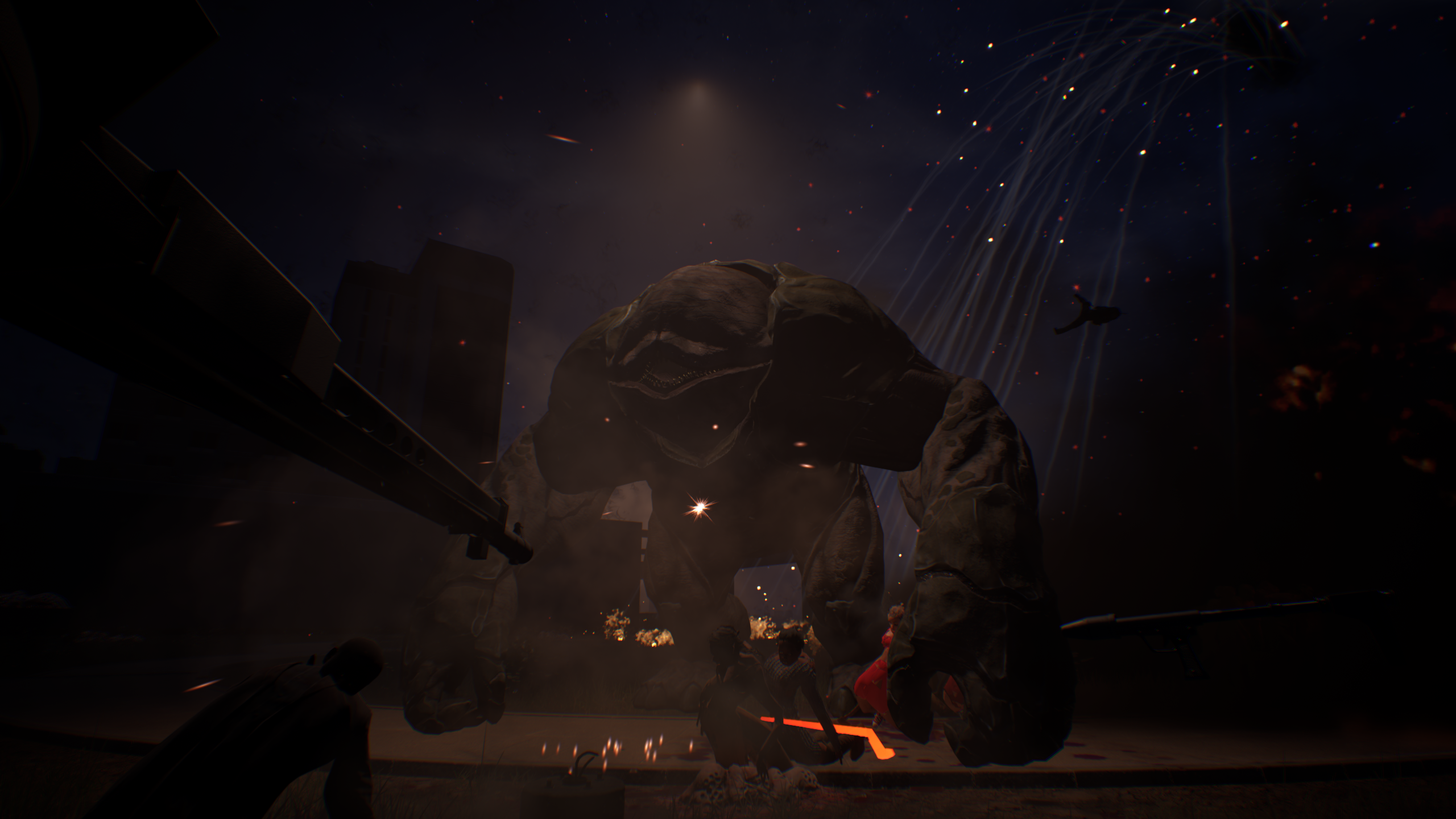
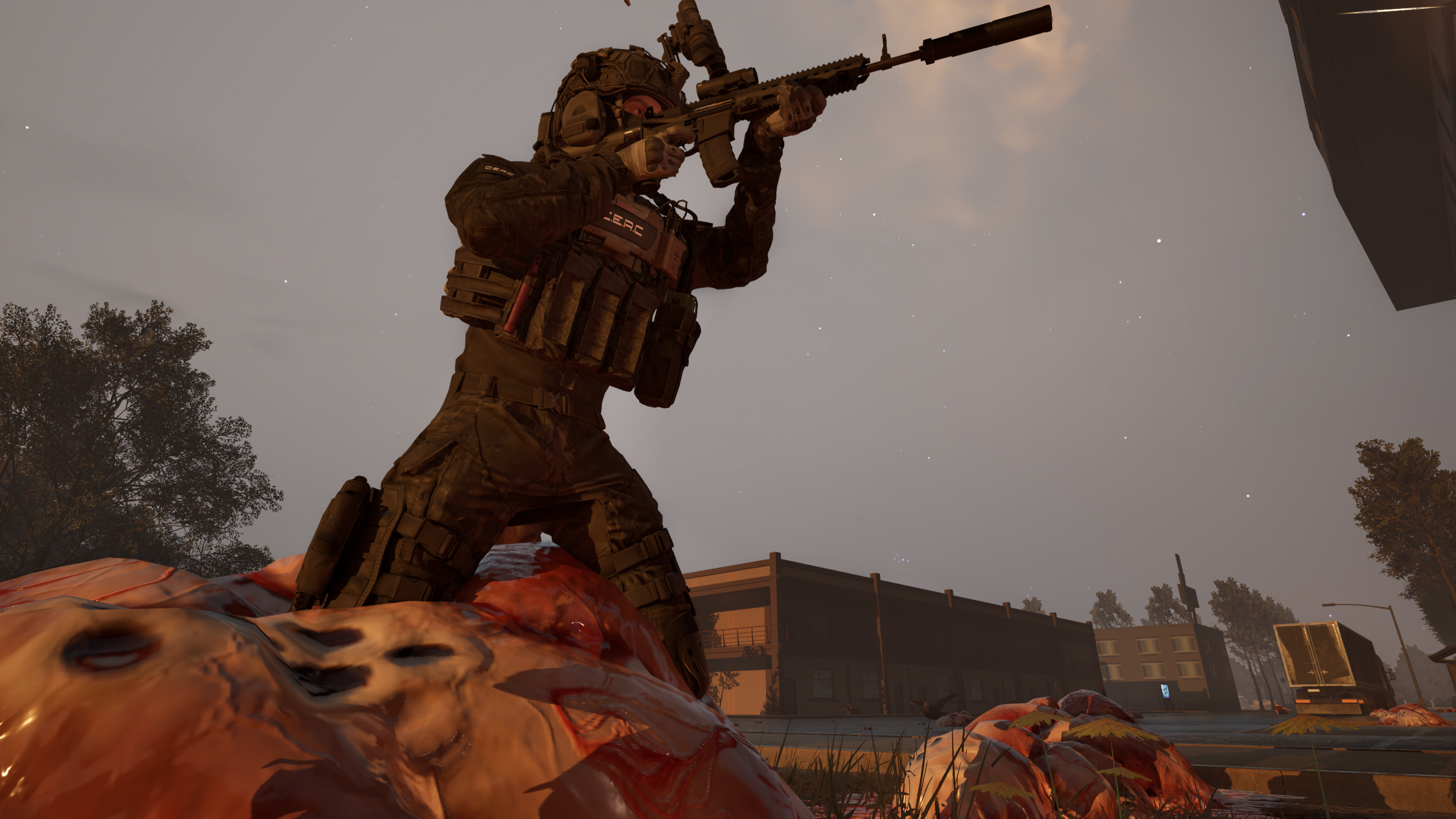
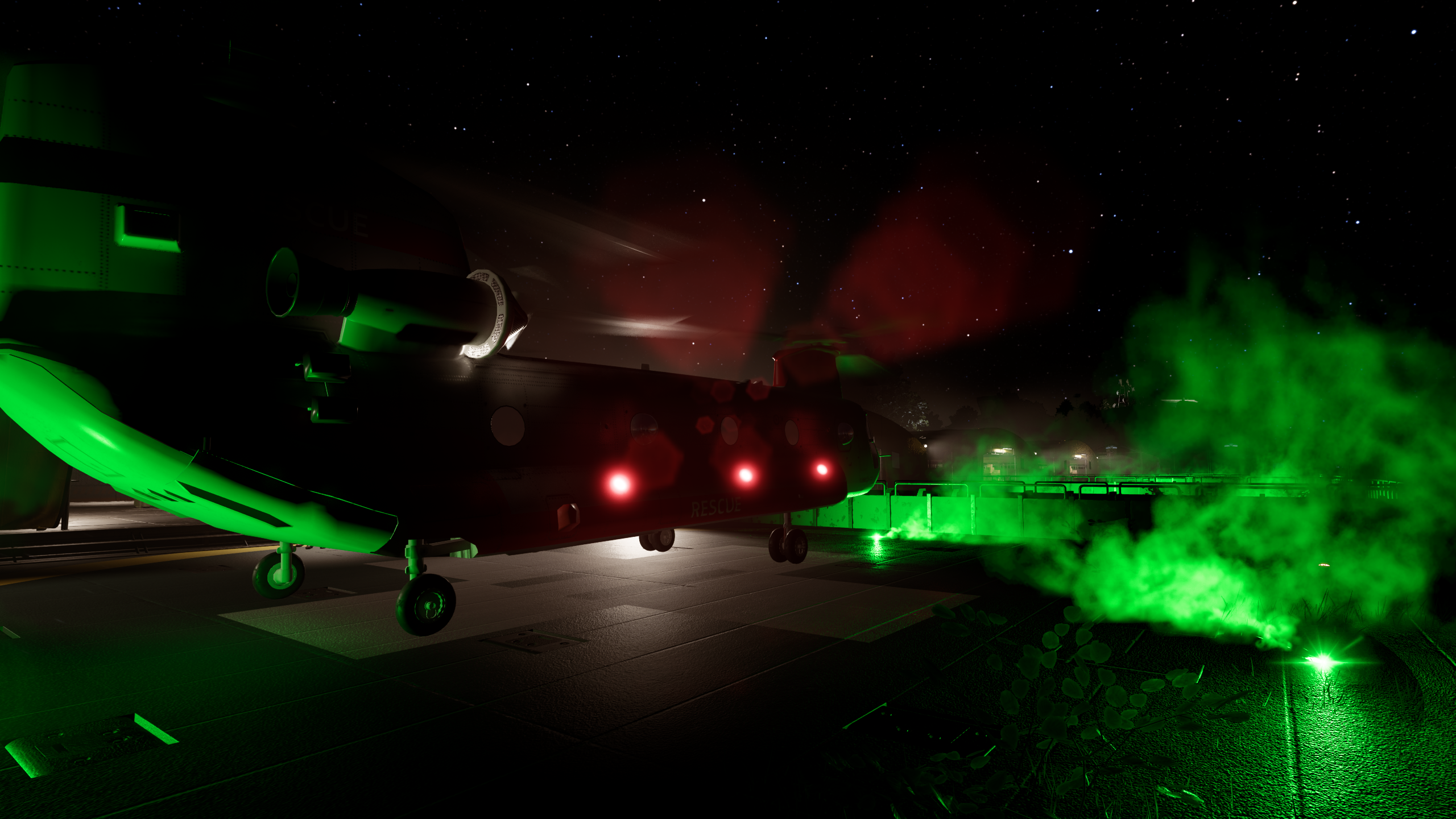
THE BAY AREA IS COLLAPSING.
The virus is loose across the peninsula. Flashpoints are erupting across the region as entire districts fall into chaos and infected swarms push deeper into civilian zones.
CERC forces are already in the field.
Embedded military reporters and frontline operators are transmitting battlefield coverage directly from active operations. The images you are about to see were captured during recent combat deployments across the region.
These transmissions come directly from the front. The battle for the Bay Area has begun.
Patch Notes for 2026.8.13 (All Branches):
Structure Blueprints
Blueprints allow users to "capture" their base and turn them into reusable designs to deploy and rebuild across game sessions. You can upload them to the steam workshop making it easier then ever to quickly build "Mega" bases and deploy your will across the Bay Area.
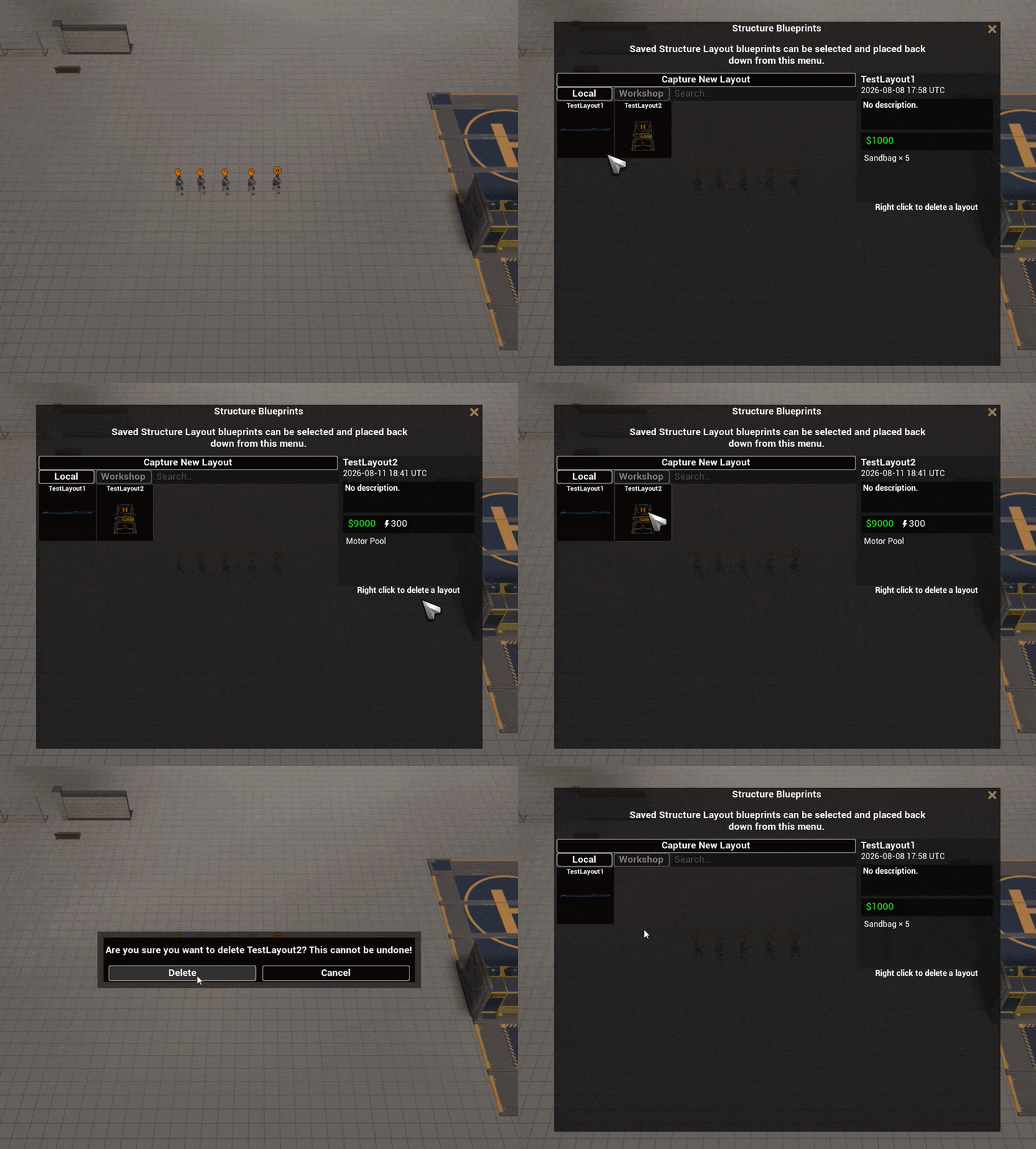
As an added bonus you can now put those freeloader Operator players to work ːCPWintersLaughː . RTS players can mass place these down as FOBs that you can assign them as responsible to build/repair and maintain till relief arrives from RTS players. Just ensure they take the Building/Repairing Ability!
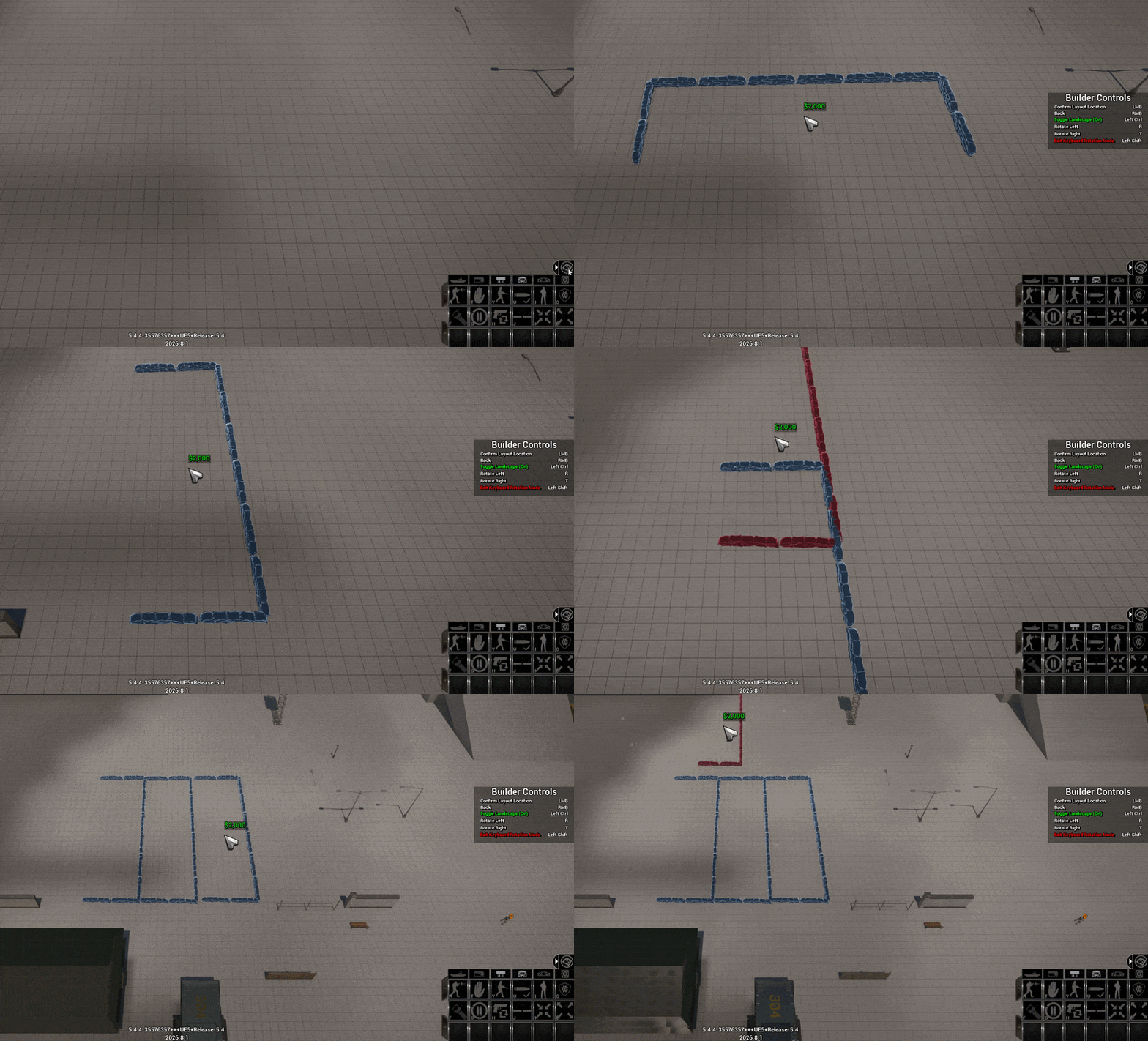
Here are some cool Blueprints Creators have already done on the workshop!
View game pageView game pageView game page
Added a Capture New Layout option directly to the Structure Blueprint browser.
Capturing a new Blueprint now opens a naming popup and asks for confirmation before overwriting an existing Blueprint with the same name.
The Blueprint capture radius can now be adjusted with the mouse wheel while holding Shift.
Blueprint details now display the total construction cost and power requirements for the entire saved base.
Blueprints now detect structures the player has not unlocked and prevent construction until those structures become available.
The locked structure warning will no longer close or hide the Blueprint browser.
Added a collapsible Structure Blueprint submenu above the Command Widget.
Added a dedicated controls popup while capturing a Blueprint.
Blueprint placement controls now behave much closer to normal structure construction.
Left clicking during Blueprint placement will now move directly into rotation unless keyboard rotation mode is enabled.
Improved Blueprint terrain placement, snapping, collision checks, landscaping detection, and landscaping removal.
Improved Blueprint placement when deploying a base at a different elevation from where it was originally captured.
Improved Blueprint Z anchoring so capturing a base while the mouse is at an unusual elevation will no longer cause the saved layout to place incorrectly later.
Improved Blueprint camera controls and landscaping toggle behavior.
Blueprints now capture a preview image when saved.
Saved Blueprint preview images are now displayed inside the Blueprint browser.
Improved Blueprint thumbnail framing so previews focus more closely on the actual captured base and ignore unrelated floors and nearby objects.
Doubled the size of the Structure Blueprint browser.
Expanded the Blueprint contents panel to make very large bases easier to review.
The Blueprint contents panel now consistently captures mouse wheel scrolling while the cursor is over it.
Increased the Structure Blueprint limit from 500 structures to 5,000 after benchmarking the actual size of large saved bases.
Blueprint files still have a maximum size of 8 MB.
Added warnings when attempting to save a Blueprint containing more than 5,000 structures or exceeding the 8 MB file limit.
Improved landscaping synchronization for players joining an active multiplayer game after terrain changes have already occurred.
Continued improving the overall presentation and usability of the Blueprint browser and details panel.
Fixed a scale/Mesh variant issue with the structure blueprint tool not properly detecting the wall variants
Squad Presets
As the last "mini mod" we pushed this week that allows you to preset "teams" or "Squads" that you can quickly rebuild and deploy to stay in the fight quicker. An example would be that you could use it to design Juggernaut Hunter killer teams or Anti Bird kill teams it saves the camo/Weapon loadouts and each class and allows you you to "template" it and carry it across games and allow you to share via the steam workshop + send directly to your friends.
A sample one to show how it works!
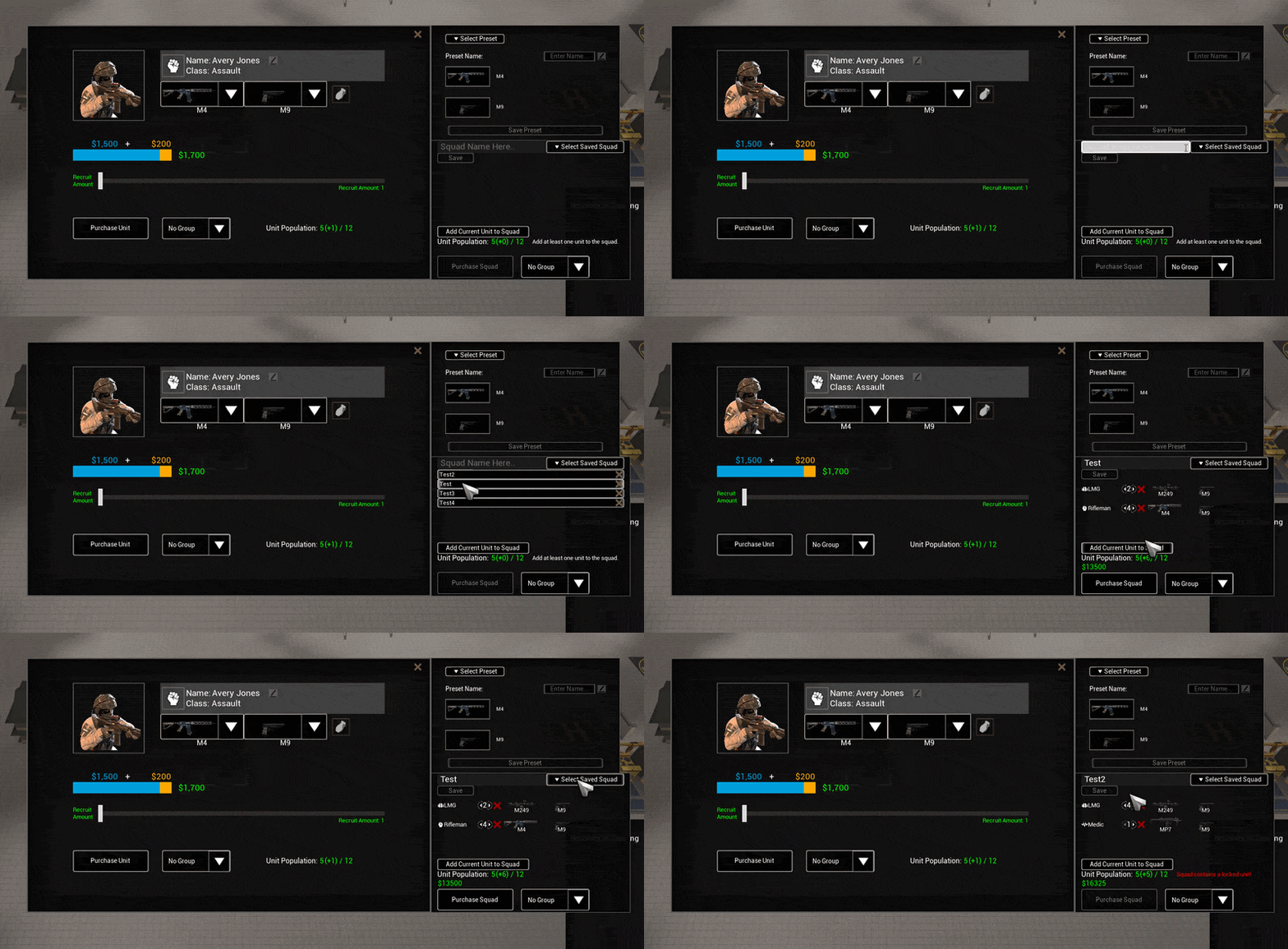
Added the new Squad Recruitment Preset system.
Players can now save and load frequently used squad compositions for much faster recruitment.
Added Steam Workshop support for Squad Presets, including Camo support.
Improved the appearance and layout of the Squad Preset interface.
Fixed Squad Preset class icons not updating correctly.
Fixed units with locked weapons being incorrectly recruitable through Squad Presets.
Steam Workshop and Mod Uploader
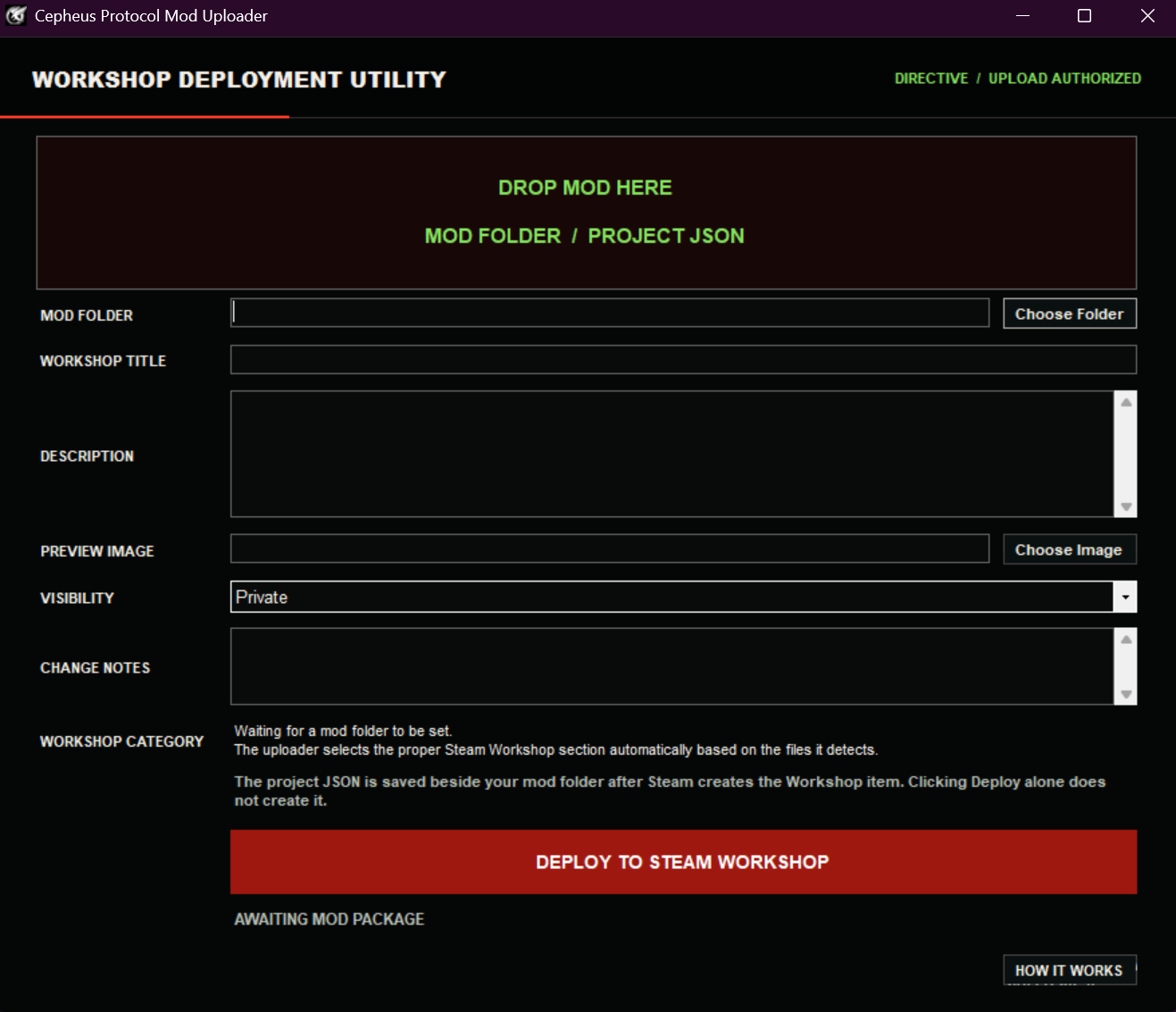
Updated the new Mod Uploader and added the runtime files required for the latest Workshop features.
Expanded Steam Workshop support for the new Squad Preset and Structure Blueprint systems.
Under your steam install is a new exe called ModUploader.exe it will allow you to take your game authored mods or music collections and quickly/effectively upload them to steam in seconds.
Steam\\steamapps\\common\\Cepheus Protocol\\CepheusProtocol\\Mods\\ModUploader.exe
Attack Move, Patrol, and Formations
Added patrol save and load safeguards to prevent patrol orders from being falsely canceled after loading a unit.
Improved Attack Move and formation movement queues to reduce canceled orders and make formation movement more consistent.
Units inside an Attack Move formation can now continue advancing until they personally detect a target. A long range unit spotting something first will no longer freeze the entire formation in place.
Vehicles paused as part of an Attack Move formation will no longer incorrectly think they are stuck and begin unnecessary recovery movement.
Fixed another case where Attack Move or Patrol units could stop indefinitely when a visible target was barely outside weapon range or partially obstructed.
Units will no longer enter combat mode simply because they spotted an enemy that cannot actually be targeted by their current fire mode.
Improved the descriptions and performance of the Tighten Formation and Loosen Formation command checks.
Unit Selection, Commands, and Interface
Added Ability Selector buttons beside the Command Widget and Details Panel.
Fixed an issue where if a move order was given in a opposite direction sometimes units will face that direction before engaging a new target
Ctrl + Tab can now be used to cycle through abilities in the active selection.
Command buttons will continue displaying their assigned hotkey while disabled.
The Swap Weapons command now correctly disables itself when nobody in the current selection can swap weapons.
Shift clicking a selected unit will now remove only that unit from the current selection.
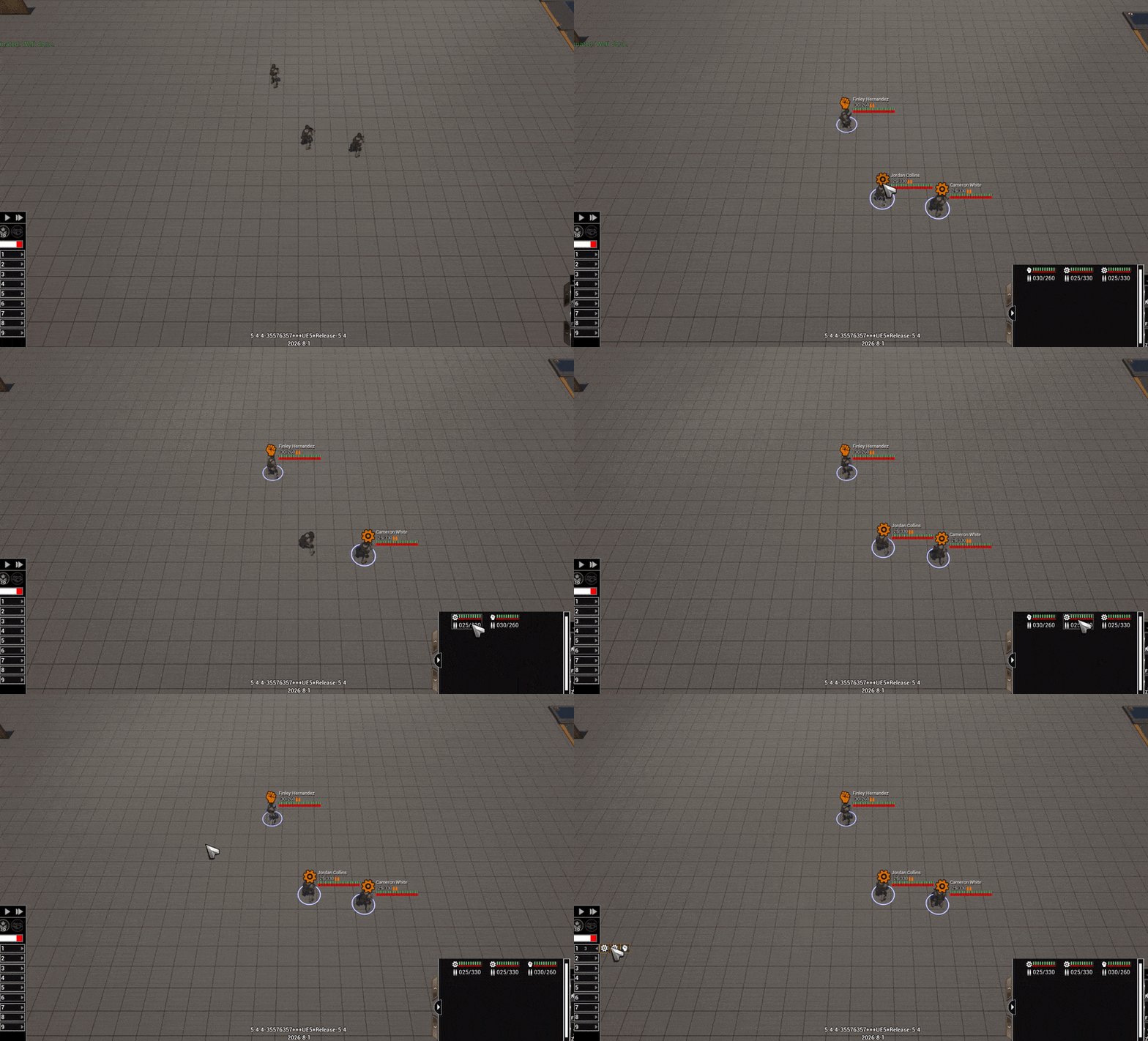
Shift clicking a unit inside the multi unit Details Panel will also remove only that unit from the current selection.
Smoothed out the mini unit Details Panel to make individual unit cards easier to click.
Fixed unit card groups occasionally collapsing themselves.
Added additional safeguards for units that somehow become trapped inside a completed structure's bounds.
Fixed Operators frequently being detected as mouse hovered while entering Operator Mode.
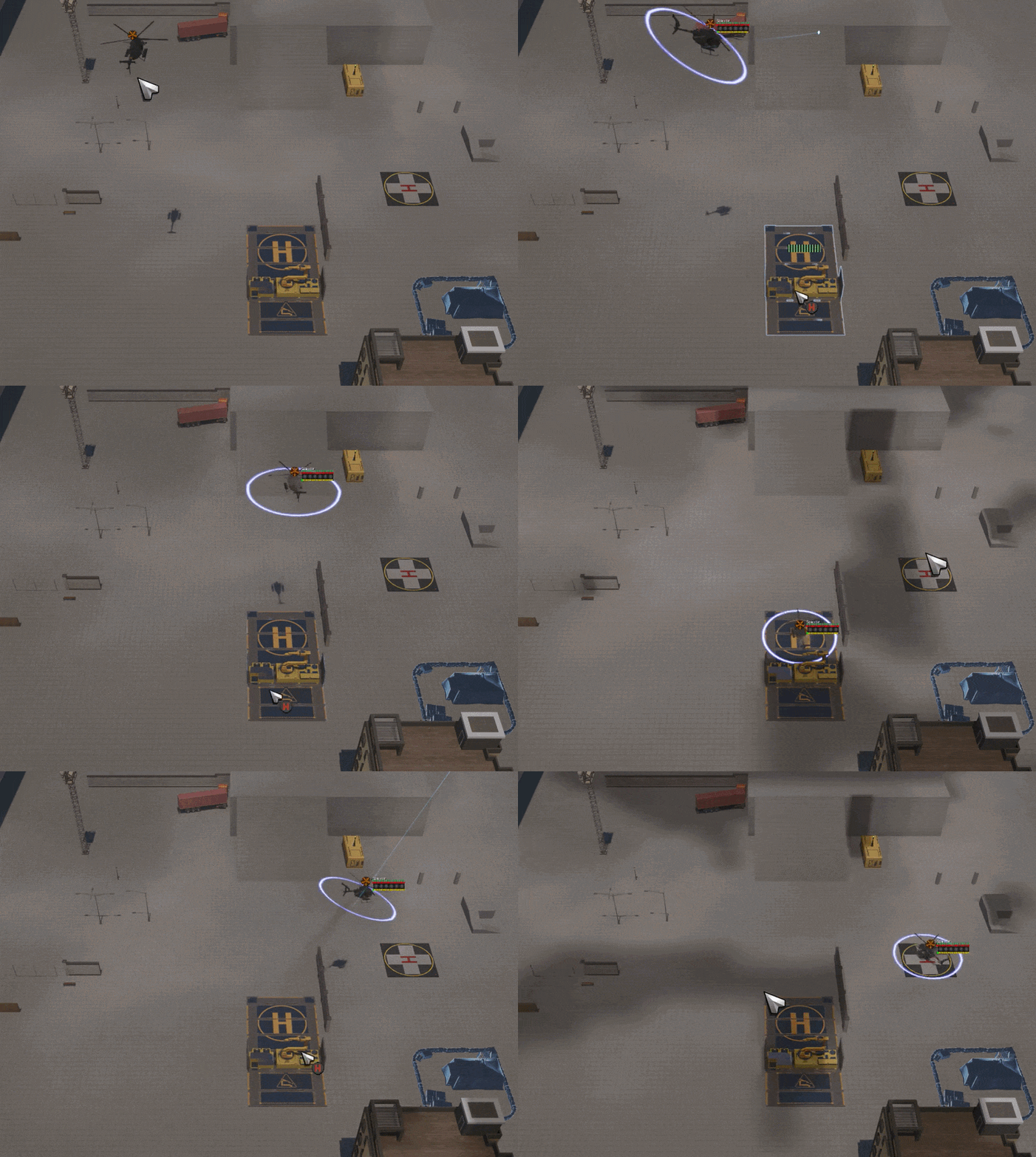
Right click to land at Motor Pool/Helipads added for Air Power
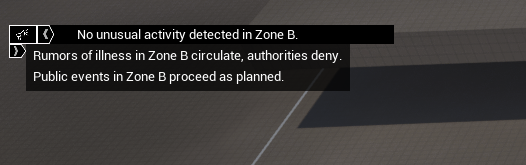
New reports log added
Evacuation and Civilian AI
Fixed Evacuation Staff twitching after reaching their assigned duty station.
Fixed evacuation intake using outdated information about available slots, which could prevent new Civilian Mobs from spawning correctly.
World Buildings now use their authoritative server population count when deciding whether civilians are still inside instead of relying on the replicated percentage which was breaking evac.
Population percentages will no longer incorrectly display zero when a small number of civilians remain inside a large building.
These population changes resolve several cases where Bus Evacuation AI could incorrectly treat a building as empty and break the evacuation flow.
Fixed another case where Civilian Mobs could face the wrong direction.
Infected AI and Combat
Improved infected early game survival. Chelsey now favors more heavily populated starting zones and can prioritize a recovery expansion if nearby population and Biomass are exhausted too early.
Normal attacks, defenses, and special infected activity will continue while Chelsey is carrying out a recovery expansion.
Fixed an infected melee issue related to LOD optimization that gave the impression they weren't meeleing when they actually were.
Added additional safeguards for infected that could visually disappear after dying on clients.
Various Performance optimizations to heavy combat
Reduced CERC focus jitter during certain combat situations.
Medics will now continue facing their healing targets correctly following the recent focus optimizations.
Structures, Construction, and Navigation
Updated Motor Pool build point generation to account for the new asset pivot, improving construction and repair pathing.
Fixed click deadzones affecting the Motor Pool, Barracks, and CDC when being deployed by the Skycrane.
Fixed sky clearance construction previews blocking mouse input.
Improved enemy structure preview visibility so structures reveal themselves more reliably for clients.
Gates configured to block civilian access will no longer allow civilians through while open.
Open gates are now correctly treated as having no navigation obstruction, including gates configured for automatic operation.
Fixed manually opened gates retaining their previous navigation state, which could cause infected to ignore an open passage or attack the gate instead of moving through it.
Vehicles and Destruction
Updated Atlas vehicles with a new wheel damage and destruction setup.
Updated Atlas wheel models along with their damaged and destroyed variants.
Improved destruction VFX across the Atlas vehicle variants.
Updated the Ammo Atlas destruction setup.
Fixed Helicopter AI sometimes going to the wrong rappel height
Multiplayer
Added support for joining public multiplayer games directly through Steam friends.
Password protected games do not support Steam friend joining yet.
Improved late join synchronization for landscaping changes.
Improved client visibility handling for enemy structures.
Performance and Stability
Updated MP3 decoding runtimes to improve stability and prevent memory crashes caused by invalid MP3 tracks.
Fixed a client crash that could occur when an MP3 file took too long to load.
Added additional Is Alive safety checks to resolve an autosave crash.
Improved AOE radius cleanup and lifecycle handling to resolve an instance where a structure could stay forever "Selected" if you had selected it before it finished building
Various Animation performance tweaks
Various Weapon performance tweaks
Improved SeenList cleanup for orphaned enemy IDs, preventing severe performance loss if that edge case occurs.
Vision Grid position updates will no longer waste processing time on stationary units.
Improved Vision Grid data copying so the system does not unnecessarily copy data during every update.
Expanded internal Vision Grid performance tracking.
Balance, Doctrines, and Custom Game Settings
Increased health for SWAT and Military infected.
Reduced Sandbag health.
Unified health values across the Cerberus variants.
Added a Custom Game setting allowing Spine Throwers to be enabled or disabled before or during a match. Already existing ones will stay in the session.
Fixed a save and load display issue where disabled Gas Towers could visually appear as enabled.
Fixed the Sparrow Hellfire Doctrine using the wrong prerequisite.
Visuals and Fog of War
Adjusted the new Fog of War so hidden areas are roughly 20 to 30% brighter at night, improving readability while keeping scouting important.
Analytics, Localization, and General Cleanup
Added gameplay analytics to help us better understand Doctrine usage, match length, balance, and general gameplay trends across different build versions.
Added an option in Gameplay Settings to opt out of Game Analytics.
Updated localizations for all languages
Updated Development Roadmap
The Development Roadmap on our website has been completely rebuilt and expanded.
We noticed that many players visiting the Steam page were also checking the roadmap, particularly players returning after being away for several years. The updated page now provides a clearer explanation of why the Rebuild exists, what has changed since Legacy, what is currently playable, what is still being restored or redesigned, and what is coming further down the road.
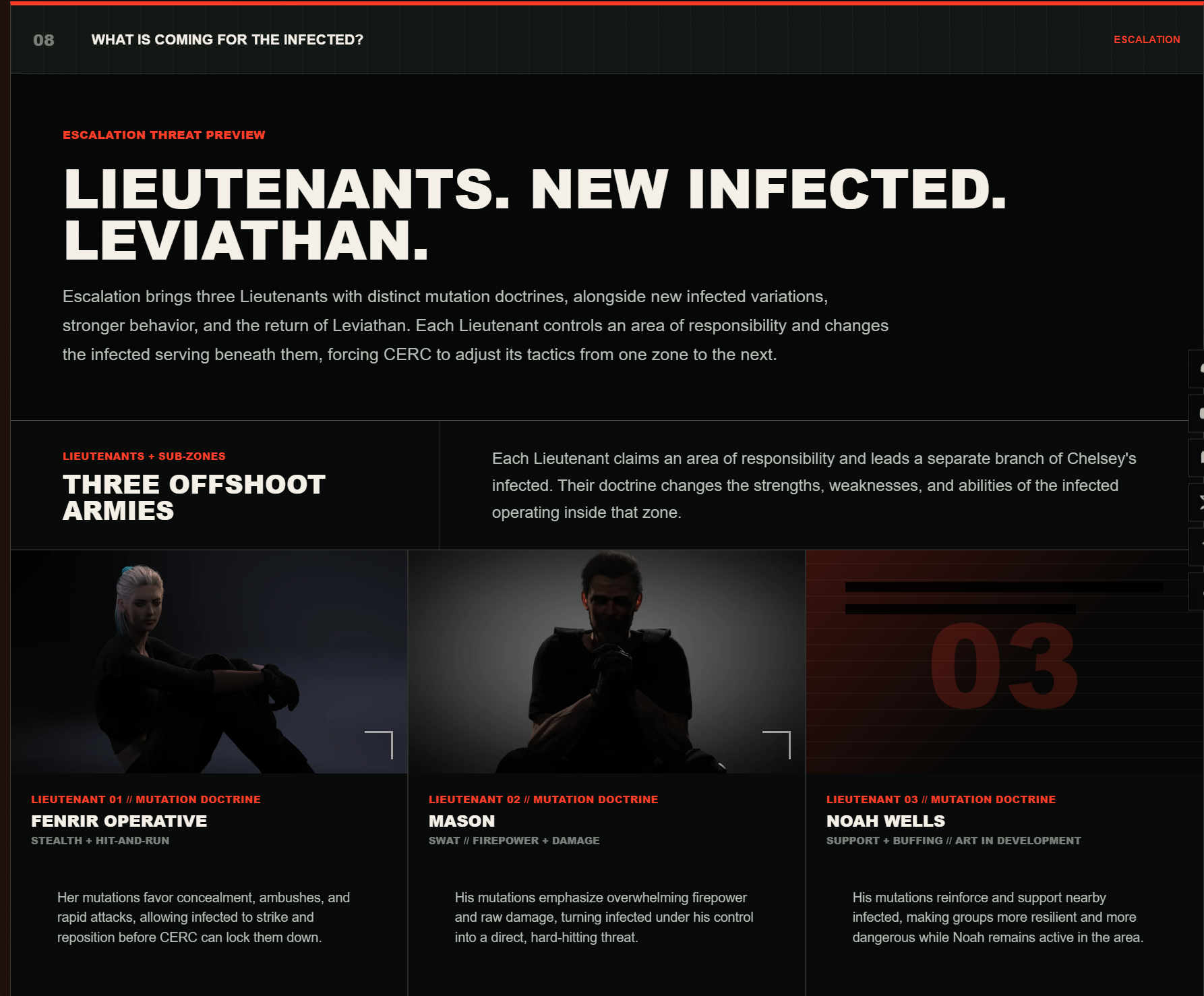 It also covers the upcoming Lieutenants, the infected overhaul, new infected variants, mutations, Escalation, the Leviathan, and answers to the most common questions we see across Steam and Discord. The roadmap and FAQ will continue to be updated as development moves forward and new questions come in from the community.
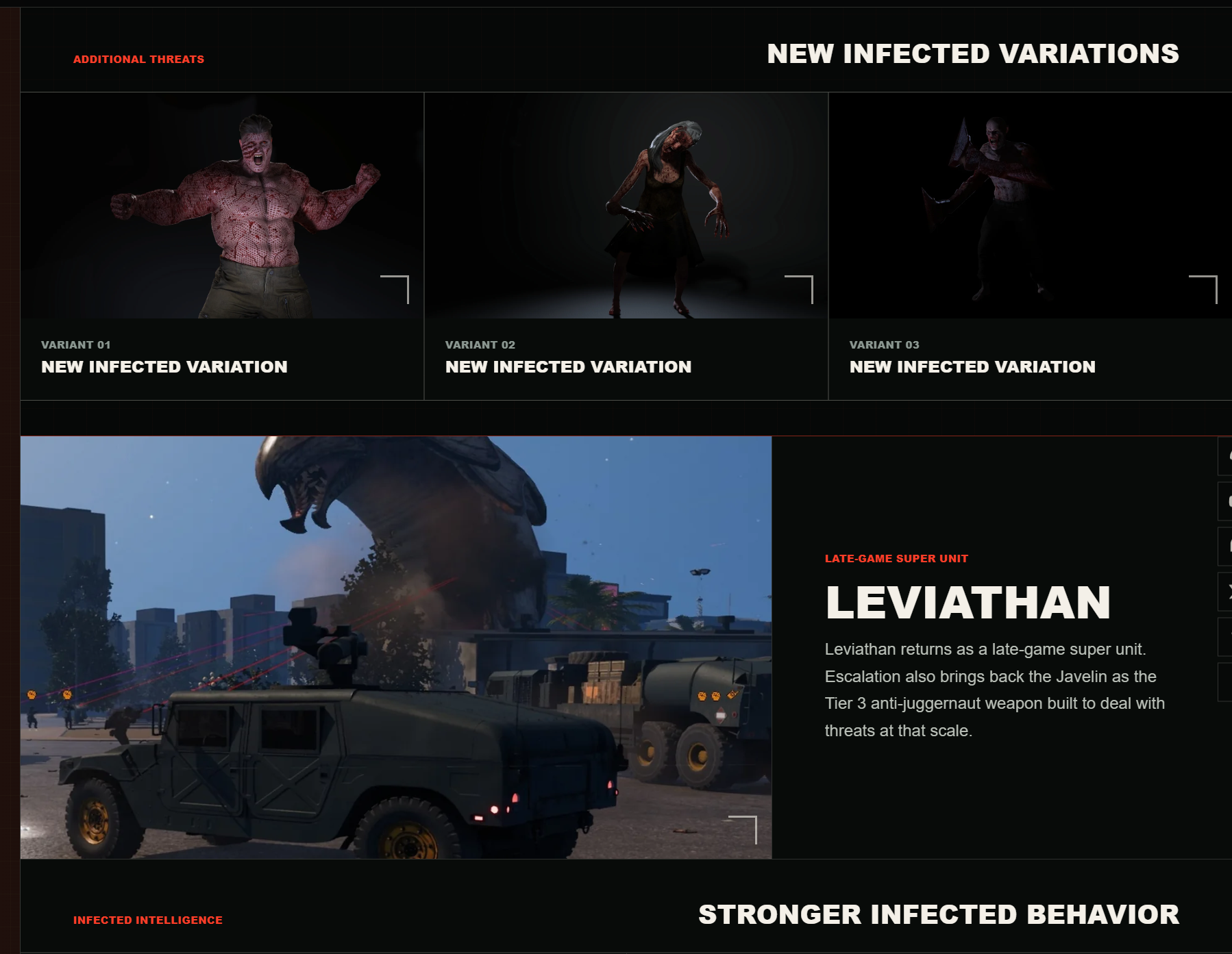
https://www.cepheusprotocol.com/roadmap
Last CERC HQ Episode Summary
View game pageBase building and battlefield control are getting major upgrades, with reusable blueprints, a new GPU-driven fog of war system, smarter patrols, and more performance improvements.
Base blueprints let you capture entire layouts, save them locally, share them with friends, and eventually distribute them through Steam Workshop. Construction crews can automatically move between nearby build jobs, while infantry and vehicle presets are planned as the next step.
The fog of war overhaul shifts most visual work to the GPU, adds adjustable quality settings, and makes scouting much more important. Buildings now properly block vision, elevated units gain meaningful sight advantages, and helicopters can engage through obstructing trees and street objects instead of refusing shots.
Vehicle patrols can automatically return to designated points for fuel before resuming their route, while formation controls, weapon switching, vehicle destruction physics, ammo resupply balance, radio fixes, and off-screen unit optimizations continue to improve moment-to-moment play. Some patrol behavior and destruction physics still have experimental bugs that are being corrected.
Next up is Escalation, with stronger infected progression, new variants, specialized lieutenants controlling different areas, and more customization for when major threats enter a match.
Weekly CERC HQ's
When: LIVE SATURDAYS at 7:00 PM Eastern
Another week. Another deployment. Another look behind the curtain at the continuing development of Cepheus Protocol.
CERC HQ is our weekly development podcast covering the latest development progress, current technical challenges, upcoming roadmap work, community feedback, and the systems currently moving through production.
Where to Watch
Watch CERC HQ on YouTube Join the Discord Server Visit the Steam Page
Missed a Stream? No Worries!
Watch the CERC HQ Archive
Thank you to everyone continuing to test the latest builds, report issues, send save files, participate in performance stress tests, and provide detailed feedback.