Version 1.3 (big spring update) is now available!
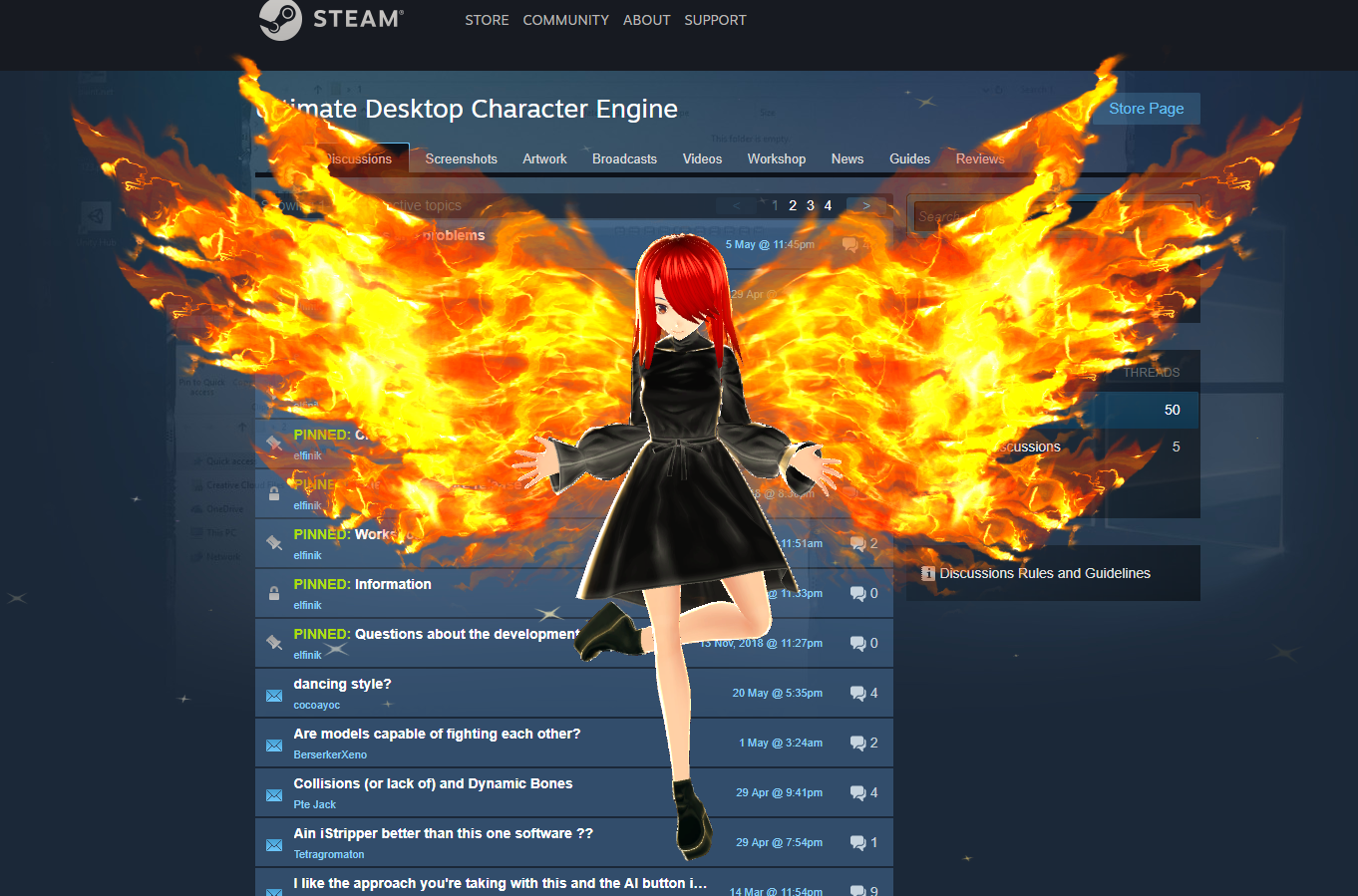
This is a big update that brings many new features and changes. If you encounter a problem, please report it on the forum. If you have problems with the new version, you can return to the latest stable version (more details at the end of the message).
Now load your character with the physics of hair, cloth, etc., even easier! You only need a few seconds

Added support for a new format (.vrm): you can simply drag the file to the folder ... \ Models. After that, the model will appear in the list available in the “Create Character” section.
Thanks to the vrm format, all the physics embedded in the character in this format is saved in the application. Look at the dress and hair in this example:
https://www.youtube.com/watch?v=7L-EiGFvWzE&list=PLGvhJSbAKSdzFEC7eDz0YMx60ce2q56fF&index=16&t=4s
[used in video] With the help of the excellent program VRoid Studio you can create a character in a few minutes.
(Note: elfinikgames is not related to third-party programs (VRoid Studio, UniVRM))
Also, a guide to downloading .vrm characters is now available (it only takes a minute):
https://steamcommunity.com/sharedfiles/filedetails/?id=1755004450
New rendering system
Added new rendering mode: alpha mode. This mode supports the transparency of materials, particles, etc.
Due to technical limitations, this mode consumes quite a bit more resources (CPU & GPU). On strong devices, the difference will not be noticeable.
You can also use the old mode (CM mode) if you don't need transparency, but optimization is extremely important.
You can change the rendering mode in the settings
Note: perspective rendering uses CM mode even in this mode, so it cannot correctly display transparency.

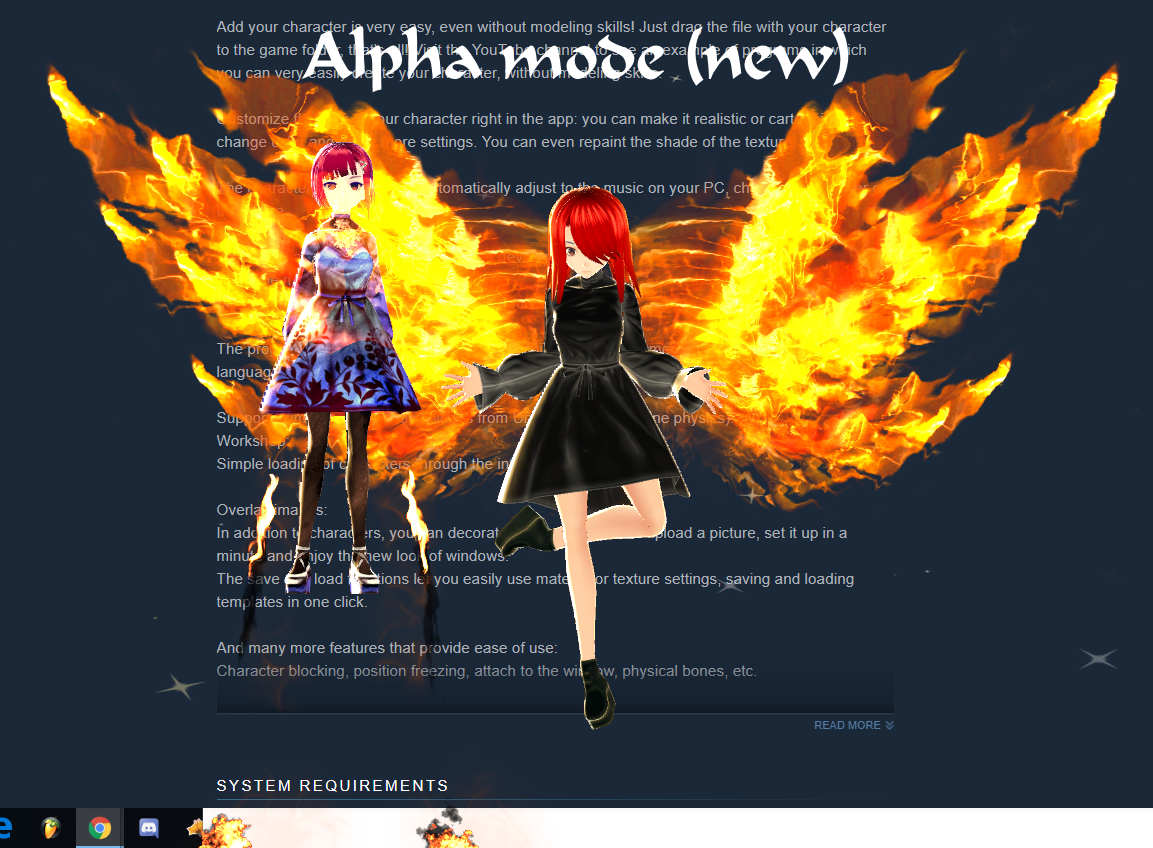
The character is available in the workshop:

https://steamcommunity.com/sharedfiles/filedetails/?id=1754987434
https://steamcommunity.com/sharedfiles/filedetails/?id=1754955680
Fast character creation
Now, having downloaded a character from the workshop once, the downloaded characters will appear in the “Create Character” section and you will no longer need to search for the desired character in the workshop each time. You can load characters directly from this menu.
New components (export through Unity)
Added the ability to transfer new components from Unity:
- Particle system: support particle system;
- Animators (now not only on the main character);
- Dynamic bones: Now you can fully customize these components;
- Cloth;
- Colliders;
- Joints;
- VRMSpringBone and VRMSpringBoneColliderGroup: Physics Components .vrm.
Now these components will remain on the character after export and will work in UDCE
Offline mode
At the request of the community, an offline mode was added: if the Steam is not running, the application automatically starts in this mode. There are no Steam functions available (workshop), but all other functions are available. To use this mode, you need to go online (steam) at least once every 10 days.
Note: autorun is not yet available, because during it the application cannot start correctly due to constant OS windows switching. Most likely, this feature will be added in one of the following updates.
2 add. control buttons
Added two new buttons available if the main menu is not open:
- Detect mouse on characters: if not active, mouse clicks will pass through the characters and will not be blocked by the application.
- Show / Hide Characters: Hides the display of already created characters.

New character window interface
Due to the large number of new options, the original interface, which was not designed for it, has become too cumbersome and inconvenient, especially on small screens. The new interface, first of all, had to be compact in order not to occupy a large area of the screen.
Icons and color palette may change in the following updates.
The new interface is 4 times smaller than the previous one:

Global effects
Added new functionality: global effects. Currently only 1 simplest effect is available for testing. A full release of this feature will be in one of the following updates.
Fixes
- Fixed automatic loading of animations (previously only those animations downloaded by the user were loaded). Now the animations downloaded from the workshop will be loaded.
- Thanks to the help of the community, the translation of some languages has been partially corrected. User nicknames in the "Credits" section
- Minor bug fixes
If you have problems with the new version, you can upgrade to the latest stable version:
- Find the app in the Steam client
- Click LMB
- Select Properties
- Go to the “Betas” tab (usually the last one)
- Change "default" to "stable"
- Save the changes and wait for the update.
Stable version changed to 0.1.2.2
Nearest development:
- Creation of new manuals;
- Creating new video tutorials;
- Refinement of the color palette and interface icons
- Complete change of the page in the store and application trailer
- Professional Chinese Translation