
Hello dudes and dudettes
after a short (too short ːJohnnyAdvː ) spring break, we are back with a motherload of improvements and changes, mainly focused on improving the Quality of Life, YOUR LIFE ːNigelAdvː

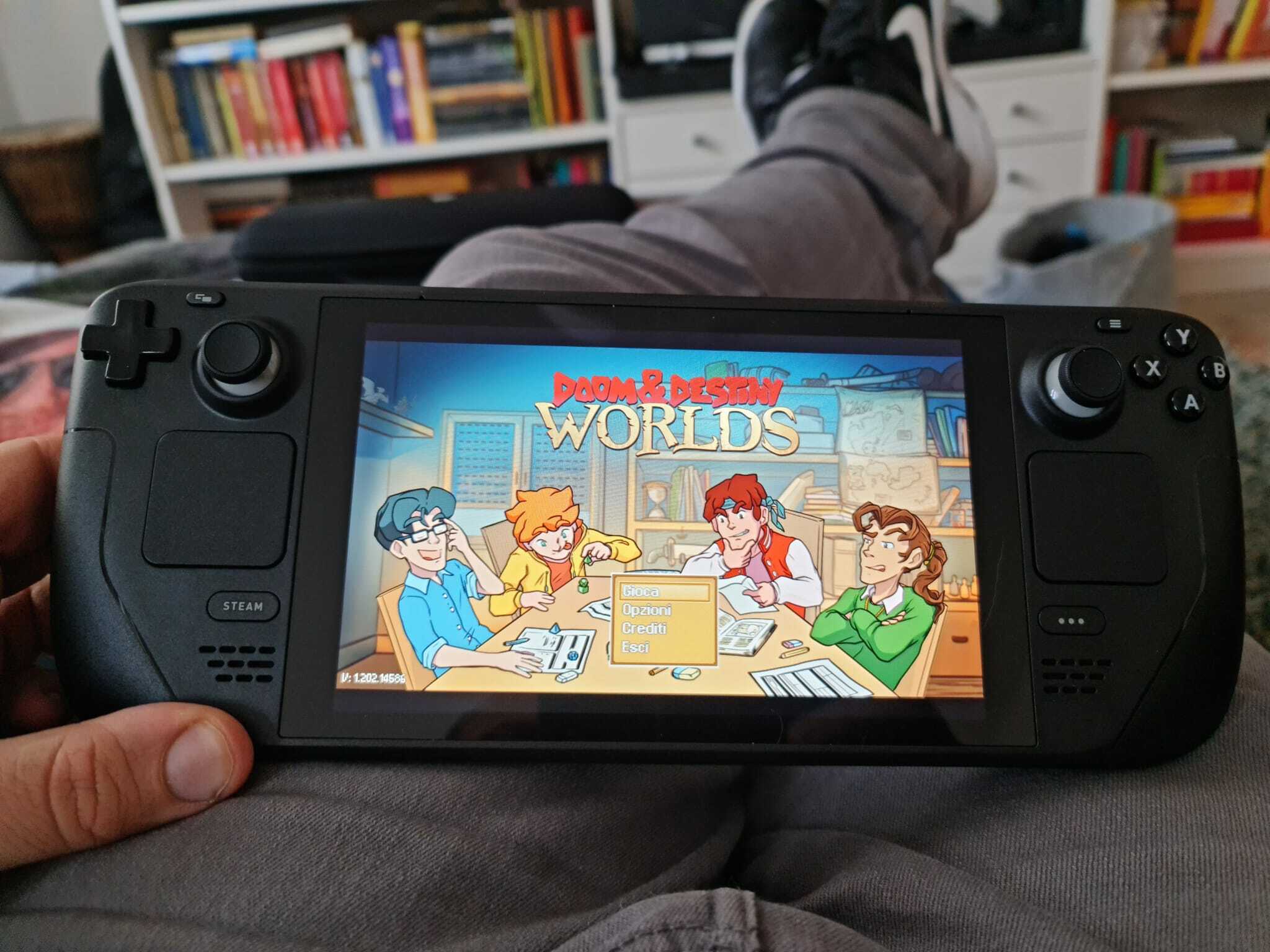
Also, Steam finally confirmed the full compatibility with the STEAM DECK and we've never been more excited! Do&De Worlds plays great on hand held consoles ːfsmː
Update15288 changes:
Changes
- If you visit the underwater big statue in the Moon Tower after defeating a certain enemy, the statue will break and gie you 2 more Halargian Essences.
- MONSTER ESSENCE is now dropped as intended by spawners and some high level monsters.
- Probes, when activated, display the quest progression and reminds you to return to the Geologist if you need to.
- Improved the layout of keysbuttons suggestion during the build mode.
- During enemy turn, now the status window of the party is no longer selected, remove the message that the player is control.
- Added sound when opening the workbench from the map.
- Now the arrow marking the selected line in the building mode will correctly follow the selected line.
- Now the quickbar selector has a hole to avoid overlapping with the item counter (when used to quickslot healing or building blocks for instance).
- Now the active building icons of a workbench only show the top level of the respective icons. For instance it shows Tailoring II but not Tailoring I that is now implicit.
- [MOBILE]Added sound when activating the sorting option from the virtual button in the crafting screen.
- Now all the equipment that modifies non-standard armor stats will have an additional line of informative icons.
- Added a new screen to show the tamed animal information.
- Added a new screen to sum-up the progress of the Jewellers quests.
- Now the damage preview of an attack doesn't consider damage reduction or elemental resistances. You'll have to take them into account yourself.
- Added a "sending" animation when processing the error report.
- Now the rubbles left after cutting a tree or a crop will not automatically delete if placed by the player. You'll need to remove it manually with a shovel.
- Added a "Lighting" filter for the Camp and Furniture crafting categories, including items that can illuminate the surroundings.
- Now when the player loads an old game from the ... -> Load menu, a message warns about potential overwrite of current gameplay data.
- Now you can use the pg-uppg-down or L/R to scroll right to the first or last item in a list, instead of stopping at the first/last page.
- Improved visibility of the player location in the map
- Now the craftable Blueprints are sorted alphabetically in the multiplayer crafting screen.
- Now if you build your last item of a stack and collect it back, the original stack will be ready to place right away (like when placing the campfire in an invalid spot)
- Optimized the end of turn "healing" phase to avoid unnecessary calculations. It should now play butter smooth.
Fixes
- in Fantastic Quests, fixed a door that prevented the player to reach one of the probes.
- Fixed the sprite animation when using give to of a blueprint from the chest.
- Fixed the animation when learning a new blueprint from a chest.
- Disabled the inspect key when the buy window is open, to avoid loss of window focus.
- Solved a few inconsistencies when swapping weapons from the quickbar during battles.
- Fixed the missing letters in the sorting window of the crafting screen.
- Now you can again inspect the status caused by a skill from the craft->inspect weapon->inspect skill->effects menu.
- Now the timebar hint buttons no-longer show during crafting as they are disabled.
- Now the selector of the items in the inventory should not resize after consuming them.
- Now the description when inspecting building blueprints in a shop correctly previews the building that is unlocked by the blueprint.
- Solved a bug where the no-build-zone around a campfire could survive the camfire disassembly if the user cancelled the interaction while holding an allenkey.
- Now the status icons of the quickbar will correctly disappear together with the quickbar during cutscenes and fadeouts
- Now the breaking gear icons will correctly show even on newly added party members.
- Fixed a potential control loss if playing with the game-pad and pressing start during a choice selection window interaction.
- Now the status window will correctly show all the actors after attaching the last enemy in a big troop of enemies.
- Now when playing in farview mode, the timer for the coins challenge is correctly visible.
- Now in multiplayer the quickbars for player 3-4 do not overflow outside the screen.
- [MOBILE] The breaking helm icon should no longer show a dark line below on mobile phones.