
Hi, made some changes based on streamers and players feedback - especially UI, to help new players, until game, GUI and tutorials are finished.
Key Map Help is set visible by default now for new players (new installations).
It changes and highlighting keybindings depending if player is swimming or on basebuilding.
It will fade away in several minutes. Will pop up again if swimming, basebuilding or closing inventory. Can be completely switched of in Game Settings - Key Map. Do not forget to Save.
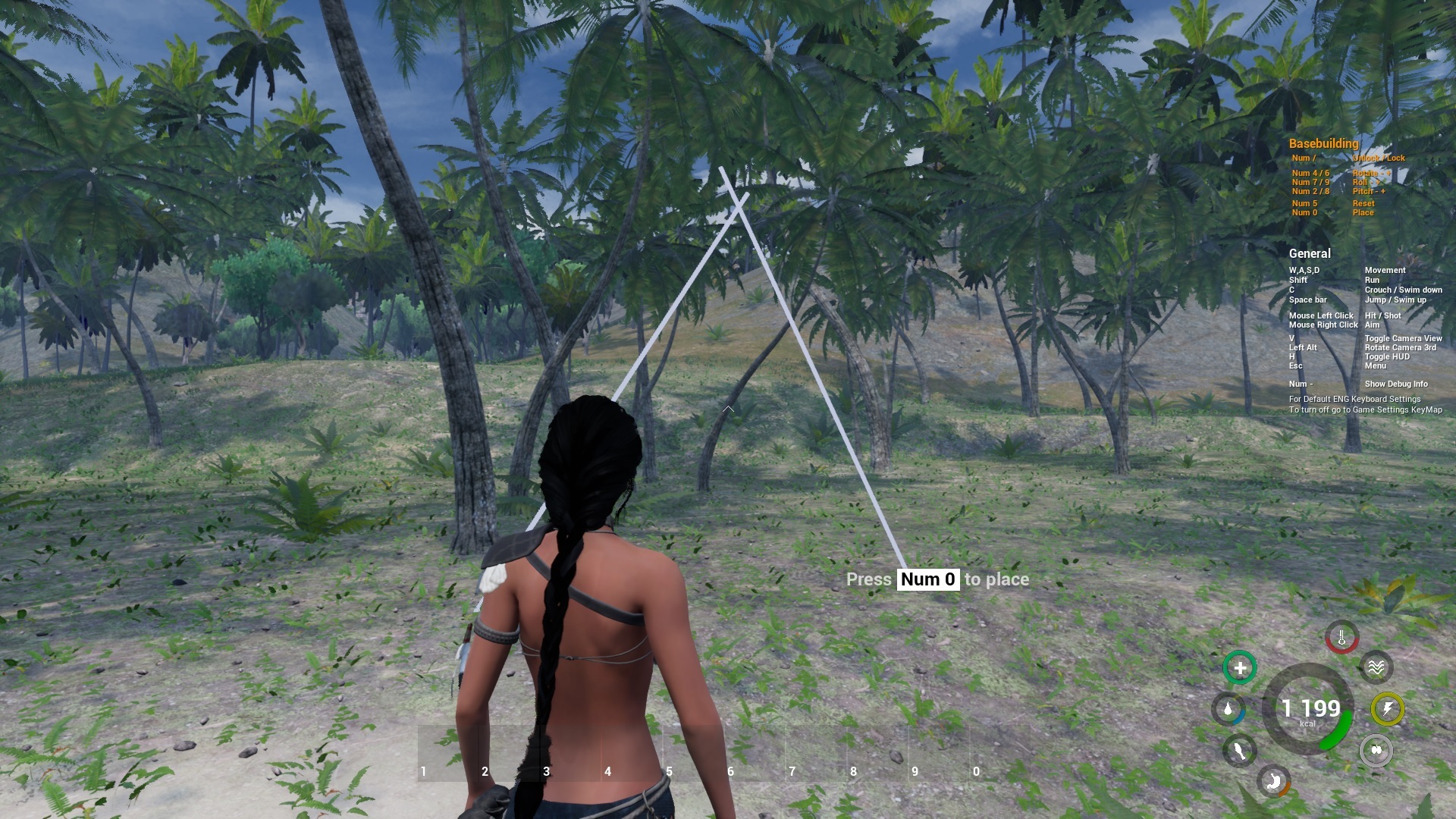
This solutions should help new or returning players and on other do not ruin screenshots. You can switch off the HUD by pressing H as well.
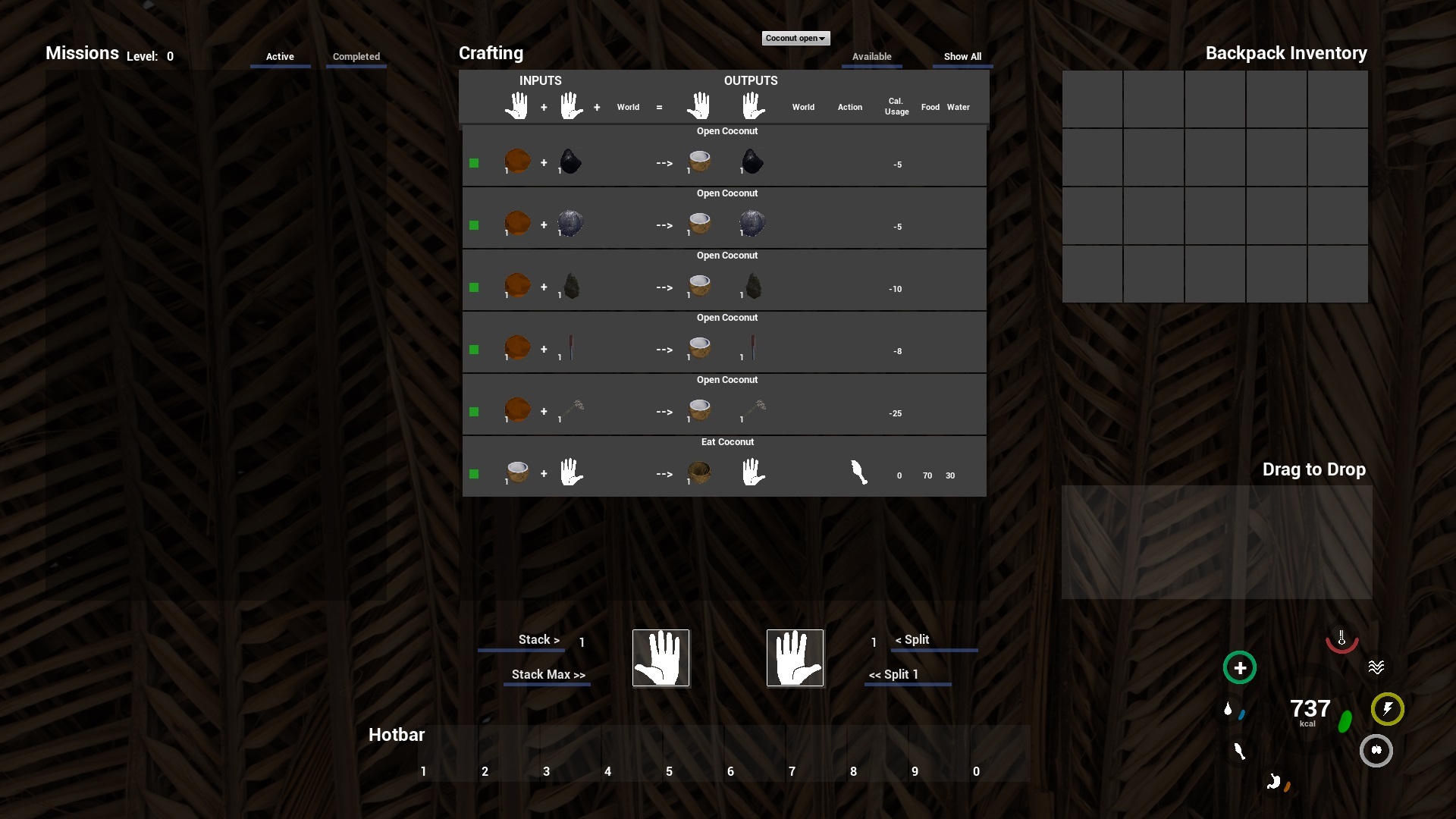
Inventory screen
Clicking in Crafting - on Crafting Recipe item Image will show all crafting that involves the item. regardless if as needed input or desired output. To return to normal view - just click on Available or Show All.
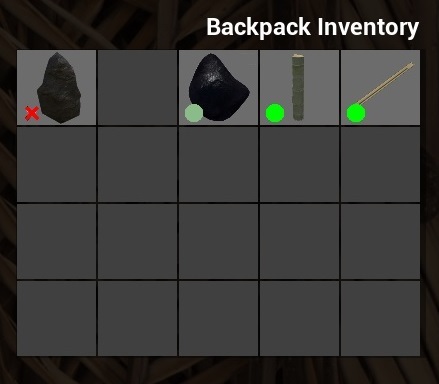
Ruined items will be indicated by red X instead of red circle to make it more noticeable.
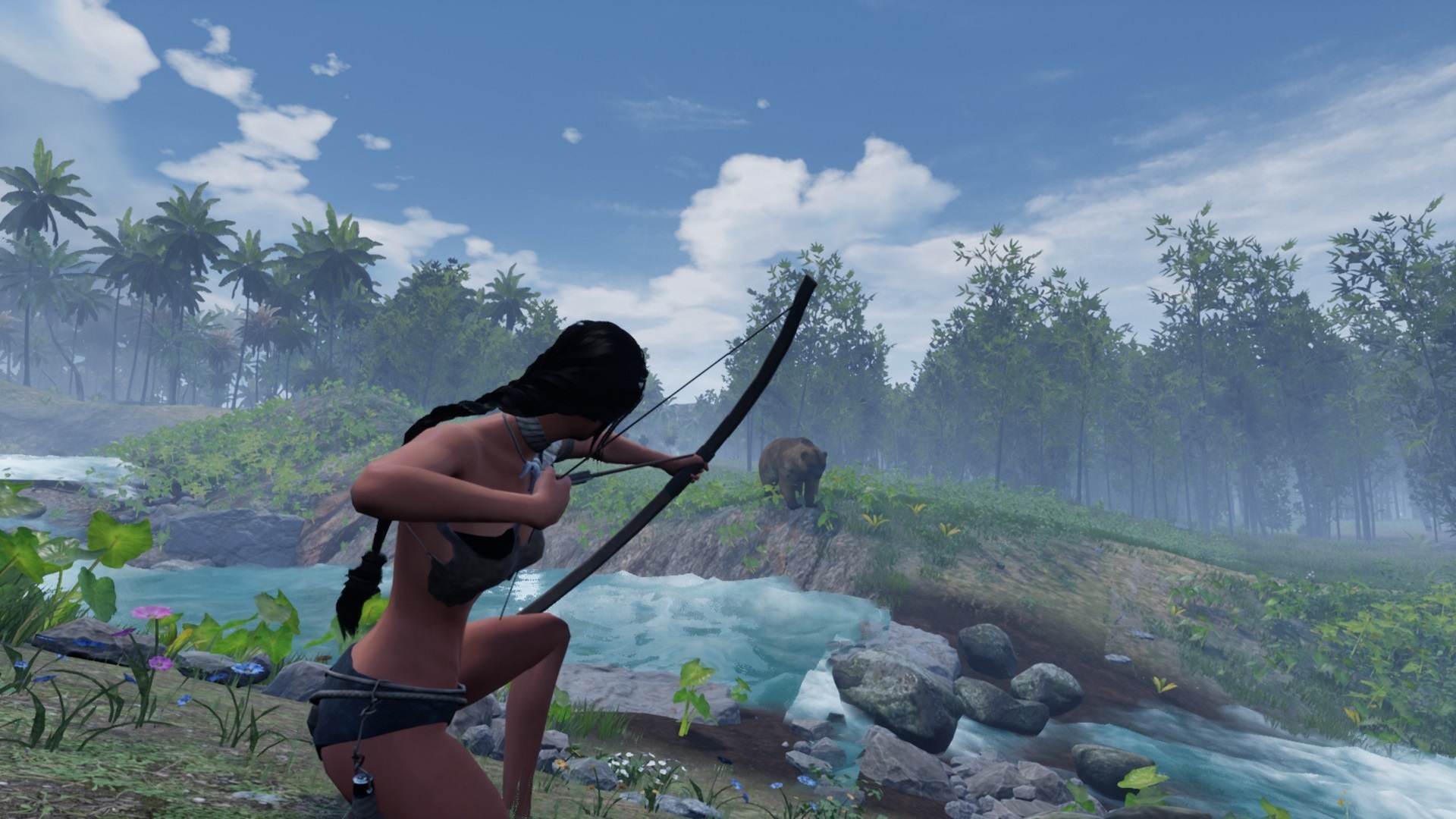
Also camera movement was set properly when changing standing and crouching stances while aiming with bow.
Thank you for your valuable feedback, reports and reviews.
Best regards
Juraj
Game Creator