
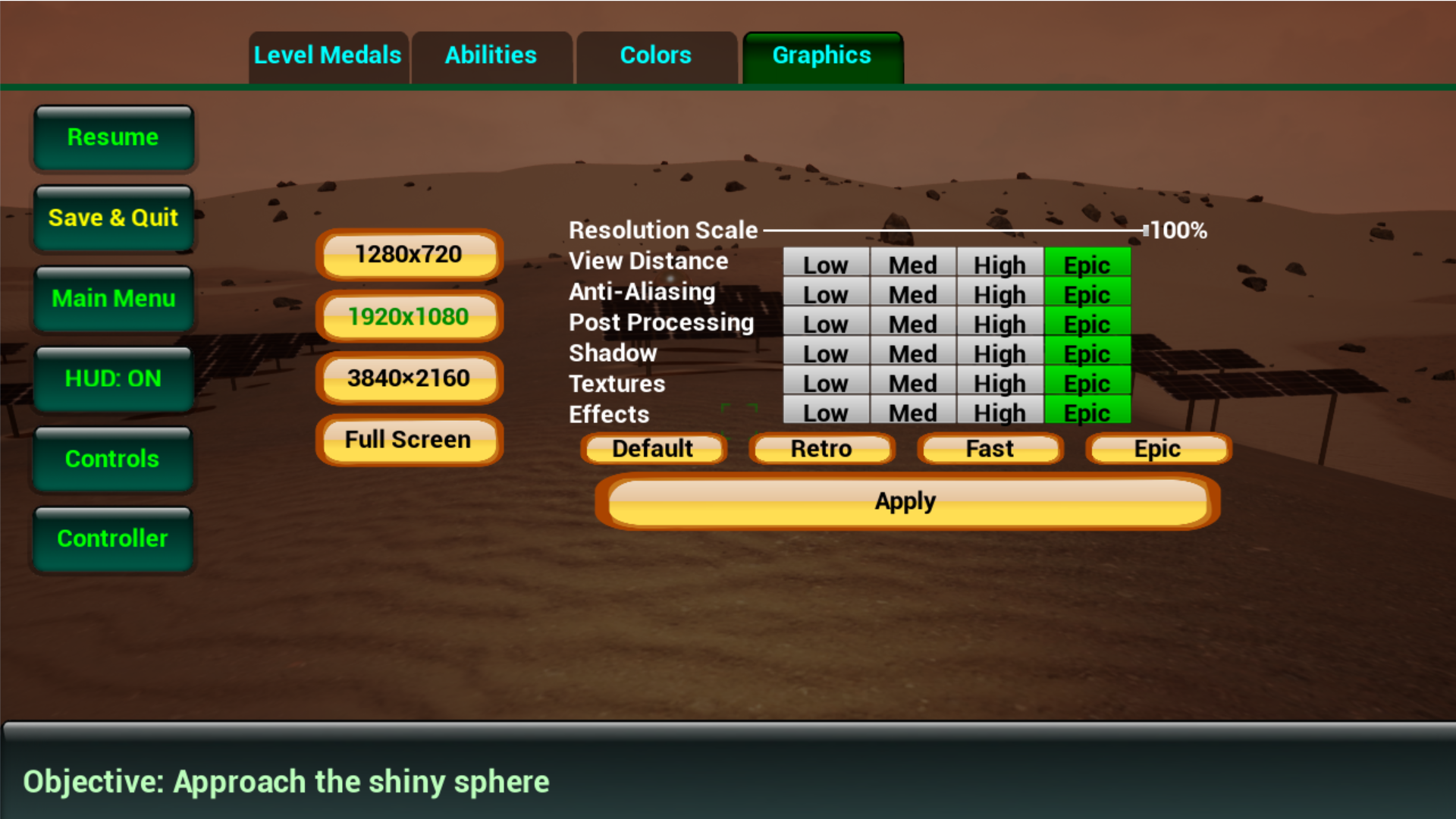
I have made it so you can access the graphics menu in game, instead of having to go back to the title screen to make adjustments. Just pause (p) and go to the Graphics tab. Pick your desired settings and press Apply. I have also added 4 new graphics presets (fastest running first):
- Retro: Do you like the feel of the old time games? Go to Graphics, click "Retro" and enjoy a look that is a "blast from the past!" This is the fastest frames per second built in setting.
- Fast: This is designed to run fast, use this setting or retro if you are lagging while playing Planetary Settlers. Fast optimizes the graphics to run fast while still looking halfway decent.
- Default: This is the way Planetary Settlers used to run before I added graphics options. If you like the current look and feel, you can stick with this, but feel free to experiment with the other settings!
- Epic: Crank it up to the max and enjoy the best graphics available in Planetary Settlers. This will probably run slowly (low frames per second) though, unless you have a really nice gaming computer. If your computer runs even this setting fast, play on and enjoy the view!