
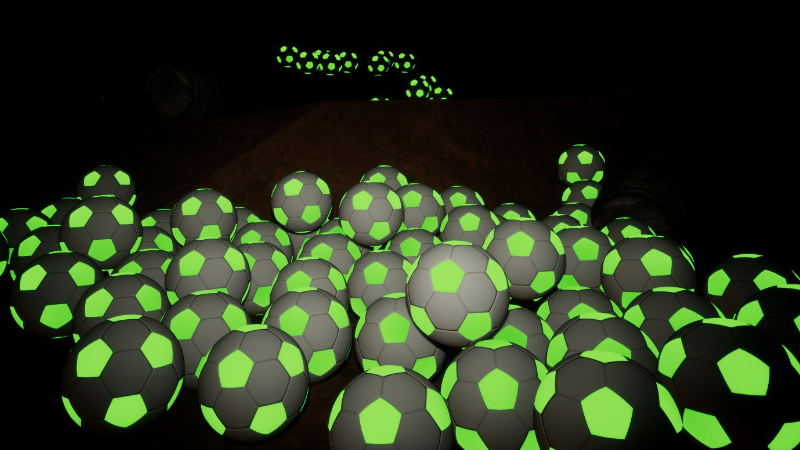
- Now you can find and unlock different sports balls (5 total, in addition to your regular ball) to launch! Once unlocked, find them under your Ability tab!
- In Normal mode, sports balls are unlocked by finding a hidden console (hidden in secret areas), where you walk up to download the blueprint. Once you find a blueprint, you can launch the balls by pausing, going to the Abilities tab, and selecting your desired ball (lower right corner). When you left click, you will now launch this as a projectile!
- If you want immediate access to them, you can go play in Open Exploration mode, where they are already unlocked.
- Customize their color under the Color tab! Select Projectile, then pick your color. You can pick a color from the menu, or make your own color with the RGB sliders. You can also select Glow, and make the ball glow in the dark, whatever color you pick! Hint - try sliding it on the RGB bar down to a low value if you want an authentic glow in the dark look (otherwise it will be bright enough to glow brightly in the day light, which you may want to try as well). While you are here, might as well mess with your light color! While this was here already, it is a lot more fun to try with different sports balls!
- Multiple bug fixes and improvements have been made as well. The way points on the alien mission are now brighter / easier to see, and now you can walk right up to the edge of the moon dome (inside and outside).
Thank you all for being good sports during this trying time! Together as a society, I am sure we will get through this. Hopefully this update brings some happiness as well!