
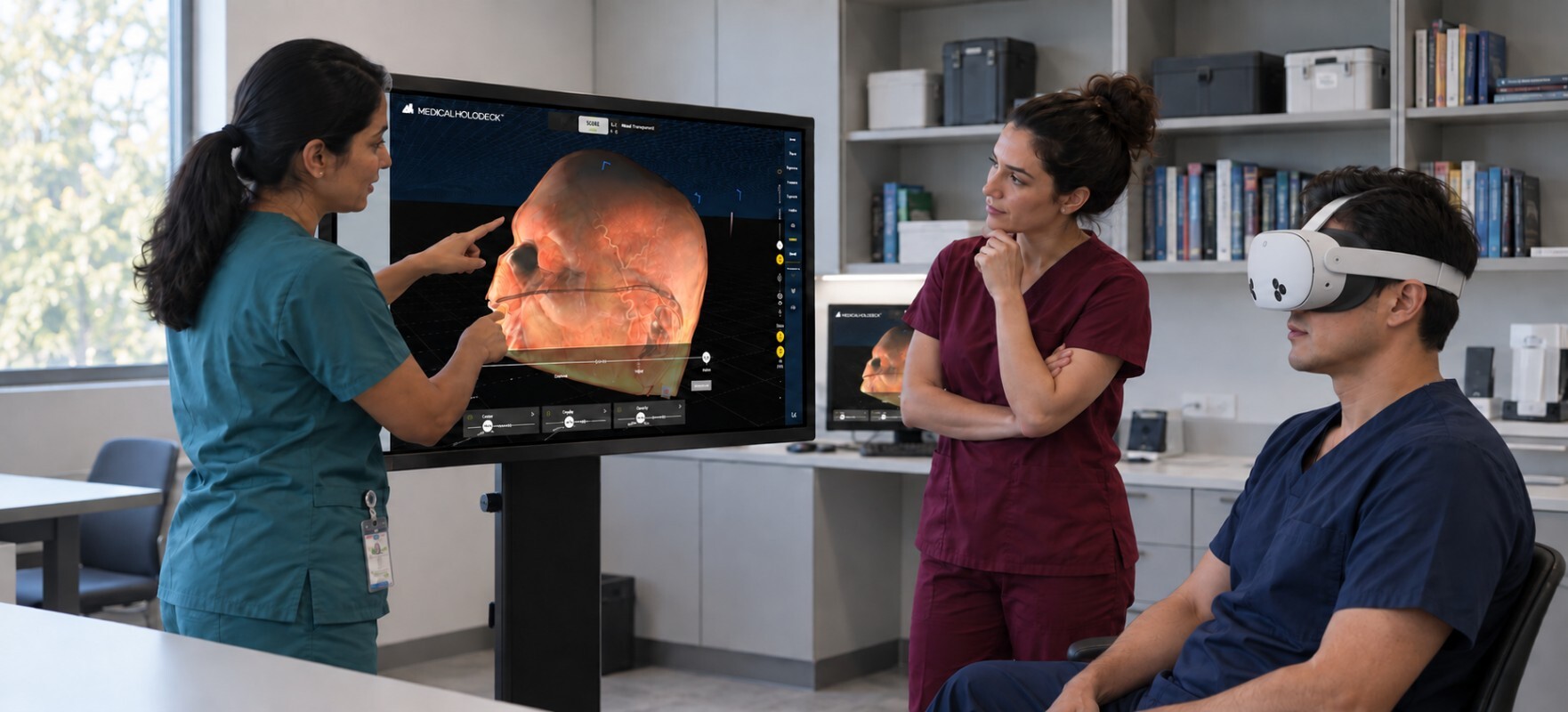
A touchscreen gives the group a shared view. An autostereoscopic display shows anatomy in 3D without glasses. VR lets participants examine it from their own perspective. Medicalholodeck Spatial OS brings these options into the same session.
Read the article | Download | Store

Depth: examine the relationships
A glasses-free 3D display offers a way to examine contours and spatial relationships while remaining at a screen. The viewing positions and number of viewers depend on the chosen display.
Touch: guide the discussion
Use a touchscreen to orient the dataset, identify structures, and respond to questions. A desktop display suits a small group; a larger interactive screen gives a teaching room a shared point of reference.
Immersion: choose your viewpoint
VR gives participants room to investigate the anatomy from different angles. An instructor can set a question on the shared screen, allow time for individual exploration, then bring the group back together to compare observations.
Put it together in an anatomy session
Start by orienting the group on the touchscreen. Examine depth on a compatible 3D display. Let participants investigate in VR, then return to the shared view to discuss what they found. There is no need to use every display in every session - choose what helps answer the question.
Plan around the people in the room
How many people need to see the screen? Who needs to control the content? How many participants will use VR at once? These practical questions help medical educators and IT teams choose displays, headsets, and workstations for their setup.