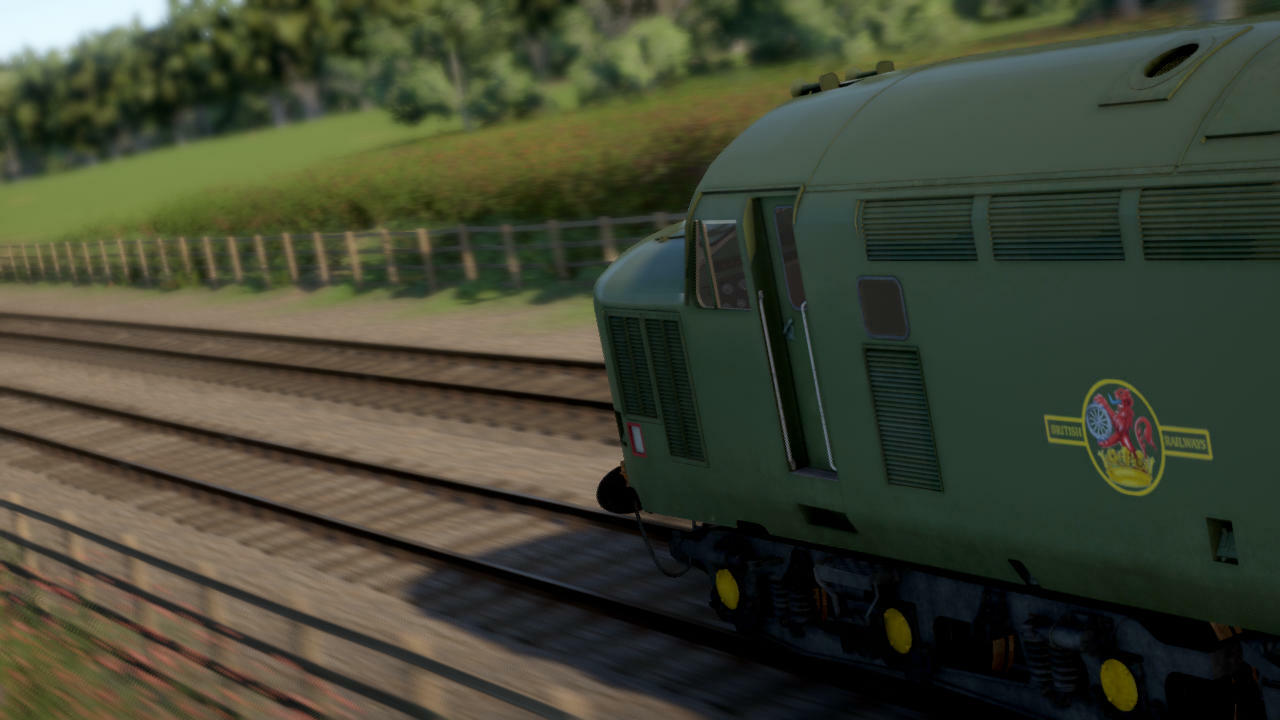
The official release of the scenery update is drawing closer so it's time for a new screenshot contest! The theme for this contest is the new scenery. You can take screenshots of any route, and the picture doesn't even need to have a train in it.
Post your screenshot here or on the Discord screenshot channel. Please mention in the description that the picture is meant to take part in the contest. Some of the best shots (as chosen by Lapioware) will be used as background images for the loading screen with credit in the top-left corner.
Tips
- The easiest way to post a screenshot is to use Steam's built-in functionality, usually the F12 key
- Use the maximum resolution that your system supports
- Hide the timetable by pressing F2 and other parts of the HUD with F3
- Choose the highest graphics level from the top of the "Graphics settings" screen
- Try enabling the optional "depth of field" graphics setting for a focus effect (works best while zooming in)
- Use the free roaming camera mode to position the camera
- Use the pause key to stop all trains while finding a good position for the camera. Alternatively, you can try using time acceleration for an exaggerated motion blur effect
- Adjust cloudiness from the unmarked slider to the left of the "simple controls" check box
- Try taking screenshots at different times of the day: bright midday lighting is not always the best
The contest will run for two weeks