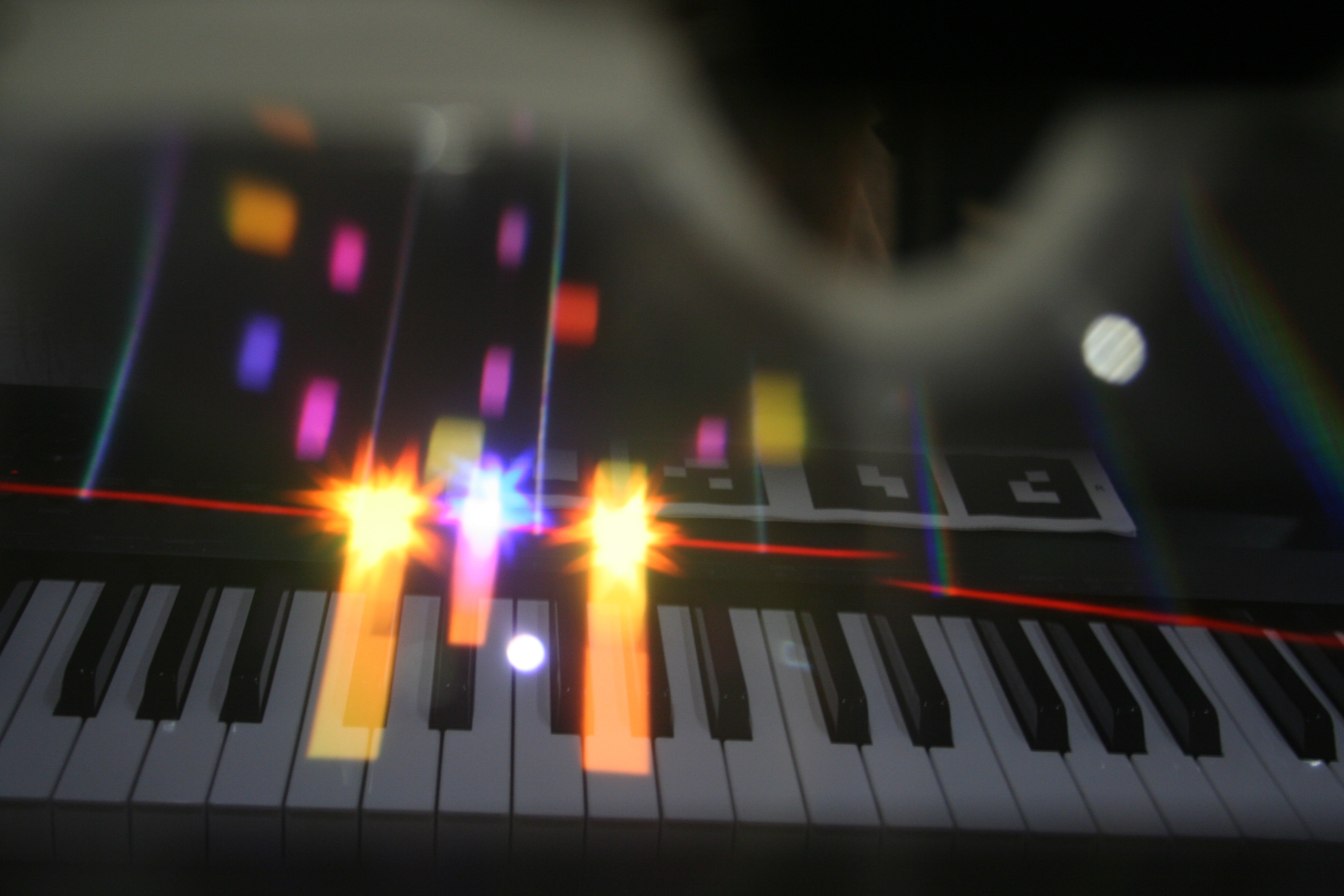
The update is now live on Google Play! 😺
This version properly supports Aryzon headsets - I highly recommend switching to it as it is a lot more convenient AR experience!
How to calibrate:
0) Make sure to select Aryzon headset type either in Onboarding Intro or in Settings,
1) Open Calibration from in-game UI,
2) Use Keys size ◀️and▶️ to setup correct piano keys size matching your piano,
3) Shut your right eye and move the marker above your piano so that grey C4 label aligns with the corresponding piano key,
4) Then shut your left eye and calibrate IPD with ◀️and▶️buttons so that the C4 is also on the same place for your right eye.
You are all set! Enjoy! 🎹😍