
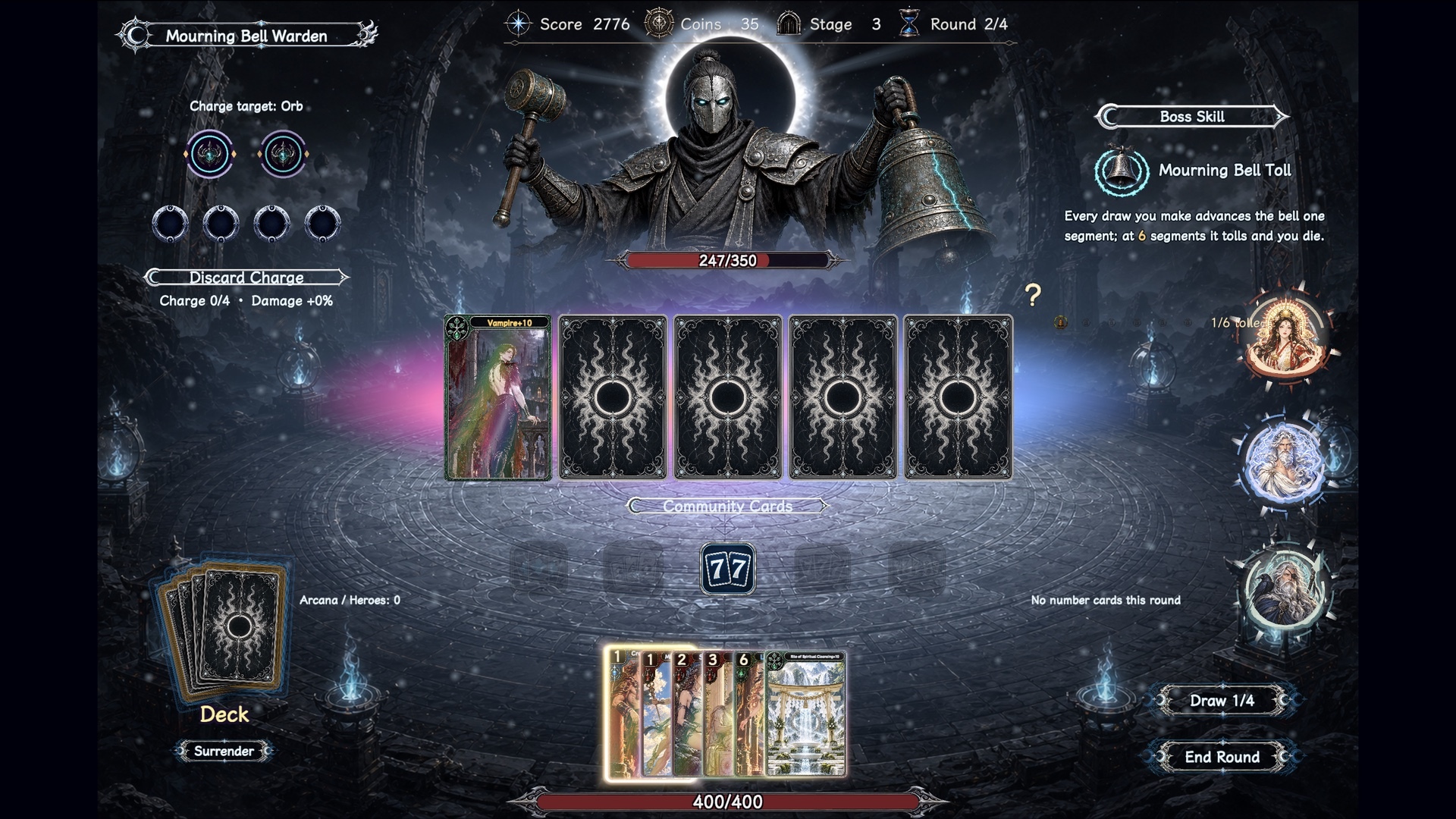
This small update adds hand-selection assistance, so you can spend less time picking individual cards and more time thinking about your build and when to play.
Choose a hand type, select a playable combination
Five icons are now available during the card-playing phase: Flush, Straight, Pair, Three of a Kind, and Full House. Click one to select a matching set from your hand, using the currently revealed community cards and your active deity rules.
You can still adjust the selection and must confirm the play yourself. The assist does not play cards automatically or choose the highest-damage combination.
Clearer selection feedback
- Unavailable hand types are dimmed and cannot be clicked.
- Switching hand types clears the previous selection and markers before selecting the new combination.
- Assist markers sit away from card numbers so ranks remain readable.
- Hover over an icon to see its hand-type name.
Available in the free Windows and macOS Playtest. Let us know how the new controls feel. If a selection does not match the resolved hand, use Feedback in the pause menu. Your platform, chosen deities, a screenshot of the hand and community cards, and steps to reproduce will help us investigate.
Thanks for playing Godmantle!