
The free Handful of Dice demo just got its biggest update since launch. It is about one thing: getting dice into your hand the way you expect, with a mouse, a keyboard or a controller.
Grab a whole handful
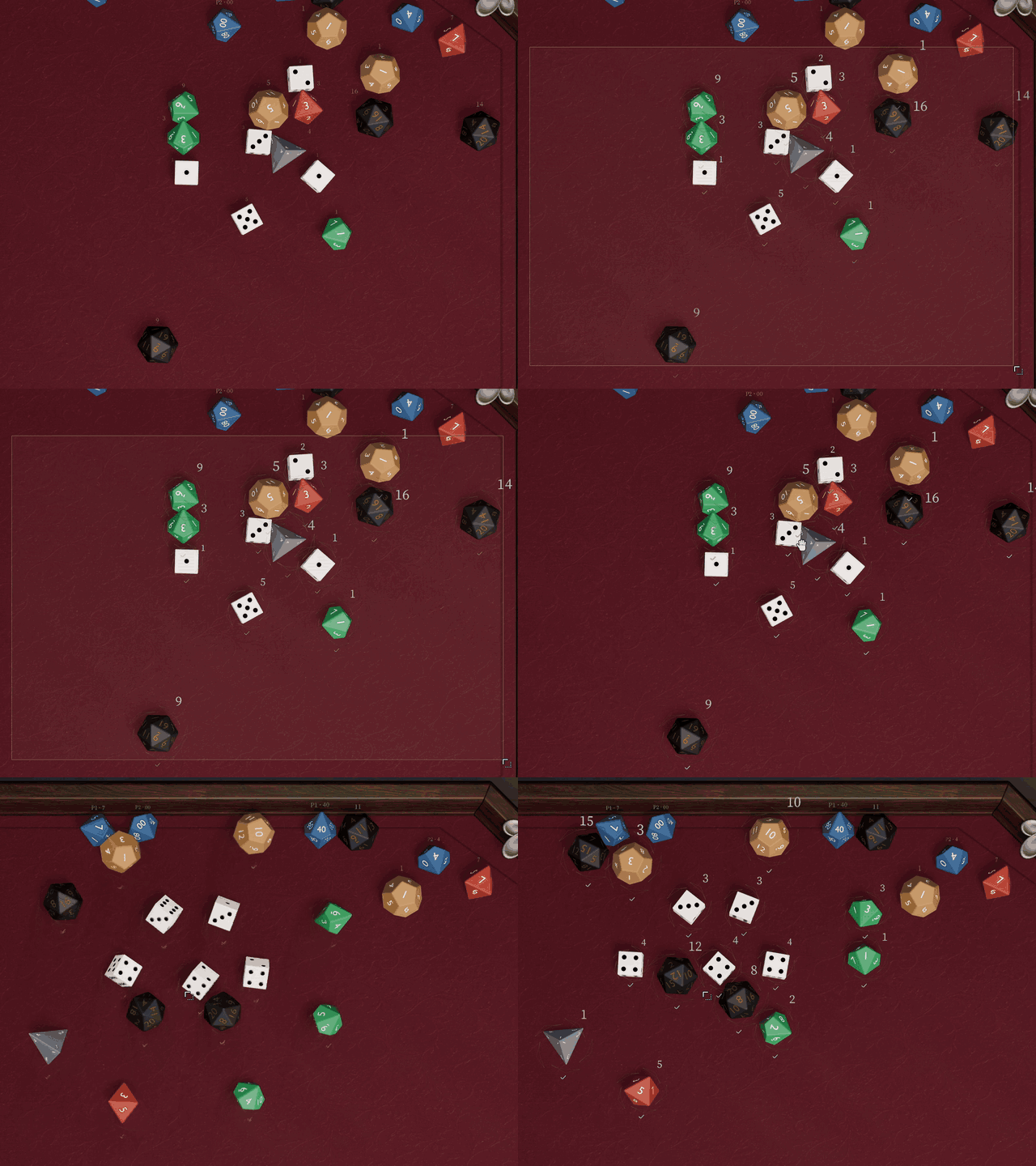
Drag across empty felt to draw a box. While you drag, every die inside it shows a small check mark, so you can see what you will get before you let go. Release, then grab any checked die and the whole group comes with it. Shake, and throw.
- Hold Shift or Ctrl while you drag to add to your selection. Shift- or Ctrl-click a die to check or uncheck it without picking it up.
- Click empty felt to clear the selection.
- Ctrl+A checks every die. Delete sends the checked dice back to the pouch.
- New hand cursors show what a click will do: an open hand over a die, a closed hand while you hold, a box corner over empty felt.
Play it with a controller
The controller scheme is rebuilt around one clear target. Small corner brackets show the die you are on.
- D-pad glides to the next die. A checks it. RB checks them all.
- Hold RT to pick up that die or the checked group. Shake with the right stick, then let go of RT to throw.
- LB opens the pouch so you can prepare a hand. X sends the checked dice back.
- A gentle aim assist helps you land on small dice. Turn it off in Settings > Controls if you prefer.
- A light rumble follows your shake.
- In menus, a brass frame marks what you have selected, and the edge tabs show which button opens them.
Help when you need it, and only then
There is still no tutorial to sit through. If you seem to be doing something the long way, for example throwing dice one at a time, a small tag appears beside the dice with a symbol and a few words. It goes away when you try it, and it stops showing up if you ignore it. You can switch hints off, or reset them, in Settings > Controls.
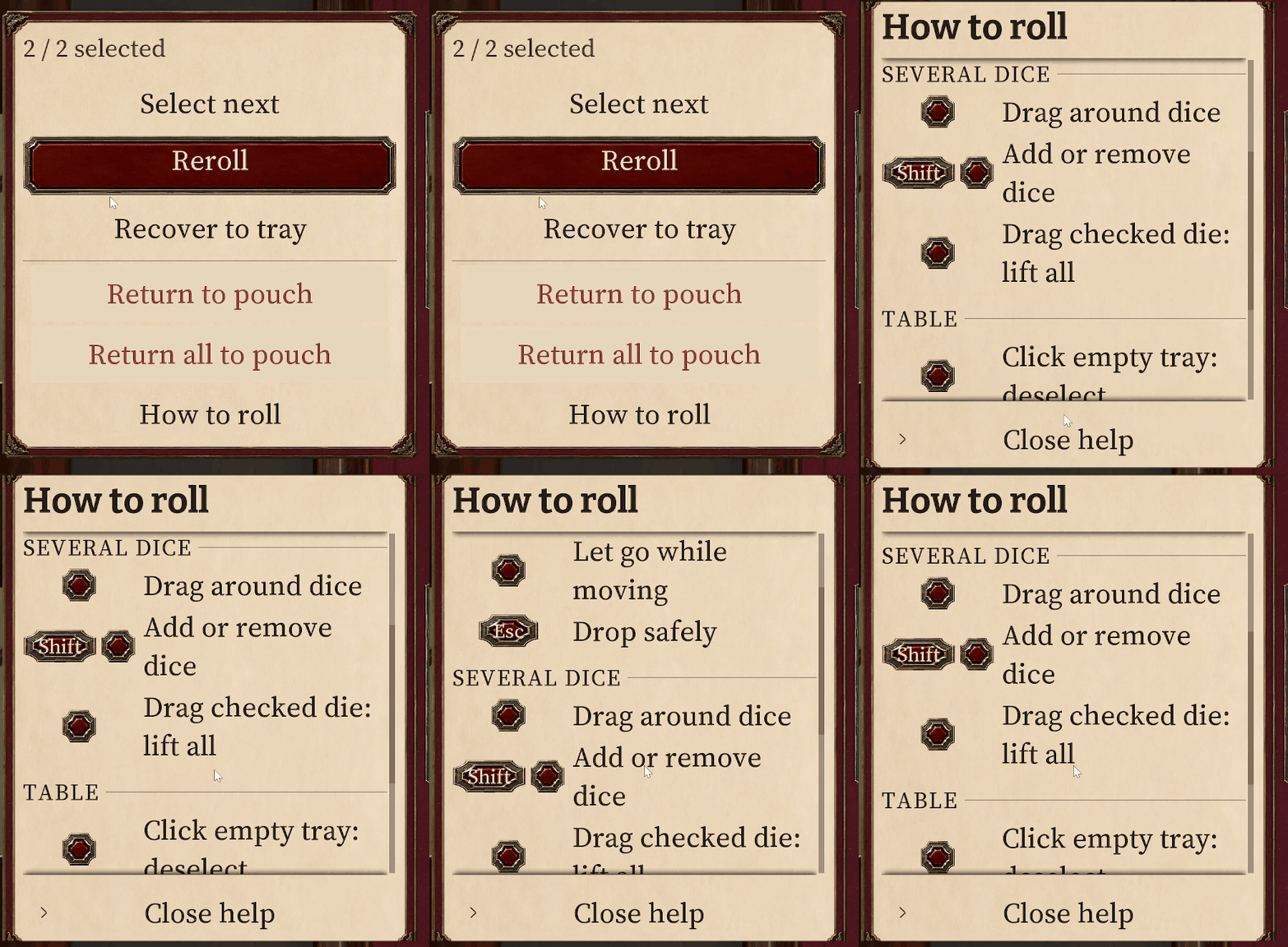
The How to roll guide in Actions is redesigned too. It is grouped into Pick up, Throw, Several dice and Table, it draws the keys or buttons of the device you are using, and it opens at the part you need. Menu items and buttons now show their keyboard shortcut when you hover over them.
Fixes
- Fixed a crash at startup for some players who had saved their key bindings in an earlier version.
- All new text is translated into every language the demo supports.
The update is live now on Windows and Linux. Steam downloads it automatically.
https://store.steampowered.com/app/5336490/
Tell us how it feels
If the box, the controller or a hint feels off, or just right, tell us in the discussions or leave a review on the demo page. We read everything. And if you would like to follow along, wishlist and follow Handful of Dice.
https://store.steampowered.com/app/5294140/
GoodXP