
We keep improving Teryon Crisis
Since launch we have read every review, bug report and playtest note, and worked through them one by one. This update is the result of that work: battles are easier to read, the interface gets out of the way, support units do their job, and the campaign lends a hand when a mission gets tough. Here is everything that changed.
Friend or foe at a glance
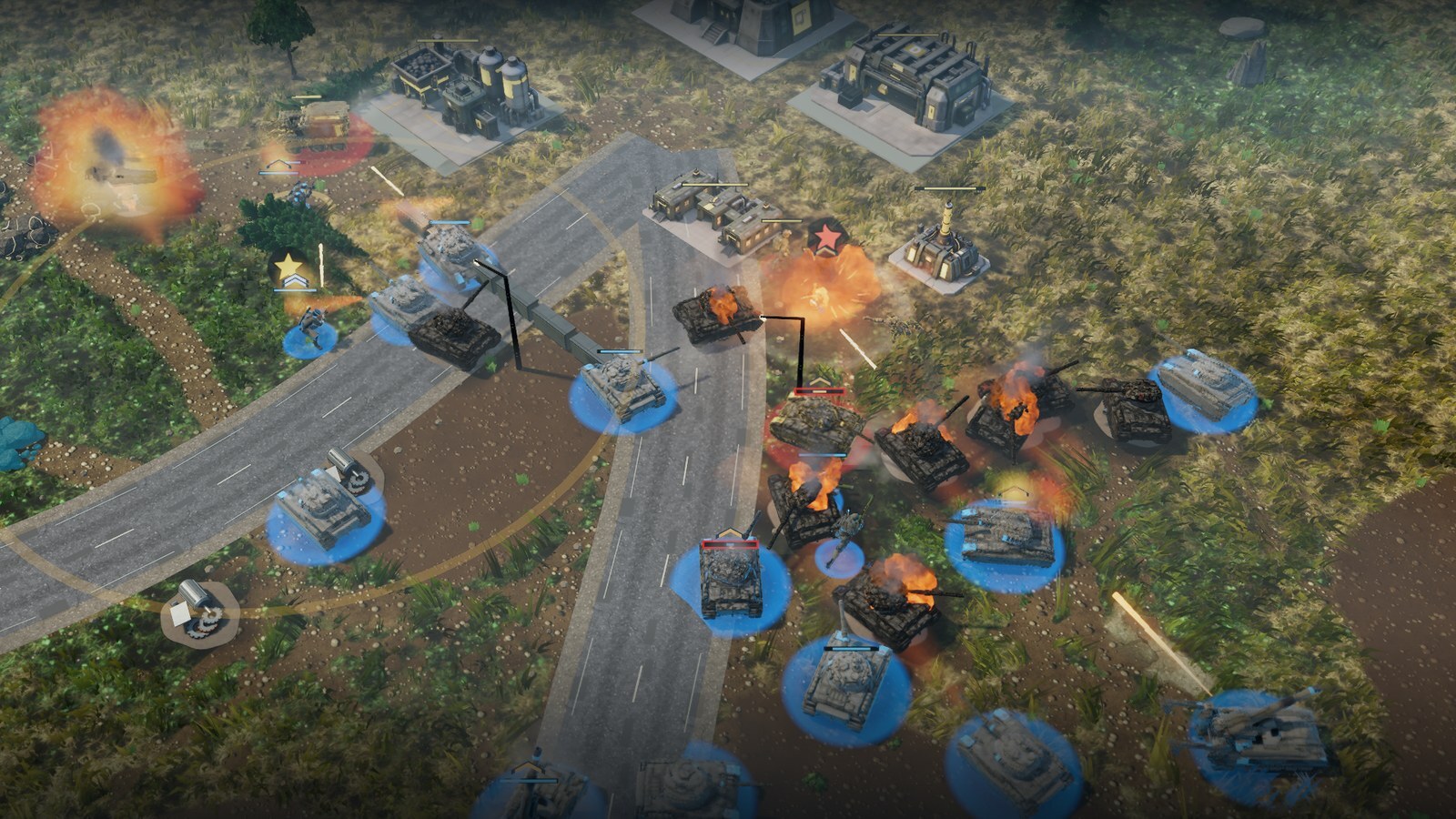
- Every unit wears its team colour on its trim, and buildings carry it too (trim, roof marks and a glow at night)
- Team discs now show through tall grass, and a packed group keeps separate discs instead of one blob
- Your health bars stay in your colour at any health; a low bar gets a red frame instead of turning orange
- A cleaner picture: less haze, brighter and more readable nights, darker rubble and ore that glints
- Unexplored ground is a dark slate fog instead of a black hole
Fights that look powerful
- Explosions grow with what blew up and light the ground around them
- Destroyed vehicles burn and smoulder, and tracers are easier to follow
- Softer hit flashes, new smoke, headlights and heat haze

A quieter interface
- The objective and contact panels fold to one line when nothing new happens and open again when something does
- Alt+H hides the whole interface for a clear view of the battle, and brings it back
- Tactical Pause now draws order lines: each of your units shows what it is about to do
- Battlefield labels no longer overlap each other or sit on top of the interface panels
- Wrecks show a small parts chip instead of a line of text, and production card names fit
Support units that do their job
- Repair order: select a repair crawler and right-click a damaged vehicle; the crawler follows it and repairs it. Vehicles being repaired no longer drive away from the crawler
- Medics walk to wounded soldiers nearby on their own
- Units on Aggressive move toward an enemy that shoots at them from out of sight
- Several engineers can lay minefields at once, and a field takes 3 seconds instead of 5
- Unload a transport with Alt+U; new cursors and effects show loading, repair, healing and salvage
- A found enemy minefield gets one warning sign instead of one per mine
Learning and campaign help
- New Advanced training: seven short hands-on steps (transports, repair, medics, mines, salvage, Tactical Pause and research). Pick it from the Training button
- One-time tips explain stances, repairs, medics, transports, salvage, dog tags and minefields the first time they matter
- Lost a campaign mission twice in a row? The result screen now gives a tip for that mission and offers a retry one difficulty lower
- On Easy, Story and Normal, enemy assaults keep their timetable instead of coming early when you beat one quickly (Hard is unchanged)
- Razor Wings (mission 5) is a little lighter; Last Reactor (mission 8) starts with 8,500 credits and a repair crawler, and its assaults come on a fixed timetable
Maps and the world
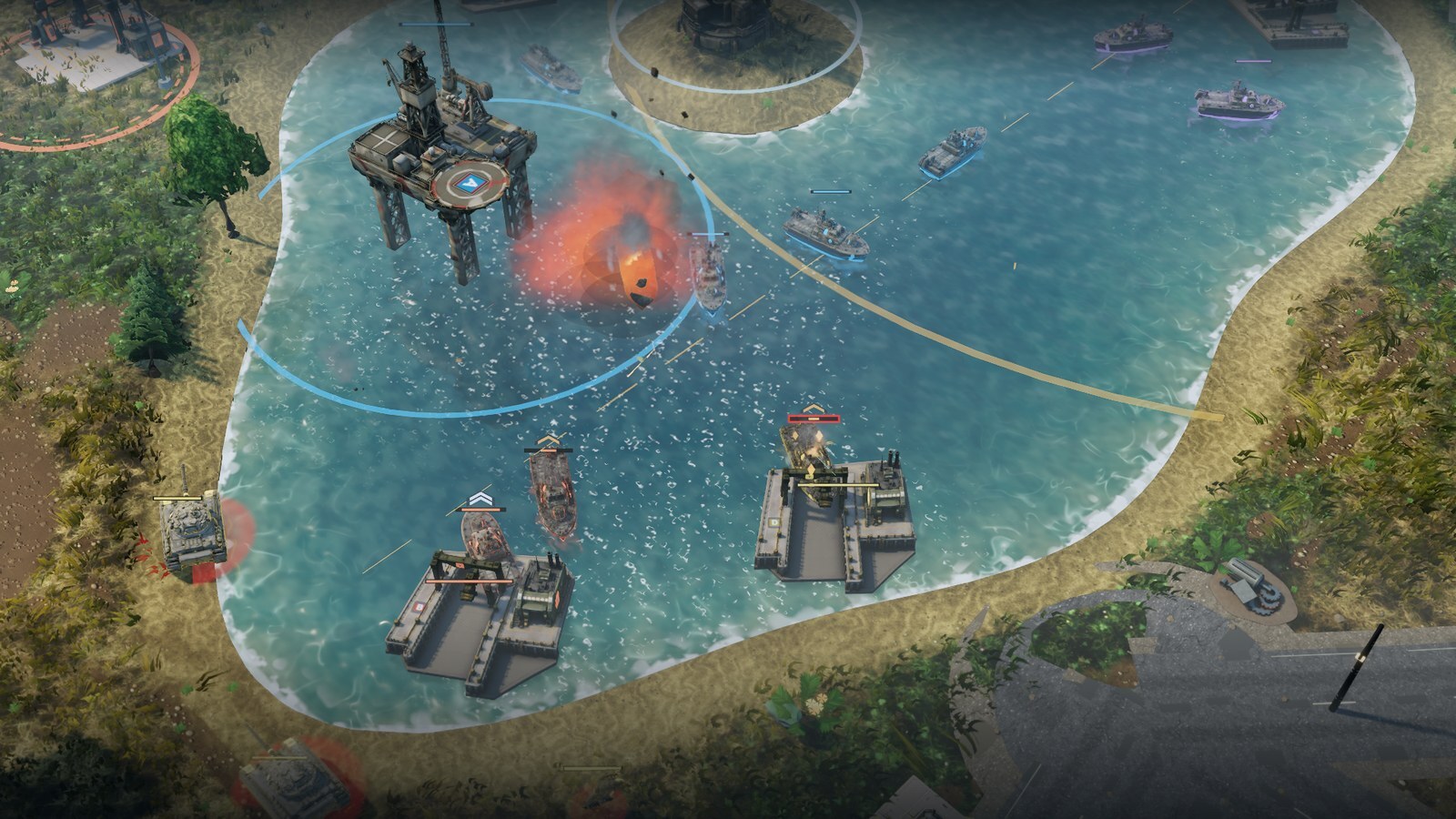
- Capture sites are now real buildings with a flag mast, and the field hospital has a model of its own
- Every start on a map with water for ships has a harbour site within reach; boats leave the harbour lane, and the shipyard placement snaps to the shore
- Trees, bushes and rocks no longer stand inside buildings, capture sites or outposts
- "Always clear" weather in skirmish now also keeps storm fronts away
Fixes
- A battle can be saved again while enemy soldiers sit inside a bunker or house
- The result screen fits on every screen size and in every language; capture site labels are fully translated
- No more stutter the first time you select a soldier
Anonymous reports, only if you agree
Once, on the main menu, the game asks: May the game send anonymous error and performance reports, so we can fix crashes and stutter? Nothing is sent unless you choose Yes, help improve the game. You can change your answer at any time in Settings (Send anonymous error reports).
When it is on, the game sends a report when an error or a crash happens, and frame times at the end of a battle. A report holds the error, the battlefield, the graphics settings and your hardware (graphics card, processor, memory). It has no names, no Steam ID, no chat and no saves.
Online play
Players on different versions cannot join the same online match. Steam updates the game automatically; if a friend cannot join, make sure both of you have the update.
Thank you for every review, report and test session — they shaped this update directly. We are not done: work on the next improvements has already started, so keep telling us what you would like to see.