
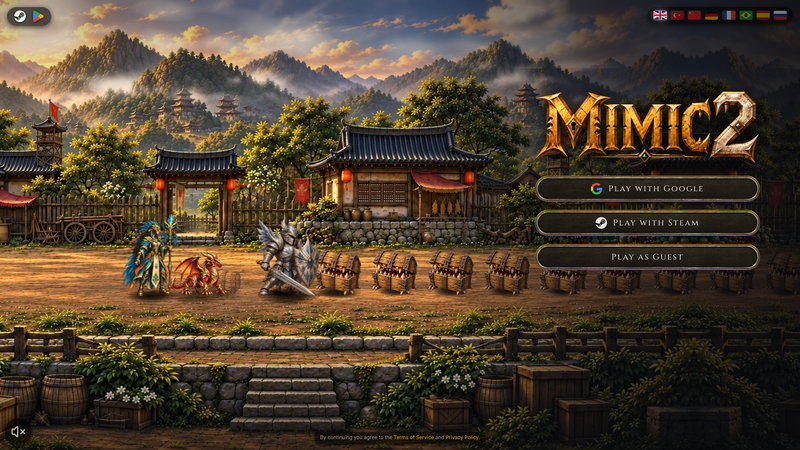
Create a family on the Social page and share one storage for items and gold with up to four players. The sign-in screen has a new look, and the character screen shows which character you played last.
Family
- The Guild page is now the Social page. It has two tabs at the top: Guild and Family.
- Create a family on the Family tab, or accept an invite from a family leader. Leaders invite players by character name.
- A family holds up to four players and shares one storage for items and gold.
- To store items, press Move to family on your inventory page and pick several at once, or use Move to family in an item's window. Take them back on the Family tab with Move to inventory.
- Bound or equipped items, and items holding runes or gems, cannot be moved. If the last member leaves, the family is deleted with everything in its storage.
- After you leave or get kicked, you wait 24 hours before joining or creating another family. Guests need to save their character first.
Other changes
- The sign-in screen has a new look.
- The character screen shows which character you are playing and which one you played last.
- If you switch characters in another tab, the game reloads so you keep playing the right one.