
Slacking Division bulletin, release 1.5.0
The work computer now has six office-themed versions of classic games. This update also includes all fixes since 1.4.0.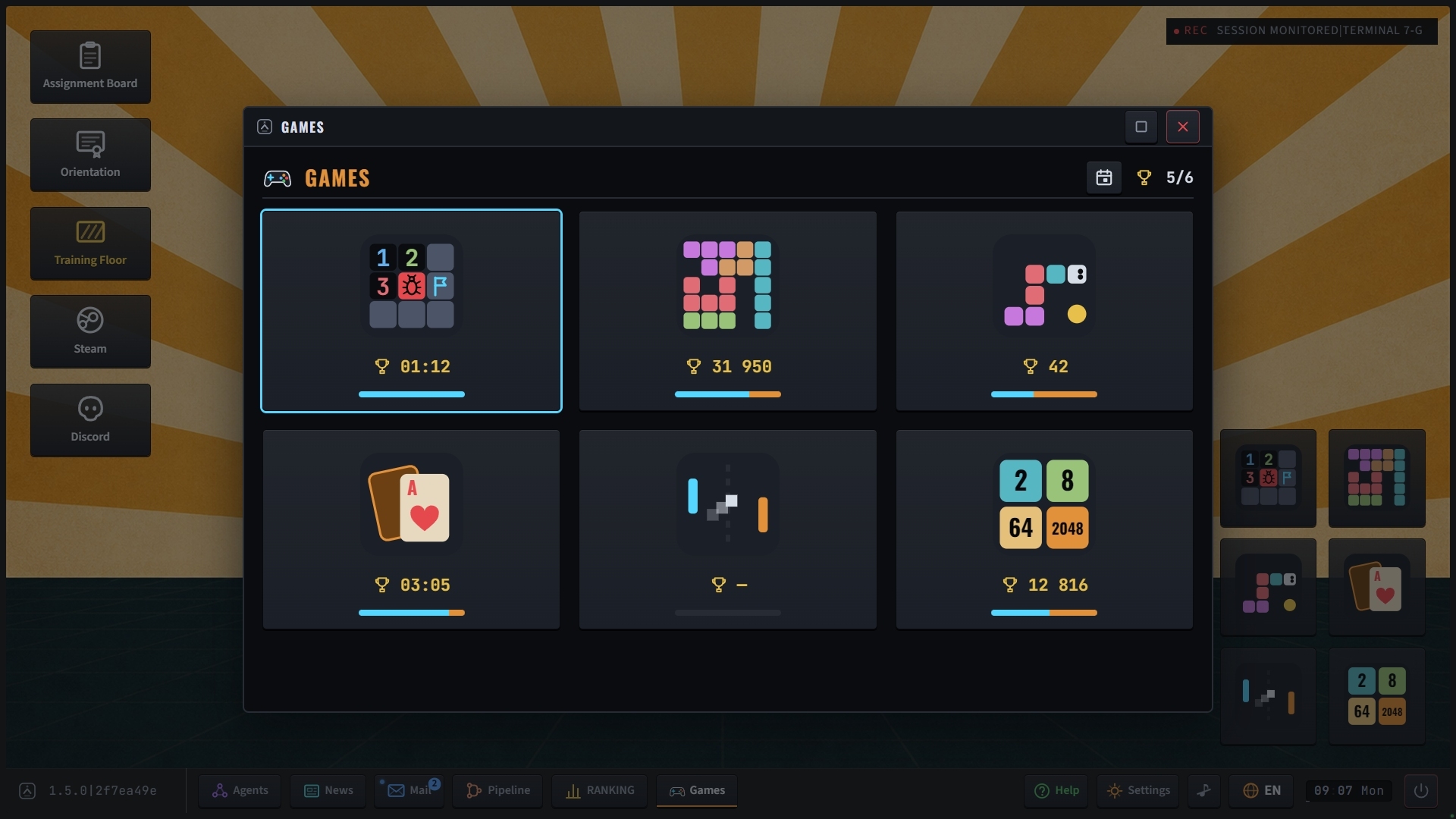
New desk games
[NEW] Open any of the six games from the taskbar or desktop at any time, including during a shift. Each runs in its own window and supports keyboard, mouse and controller. Your best scores are saved, and you can resume each game where you left off.
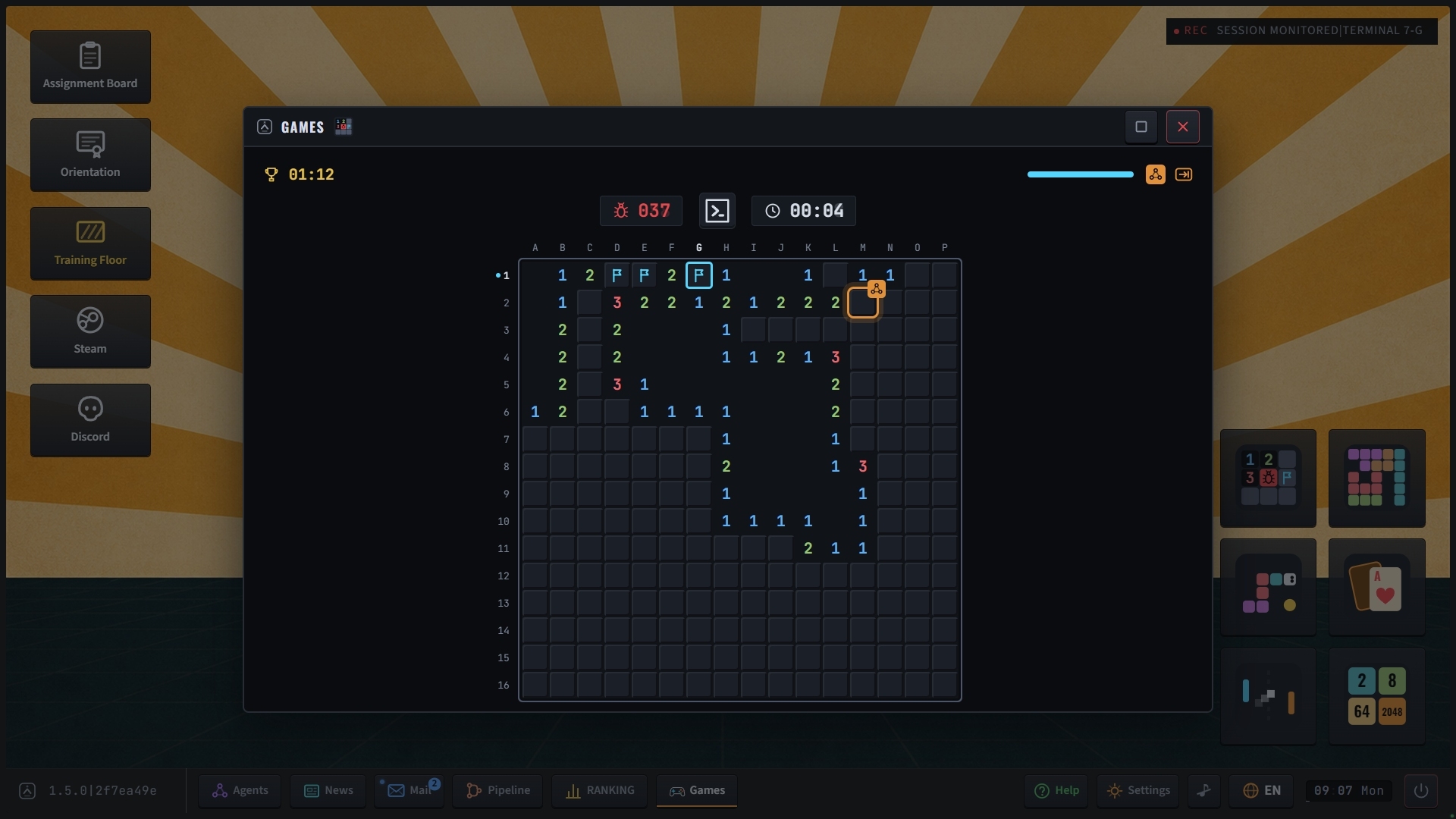
[NEW] Bug Sweeper hides bugs in a code file. The board has numbered rows and lettered columns. Mark suspected bugs with pins. Every board can be solved using logic alone, starting with the first space you uncover.
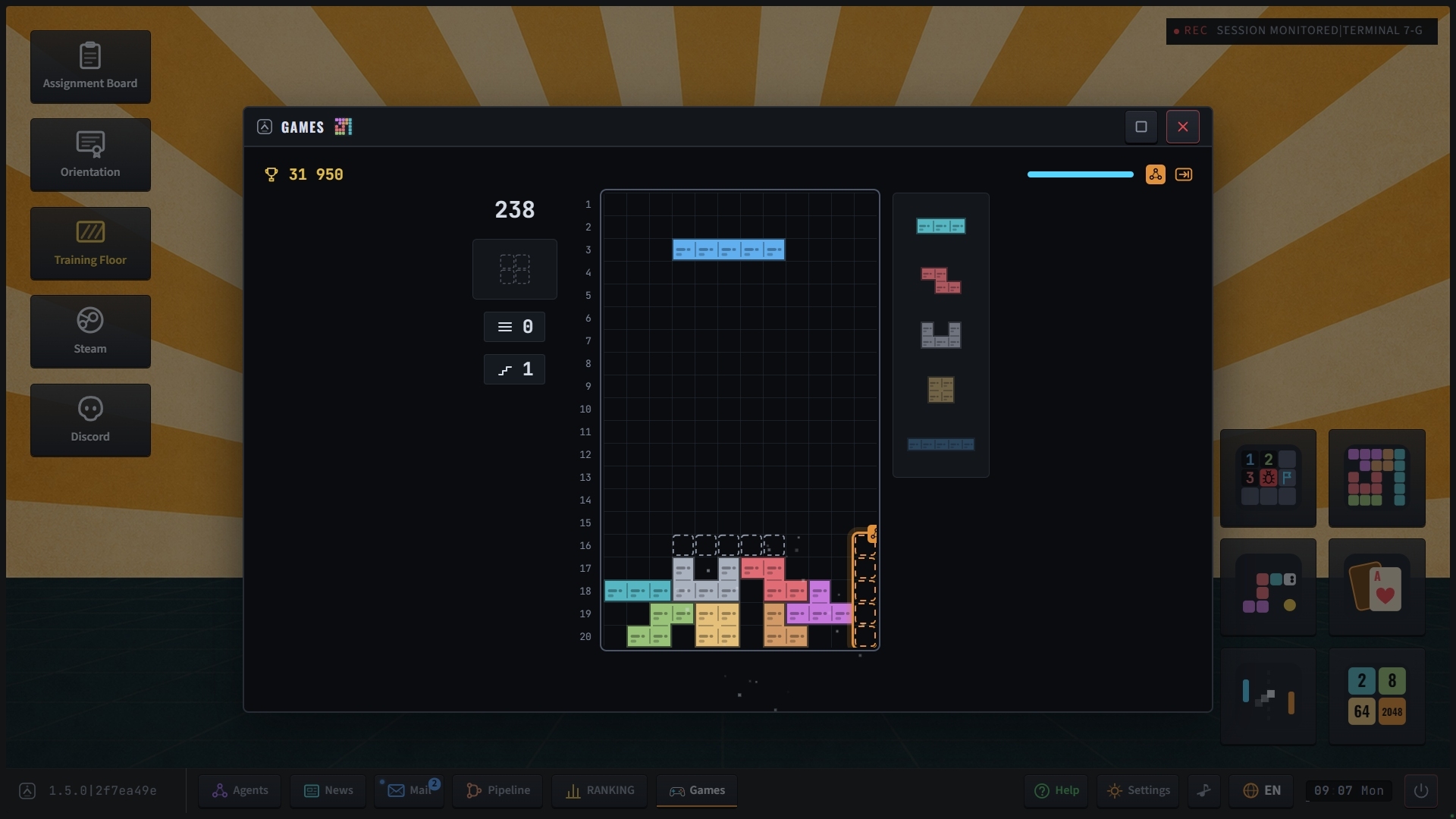
[NEW] Merge Stack turns code changes into falling blocks. Fit them together in a file with numbered lines. Complete a row to merge it. The top rows turn amber when the stack gets high.
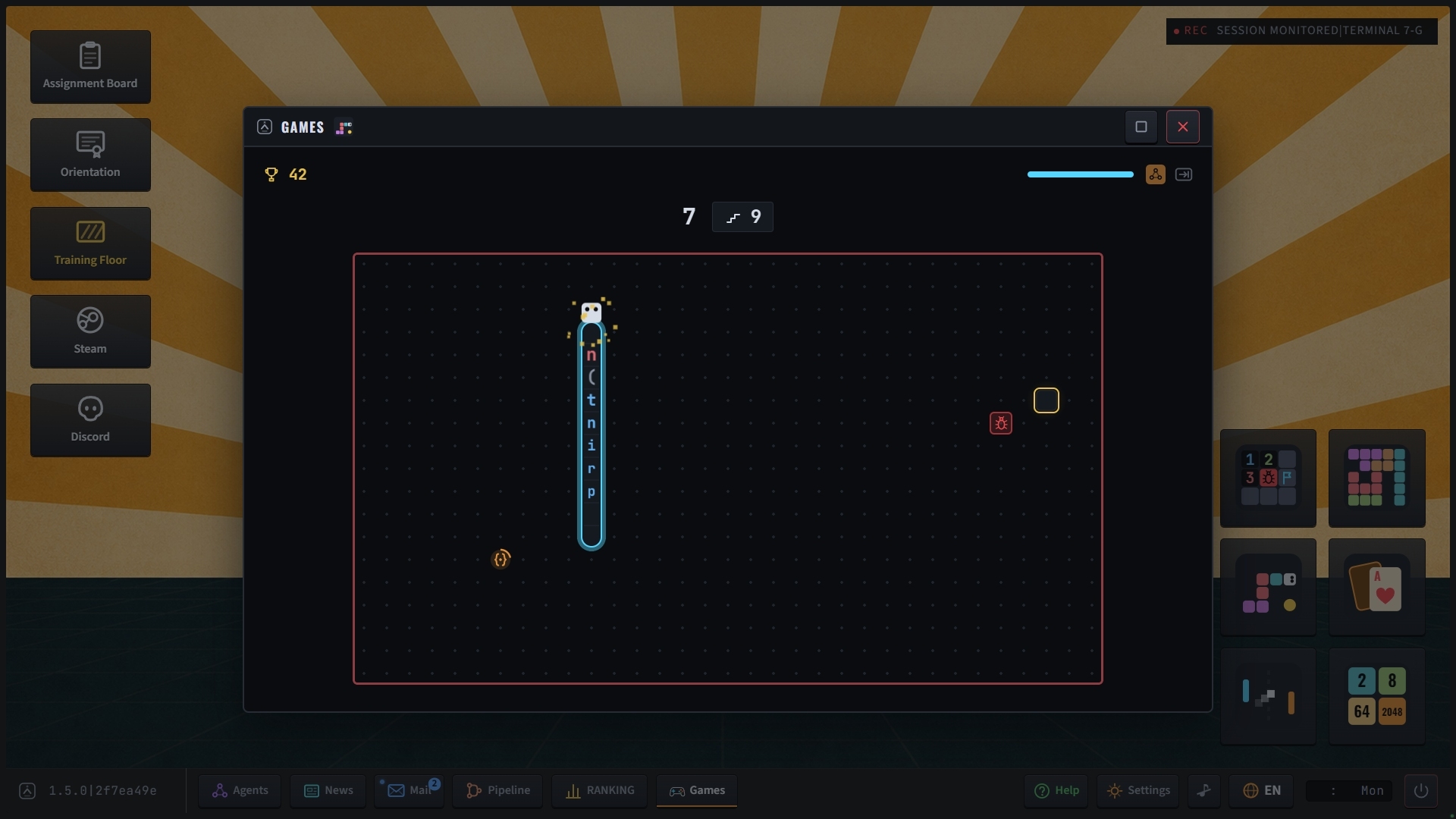
[NEW] Context Snake collects code one character at a time, building a line along its body. Collect the bonus quickly for more points. Bugs appear as the snake grows. Hitting a bug or a wall ends the run.
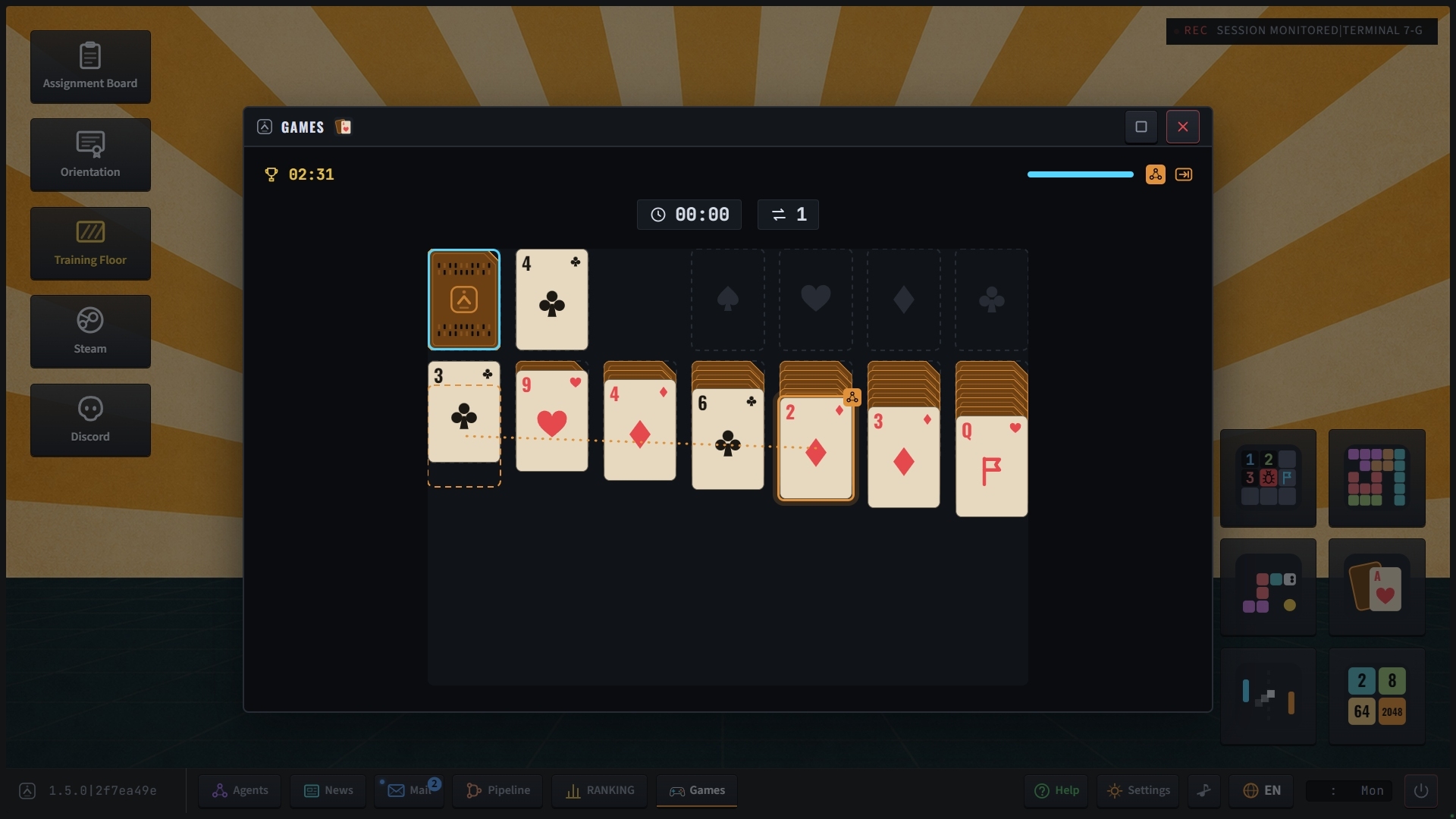
[NEW] Solitaire uses a deck of punch cards. Draw one card at a time, with unlimited undo. The game automatically moves cards to their final piles when it is safe to do so. The jacks show the AI, the queens show the reviewer, and the kings carry the Company stamp.
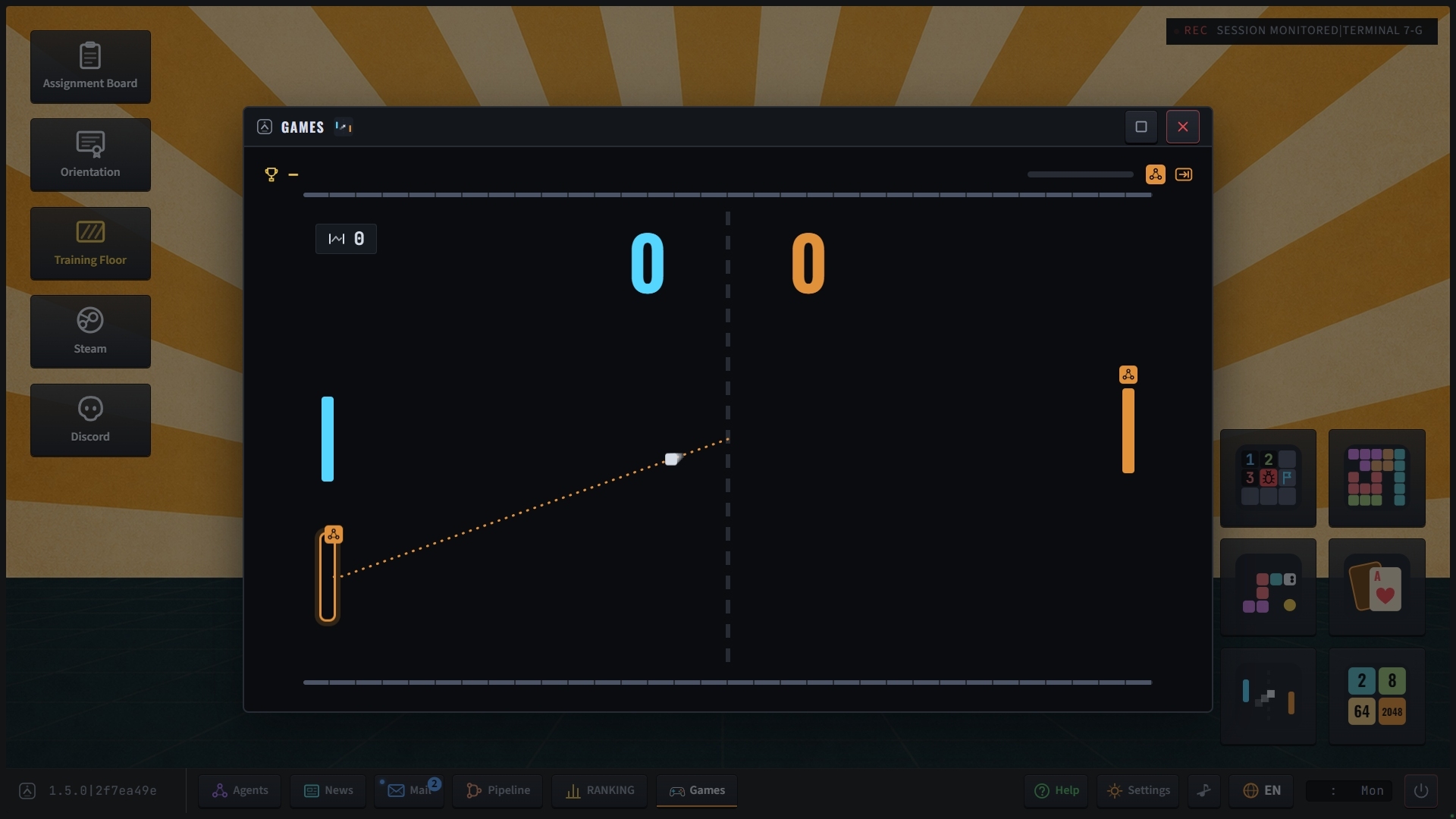
[NEW] Rally pits your paddle against the Company's, with a text cursor as the ball. As the rally speeds up, your opponent's aim gets worse. Keep the ball in play to improve your chance of scoring.
[NEW] Context Window lets you slide and combine numbered tiles to reach 2048, the context size of an early language model. The gauge beside your score lights up a segment each time you reach a new tile value.
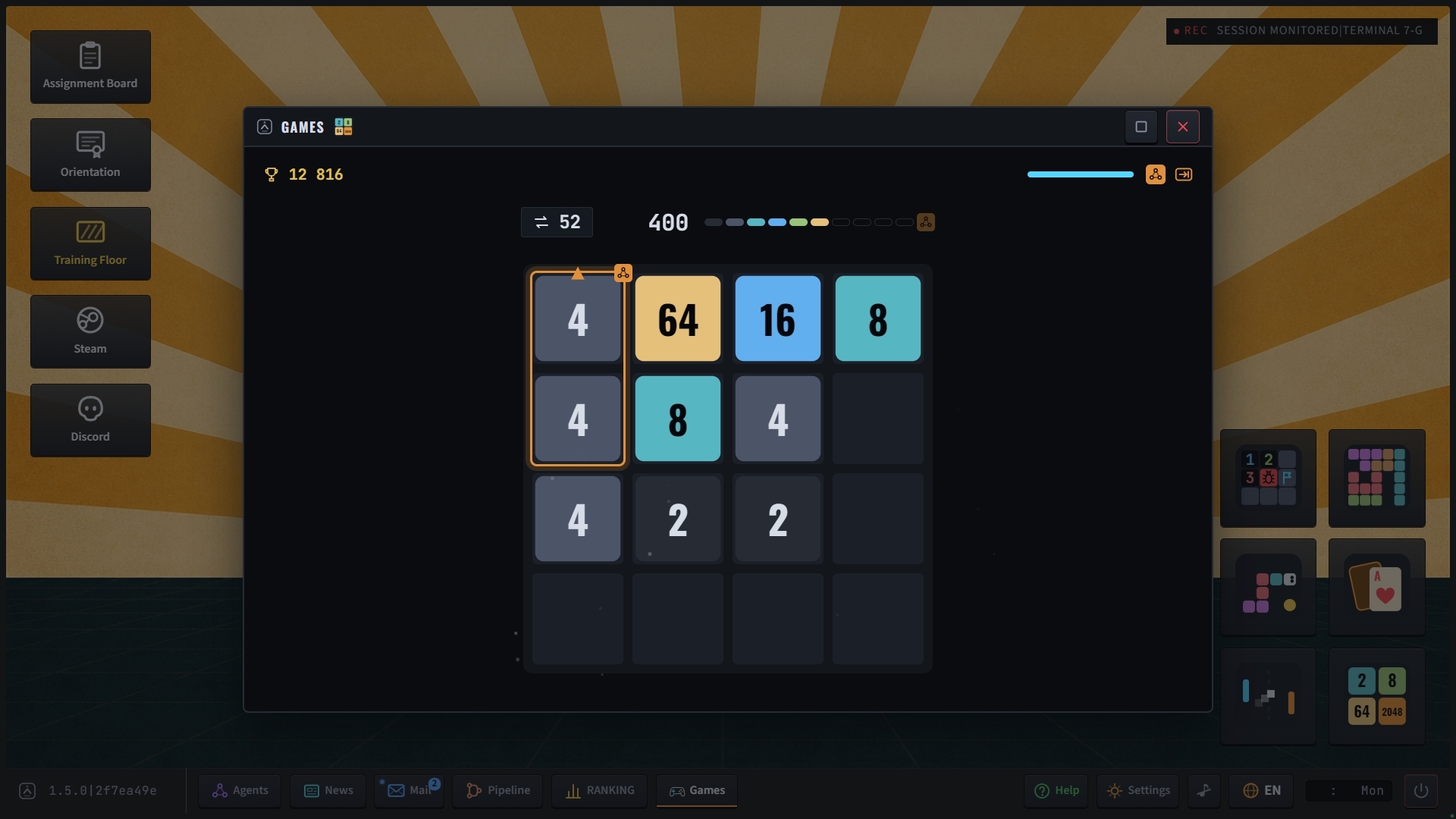
[NEW] The AI sometimes marks a move with an amber outline. Its suggestions are always good moves, and you can use one with a single button press. Each best score shows how much of the run you played yourself. If the AI played most of it, the Company adds its stamp.
[NEW] Each game has a daily challenge. The board stays the same for that calendar day, and your daily best is saved alongside your all-time best.
[DEMO] The demo includes Bug Sweeper, Context Snake, Solitaire and Rally. Merge Stack and Context Window are available in the full game.
Fixes and changes since 1.4.0
[PERFORMANCE] The rain and light streaks along the screen edges now take much less work to draw. This improves frame rates on slower computers.
[PERFORMANCE] The screen flicker effect now updates in steps. This uses less processing power on computers without graphics acceleration.
[PERFORMANCE] The installation is about 20 MB smaller because fonts now use a single file format.
[LINUX] Some Linux users reported low frame rates and delayed clicks with a proprietary graphics driver. On systems using that driver, the game now applies two driver settings at startup. Either setting can be disabled through the launch options.
[AUDIO] The music restarts automatically after a playback error or an unexpected pause. It still follows your mute setting.
[AUDIO] Menu music now moves to the next track when the current one ends.
[SAVE] If a save file is damaged, the game keeps all the data it can still read and saves a copy of the original file.
The game's Python-like language now matches Python 3.12 in more cases. This covers checking whether two values refer to the same object, looping over dictionaries, tuple arithmetic and ordering, numbers written with an exponent, and sorting without a key function. When a function calls itself too many times, the code can now catch the resulting error.
[UI] The minimum window size is now 1280 by 800, the size needed for the desk games.
[UI] Controller button hints stay hidden while you use a keyboard and mouse.
[UI] Every demo result slip now lets you open the Orientation course directly at its course board.
[UI] The help note about editing code yourself has been removed because it kept reappearing after you closed it.
[BUG] When you start a new posting, the desk tour waits until you close the opening letters.
[BUG] The terminal now shows only one cursor while a suggestion is open.
[BUG] Escape now skips the start-up invitation, as its button hint says.
[BUG] The help card stays closed when a new ticket opens after a shift change, leaving the brief visible.