
1.4.0 Orientation
Never written code? The Company has reviewed the matter and decided it is your responsibility. It has also opened the Orientation Division to help.
Orientation helps you learn the job
Orientation is an optional, unpaid course with thirteen lessons for anyone new to programming. You learn to read code in plain language, follow how a value changes, run checks and find mistakes in the AI's confident answers. The course covers all the programming knowledge you need to solve the game's tasks.
Every lesson uses the same desk and tools as your shifts. The early lessons guide you through worked examples. From lesson seven, you work on your own with less help. When you get something wrong, the feedback explains what you misunderstood. You can earn up to three stars per lesson, and the course ends with a grade and a certificate.
Training stays separate from your career. You earn no pay, receive no bills and leave your standing and career record unchanged. Take it before your first shift, during an assignment or skip it altogether. Open it from the Orientation icon on the desktop, HR's letter or the Assignment Board. The course is also in the demo and is available in every language the game supports.
The DOC tab has also been expanded. Every language feature used in the tasks beyond the basics now has a reference card with a short example and its output. You can look it up while you work.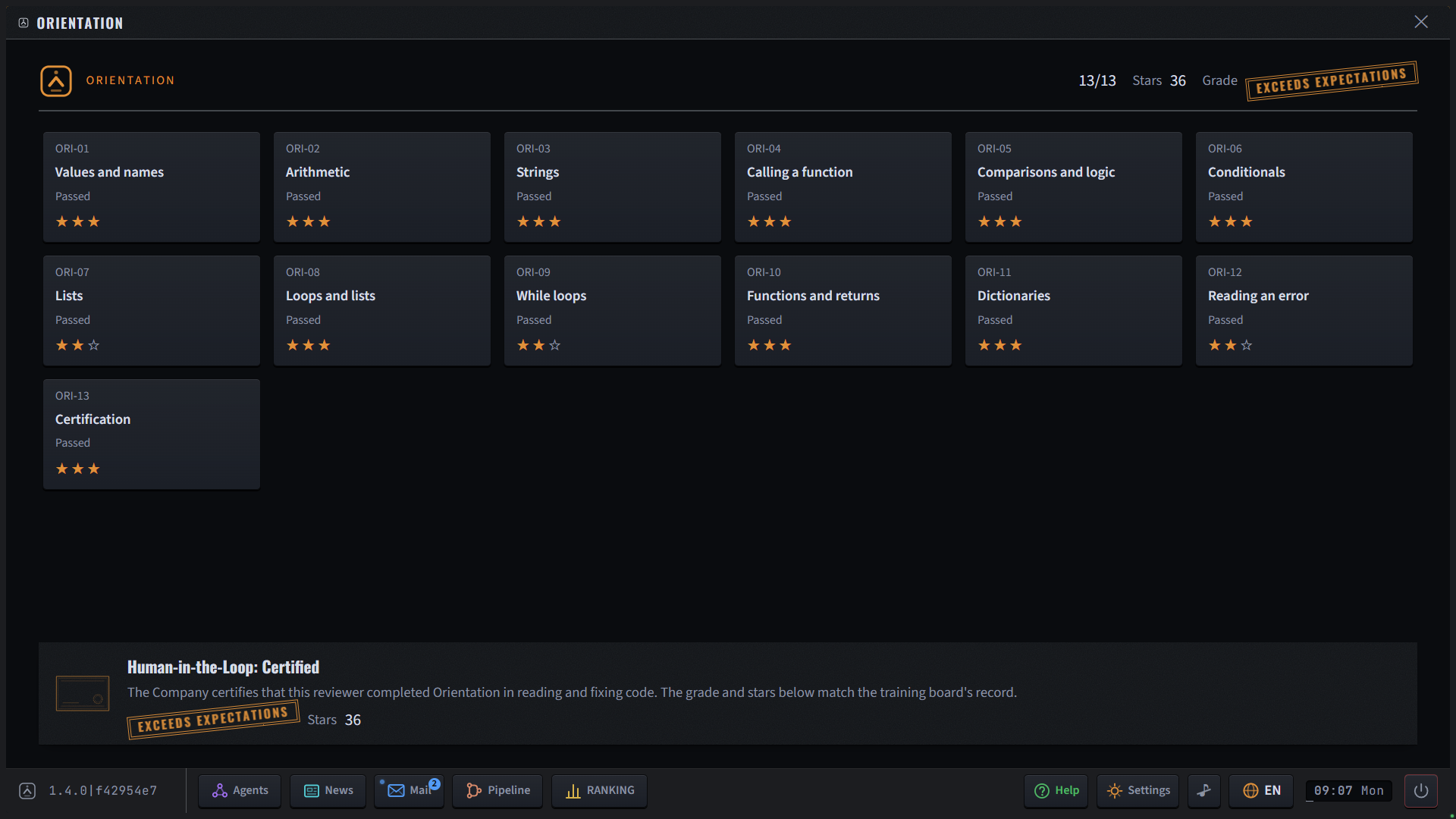
Other changes since 1.3.2
You can change the language at any time, including on the Training Floor, where the language list could stop responding.
Leaving the Training Floor board no longer leaves an unresponsive window blocking the desk.
Escape closes the topmost drawer, tools panel, slip or language list before asking whether to quit the game.
On the course board, Escape and the power button return you to the desktop instead of quitting the game. They ask for confirmation only when a lesson is in progress.
Checks you have not run on the current code pulse in their own colours until you run them. Editing the code makes them pulse again.
The DOC tab is always highlighted. On the first tasks, it also pulses until you open it. The cards are easier to read, with columns and properly formatted code examples.
When there is no relevant file to show in the side panel, the panel shows DOC instead.
The desk tour starts on the first task of whichever assignment you begin with. It never runs during gigs. Once you finish or skip it, it stays off.
The desk tour no longer covers an assignment's opening letters or moves focus away from them.
HR's course letter now has a clearly marked action button, like the placement letter.
Using a button in a letter to open a window now closes the mail drawer.
The demo notice always includes a "Learn the basics first" button in its own colour.
Updated the engine, development tools and dependencies.