
The village made it through the night, but the outer fence took damage. What should you repair first? Where did the stone go? Who needs a rest? This development diary follows the decisions that shape the first ten days and the people whose work you can read about after the tenth night.
The first ten days: open the screen you need
The morning council explains that choosing a work priority advances time. From the village guide, you can open the defense, supplies, or buildings screen directly. The construction guide shows how many projects are underway and how many are waiting to start.
On Day 3, you can choose to prioritize protecting residents overnight. On Day 5, the resident screen puts health, fatigue, and fullness together so you can decide who needs to rest.
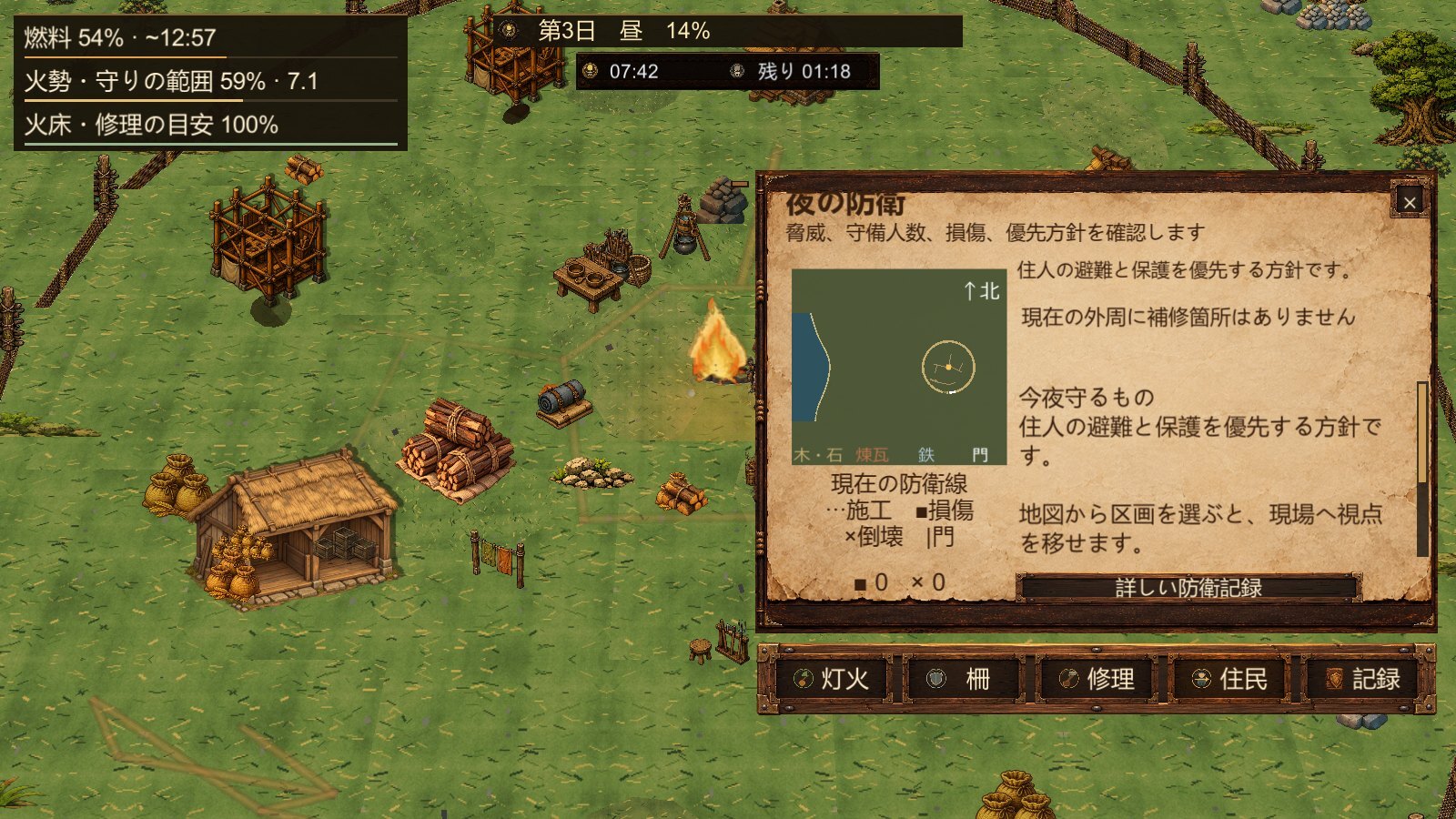
Day 3. Defense screen with resident evacuation and protection selected as the priority.
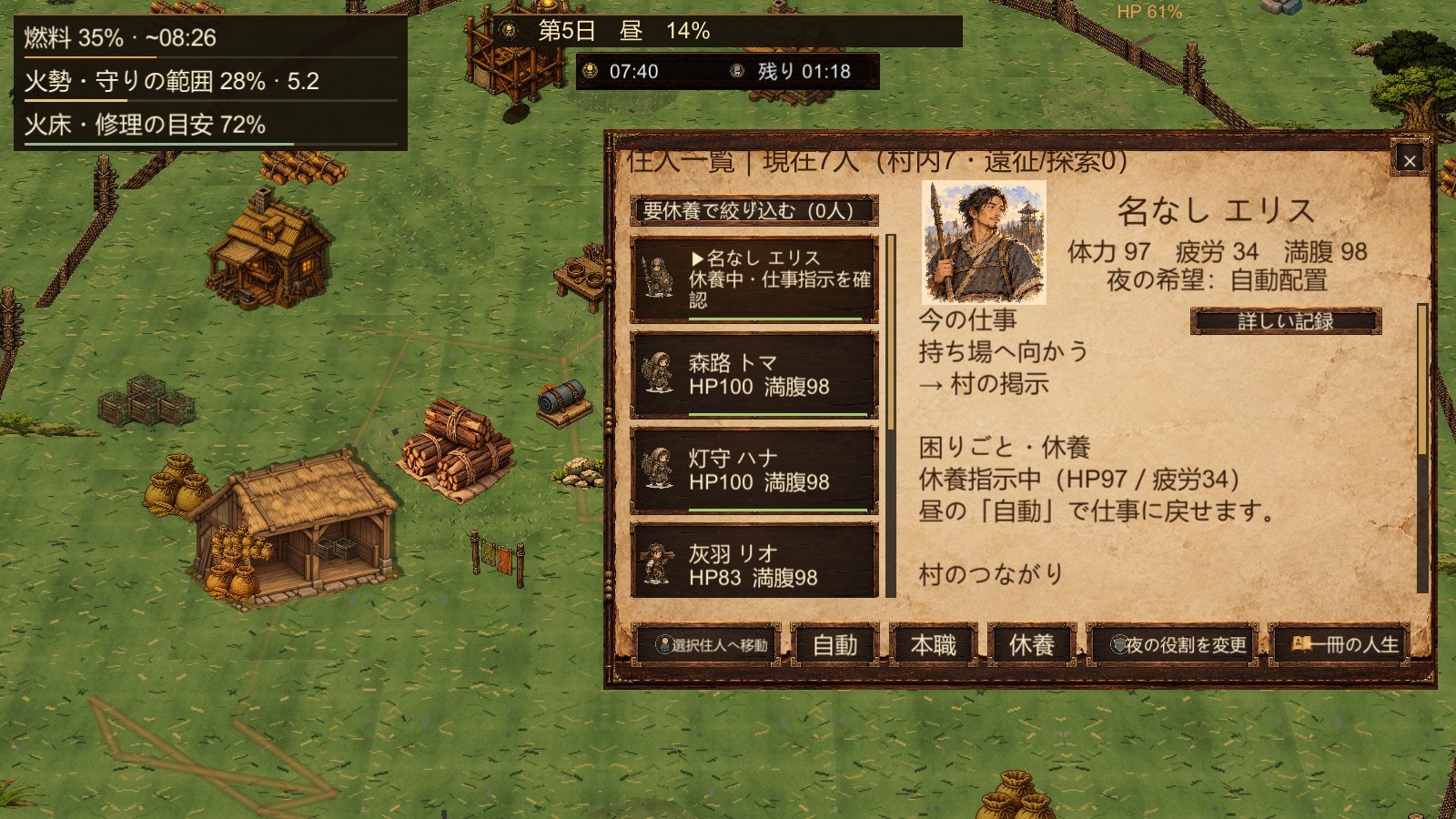
Day 5. Check a resident's condition and assign rest from the same screen.
Repair ledger: see what the next repair needs
The village repair screen shows the condition of damaged perimeter sections, the materials needed for one repair, progress, and who is doing the work. You can mark an active section as a priority while it waits for supplies. Open the site from the list to see who is carrying materials and who is already repairing the fence.
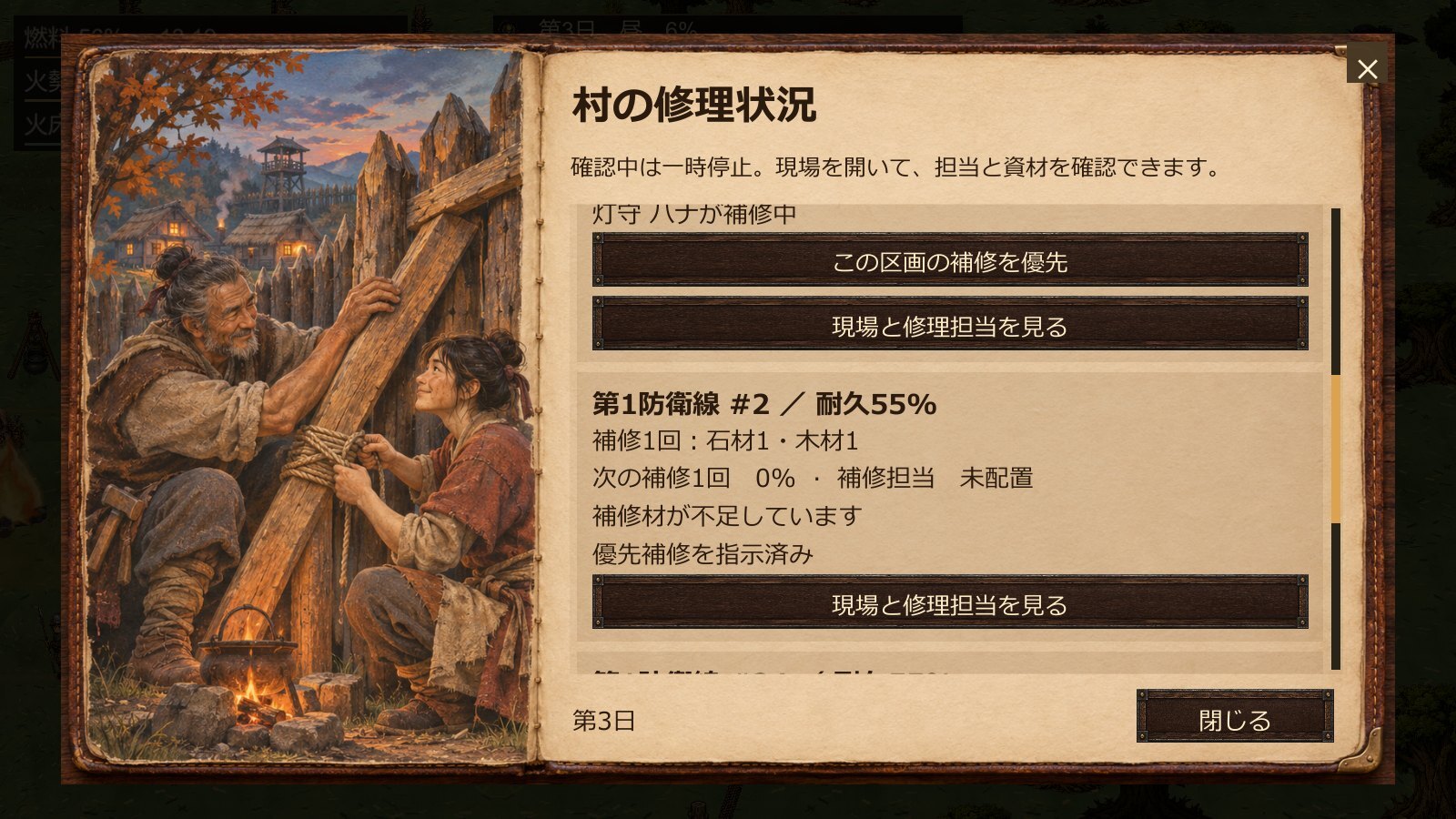
The 55% durability section is short on materials, has no assigned worker, and is marked for priority repair.
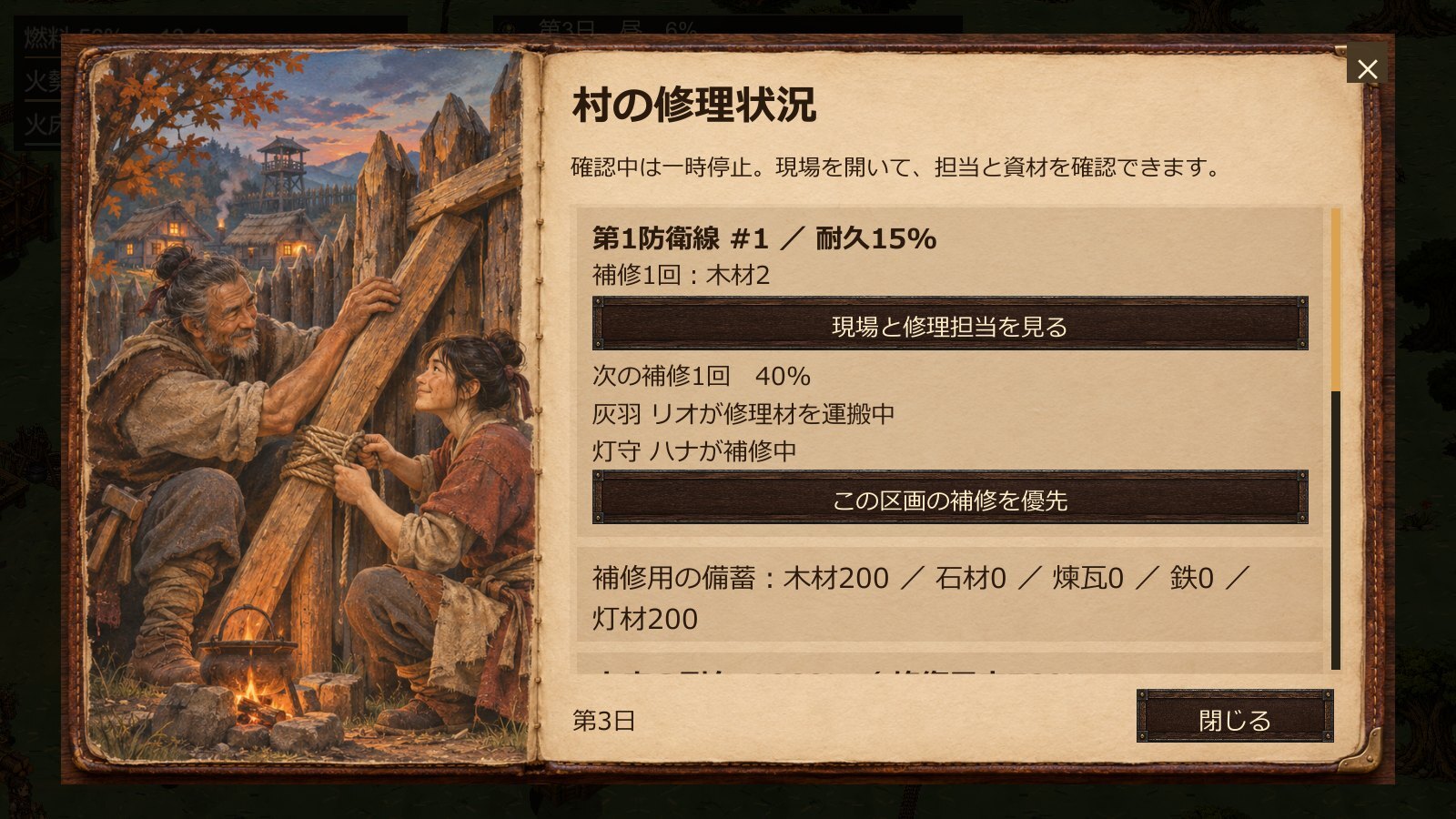
On a section at 15% durability, the next repair is 40% complete. Rio is carrying materials while Hana works on the fence.
Delivery ledger: follow the stone to its destination
The latest 12 deliveries show the day, resident, material, amount, and destination. Filtering for stone lets you compare a delivery to the warehouse with one left by the campfire on the same day. Open a delivery on the map, then return to the same filter and row while the record remains in the ledger. You can still return after the map marker fades.
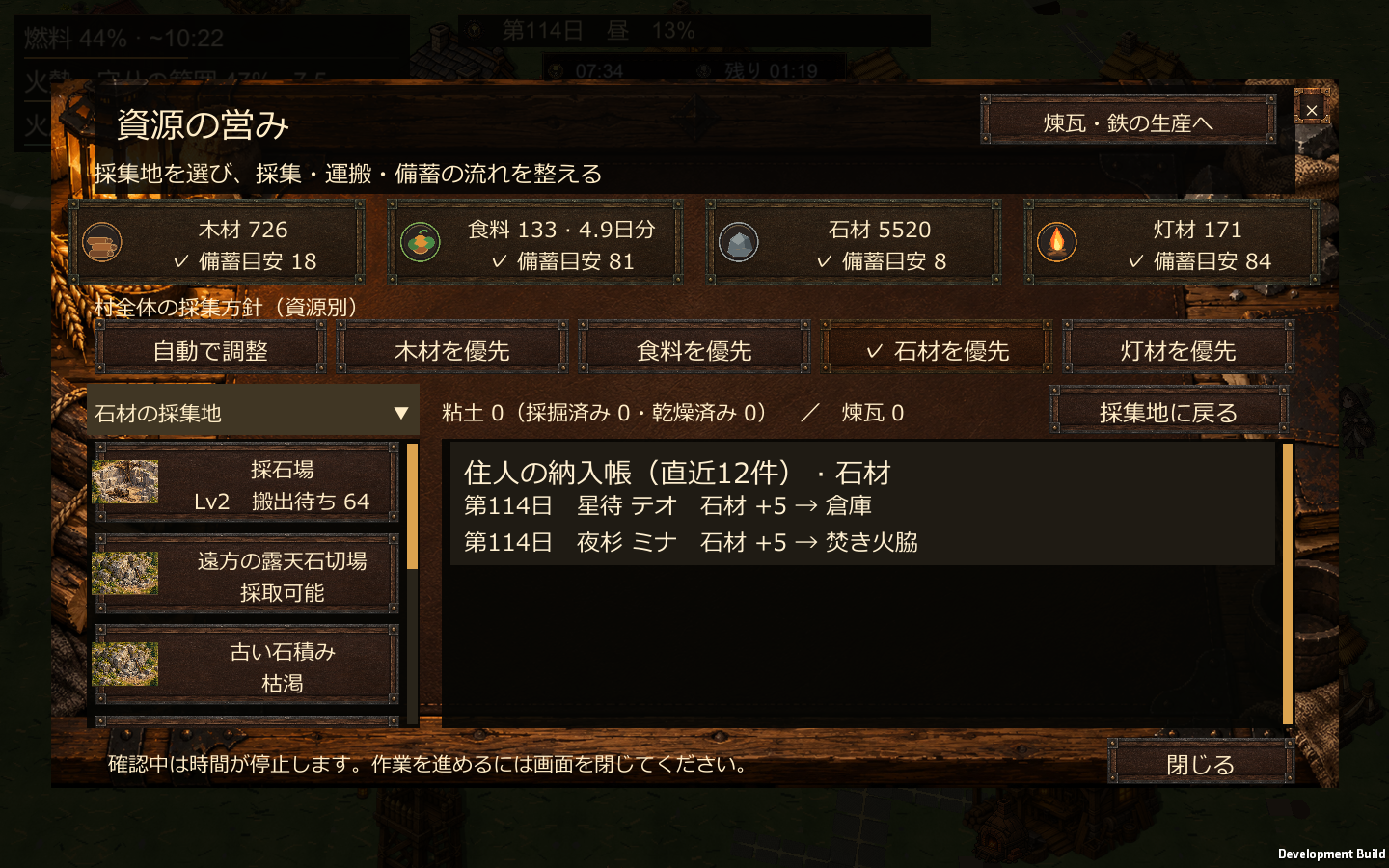
Two residents each delivered stone, one to the warehouse and one to the campfire.
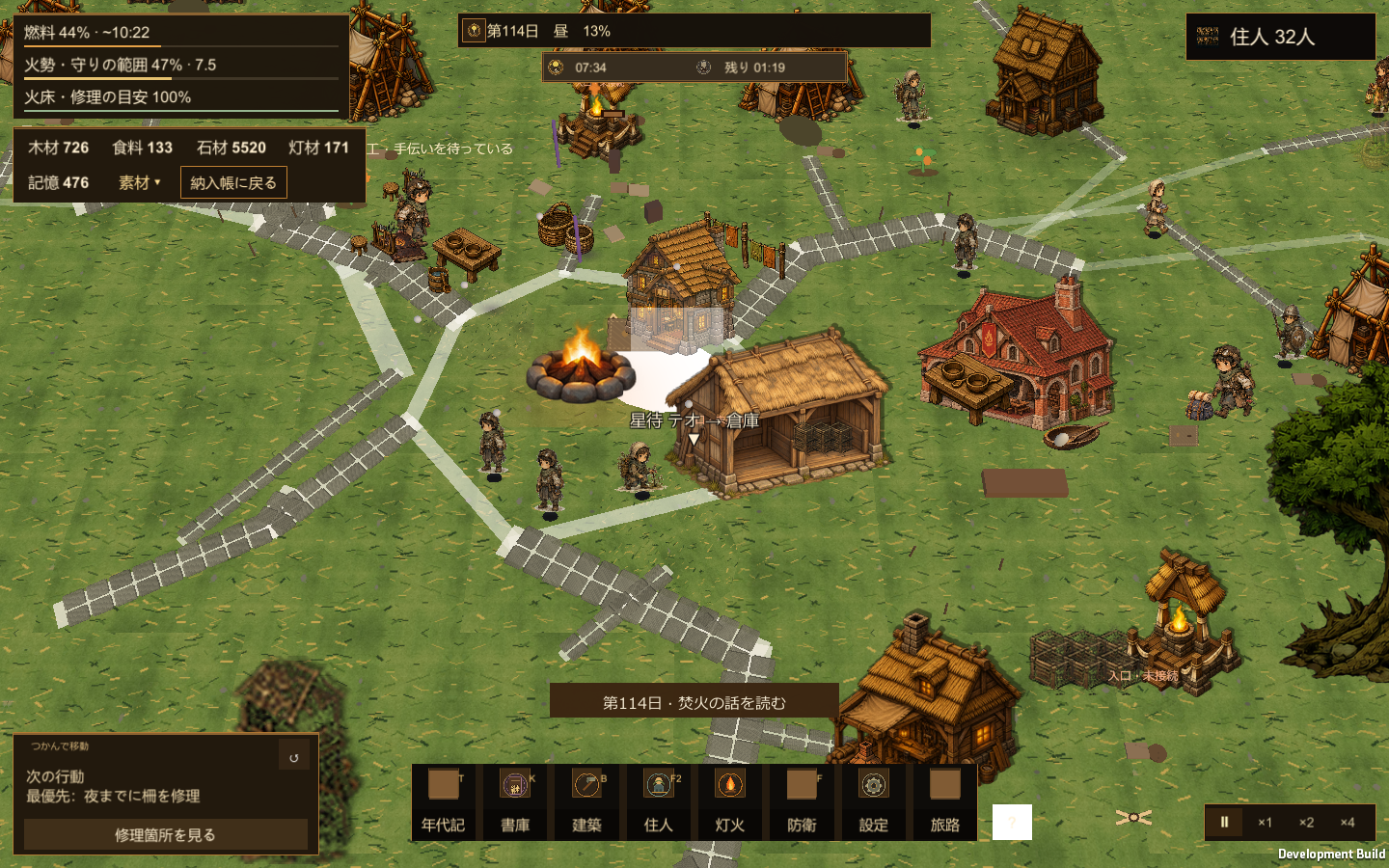
The map shows the warehouse. The return button leads back to the delivery ledger.
The Eastern Journey: read the map before preparing to leave
The village guide opens the destination on the map. Travel preparation opens separately, giving you a chance to see where the destination lies and which routes have been surveyed. A gold marker highlights a route that needs to be surveyed first and lets you check its requirements.
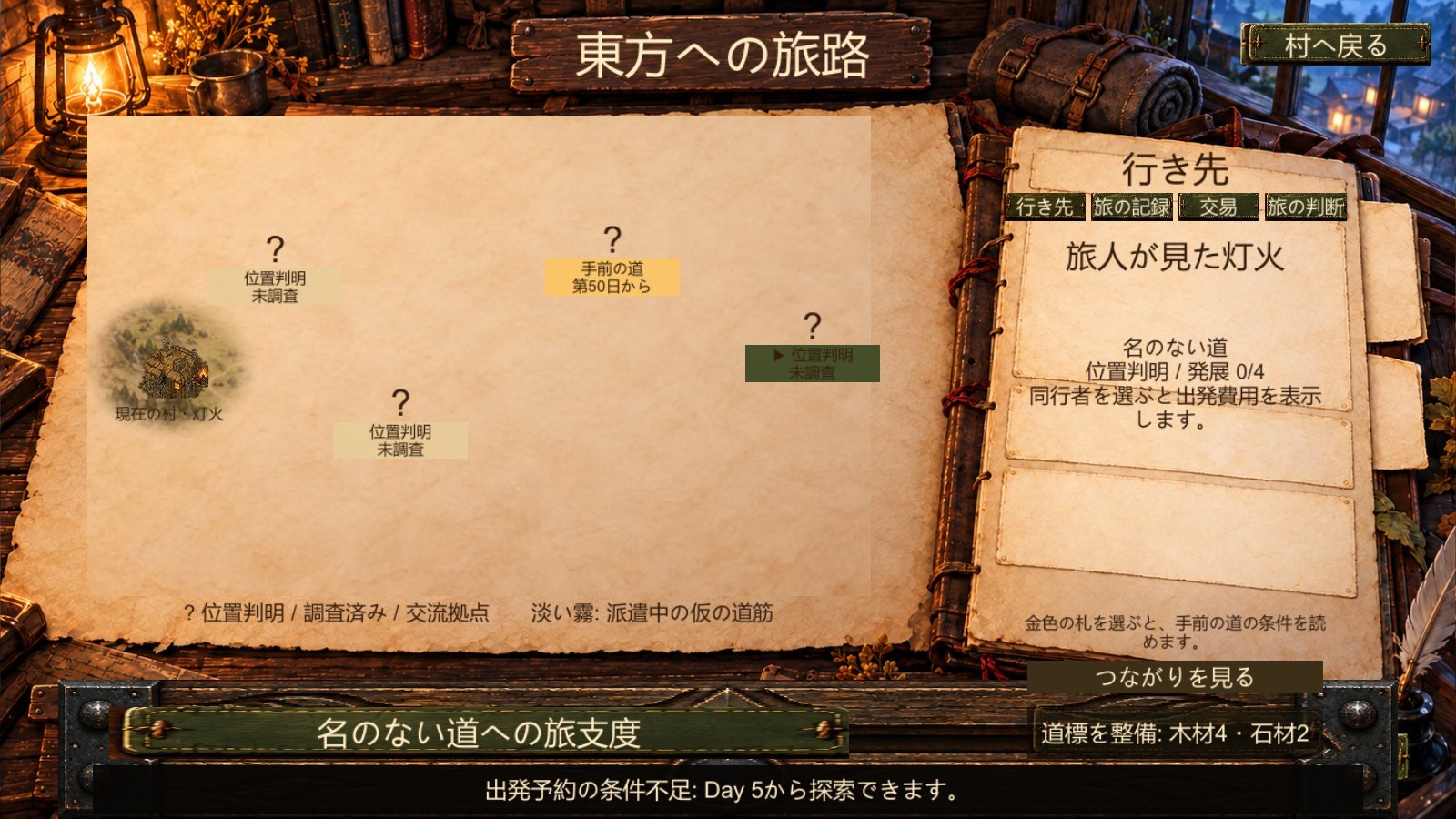
The gold marker identifies the preceding route and shows when it becomes available to survey.
The tenth dawn: revisit the people behind the village record
After the tenth night, you can revisit who made the first preparations and who wrote the first morning's journal. In this test village, Ellis bundled the first firewood and Nana wrote about the first dawn. Open a Life Book from the tenth-night record to read about that milestone from a resident's perspective.
The demo's ten-night recap is also getting a clearer route through related records. Open the other person's record from a bookmarked promise, then return to that promise or to the original book on the bookmarked shelf.

Main game development build. The tenth dawn recap remembers Ellis's first firewood and Nana's journal.
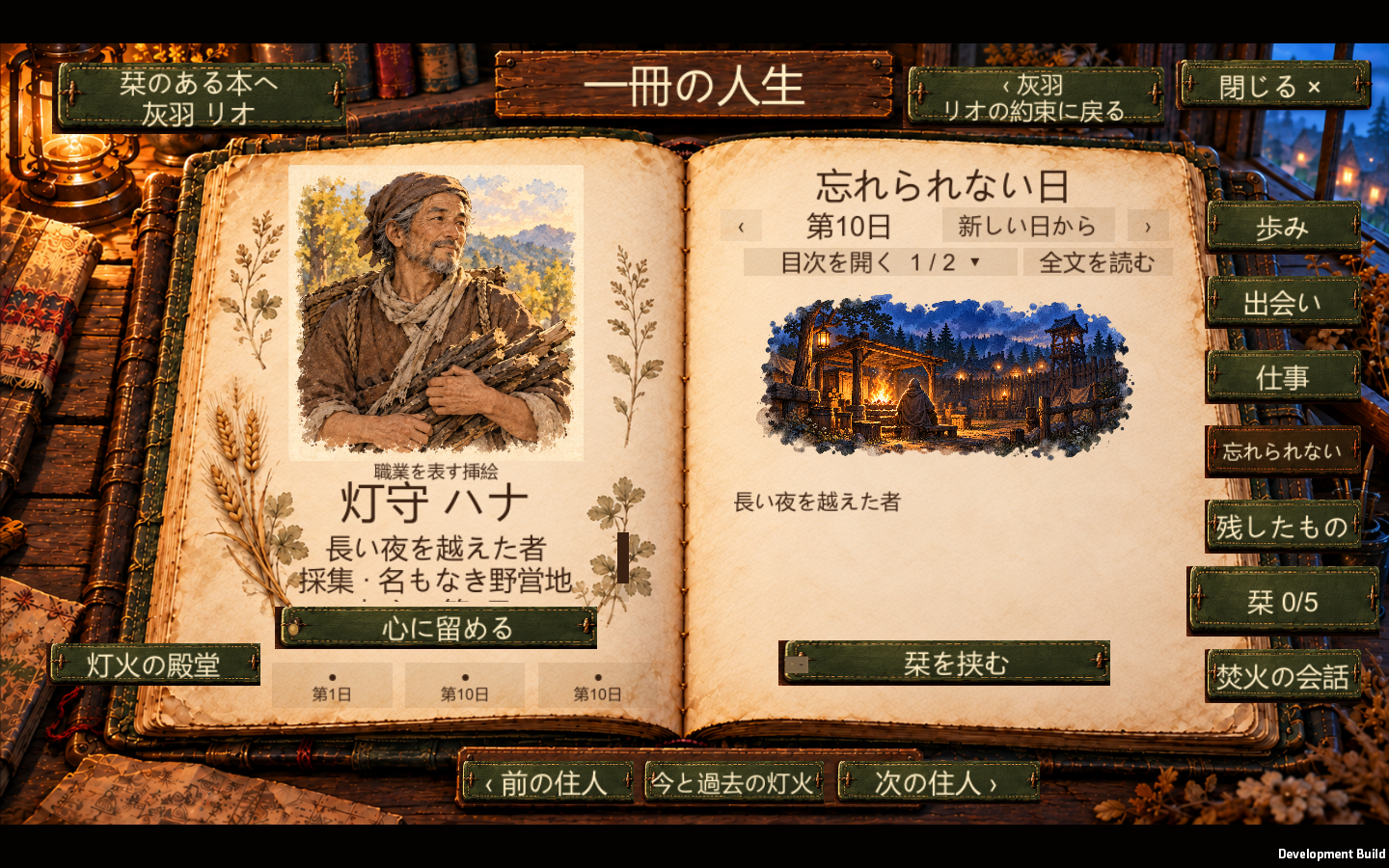
Demo development build. Hana's record can take you back to Rio's promise or to his bookmarked book.
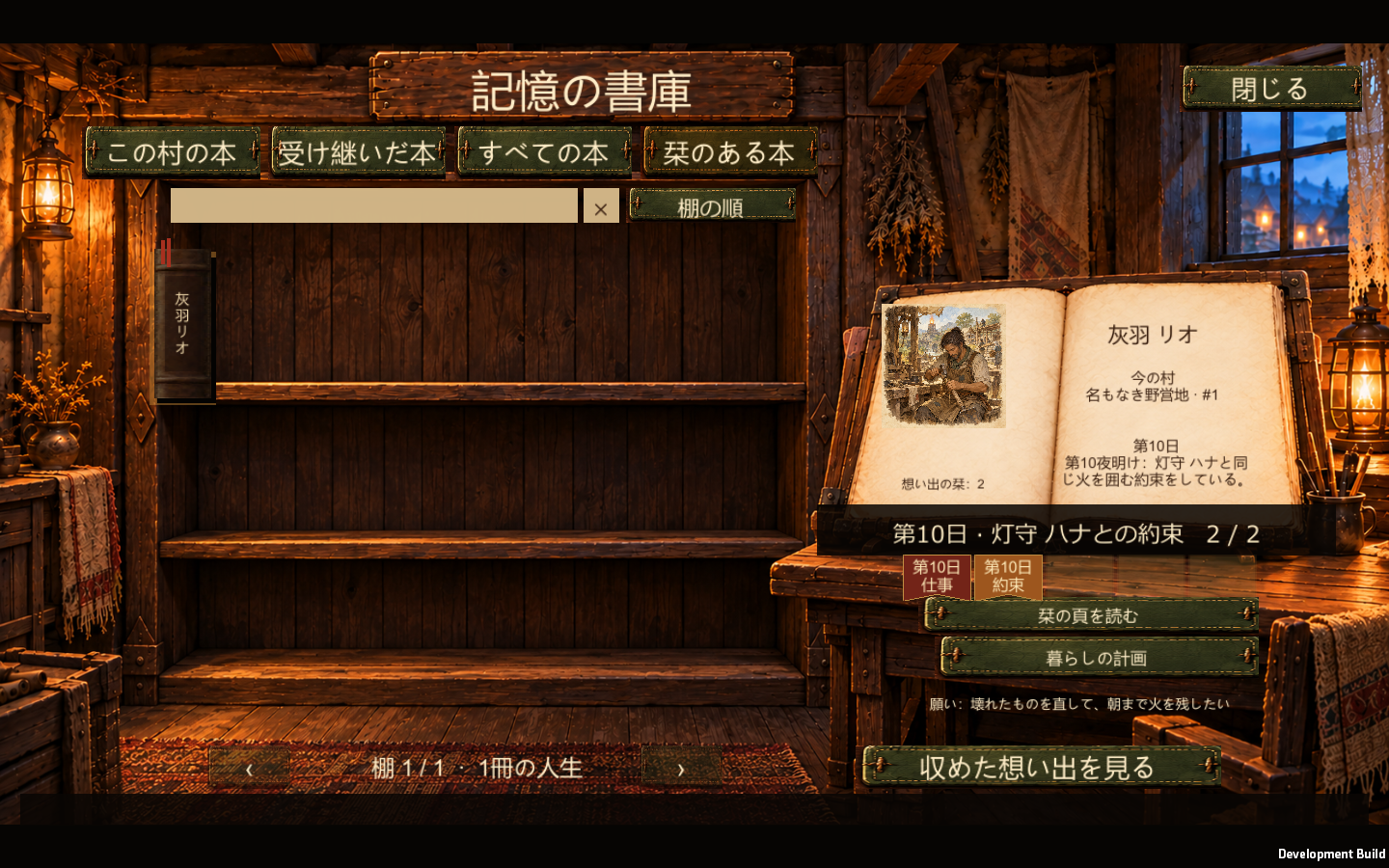
Demo development build. Back on the shelf, Rio's book still has the promise to Hana selected.
What would you like to revisit in your village: a repair you waited for, a delivery that saved the day, or someone you remember from the first dawn? Tell us in the Steam Community.
Steam store page Steam Community
Development diary for November 23, 2026. Screenshots are from Windows development builds and test saves. Steam availability of these changes is still being checked.