
WarpRacer plays best with a controller. The default layout is Xbox-style.
Using a controller
- Connect your controller to your PC (USB or Bluetooth) before launching the game.
- If the game doesn't react, click the game window and press any button on the controller.
- Remap any control from Map Controller on the start screen or in the Pause menu. Reset Defaults restores the standard layout.
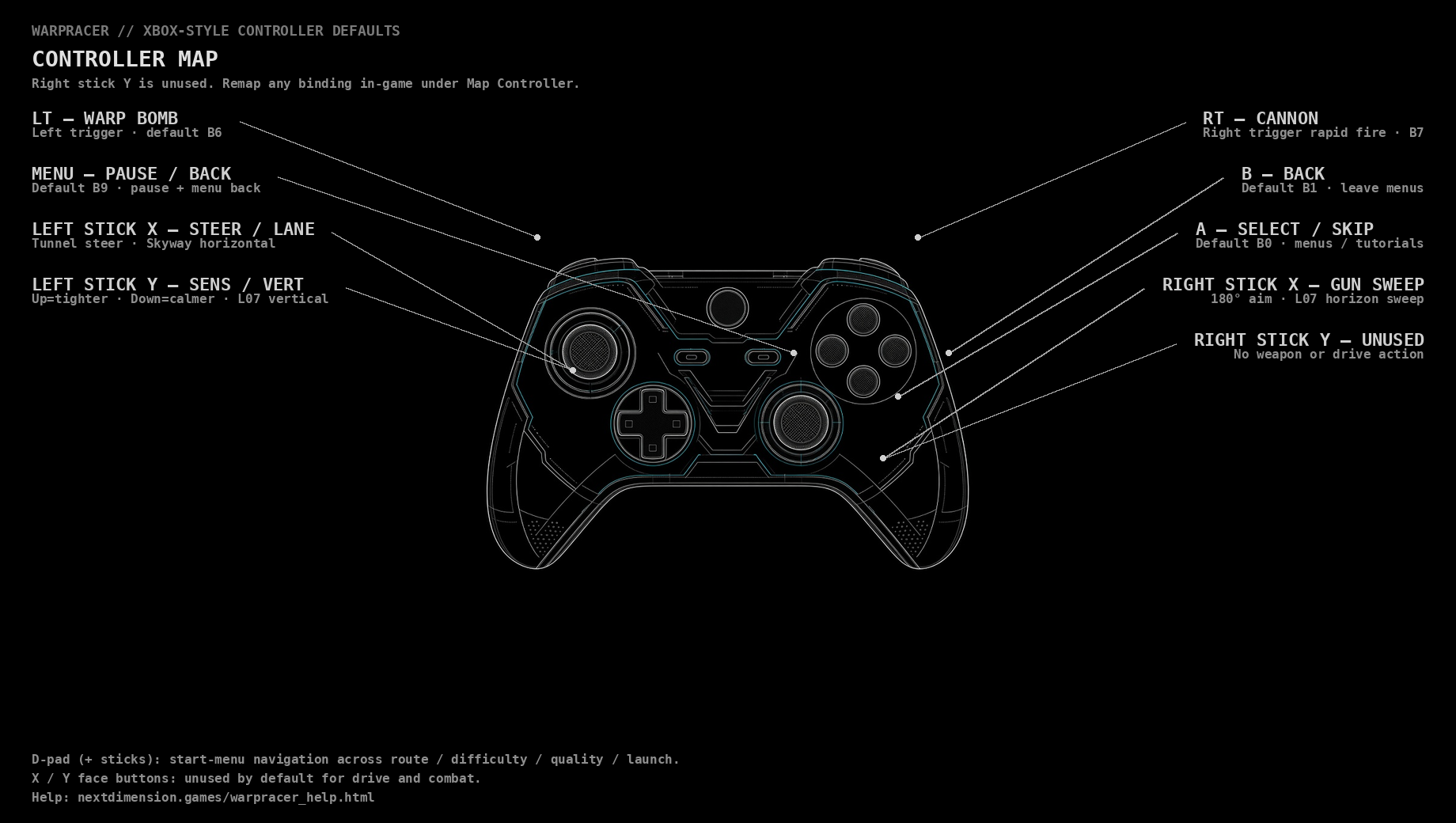
Controller
- Left stick: steer
- Left stick up / down: steering sensitivity (up = tighter, down = calmer)
- Right stick left / right: aim the cannon
- RT: fire cannon (hold to keep firing)
- LT: Warp Bomb
- A: select / skip
- B: back
- Menu: pause
- D-pad or sticks: navigate menus
Keyboard
- A / F or ← / →: steer
- S / D: fine steer
- W or ↑ / ↓: tighter / calmer steering
- Shift: fire cannon (straight ahead. Aiming needs a controller.)
- / (forward slash): Warp Bomb
- Space: start / continue / skip story cards
- P or Esc: pause
- R: restart the level
- Arrow keys + Enter: menus (Esc to go back)
- F11: full screen
Controls page: nextdimension.games/warpracer_help.html
Controller not working? Post in Discussions and tell us which controller you're using.