
Thank you so much for playing the demo! We have released an update based on your feedback and impressions.
This update introduces mouse-and-keyboard controls, default menu pausing in Casual mode, and improvements to how Orbs replace equipment bonus effects. We have also refined combat controls, automatic movement, and Magic Core Compression.
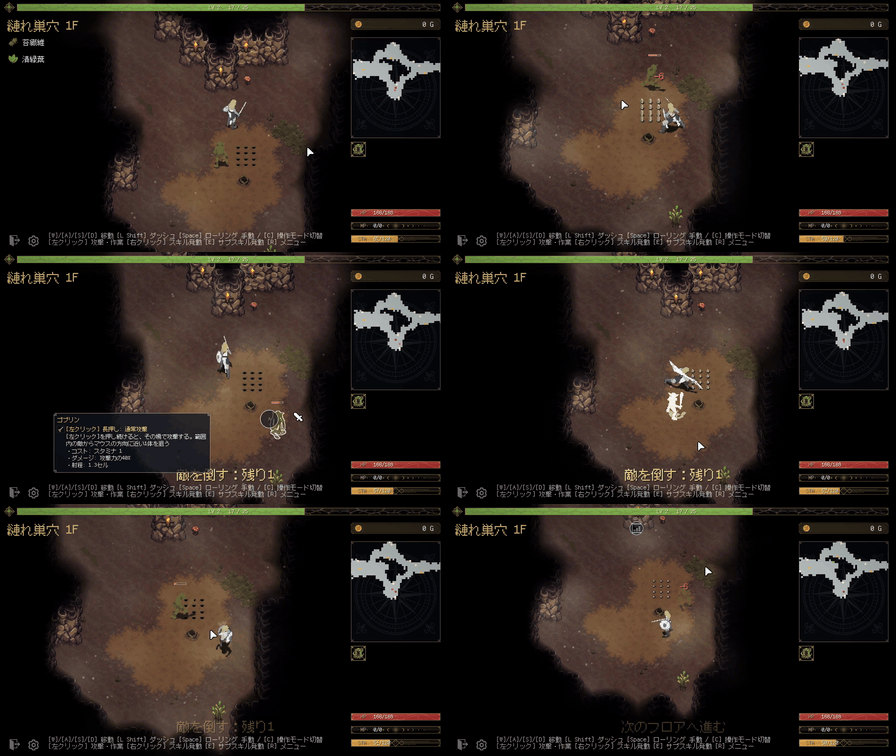
Update Details
Mouse-and-keyboard controls
- Added Classic controls, which combine the mouse and keyboard. You can control your character directly, moving with WASD and attacking with the mouse.
- Choose between Classic controls and the existing mouse-only Modern controls when starting a game or in Options. You can also switch to automatic mode during play while using Classic controls.
- Added key rebinding, along with control instructions in tutorials and the guide at the bottom of the screen.
Menu pausing is now the default in Casual mode
- Casual mode now starts with the game set to pause while the character window is open, giving you time to check your equipment, items, and stats.
- Existing Casual saves will also switch to this setting the first time they are loaded after the update. You can then adjust it to your preference under “Time in Menus” in Options.
Keep the original bonus effect when using an Orb
- When using an Orb to replace an equipment bonus effect, you can now see the roll result before choosing whether to take the new effect or keep the original. This lets you work toward your preferred equipment while protecting effects you already have.
- One Orb is consumed whether you choose the new effect or keep the original.
Added a Weak cursor snap setting
- Cursor snap now has three settings: Off, Weak, and Strong. Weak reduces snapping to targets and makes it easier to move the cursor away.
Made several skills easier to use
- Single Stroke can now be used against a distant enemy even while fighting an enemy nearby.
- Magic Shield can now be activated by targeting yourself even while you have an enemy targeted.
- Adjusted the activation distance for Teleport so it feels consistent on screen regardless of camera zoom.
Improved equipment restoration during Magic Core Compression
- You can now choose to restore equipment with a Stellar Orb even during chain and absorption animations in Magic Core Compression. Before the result is finalized, you can pause the process and decide whether to restore your equipment to its state before compression began.
- Combined the restoration confirmation into one screen and removed the input delay. Restoring equipment consumes one Stellar Orb, 10,000G, and the materials already inserted.
Other improvements and fixes
- Revised normal attack hit detection to better match what you see when an attack reaches an enemy’s body.
- Adjusted destination selection for automatic movement to better handle remaining targets tied to your character’s nature in the same room and paths opened up by the removal of furniture.
We will continue updating the game based on your feedback. Thank you for your continued support of Life Is a Dungeon: Lean into It.!