
Lots of patch notes, so I'll get right to it:
Tutorial
I reworked the opening tutorial after watching a lot of streams. It now walks you through one full loop: sweep tapes into the cart, set its filter, find the matching shelf, pull an armful and shelve it.
Buttons you need to hold show a ring filling up on the prompt. Buttons you tap show a quick bounce. If you tap one that should be held, it tells you.
Looky shows you that the symbol on the cart's filter matches the sign over its shelf.
The last step of the opening teaches the cart controls: hold Tab and pick a genre.
If you keep carrying tapes one at a time while the cart has that genre, Looky points you back to the cart once.
The "more pages" hint for the terminal now shows up after your first upgrade point, as a flashing MORE PAGES bar you can click.
Cart
If the cart has no filter, the first tape you put in sets it to that tape's genre.
The cart won't hand out tapes with no filter set. It tells you to tap Tab to pick one.
Pressing grab while aiming at the cart reminds you to pull from it instead.
The cart's filter is saved with your game.
Tab opens the cart's genre wheel everywhere now, including at the display wall.
At night the googly eyes glow and light the way like headlights.
Display wall
The layout wheel is gone. There's a big red button next to the wall now. Touch it to switch layouts.
Terminal
After you finish the store there's a MAIL page, so you can read the letter again.
PLAYLIST: select on a section folds or unfolds it.
PLAYLIST: songs in a section that's turned off are dimmed.
PLAYLIST: the now playing bar shows where the song is from, whether it's paused, and the time.
PLAYLIST: the cursor stays on the row you were on when the list changes.
PLAYLIST: the bottom line only shows the controls that work on the highlighted row.
Decorations
The resize range is doubled both ways. Everything goes half as small and twice as big as before.
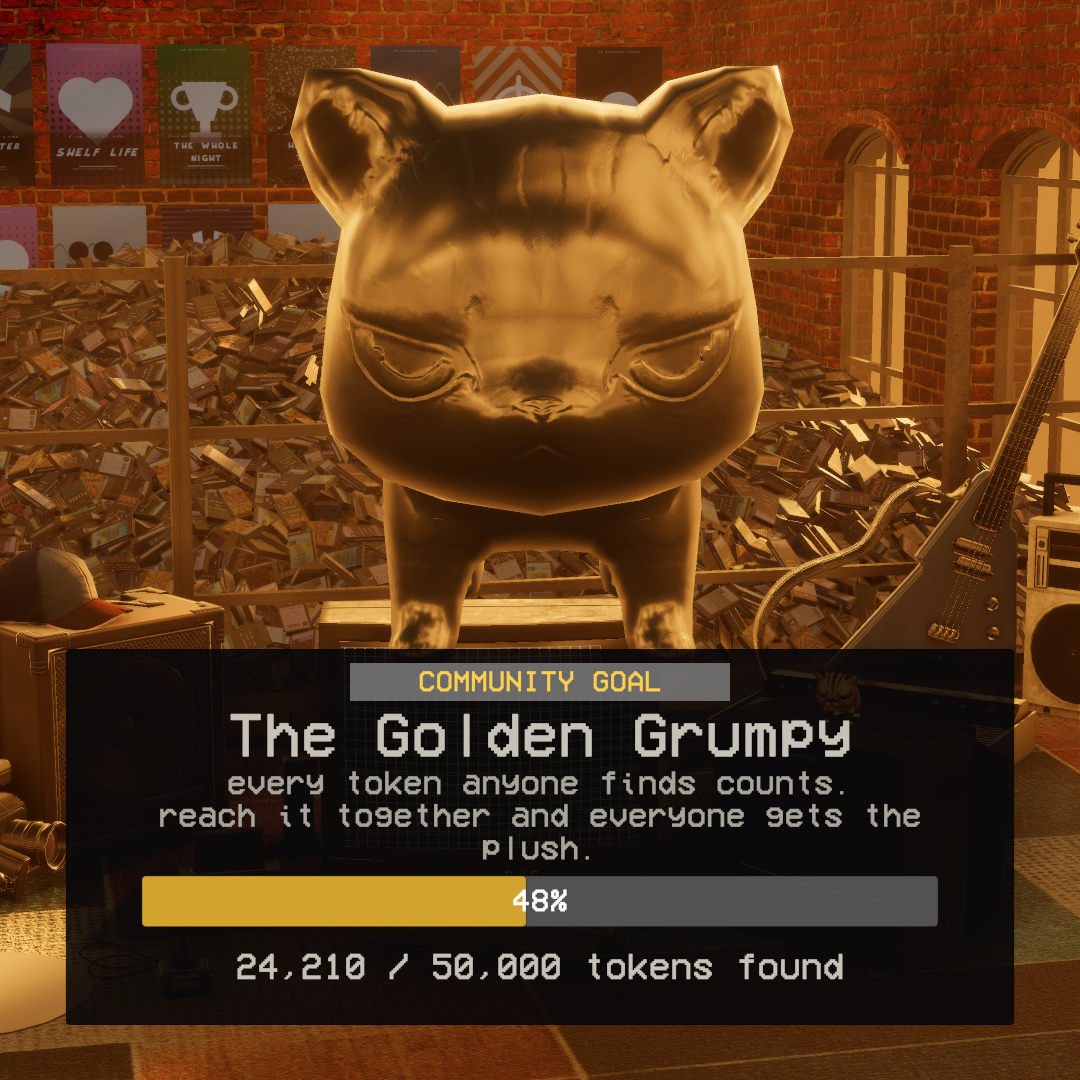
The Golden Grumpy goes smaller and bigger than any other plush.
Resizing is proportional now, so each step feels the same at any size.
Streaming
Claim a Kitten adds a new kitten to the store next to you, with the viewer's name. If the same viewer claims again, their kitten comes over to you.
New Max viewer kittens slider on the Stream tab, up to 1000.
With Block leaderboard-breaking effects on (the default), viewer kittens just wander around. Turn it off and they sort tapes too, but the first tape one sorts makes that run ineligible for the leaderboards.
While you're live, the Starter arcade cabinet shows chat what to type, and it shows the viewer's name when their effect goes off.
The Stream tab is cleaned up. Each effect shows its chat command first, with one short tag if needed.
The setup guide starts with a list of what chat can do.
!effects and COPY COMMANDS only list effects chat can actually use.
Channel-point rewards are cheaper by default (50 to 100 points). If you already made rewards, they keep their old costs until you remove them and create them again.
Controls
Mouse buttons show up as icons in prompts, tutorial lines and the Controls panel.
Visuals
Tape covers are brighter in shadow.
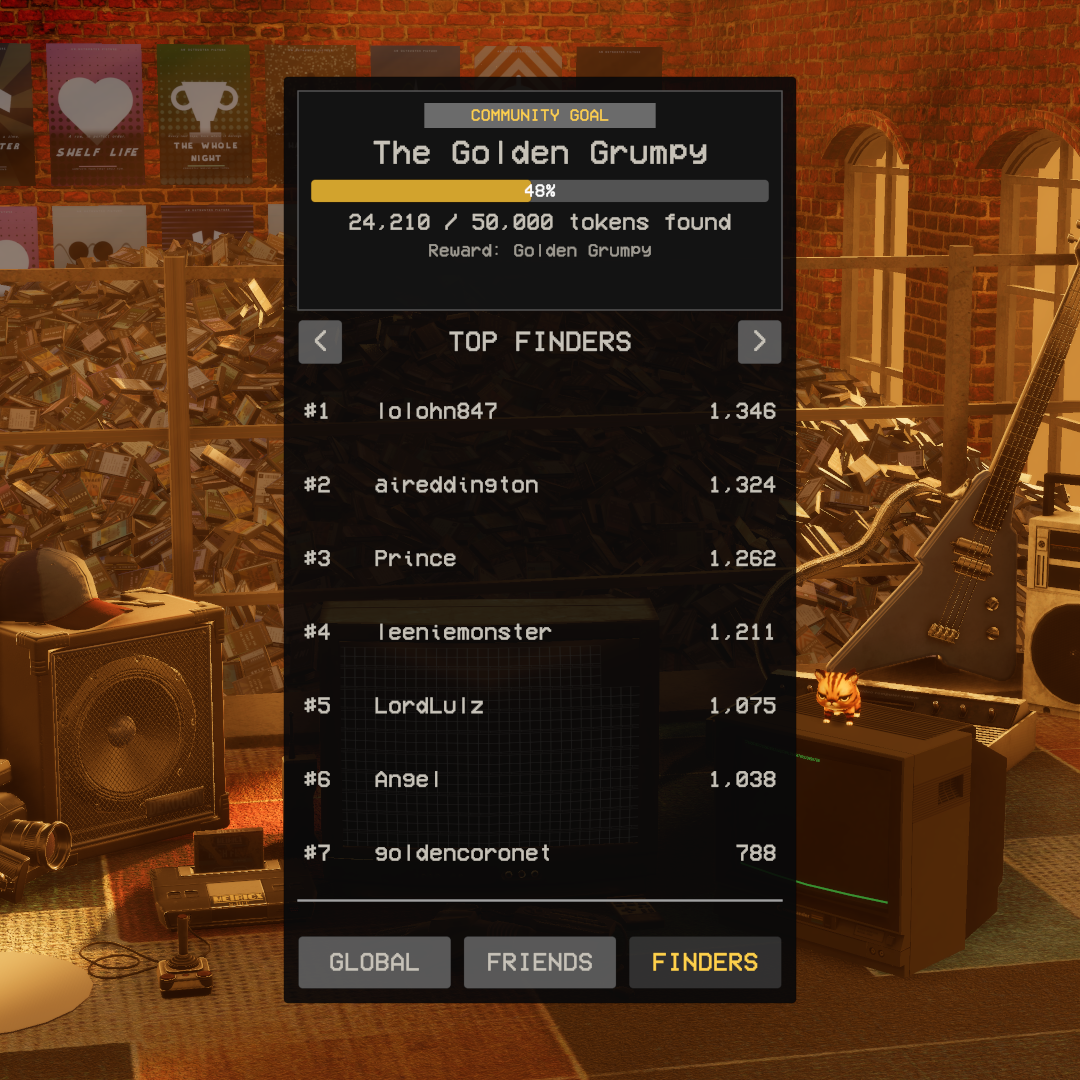
We are almost halfway to the GOLDEN GRUMPY PLUSHIE!
Have fun!
-alex