
This one's personal
Let me start with why I made it. For me, a huge part of a game's magic lives in its music. Out of nowhere a BGM you thought you'd lost echoes back, and every cell wakes up — suddenly you're sweeping across an open plain where the mountains and seas smell like freedom, grinding a stubborn boss for the hundredth time and getting more fired up with each try, humming the town theme you've looped until you know it by heart, or zoning out for an afternoon on a homestead farm with piano mixed into the rain. Those tracks sit inside you, and no matter how long it's been, hearing one again pins you right back there.
In an era of streaming, making a local player is a small, quiet thing — my friends ask what I'm up to, and I tell them: mostly just keeping myself busy. But I suspect some of you feel exactly the way I do. You don't just want the music; you want to hold on to the time those games gave you. Truthfully, I didn't want ads, memberships, and painful subscriptions souring the mood, so I went ahead and built MythTunes — a plain, 100% local music player.
Screenshots below show English UI as a demo — the app ships with 16 localized interface languages.
Built the way a game fan would want
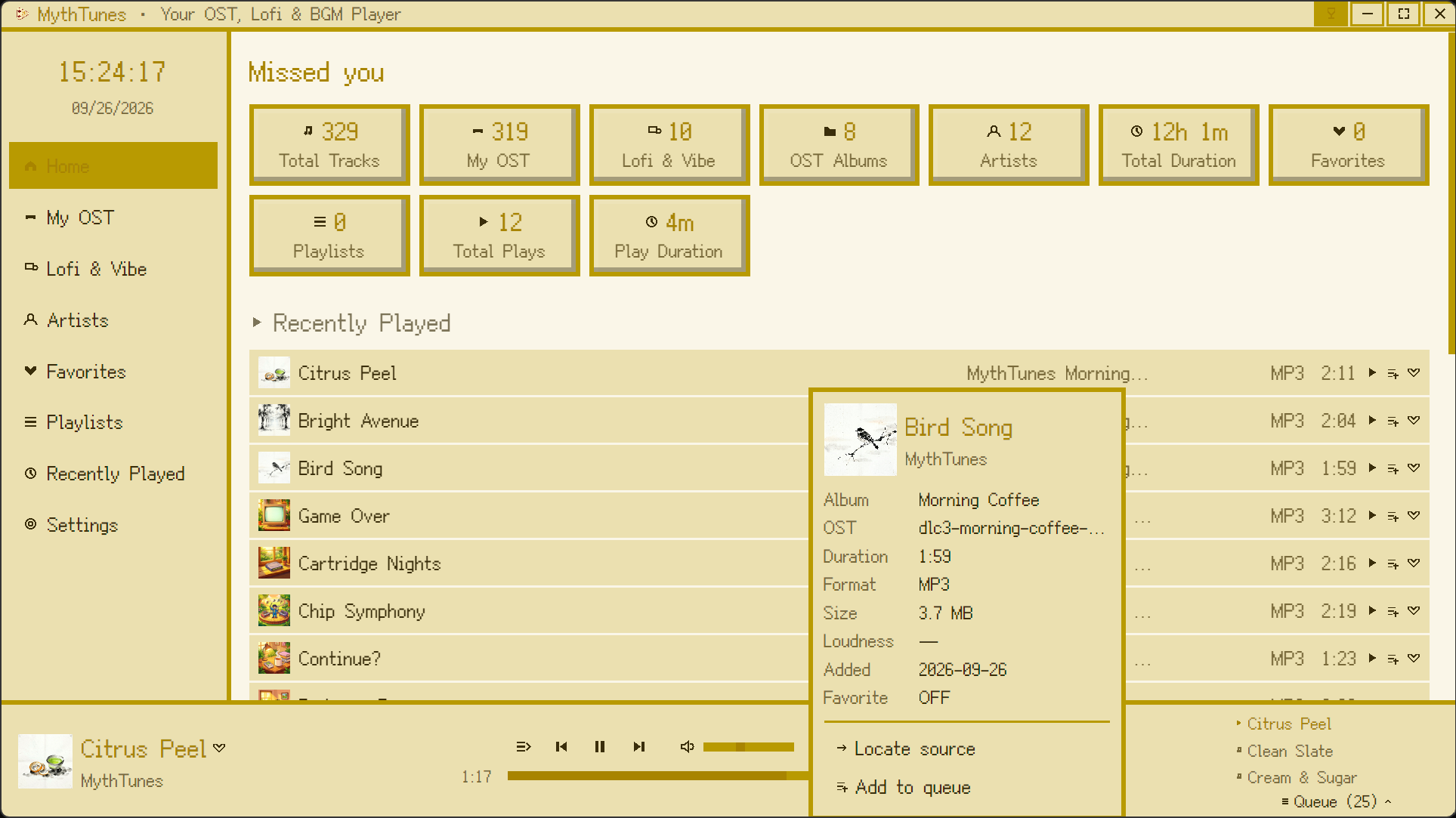
One-click soundtrack indexing — every track searchable by title, artist, or game.
One-click soundtrack loading was a must. Point it at all the scattered game-music folders you've collected, and it indexes everything on its own — title, artist, which game it's from — so next time you want a certain track you just search, and you're done digging through the drive. The home screen also shows the totals: total tracks, total playtime, total plays, all at a glance. Custom playlists and quick-favorites are the basics, because my mood changes and what I want to hear does too.
The look and the vibe, mine to tune
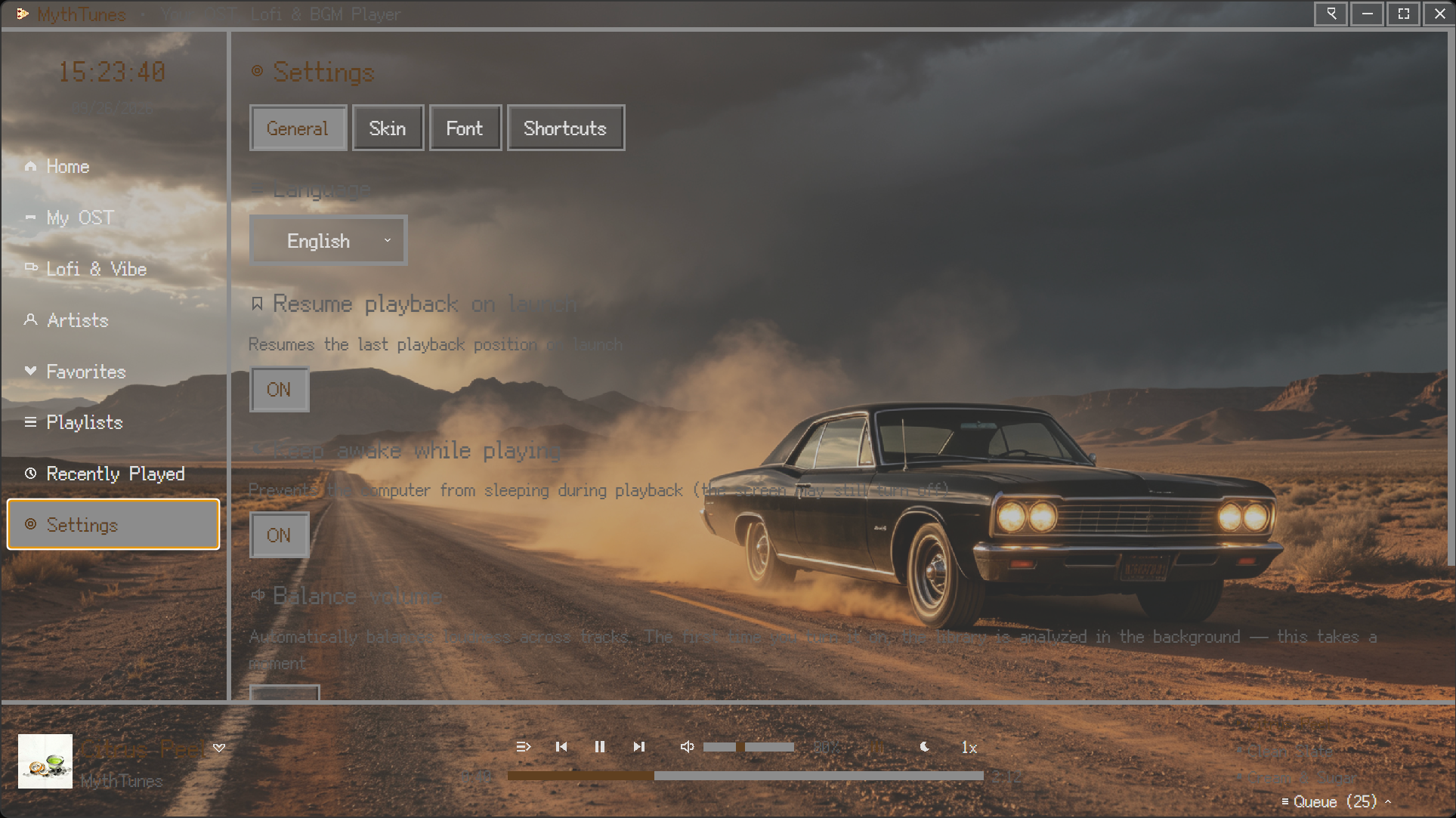
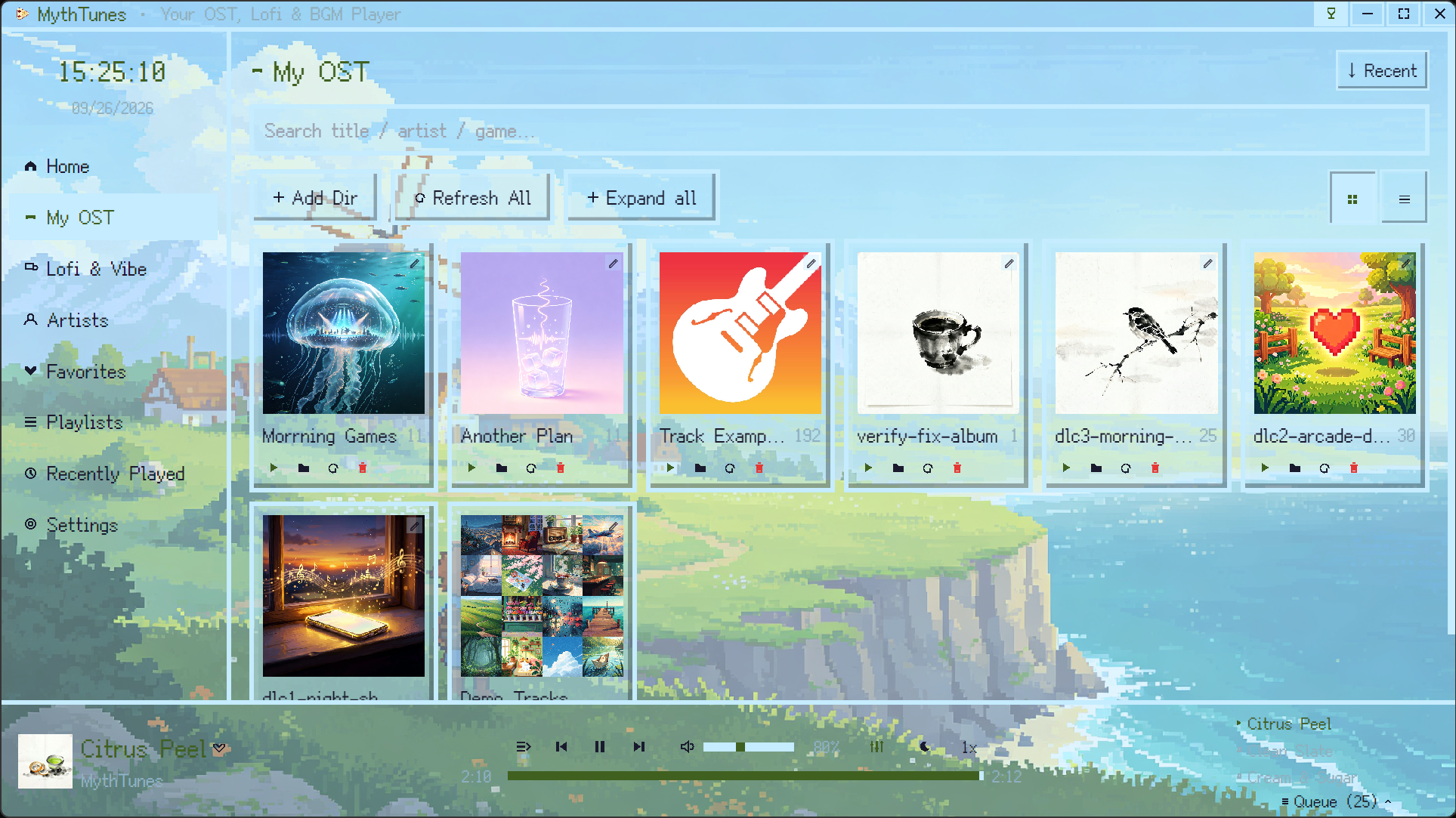
Pixel themes & auto-generated colors — turn a game screenshot into your background.
The interface leans retro, with a few pixel themes and fonts I personally love. Skins are swappable, and the color scheme can generate itself — throw a photo, a wallpaper, or a game screenshot at it. Pick a screenshot you're proud of for the background, tune the accent color and transparency to however you're feeling, and I could look at it all day.
Pure local. No ads. Always updated.
Fully offline on Windows & macOS — no network, no AI. 16 interface languages.
The line I hold most: no network, no AI, works straight out of the box on Windows and macOS. Because I hate launch-screen ads and surprise subscriptions as much as anyone, MythTunes will stay light and simple — it'll just keep updating, so the music companion stays with you through the long nights.
When you'd rather be alone: Lofi
Built-in lofi tagged by scenario — unwind, heal a losing streak, or fill the quiet.
Sometimes you just want a little sound to fill the gaps between the noise and your thoughts. So I bundled a set of lofi tracks, tagged by scenario: grinding code with something low-key behind your ears, licking your wounds after a losing streak and letting the rhythm pull you back, driving through the night with the wipers ticking like a radio, or rain on the window with the lights off — the best kind of unwind.
And it's a real player, too
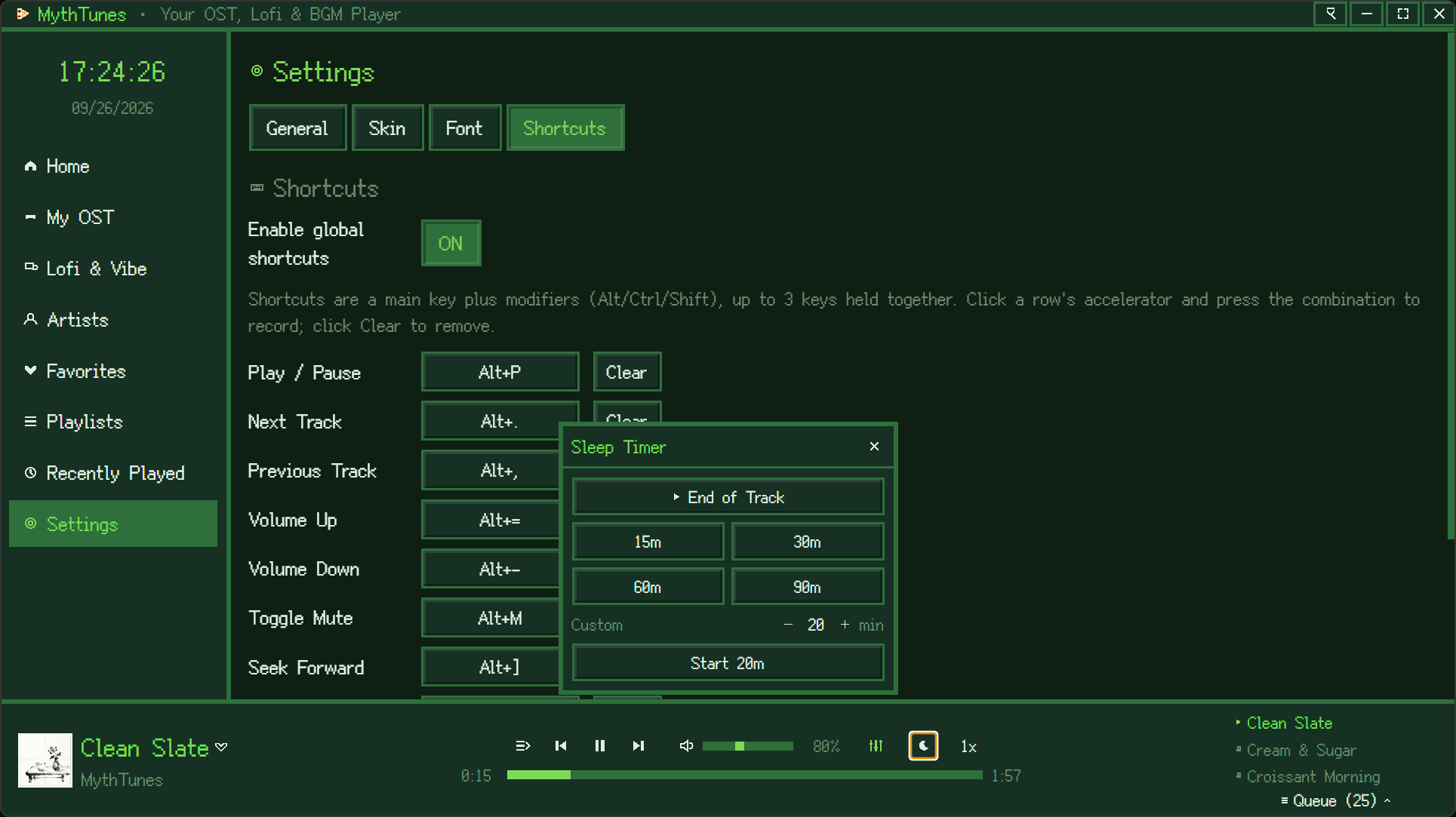
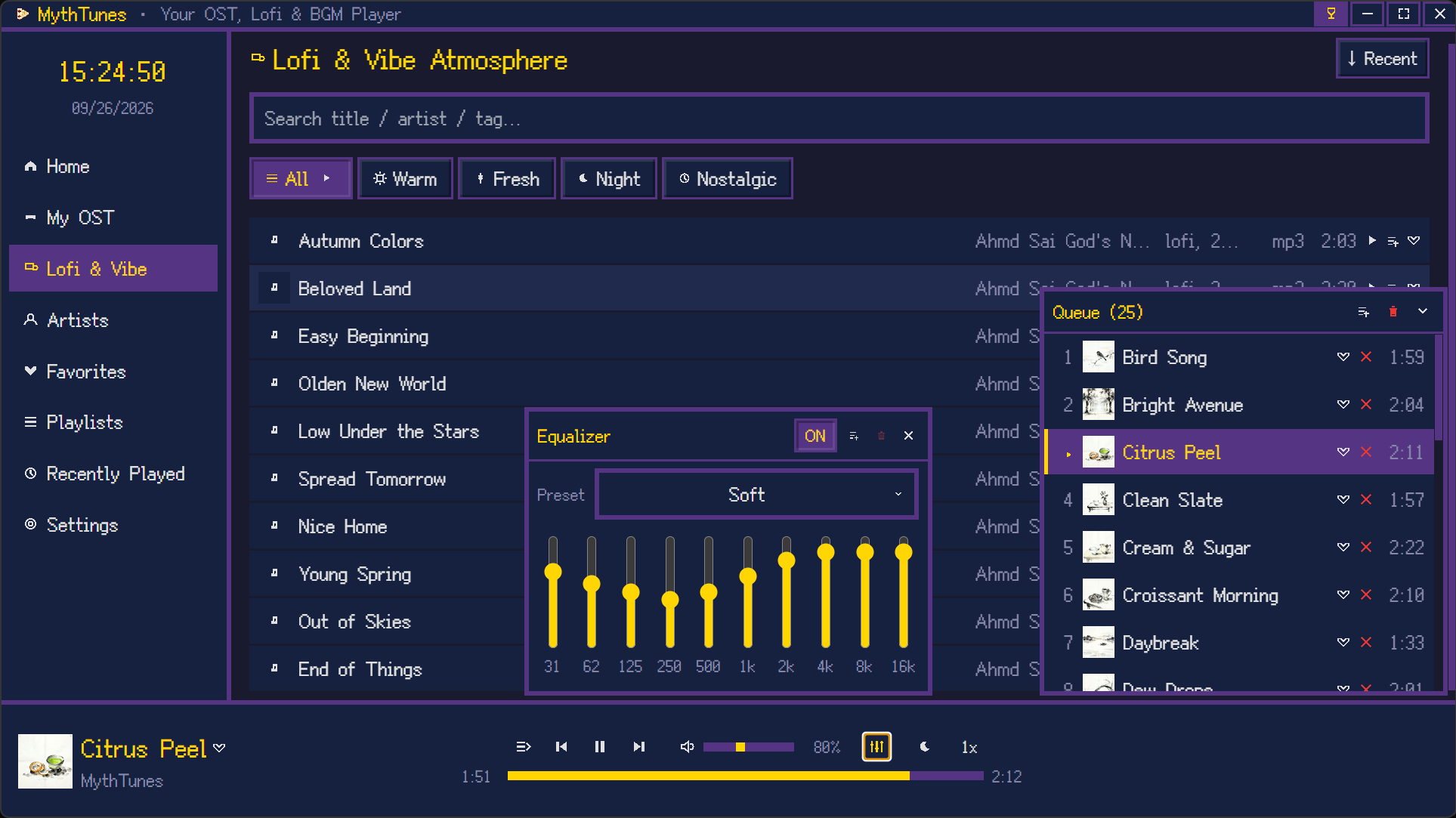
A real player too — EQ, sleep timer, hotkeys, playback speed, queue management.
Using it for pop songs works just as well. Volume balancing, an effects equalizer, a sleep timer, customizable hotkeys, playback speed, and queue management — none of it's missing. The equalizer is a set-once-and-forget thing: lift the lows, smooth the highs, save it. Afraid you'll drift off overnight? Set the sleep timer and it stops on its own.
I've turned a hobby into something real, and I'd love to know how many of you are out there listening to game music the way I do. If it feels right, leave a comment and tell me which features you'd like to see next — I read every one and do my best to ship them. I'll keep building, and I'll see you on Steam.