
🍜 Update Announcement (v0.1.84.20900)
Thank you for playing Japanese Ramen Simulator.
Three new pieces of equipment are here: the Food Slicer, the Glass & Beer Mug Shelf, and the Display Case!
We've added Order Settings so you can choose which dishes your customers can order. We've also improved how part-time staff handle their work and made the Dumpster easier to use.
We'll keep improving the game based on your feedback and reports to make it more fun to play.
Here's what's new and what has changed in this update.
===
▼New Features
●Equipment
Added the Food Slicer, which can be ordered from shop level 18. Load an empty Food Prep Tray and a box or other container of ingredients, then press the button to slice the ingredients automatically.
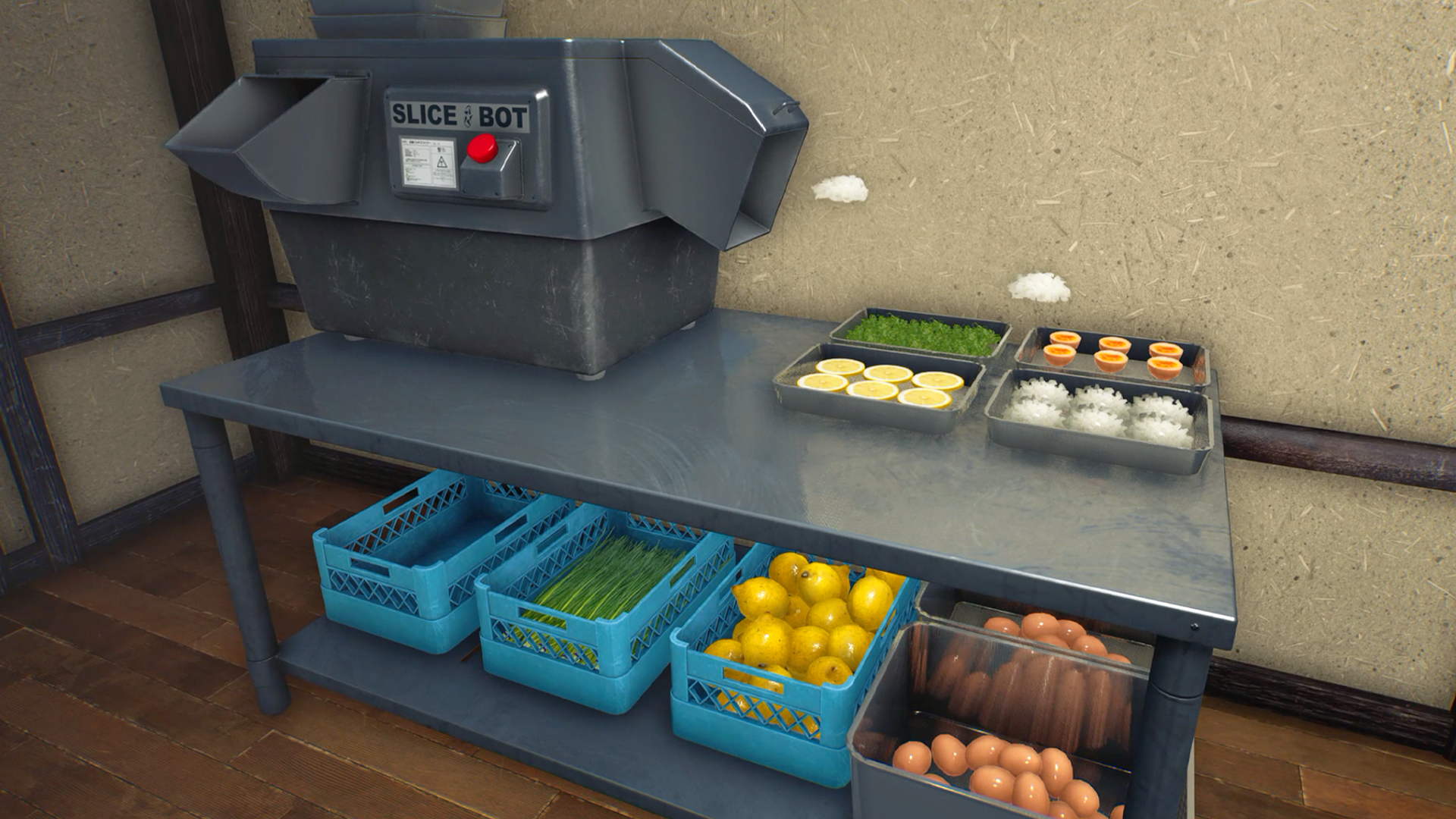
Added a tutorial for the Food Slicer.
Added the Glass & Beer Mug Shelf, which can be ordered from shop level 1.
Added the Display Case with doors you can open and close. It can be ordered from shop level 8.
●Gameplay
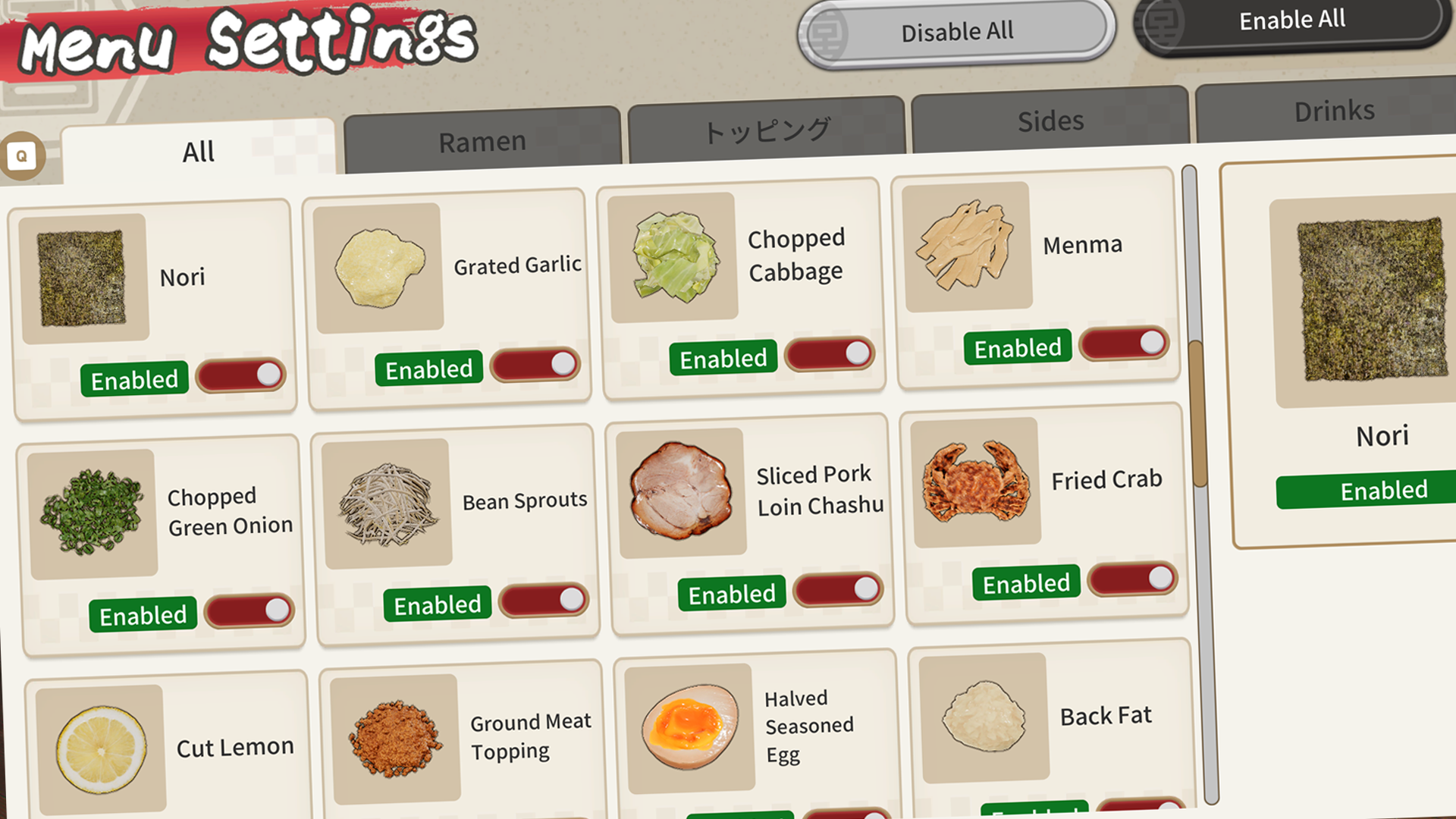
Order Settings is now available on the in-shop Supply Terminal from shop level 1. Toggle menu items on or off to choose what customers can order. Note: Individual settings for side dishes and other menu items have moved from World Settings to Order Settings.
▼Gameplay Improvements
●Gameplay
When dish-clearing staff have no other tasks, they now put clean dishes away on the Ramen Bowl Shelf, Side Dish Tableware Shelf, and Glass & Beer Mug Shelf.
You can now cancel going to sleep in a Futon or bed during the fade to black, up until the screen goes completely dark.
Cooking Oil with oil still inside now catches fire if left near a source of flame.
Added a dedicated animation for customers and seated players drinking from bottles.
●Equipment & Structures
Renamed the Rice Bowl & Gyoza Plate Shelf to Side Dish Tableware Shelf. It now holds 48 pieces instead of 24, and each tier can store Rice Bowls, Gyoza Plates, or Fried Food Plates.
You can now throw items into the outdoor Dumpster to dispose of them. Its lid can also be opened and closed.
Two people can now sleep on the same Futon at the same time.
▼System Improvements
●UI
The daily results screen now shows part-time staff pay under Staff Wages, separately from Expenses. The day's wages are settled when the results screen opens.
In the in-shop Supply Terminal's Equipment Store, holding down the + or − quantity button now increases or decreases the quantity continuously.
Order Filter settings on the Order Monitor are now saved and retained when you load the game.
Prompts for unavailable actions are now dimmed. For some actions, the prompt also explains why the action is unavailable and what you can do next.
Aim at Karaage Chicken or Gyoza to check how far along they are in cooking.
You can now show and copy the Join Code in the pause menu with a gamepad.
●Sound
Added sound effects for the Thumbs Up, Give the Finger, and Don't Shoot emotes.
Added a sound effect when Fried Crab hits an object.
▼Bug Fixes
●Equipment & Structures
Fixed an issue that prevented Water Jugs from being thrown away in the outdoor Dumpster.
Fixed an issue where parts of the Food Sample Display Shelf and Wall-Mounted Food Sample Shelf were outside the refrigerated area.
Fixed an issue where dishes stored on a shelf remained visible while the shelf was being moved.
Fixed an issue where thrown items such as pots could pass through the shop's outer walls.
●UI
Fixed an issue where the Order Monitor's filter layout broke in some languages.
Fixed an issue where you sometimes couldn't change the table number after reopening the Order Filter.