
The creatures were all in rainbow. That was the default, IOGraph's output palette. I never questioned it. It worked.
Another quiet question kick in. "What if each creature had its own color?" Not just a default, but its natural color, the one it was always meant to have. I asked Claude to look at the Visualizer code. Turned out the color palette could be customised. I was surprised and immediately anticipated what this meant. One more thing this project could become.
I asked Claude to generate a palette around one word: Vintage.
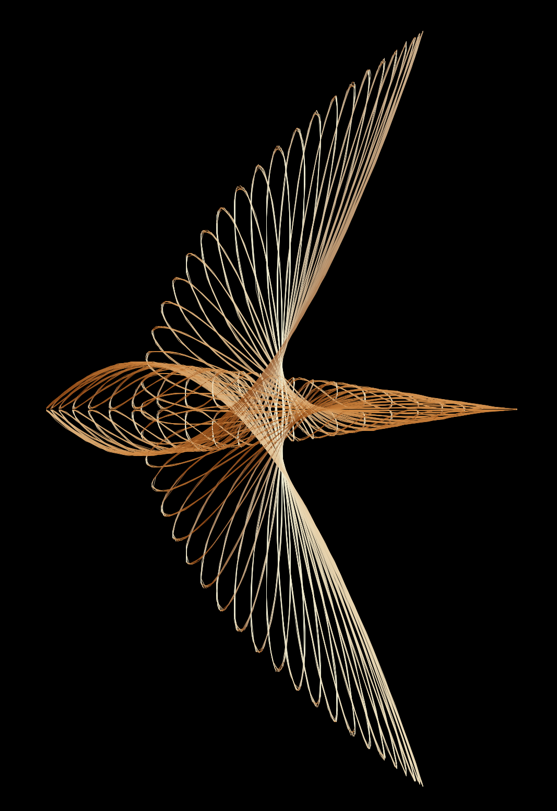
I wasn't prepared for what appeared.
The warm amber against black. The shadow pooling around the torso, deepening at the wing joints and I spotted that immediately. What amazed me was that I hadn't designed that shadow, it emerged from the color gradient as the direction changes. It revealed something about the creature that rainbow never had the chance to show.
I had to get Claude explain how the color mapping actually worked. Turns out it uses Atan2, direction-based mapping, each color blending into its neighbor as the cursor direction changes. New things for me huh. Then I tried to go further, build a custom-directional-group color mapping. Found out the method was actually against what natural Atan2 does, drop it after a week of tried. With a clear understanding of how Atan2 works, it was actually up to me to build palettes of 5, 8, 10, or 12 colors, sequenced deliberately to approximate the result I wanted.
Every creature started finding its natural color.
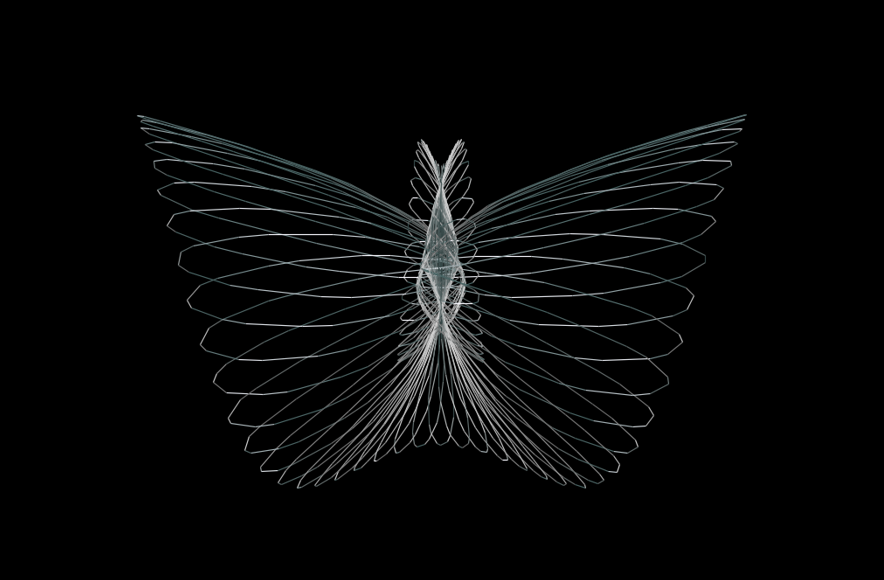
PS. The Visualizer is built on IOGraph's open source foundation, Apache 2.0 license. Without it, none of this color work would have been possible.