
New player help
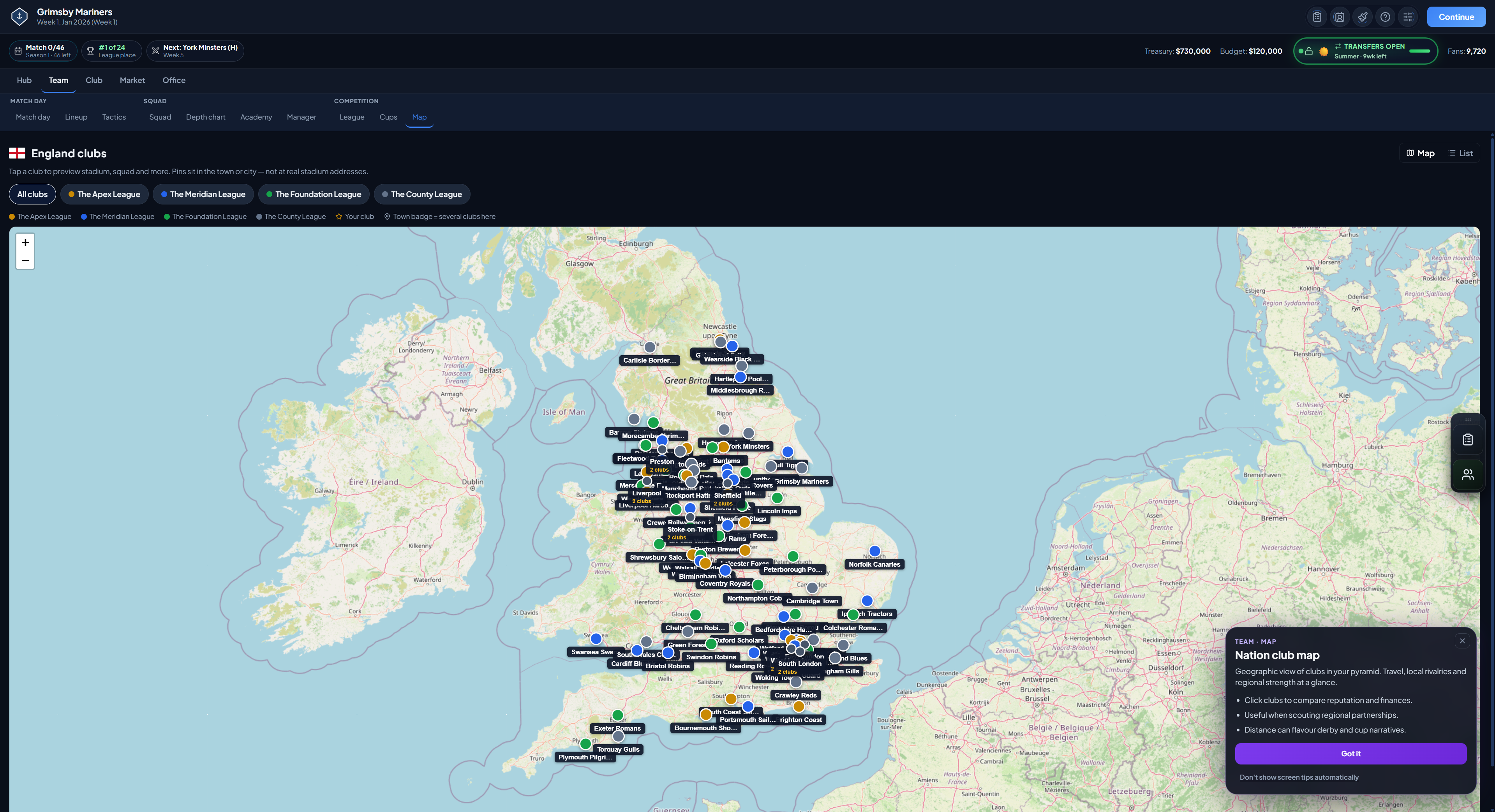
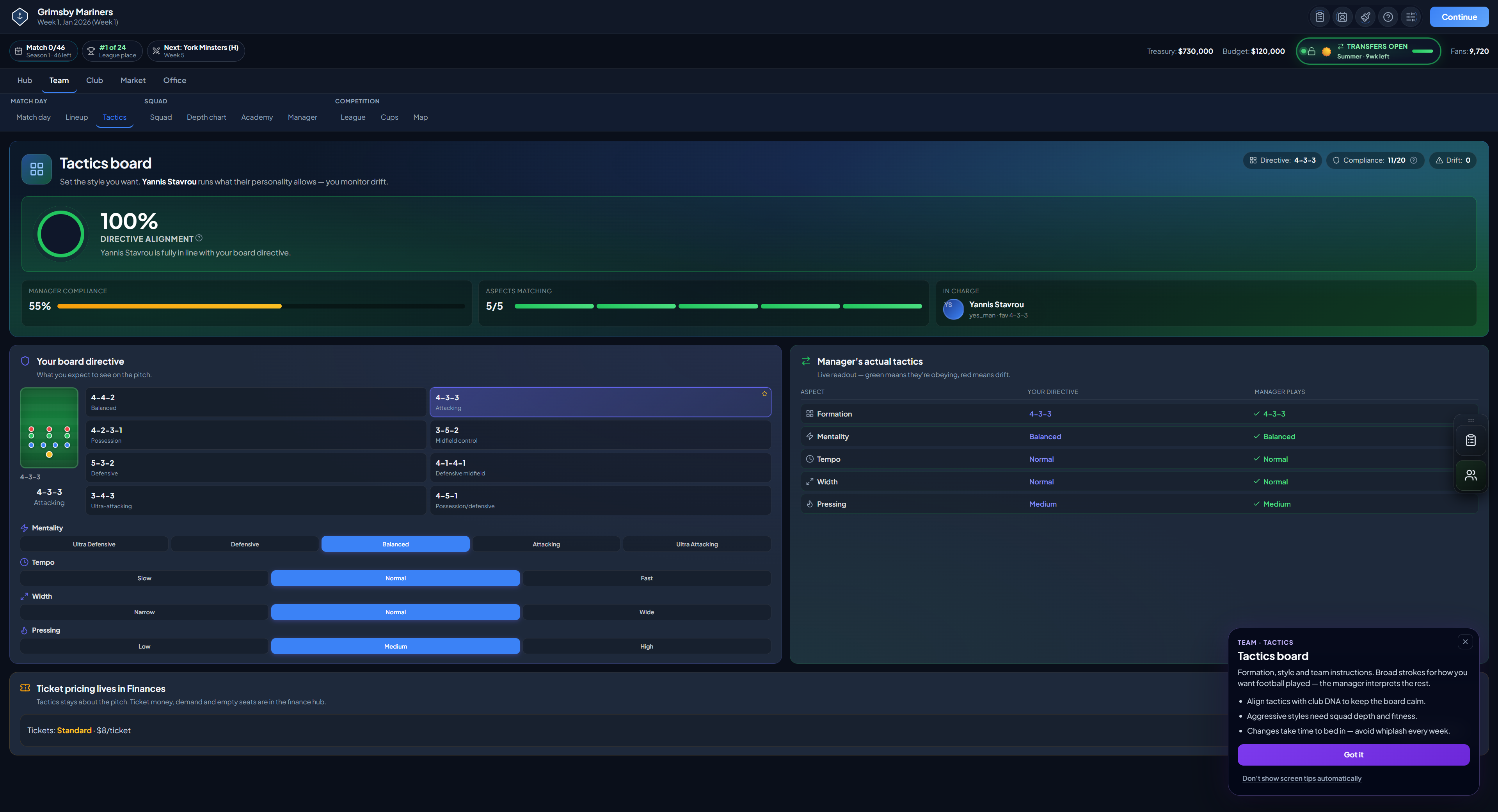
Screen tips for new directors
When you start a new career, a short help popup appears the first time you visit each main screen (Hub, Squad, Transfers, Finances, Matchday, and more).
Each tip explains what that screen is for and gives a few practical pointers.
Tips show once per screen, per career. Dismiss with Got it and they will not auto-show again on that screen.
Help when you want it
A ? button in the top bar (next to Settings) opens the help for whatever screen you are on, anytime.
Useful if you dismissed a tip and want a refresher.
Your choice
In Settings → Guide, you can turn Automatic screen tips off if you prefer to learn on your own.
The ? button still works when auto tips are off.
You can also choose Don't show screen tips automatically from any popup.
Matchday
First-time help for match briefing
Matchday controls
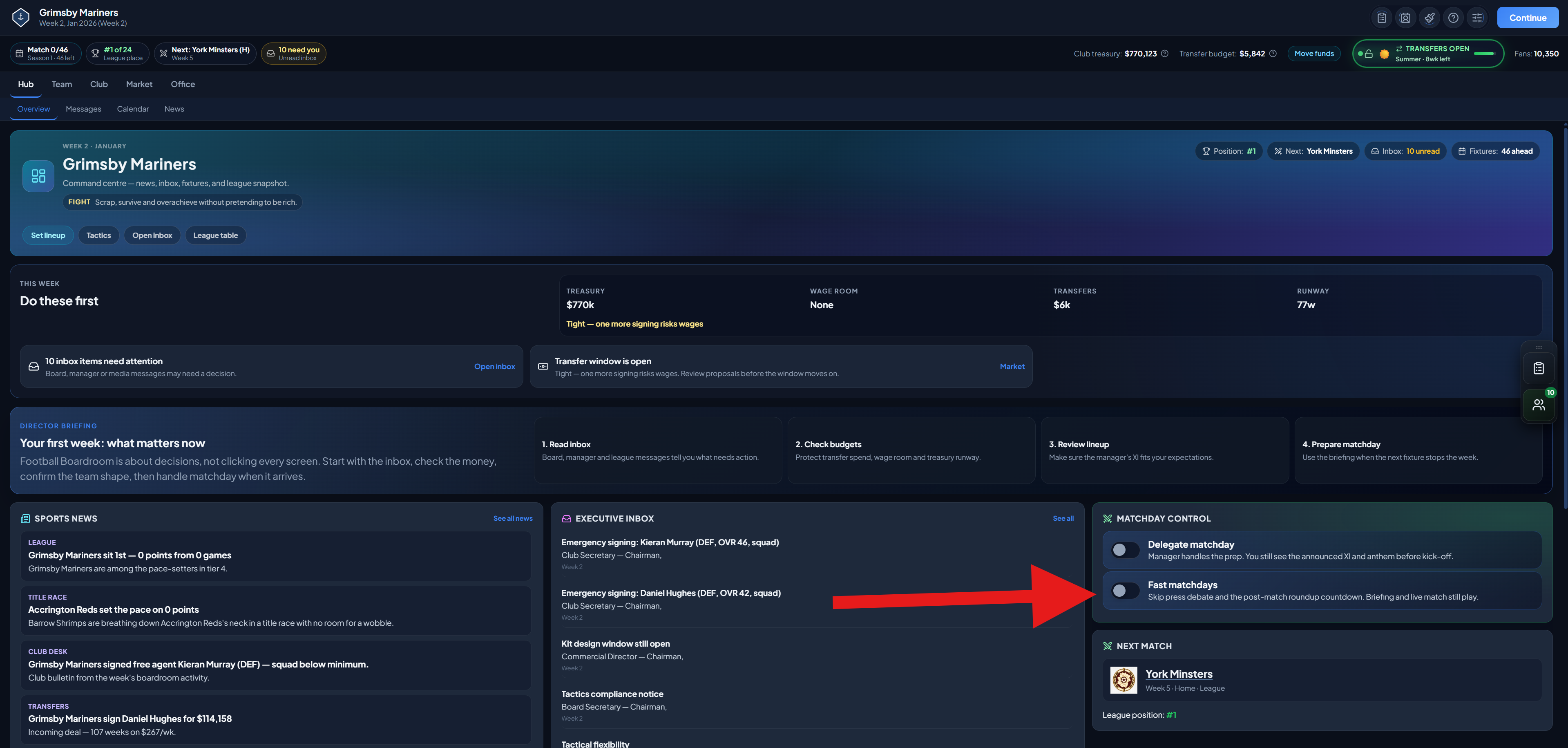
Fast matchdays
You can now turn on Fast matchdays if the full matchday flow feels too long.
When it is on:
Pre-match press debate is skipped
The post-match roundup countdown is skipped
You still get the briefing, live match, and full-time report. Only the extra ceremony is cut.
Where to find it
Hub → Matchday control (right side of the overview)
Settings → Gameplay
The setting is saved with your career, so you set it once and it stays on for that save.
New game wizard
Steadier setup flow
The new game wizard keeps the same window size from step to step.
Longer steps scroll inside the panel instead of resizing the whole modal.
Less jumping around while you set up your director and club.
Trust and transfers
Transfer rules now work the way the labels suggest.
Chairman only and Approval required block the manager from signing on their own in normal situations. When the manager wants a player under Approval required, the deal goes to your pending list for you to approve or reject.
Signings follow the transfer window. The only exception is a real squad emergency: if you drop below 18 players, the club may sign to stay fieldable, even outside the window. Those signings are marked Emergency on your transfer history and you get an urgent message explaining that your policy was overridden.
Pending manager proposals expire when the transfer window closes, same as incoming bids.
Manager signings are also a bit smarter: they must meet your squad’s quality bar unless it is a genuine emergency.
Clearer messages
The inbox is easier to scan and less noisy.
Needs attention is now the default view, so you see unread urgent and important mail first.
Routine updates are grouped where possible:
A weekly briefing combines league, medical, and fan updates into one message.
A portfolio update combines holdings memos when you own multiple businesses.
Use Routine mail filters in the Messages sidebar to hide categories you do not need (training, holdings, league roundup, fan liaison). Urgent items still always arrive.
When a message is about a player, it includes more context (position, rating, role). You can tap the player name to open their profile without jumping through menus.
In-game help
Short ? tooltips are now on key football screens:
Club reputation
Manager trust
Transfer policy
Player OVR on the squad table
Tactics compliance and directive alignment
Hover to see what each stat means and why it matters.
Smarter manager advice
Manager feedback is more tied to your squad, and less generic.
Signing requests mention real gaps (for example, short on defenders), not the same “we need a striker” line every time.
You receive a monthly squad briefing with the main weakness and a suggested next step.
When the manager signs someone on their own, the activity log includes a short reason (weakest position, chairman target, and so on).
Pre-match advice can flag tired defenders when your back line is thin.