
[What's New]
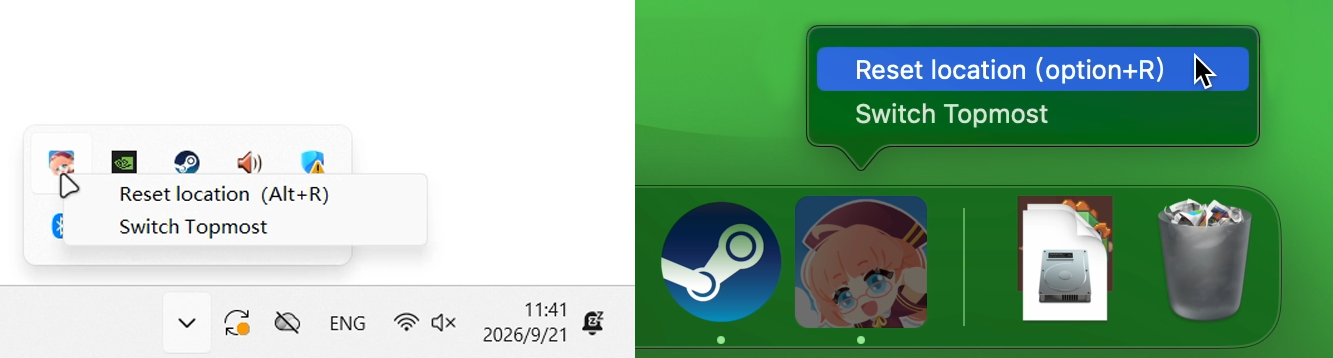
New Character Reset Feature If your character accidentally falls off the screen, you can now bring them back with a single click from the taskbar. Sorry for letting your character get locked in the little black room (>人<;).
Taskbar Quick Pin Toggle You can now quickly turn "Always on Top" on and off from the taskbar. If a character gets in the way during an immersive gaming session, switch it with one click — no more digging through the settings.
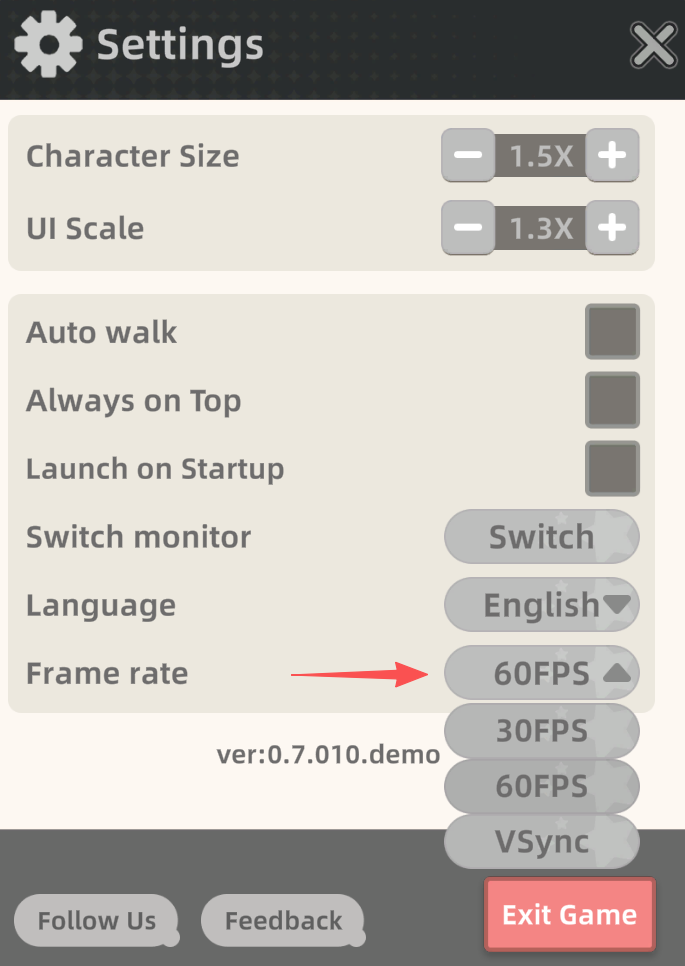
New Frame Rate Selection (30/60/unlimited) to reduce the load on your computer.
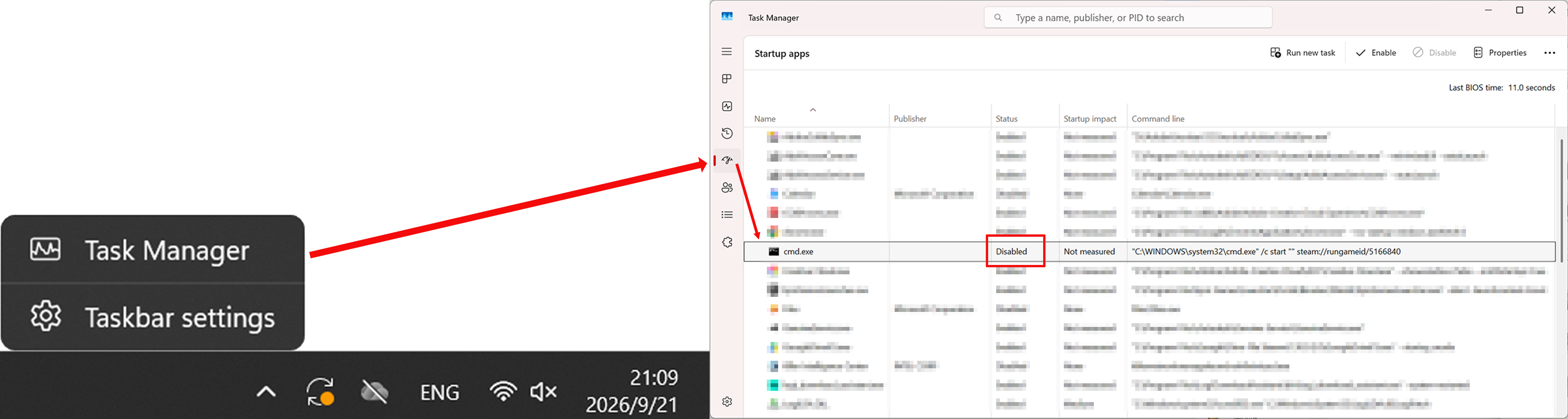
Fixed an issue on Windows where uninstalling the game with auto-start enabled would trigger an installation prompt.
For players who still have the game installed: this update fixes the issue automatically—no action required.
For players who have already uninstalled: you can reinstall the game once and then uninstall it, or disable the startup entry via Task Manager.
We sincerely apologize for the inconvenience this has caused
[From the Developers]
Less than a week after launch, we've already received feedback far beyond what we expected. Really, truly, thank you all for your support — we've read every single comment and every suggestion.
A quick update from us: this is our team's very first game. The team has fewer than 5 people, and we didn't even have time to find a publisher — we're running all our social media channels ourselves. Right now the feedback on every platform has completely "flooded" us, so we may not be able to reply to each one in the short term. We're truly sorry, and we humbly ask for your understanding. We know that behind every piece of feedback lies your support and expectations. We'll do our best to solve everyone's problems — please just give us a little time.
[Easter Eggs from the Dev Team]
Here are a few Easter eggs we'd like to share (features we added that few people have discovered):
Click the palette in the top-right corner of the color card to save your frequently used colors;
The color values below the color card support manual input — a dream for precision color pickers;
Once your character learns the "Shy" action, pet them and they'll get all shy;
After mastering "Anger," if you type too fast in typing mode, your character will get very worked up;
Drag two characters together and they'll look at each other;
Make good use of typing mode to bring multiple characters back into place at once, or quickly "shoo" them to the sides of your desktop;
Right-click a character and drag — they'll obediently follow your mouse.
[Social Media & Contact]
Feedback: [email protected]
Business inquiries: [email protected]
thread:https://www.threads.com/@characterhouse_steam
x:https://x.com/CharacterHouse1
discord:https://discord.gg/6Dp9tBREz
Lastly, we hope you enjoy the company of your "Desktop Companion," and thank you for continuing to "keep us company"~