
下面是可直接复制的英文版:
Otherworld Fragments Dev Log #02: The Flow of the Five Elements — Combat & Skill System
Last time we covered the core loop of "Devour." This time we're zooming in on the part you actually have to fight for with your own hands: combat.
Pure Real-Time. No Turns, No Truce.
Let me be clear about the framing first: Otherworld Fragments is pure real-time action combat. Free movement, skill combos, dodging and repositioning — no turns, no ATB gauges.
And once a fight starts, there's no negotiating your way out — you have to wipe out the entire enemy garrison and the Island Lord to take the island. The win condition is blunt, too: a fight is only decided when one whole side is "incapacitated" (HP ≤ 0, or knocked into a critically-wounded state).
Damage strictly follows faction lines. I was deliberately rigid about this, because it directly determines whether combat "makes sense" and feels fair:
Damage only hits hostile targets;
Heals / buffs go only to allies;
Debuffs like slows and attack-down go only to enemies;
Control effects like stuns and sealing formations can affect everyone on the field.
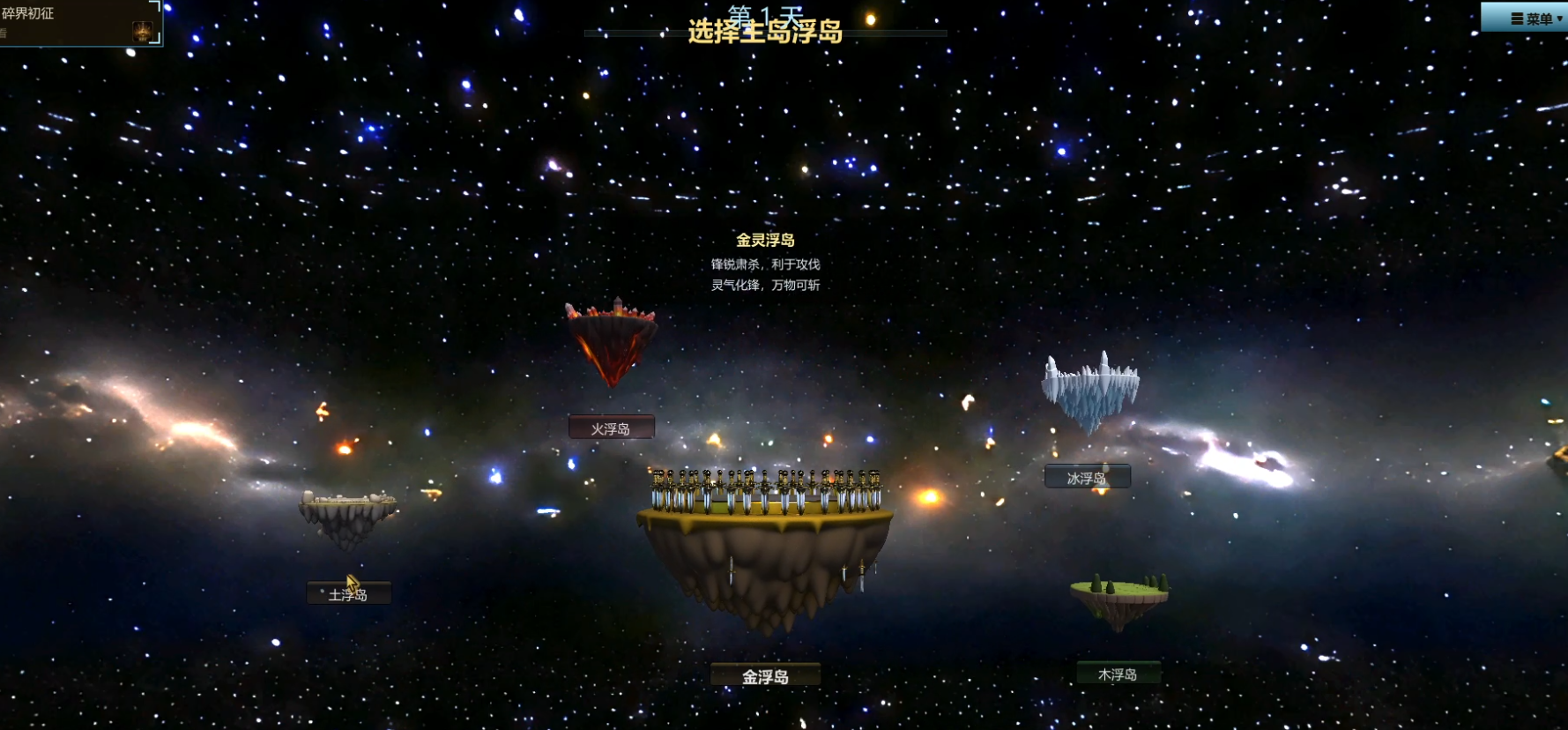
The Five Elements: Metal, Wood, Water, Fire, Earth — plus Lightning, Ice, Wind
The skeleton of combat is the orthodox Five Elements: Metal, Wood, Water, Fire, and Earth as the five source disciplines, plus three mutated elemental branches — Lightning, Ice, and Wind.
Cultivators are bound by their innate natal element — this is a constraint that runs through the entire game: you can only train spells that match your own element (neutral, attribute-less skills aren't restricted).
This limit looks like subtraction, but it's really addition: it gives every character's build a sense of boundaries, and it means that when recruiting Nayin disciples and assembling your battle roster, you genuinely have to think about your team's elemental composition (something the "Nayin Resonance" system amplifies later — saving that for #03).
Visually, all characters share the same base model, distinguished by tinting the body's main color by element — Metal is gold-white, Wood is jade-green, Water is deep blue, Fire is crimson, Earth is ochre. One glance across the battlefield and you can read the elemental spread on both sides.
6 Skill Slots + One "Default Spell"
The player's skill setup is straightforward:
Hotkeys 1–6 map to 6 freely-assignable skill slots;
Plus a dedicated "default spell" on the Q key.
The logic for allied NPCs is built around auto-combat: each disciple learns up to 5 skills and designates 1 of them as their default cast — they'll automatically use that default skill on the nearest enemy. Switching the default spell has a 30-second cooldown (to stop you from flip-flopping mid-fight).
The skills themselves cover the full spectrum, from large-scale AoE, to single-target execute arts, to zone-lockdown spells. One set I'm personally fond of is the "Elemental Charged Slash" — Metal · Charged Slash, Wood · Charged Slash, Fire · Charged Slash… a charged strike, with each element landing its own distinct way.
Skills aren't hard-coded. I built a skill-generator menu, with skill data driven by a skill config, and the composite rating in turn determines the price of the matching spellbook. This "data-driven" approach turned adding new skills late in development into filling out a table instead of editing code.
Making "Ultimates" Actually Feel Good: The Five-Element Chain Ultimate
Midway through building the combat system, I hit a problem: the skills all worked functionally, but the impact just wasn't satisfying enough.
So I built a standalone "Five-Element Ultimate Showcase" scene with a very specific goal — the protagonist chains their five elemental ultimates back to back, filling the screen with elemental formations slamming into a training dummy, paired with slow-mo + floating damage numbers — so that a single glance tells you exactly what this game's climactic moments look like.
That showcase scene was a huge help: it forced me to hammer out details one by one — "full-screen formations without frame drops," "how damage numbers should pop to look good," "which frame to cut into slow-mo." All of that polish eventually fed back into real combat.
(On a related note, I also made a "Full-Screen Five-Element Ultimate" showcase and character-intro cutscene CGs, specifically for screenshots and trailer footage — saving that part for #10.)
Floating Text: Combat's "Subtitles"
Every piece of info in combat — damage, crits, heals, buff/debuff states, drops, dialogue — is handled by a single unified FloatingTextSystem.
There's a very practical engineering lesson here: at first, floating text only worked in the main scene and went "mute" the moment you entered a dungeon. I later reworked it to be lazy-loaded + persistent (not destroyed across scenes), so it now displays correctly inside dungeons too. On that foundation, I expanded it to cover buff/debuff status text, drop-item icons, and NPC dialogue bubbles — nearby NPCs will even automatically pipe up with lines that fit their personas and current combat state, so the battlefield is no longer "a bunch of mutes beating each other up."
Next Time
That covers combat's "moves." The next entry, #03, is about the people throwing them out: the thirty Nayin destiny disciples — how you recruit them, how you swap your roster, what kind of hidden talent resonances trigger when same-element disciples share the field, and why I drew a unique portrait for every single character.
If you're into it, go hit that wishlist — see you next time.