
Thank you for always using Textvas.
New Features
・Official support for animated GIF playback
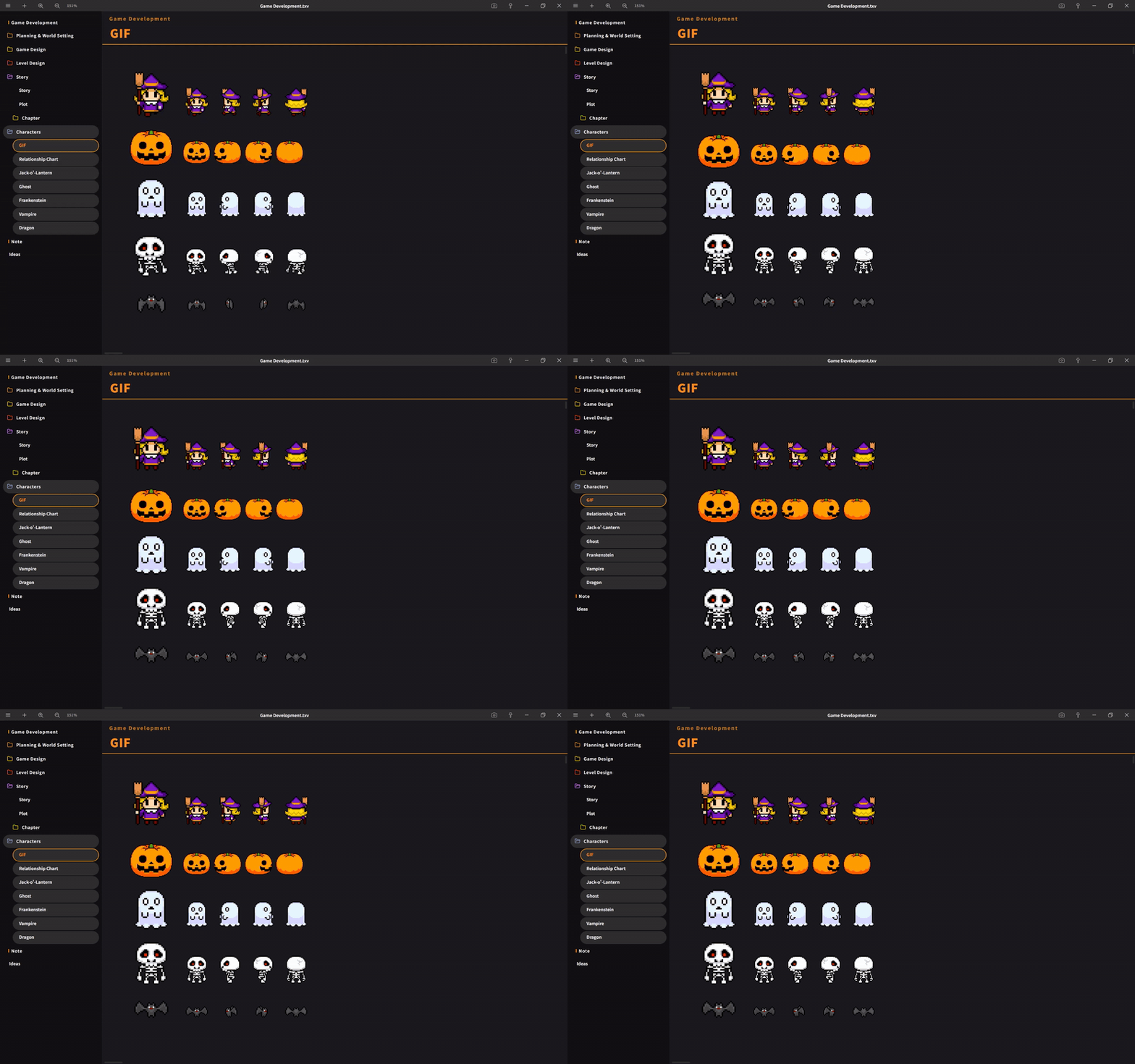
GIFs are now completely excluded from the lightweight processing (downscaling/thumbnail generation), so they will always play as animations using the original data regardless of size. In the previous version, large GIFs would sometimes be displayed as static images.
・Added a submenu to Auto Align, and introduced a new "Keep Size" option
When off (default), items are aligned by matching their heights as before. When turned on, items are automatically arranged flush to the top-left while keeping their original size.
Improvements
・Automatic Image Resizing
Added 3000px/2600px options to the maximum size choices. The default remains 1600px as before. Images below the size limit will still be placed without any processing, as before. Simplified the description text in the settings.
・Global Search Window (Ctrl+Shift+F)
The title bar now displays a "Search All" heading. Additionally, the search window has been changed to a fixed position at the top, so the window and input field no longer shift even when the number of results changes while typing, allowing you to search without losing your place.
・Screenshot feature
You can now cancel by right-clicking after launching it.
Bug Fixes
・Fixed an issue where, immediately after copying and pasting multiple cards, the handles would appear in a shifted position.
・Fixed an issue where multiple folders could not be deleted when multiple selections were made.
We will continue working to improve Textvas.