
Thank you for always using Textvas.
New Features
Grouping Feature
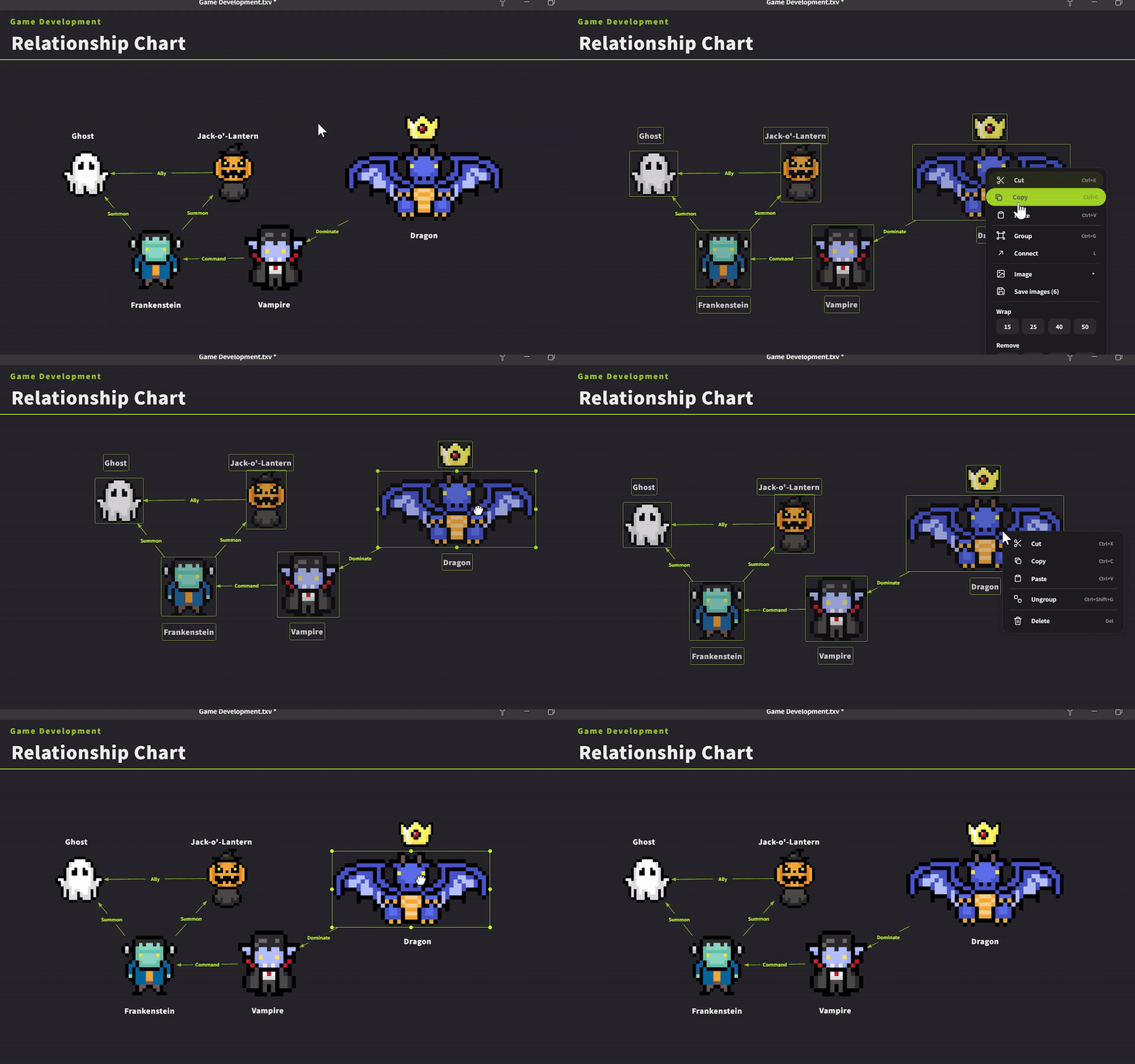 When you group multiple cards together, you can now select and move them all at once with a single click (works for both text and image cards). We've also added the Ctrl+G shortcut for grouping and ungrouping. While grouping, the toolbar is hidden (but text editing is still possible).
List Feature
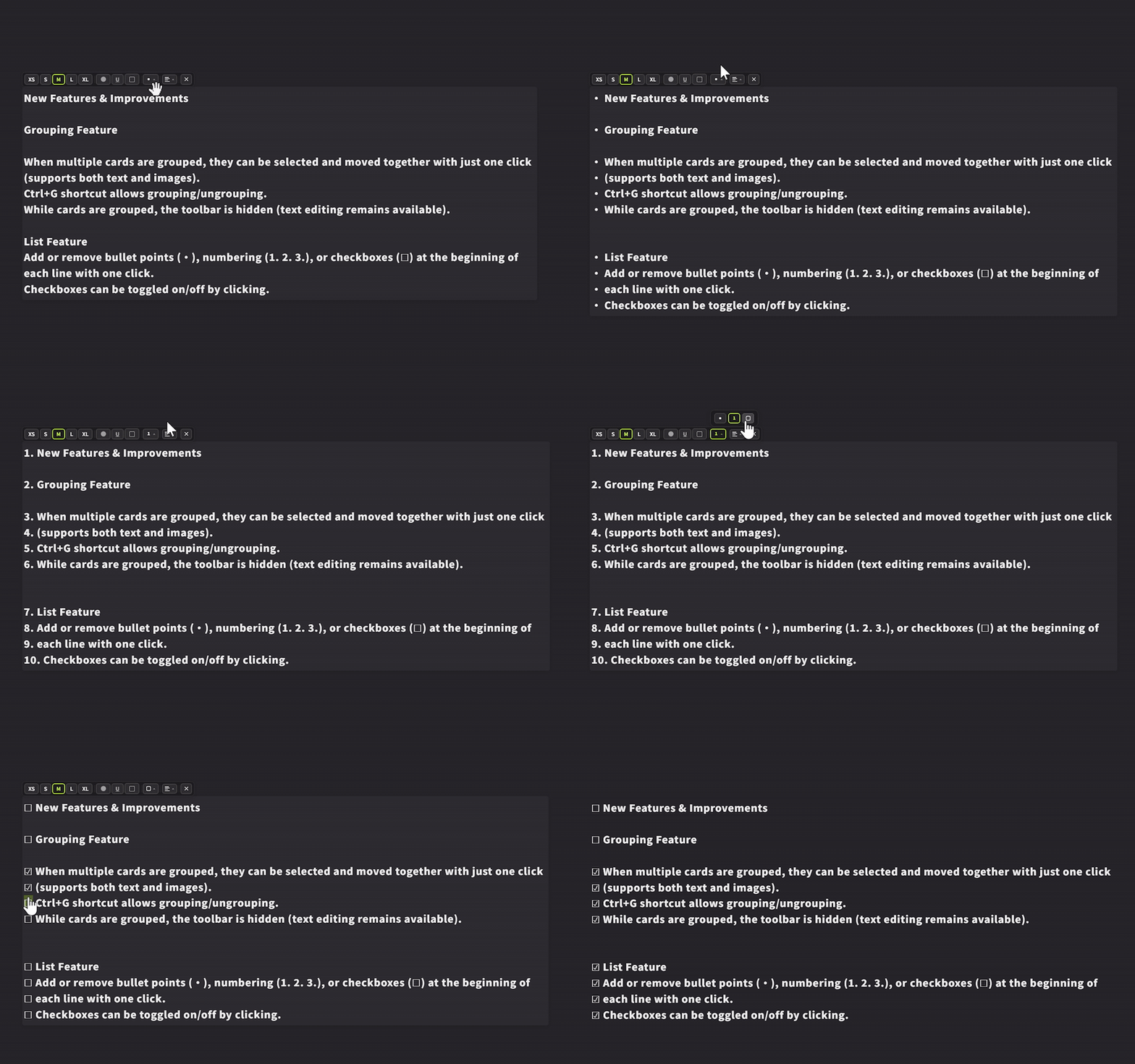 You can now add or remove bullet points (•), numbered lists (1. 2. 3.), and checkboxes (☐) at the beginning of lines with a single tap. Checkboxes can be toggled on and off by clicking.
Brightness Slider Reset Button
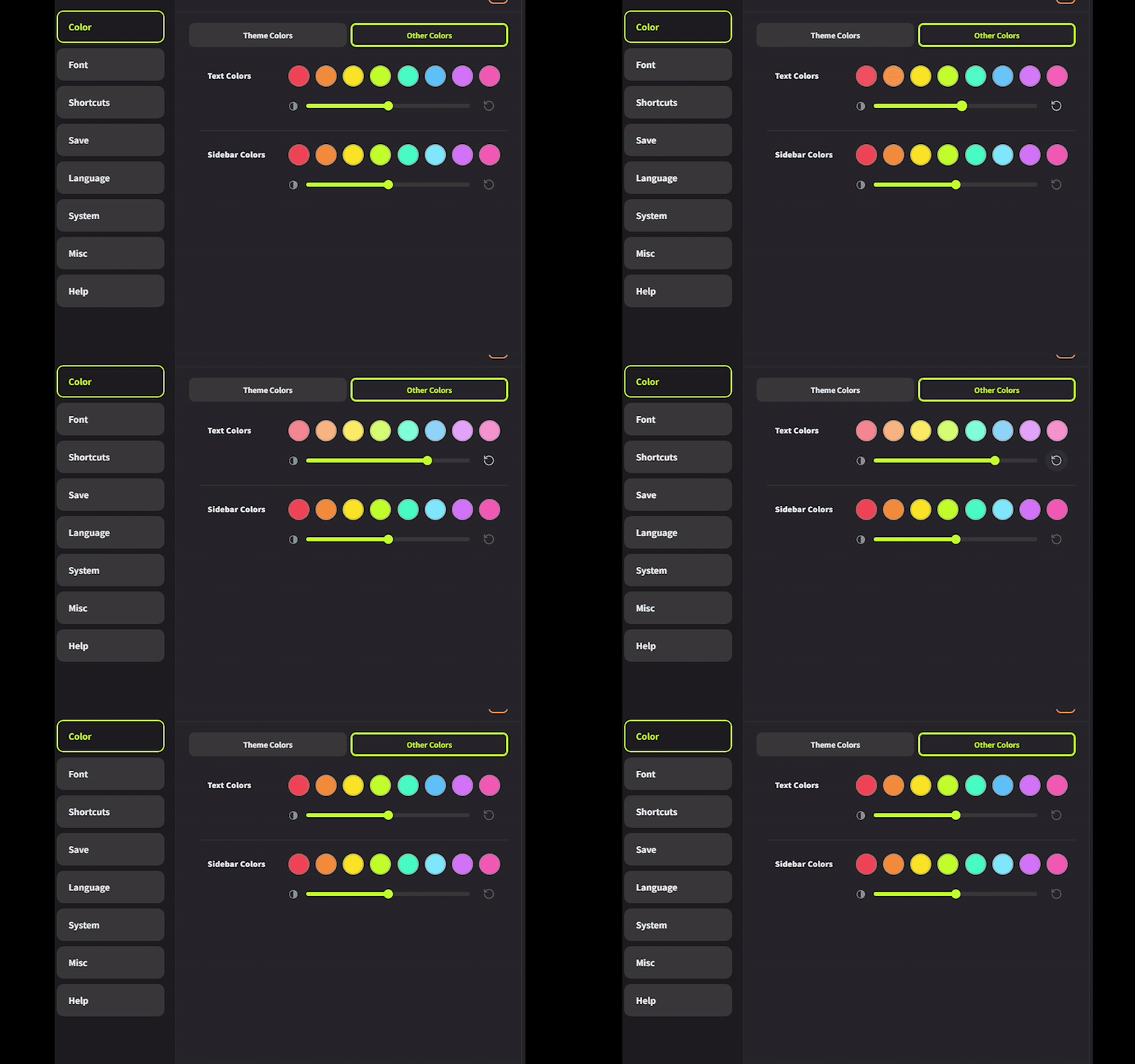 Added a reset button to the brightness slider in the Other Colors section of Preferences, allowing you to return to the default value with a single click.
Card Delete Button
Added a delete button for cards to the toolbar. You can now delete text by clicking instead of pressing the Del key.
Improvements
Toolbar Organization
Consolidated the 4 alignment types and 3 list types into separate group buttons.Icon Window Display Order
The icon window now always appears in front of the memo window.Close Preferences by Clicking Outside
You can now close Preferences by clicking outside the window.
Bug Fixes
- Fixed an issue where the toolbar order and color palette contents during multi-selection didn't match single selection.
- Fixed an issue where the context menu was hidden behind the title bar.
- Fixed an issue where the memo window, icon window, and guide frame couldn't be operated via touch.
- Fixed an issue where the toolbar frame borders weren't consistently styled.
Recommended Features
UI Size Adjustment
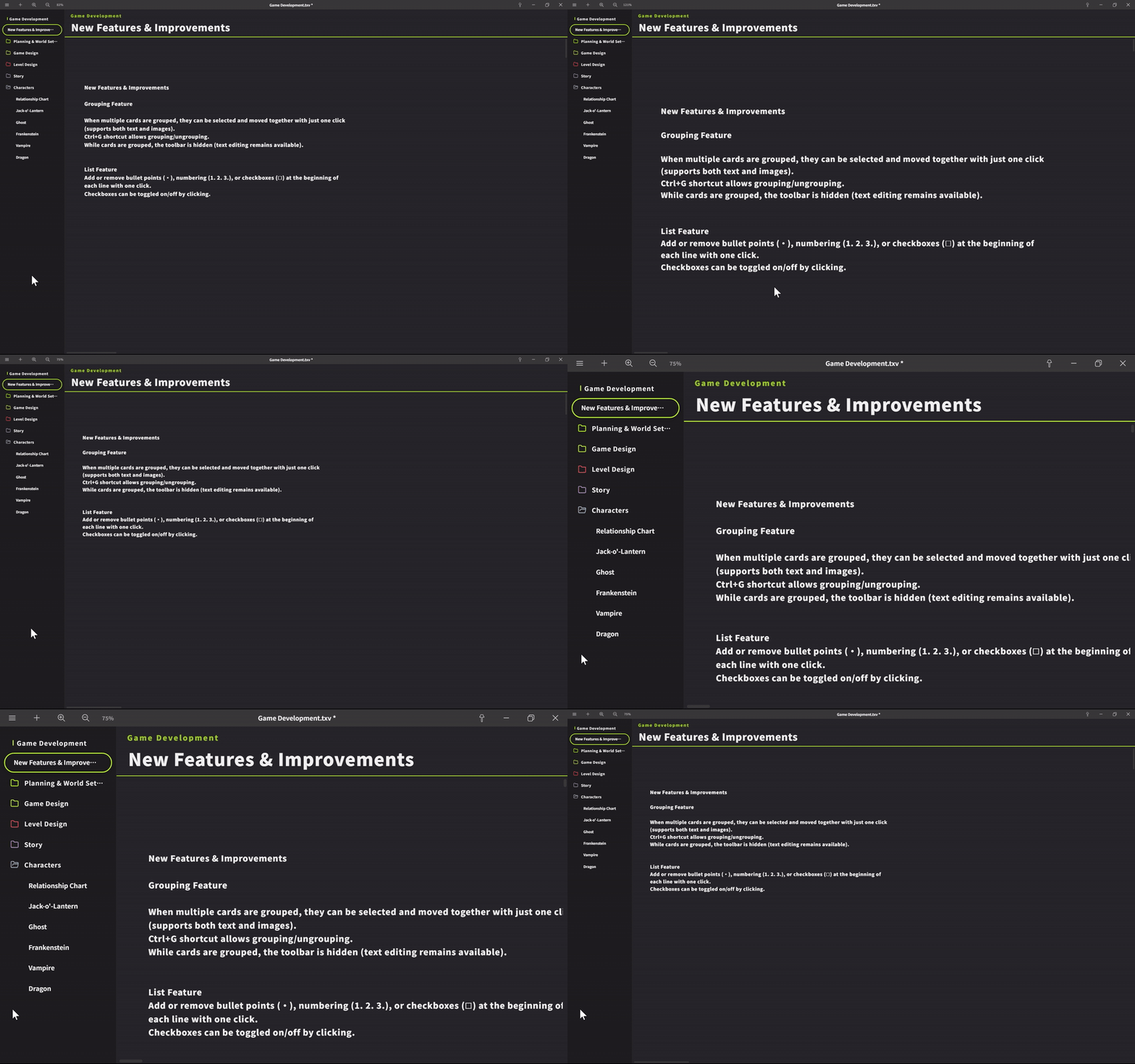 You can adjust the UI size without opening Preferences. Use Ctrl + mouse wheel on the sidebar to enlarge or shrink the UI size of the entire app. Use Ctrl + mouse wheel on the board (right side) to zoom the board display rate.
We will continue to work on improving Textvas.