
Hi farmers, 😄
Welcome to our first Farm Factory Simulator devlog!
Farm Factory Simulator is a cozy automation and management game where you build a farm, raise livestock, arrange machines, and connect everything into an automated production system.
Instead of relying on employees, most tasks around the farm are handled by machines. Crops and livestock products can be collected automatically, transported through conveyor belts, stored, and prepared for sale.
Your role is to design the layout, configure each machine, manage the flow of commodities, identify production bottlenecks, and gradually expand your farm factory.
We are also happy to announce that the Farm Factory Simulator Demo is now available as part of Steam Next Fest! The demo allows you to experience the basic gameplay systems with a limited selection of content while development of the full game continues.
So, here what you can find in this game:
1. Grow Crops with the Plant Farm Machine
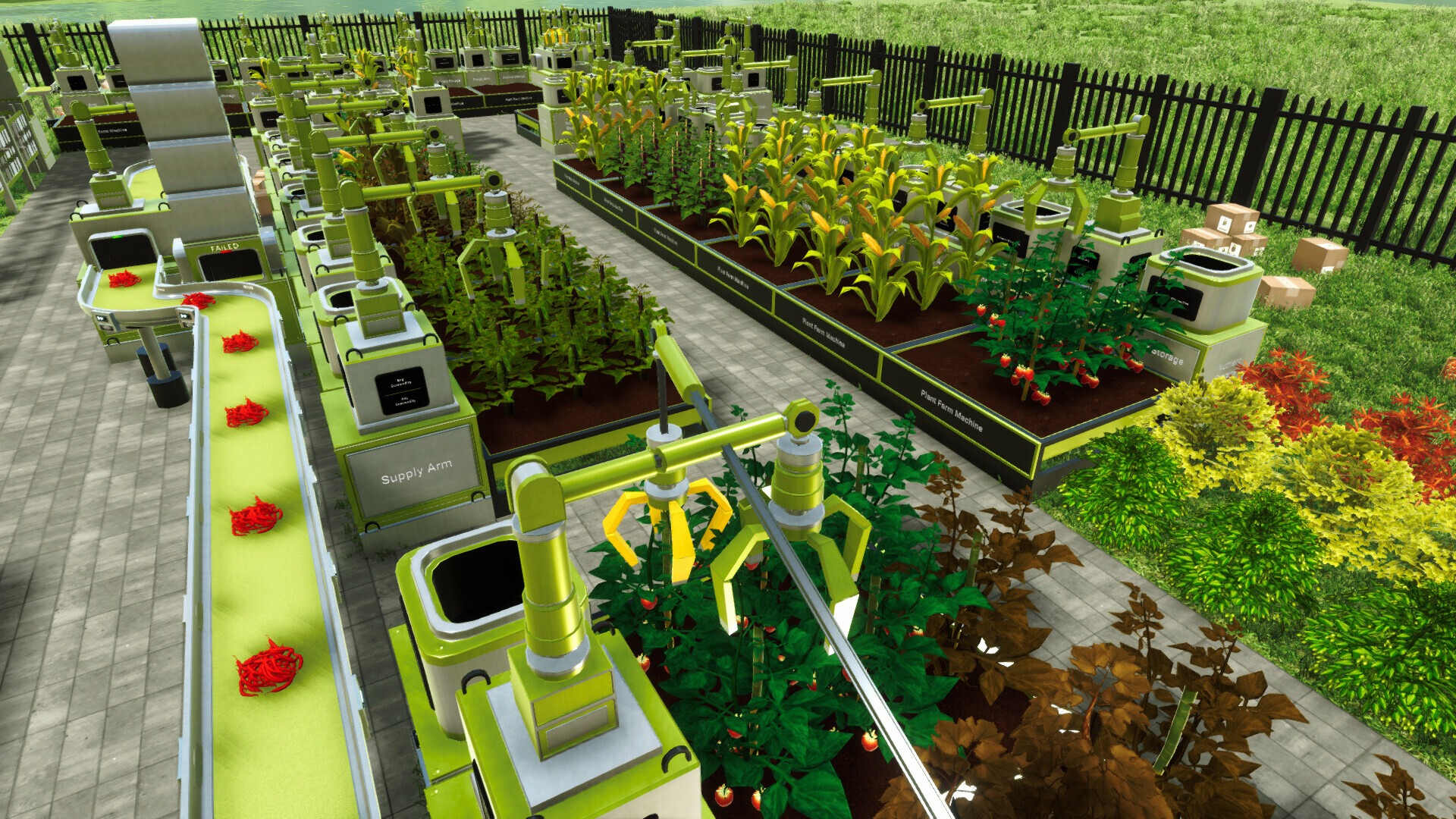
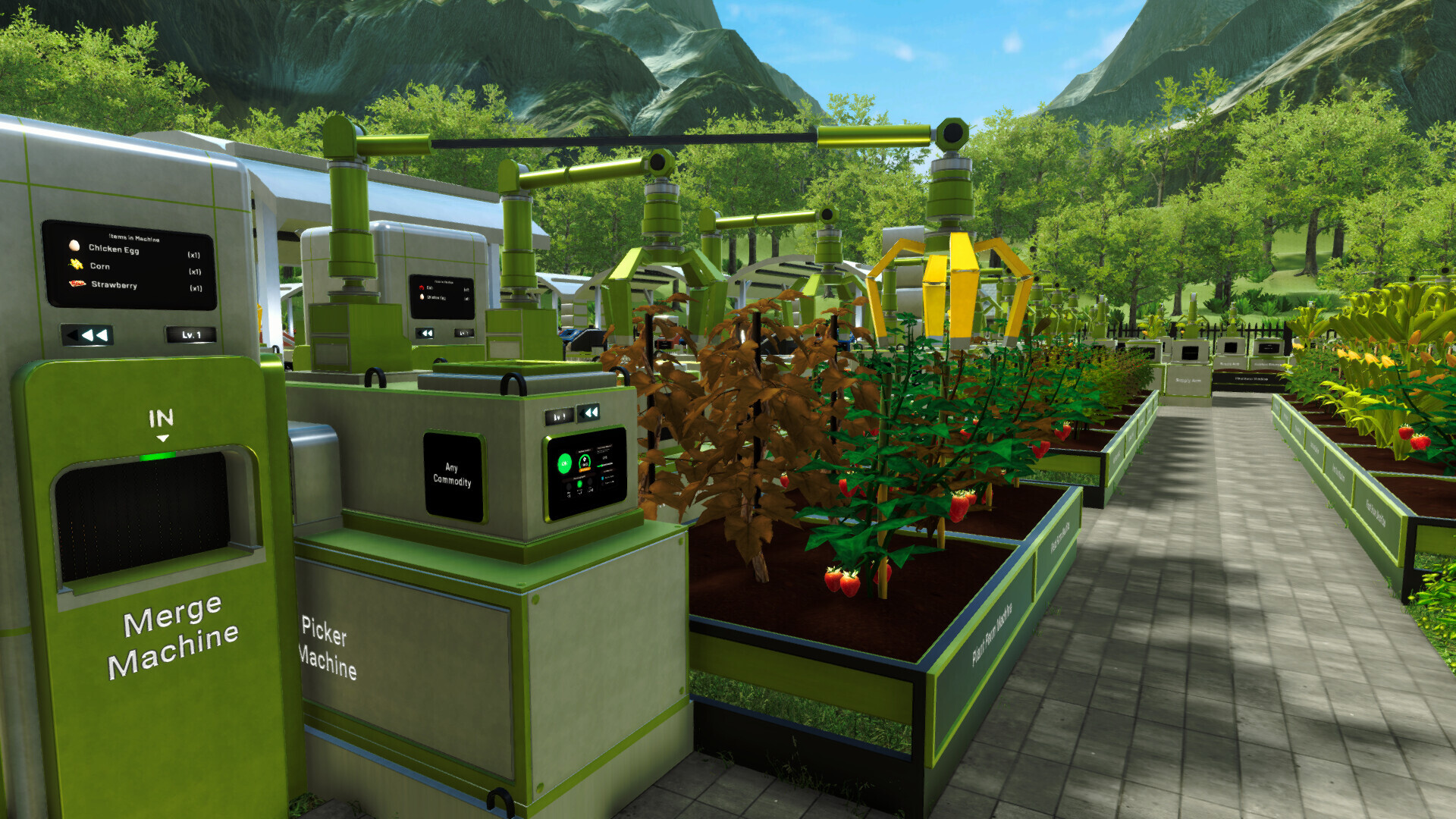
The Plant Farm Machine is used to plant and grow crops across multiple planting slots.
You can configure which plant should be grown inside the machine. The selected plants will then progress through several visible growth stages until they are ready to be harvested.
Plants can have several conditions that affect their production:
Growth Progress determines how close a plant is to being ready for harvest.
Quality represents the condition of the plant and its resulting harvest.
Dormancy occurs when a plant has stopped producing further harvests.
A dormant plant can be removed as Crop Residue so the slot can be used for another plant.
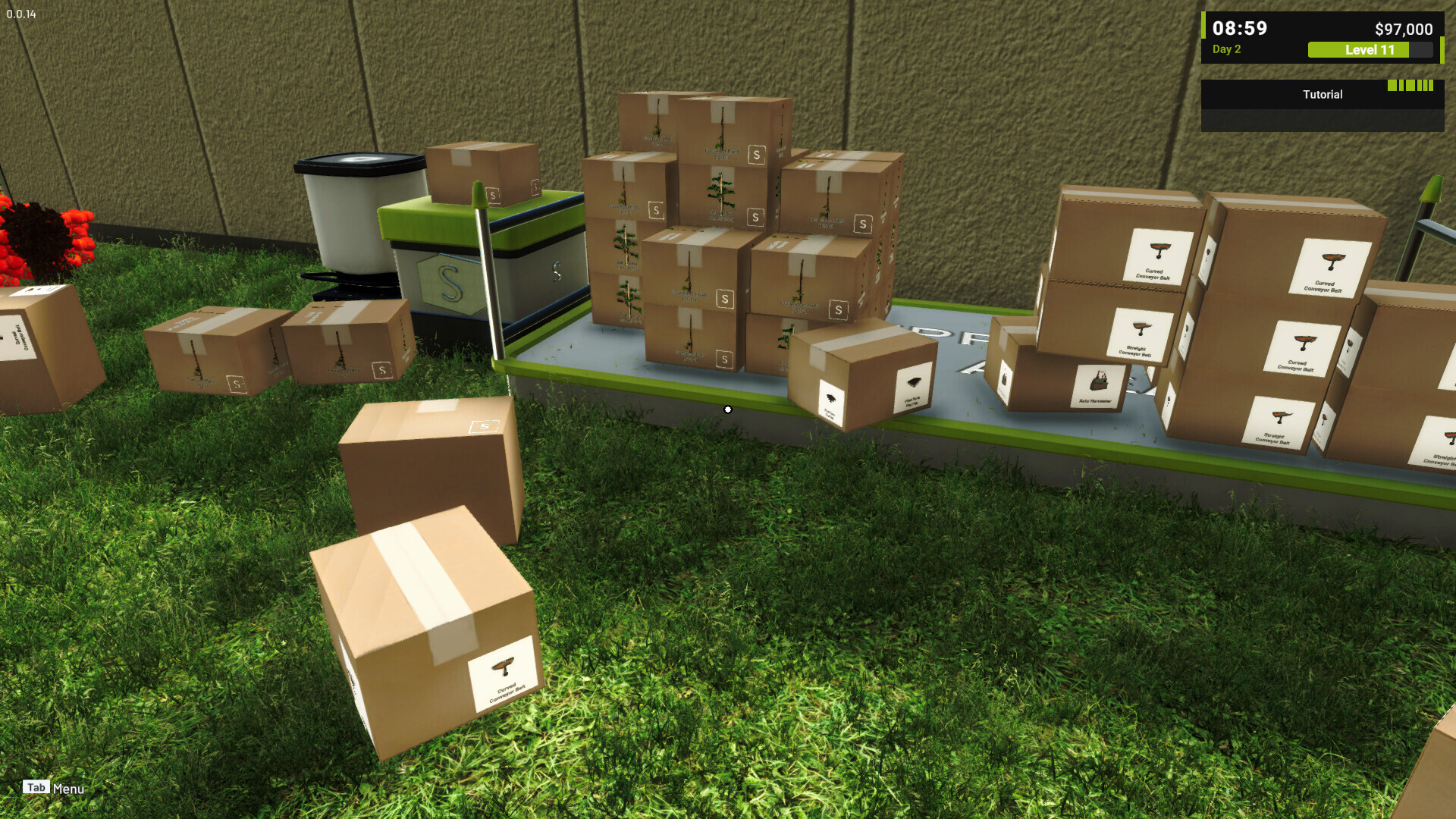
Planting and harvesting can also be handled manually by interacting with the farm while carrying the appropriate box.
2. Raise Livestock with the Animal Farm Machine
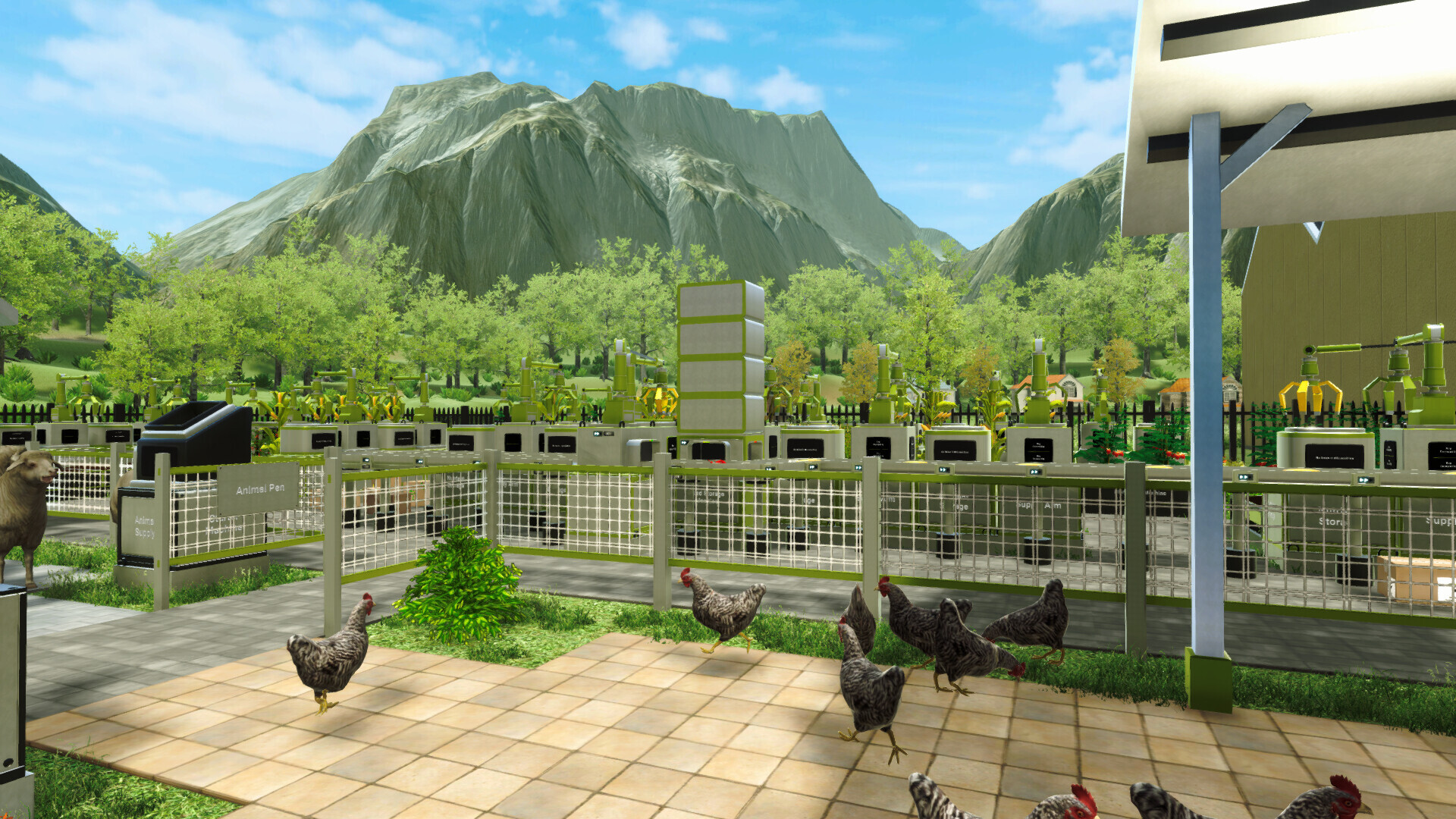
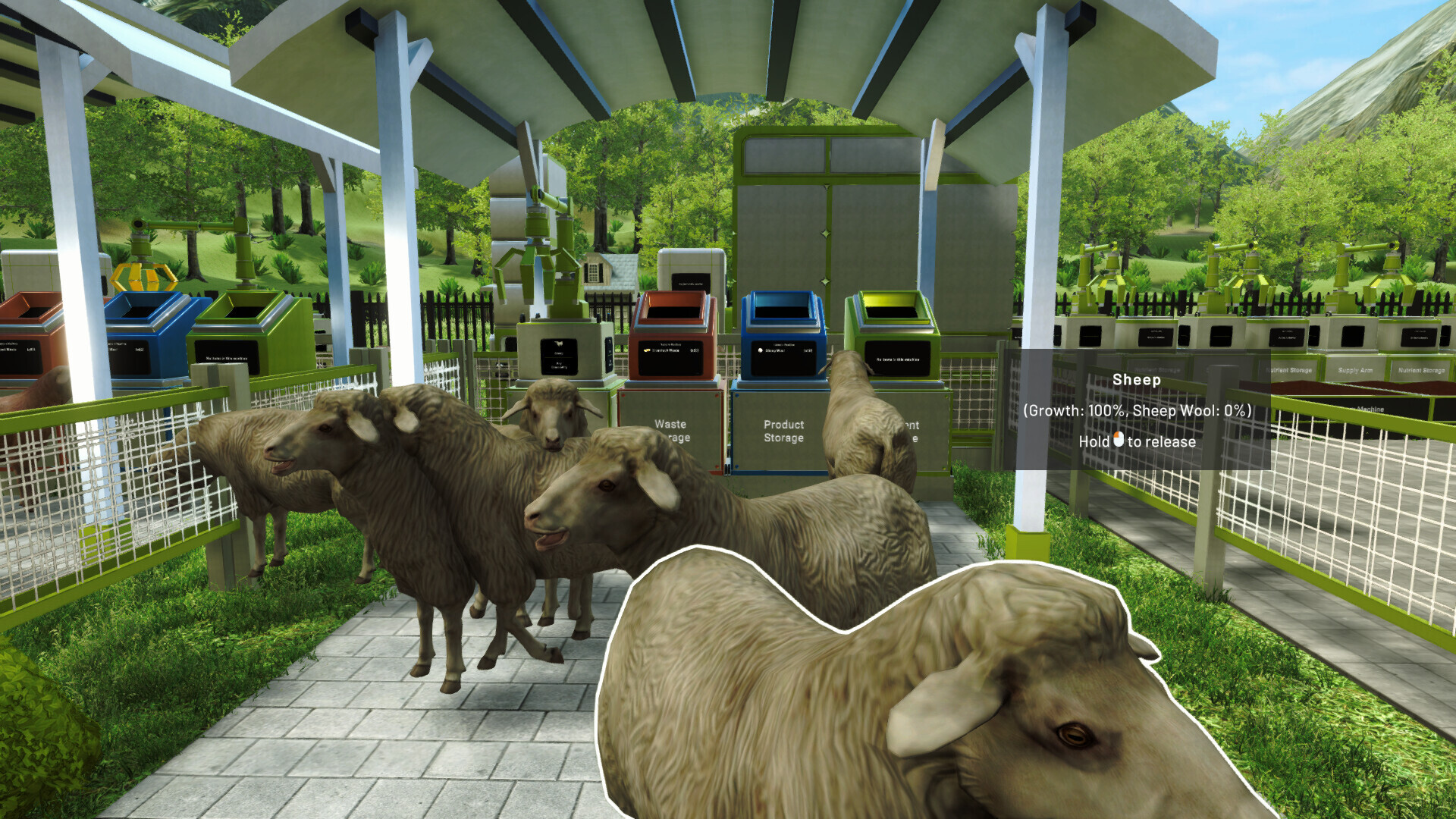
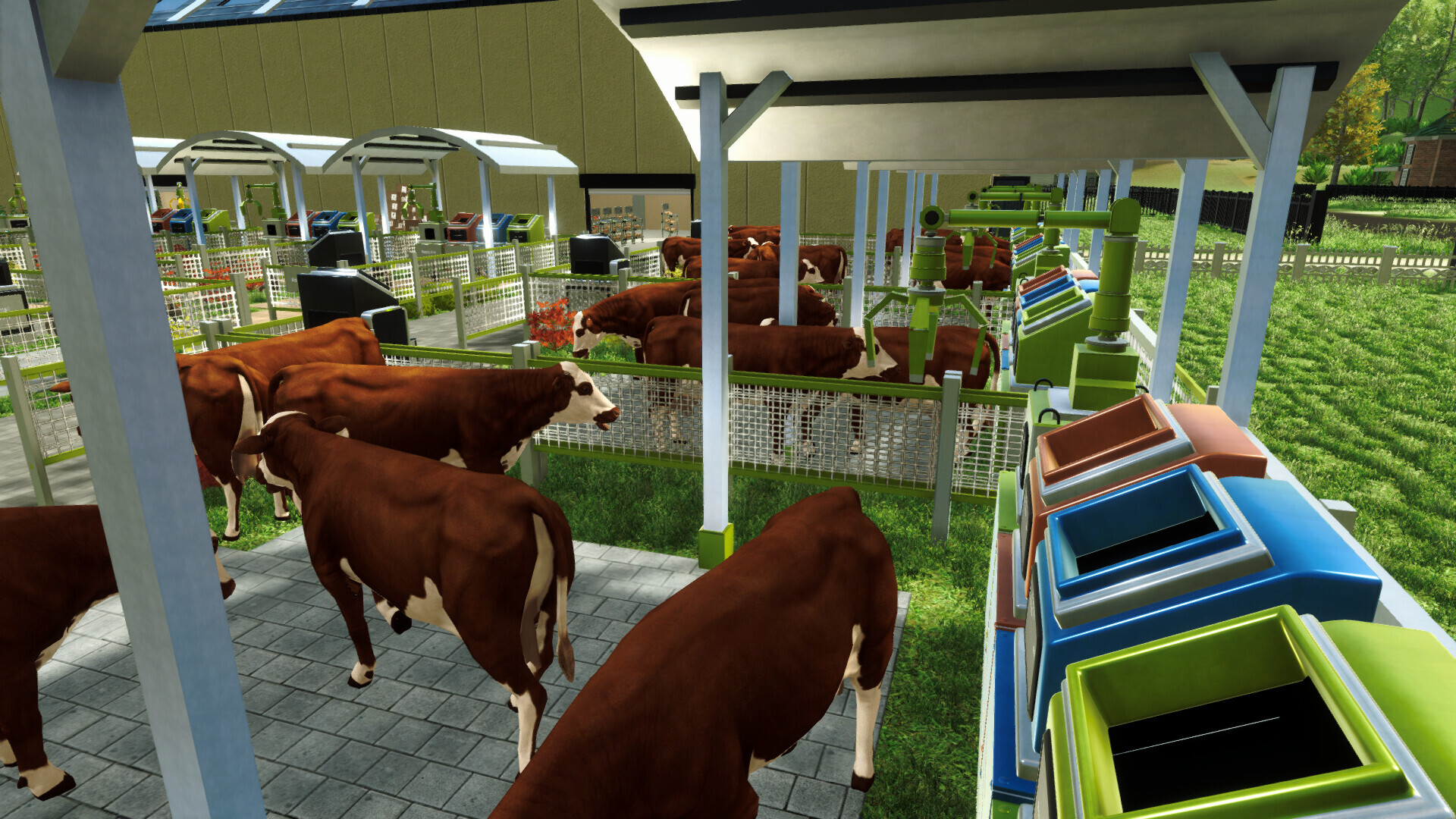
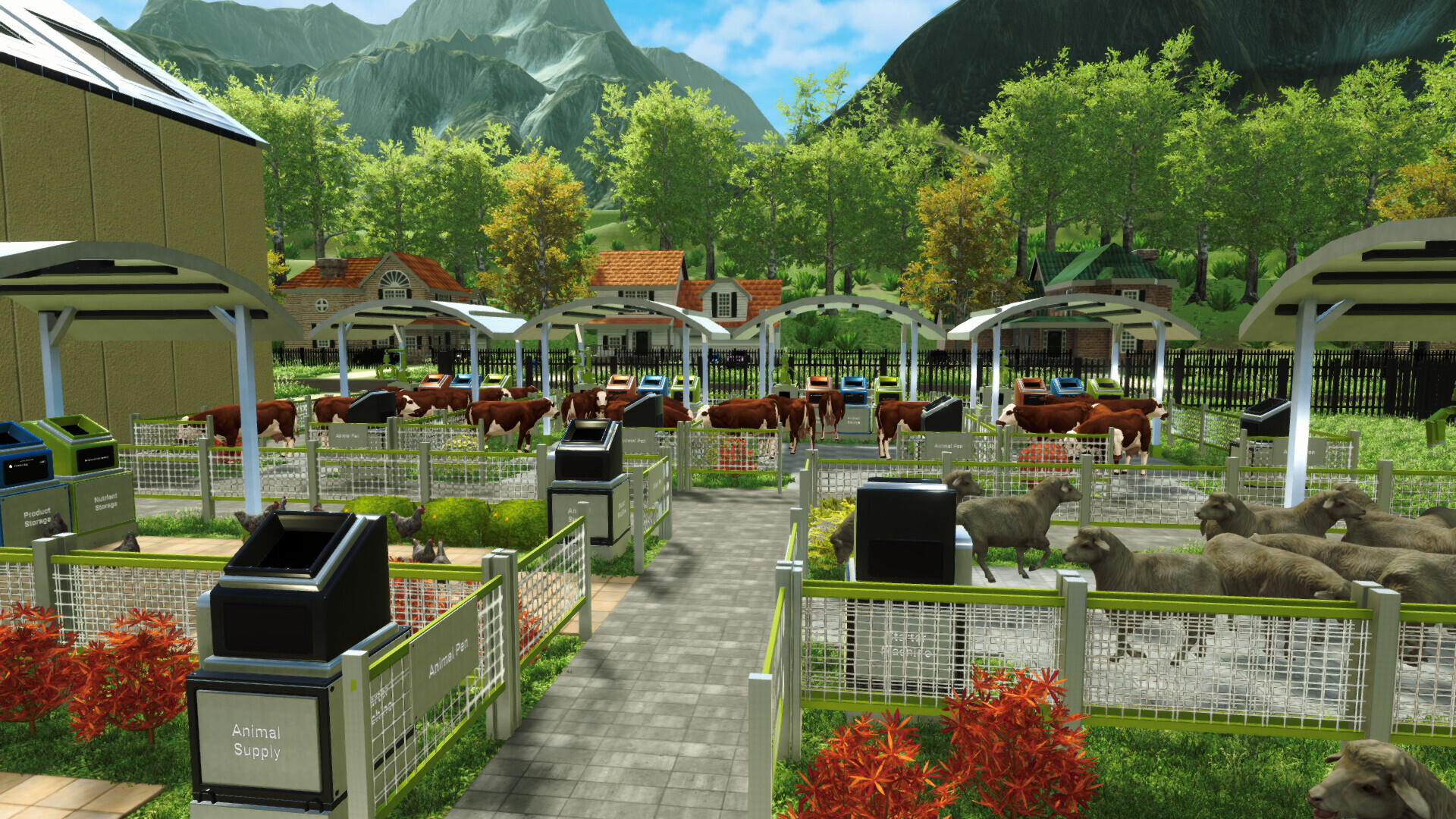
Farming in Farm Factory Simulator is not limited to crops. You can also use Animal Farm Machines to raise different types of livestock.
Each livestock type can produce different commodities. Depending on the animal being raised, these may include eggs, milk, wool, meat, or manure.
Livestock occupies slots inside the farm machine, similar to how plants are managed inside a Plant Farm Machine. You can configure which animal should be raised and manage its resulting commodities as part of your production system.
Animal products can then be collected and transferred into the same automation network used for crops.
This allows you to build separate production lines for plants and livestock, or connect both into a larger farm factory layout.
3. Collect Harvests with the Auto Harvester
The Auto Harvester automatically collects available commodities from nearby farm machines.
Its claw scans the surrounding area, pulls harvests from farms within its operating range, and places the collected commodities onto a connected conveyor belt.
Each Auto Harvester also has an option to display its scan area. When enabled, its coverage is shown on the ground so you can check whether nearby farms are positioned within reach.
This helps you plan the layout and avoid placing a farm outside the harvester's operating area.
Depending on the arrangement of your machines, one Auto Harvester may be able to collect commodities from several nearby farms.
4. Transport Commodities with Conveyor Belts
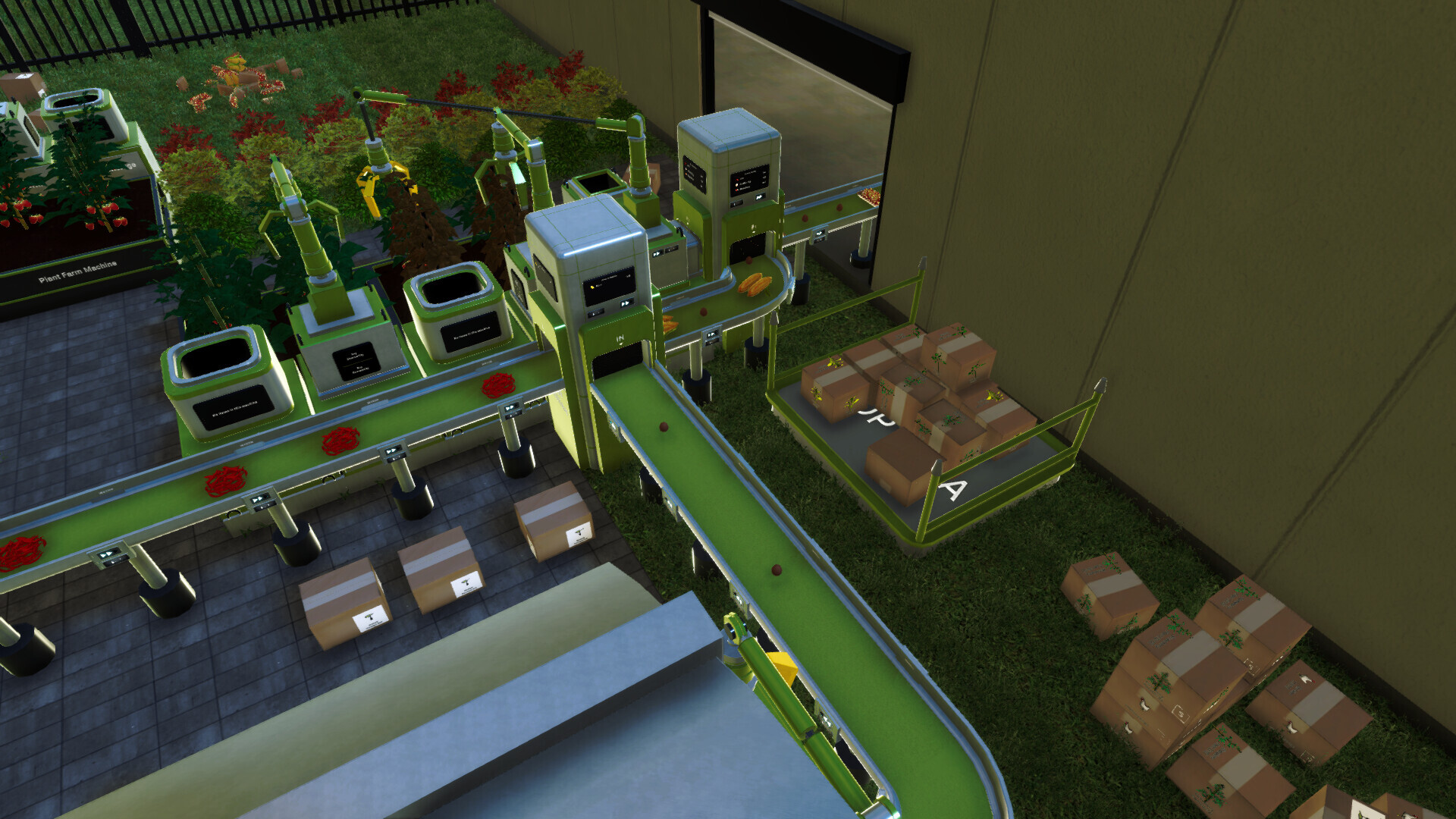
Conveyor belts transport crops, livestock products, and other commodities between machines.
A basic conveyor creates a direct route, but larger production lines may require additional routing machines to control where each commodity should go.
Several conveyor components can be combined when designing a production line:
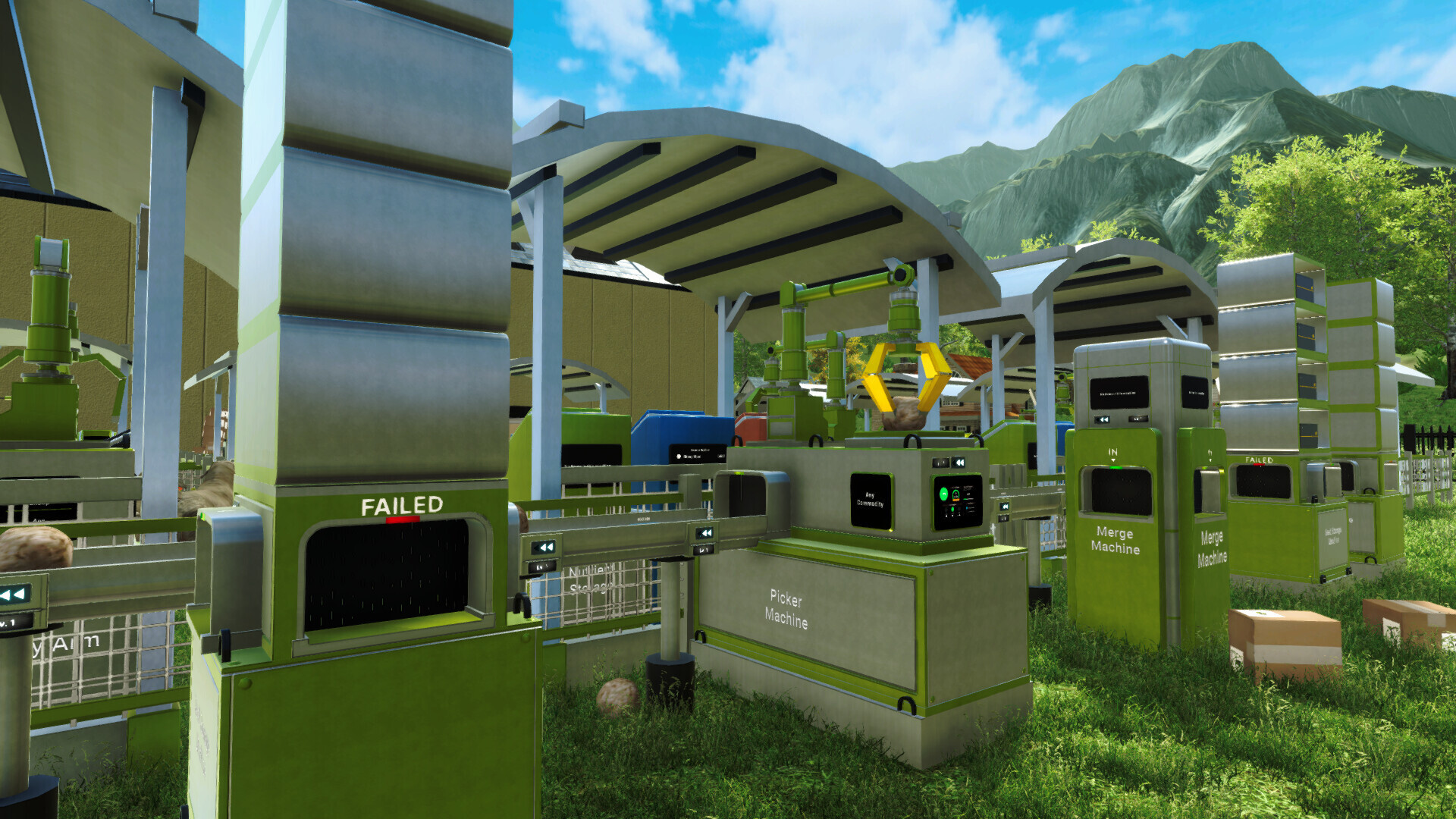
Splitter Machine divides one conveyor line into multiple output paths.
Merge Machine combines multiple conveyor lines into one route.
Filter Machine directs selected commodities toward a specific output.
Rotary Conveyor changes the direction of the conveyor line.
Elevated Conveyor provides more flexibility when creating larger layouts.
These machines allow you to separate different crops, livestock products, and other commodities into their intended destinations.
The arrangement of your conveyor network determines how smoothly the factory operates. An inefficient layout may cause commodities to accumulate, block other items, or arrive at the wrong machine.
5. Store Commodities in Storage Machines
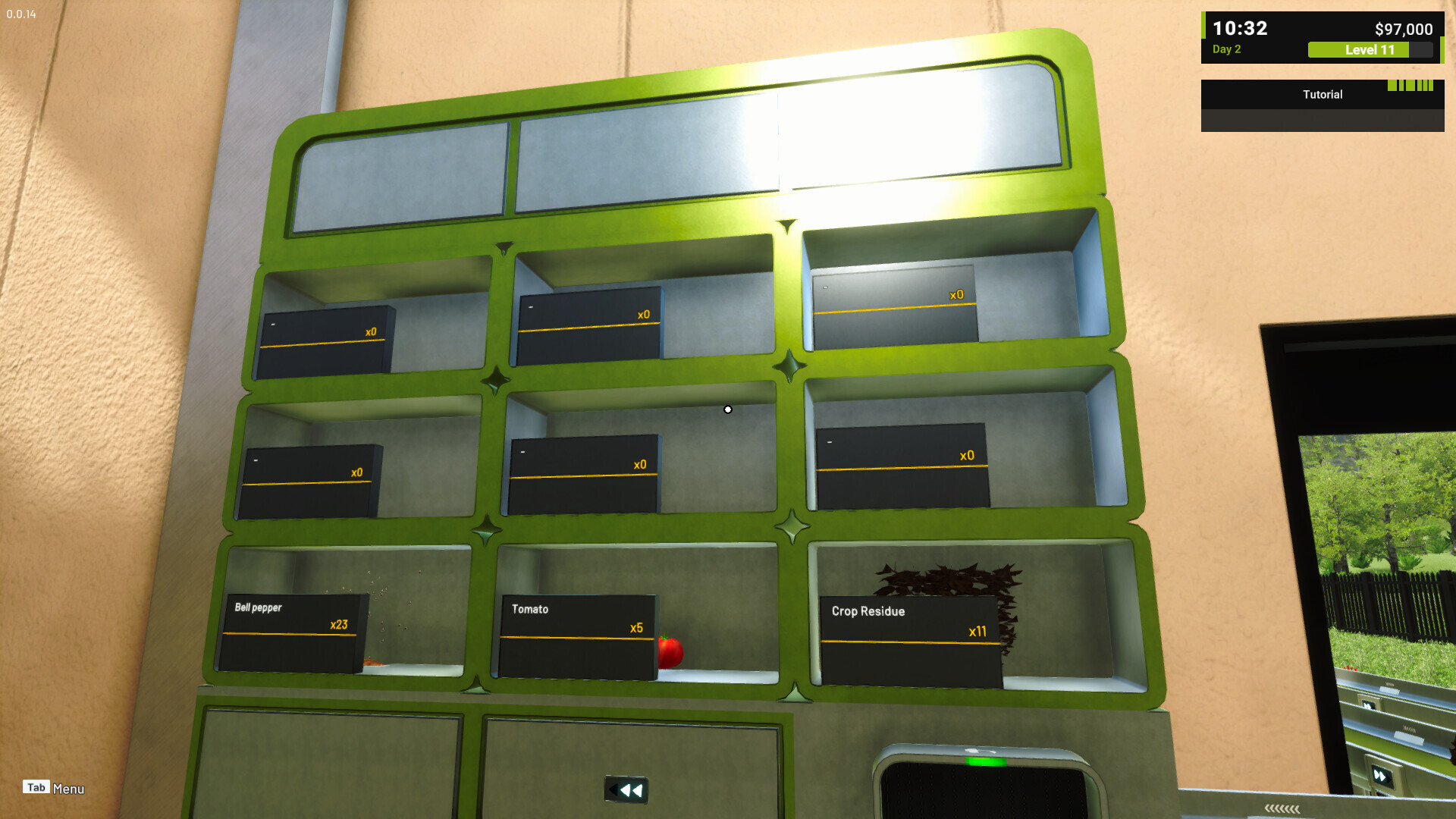
Storage Machines receive and hold commodities delivered through conveyor belts.
They can be used as the final destination of a simple production line or as temporary storage between different parts of a larger system.
Storage can also provide stock for products that will later be moved to Store Racks and sold.
Separating different commodities into their own storage machines can make the production flow easier to understand and manage.
You will also need to monitor the available storage capacity. When a storage machine becomes full, incoming commodities may stop moving and cause the connected conveyor line to become crowded.
Adding more storage or adjusting the conveyor routes can help keep the production line running smoothly.
6. Sell Your Farm Products
The commodities produced by your farm can be prepared and sold through the store system.
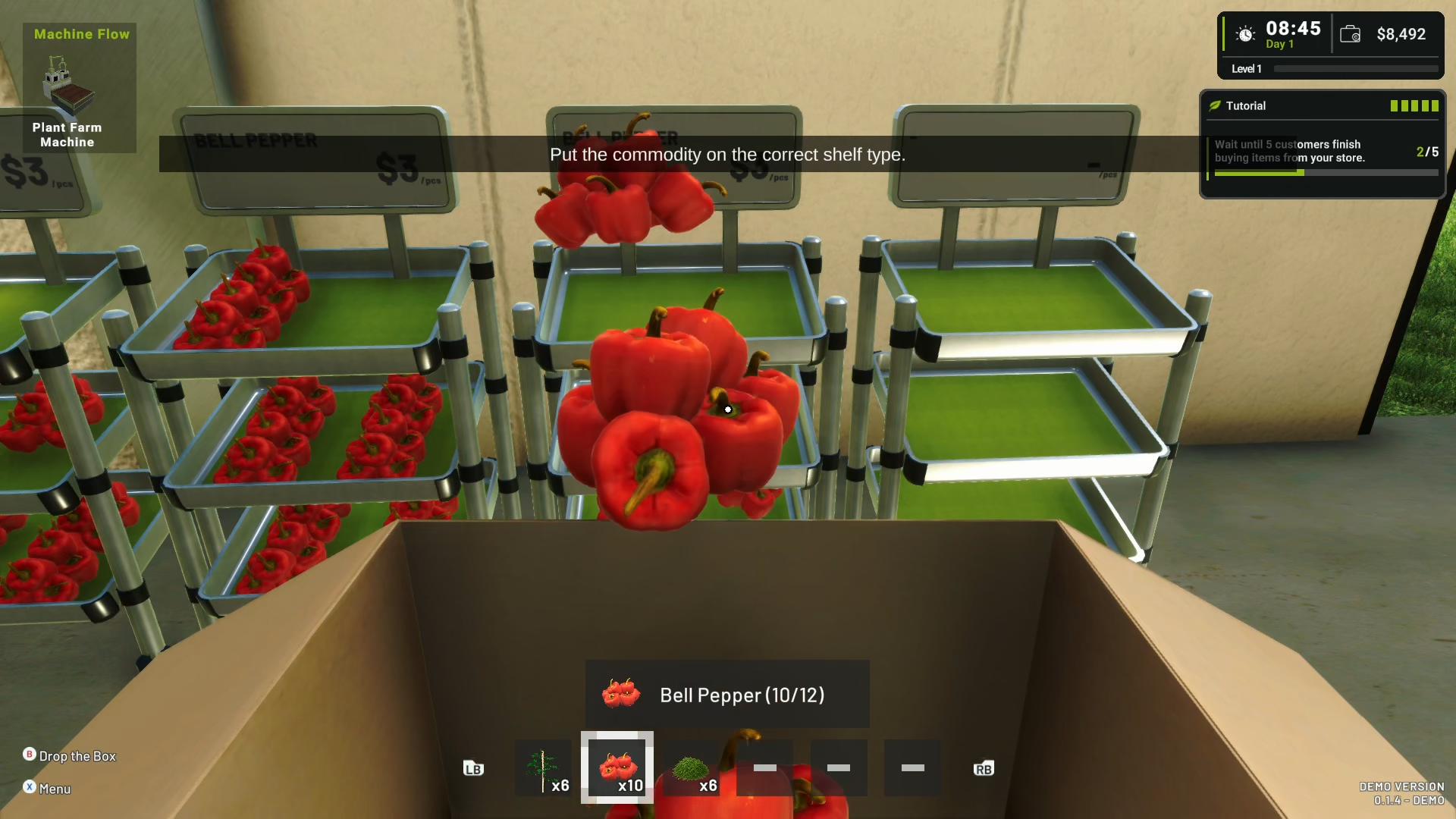
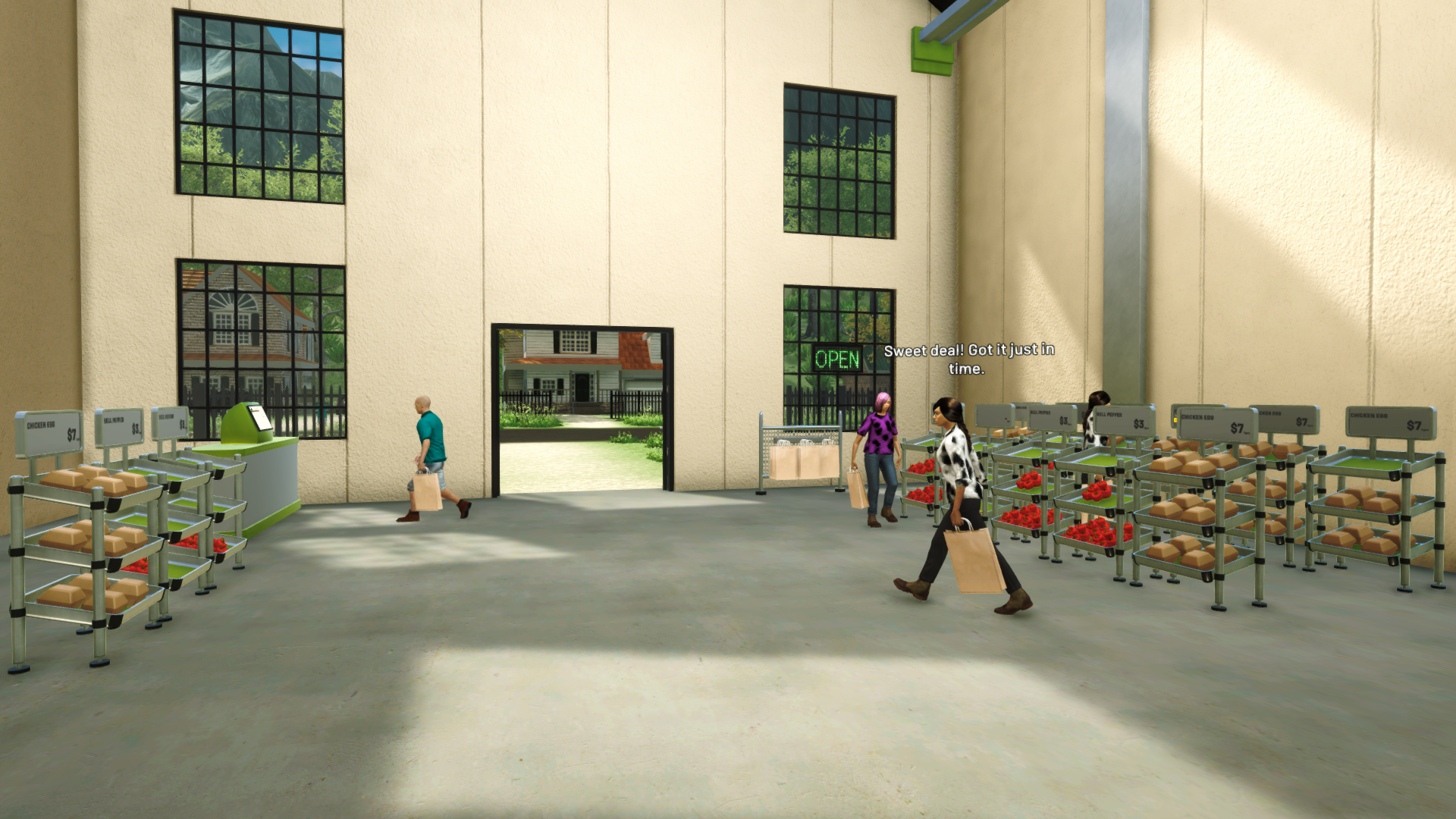
Products can be moved from storage and placed on Store Racks, where they become available for customers to purchase.
Each rack can be configured based on the commodity you want it to display. This allows you to organize the store and control which products are prepared for sale.
The selling system connects the farming and factory sides of the game. Instead of only producing as many commodities as possible, you also need to manage your available stock and decide which products should be sold.
Balancing production, storage, and sales will become increasingly important as your farm factory grows.
Experience The Demo
The current demo allows you to experience the basic systems of Farm Factory Simulator with a limited selection of content.
Please keep in mind that the demo does not represent the final amount of crops, livestock, machines, products, areas, and progression planned for the full game.
Your experience and feedback from the demo will help us improve the gameplay as development continues.
Thank you very much for following the development of Farm Factory Simulator and for trying the demo during Steam Next Fest.
Since this is our first public demo, your reports, feedback, and suggestions will be especially helpful in showing us which systems are already enjoyable, which parts need clearer explanations, and which areas should be improved.
If you encounter any issues or unexpected behavior, please report them through the in-game Report Menu and/or the Steam Discussions so we can investigate further.
Please consider adding Farm Factory Simulator to your wishlist, and we hope you enjoy building your automated farm factory!
See you on the farm! 🌱