
Hi everyone, 😄
Thank you for playing the School Owner Simulator Demo and for continuing to share your reports, suggestions, and feedback with us.
This update focuses on giving you more ways to personalize your school. You can now repaint different surfaces around the campus, choose school-wide uniform colors for your Students, and use several improved building and placement systems.
Here is what is available in the latest version accessible through the Demo.
Main Updates
1. Paint
A new Paint category is now available through the Building section of the Management Menu.
Paint allows you to change the appearance of different parts of your school directly after they have been placed. As of now you can paint only for general walls, including:
Windows
Doors
There are 12 color swatches available:
6 Basic Colors
6 Extra Colors

Basic Colors have a lower painting cost, while Extra Colors cost more to use.
After selecting a color, aim at the surface you want to change and apply the paint. Only the side or surface you are currently targeting will be recolored, allowing different sides of the same structure to use different colors.
Money is deducted each time a surface is painted. The game will also indicate whether the surface you are targeting can be painted.
Painted surfaces are saved and will keep their selected colors after saving and loading the game. You can right-click at any time to stop using Paint.
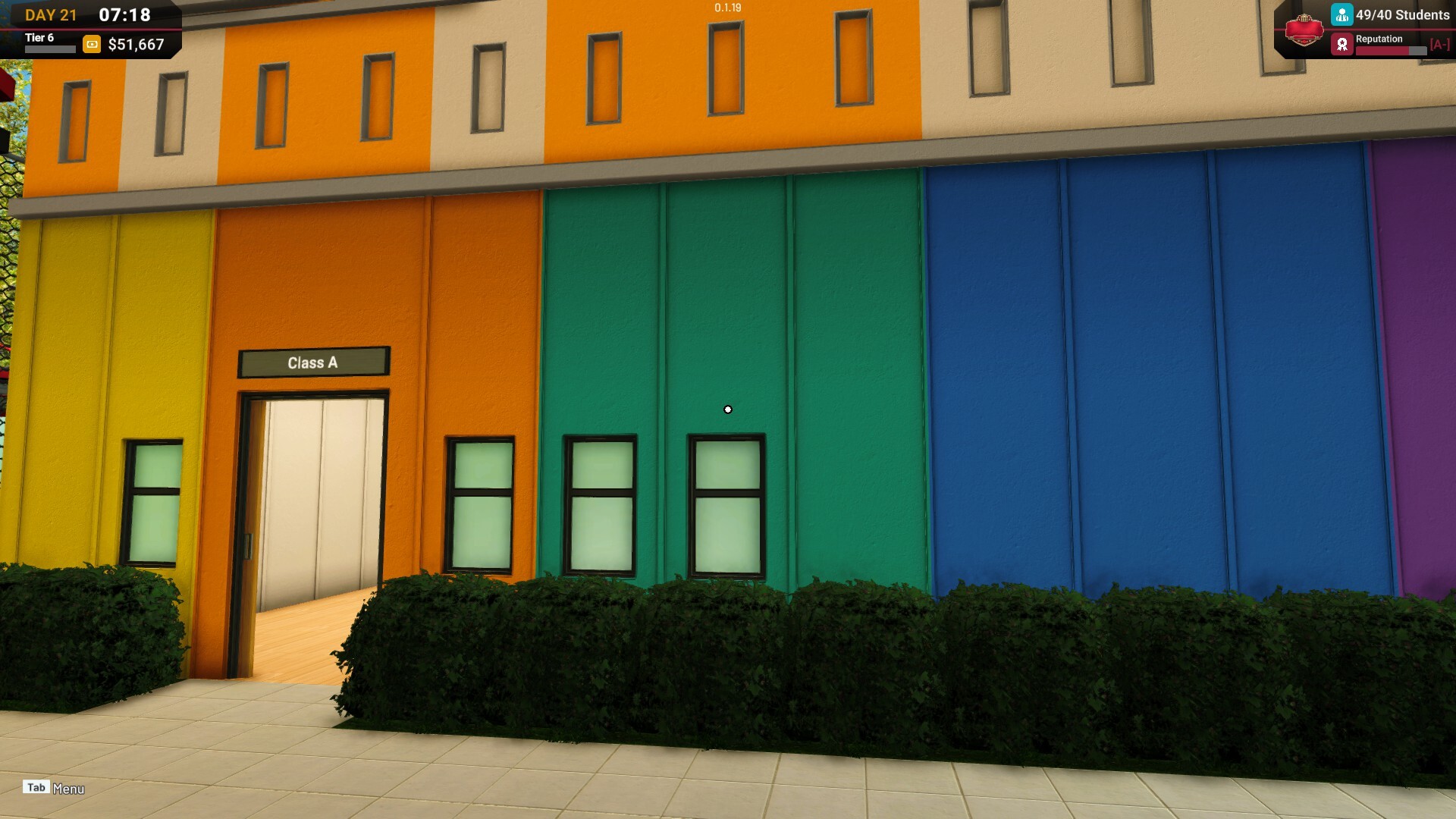
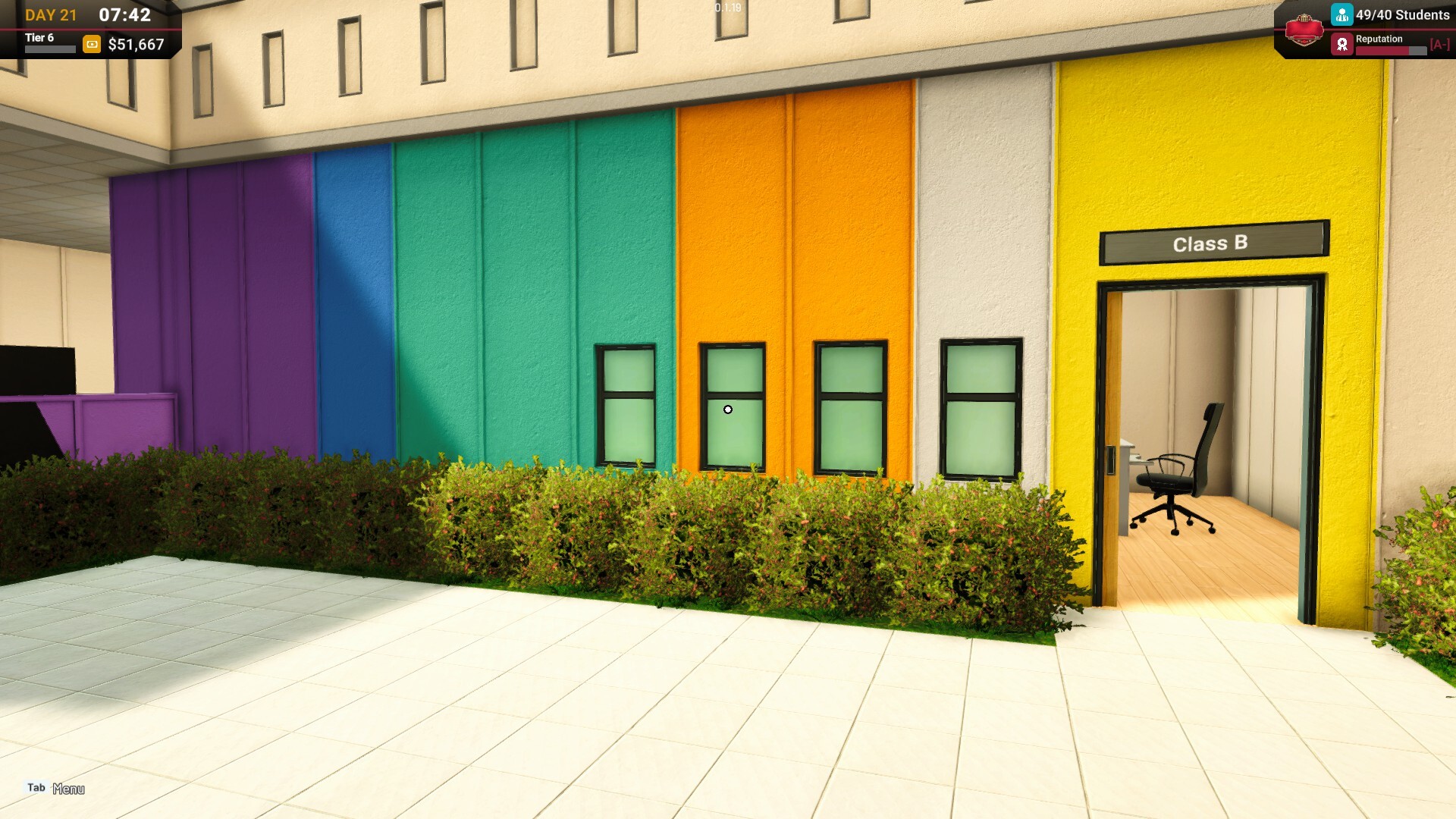
2. Student Uniform Colors
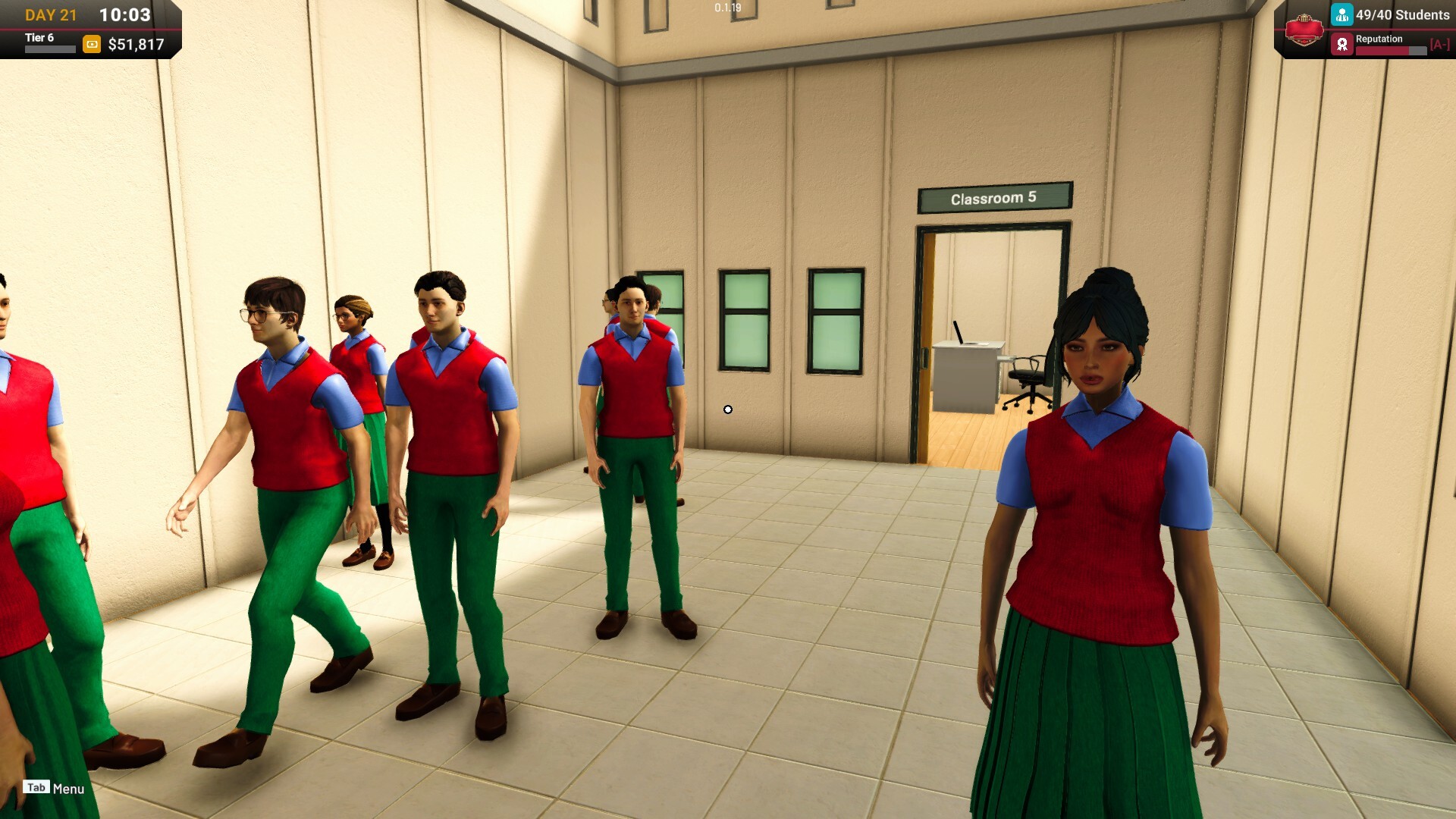
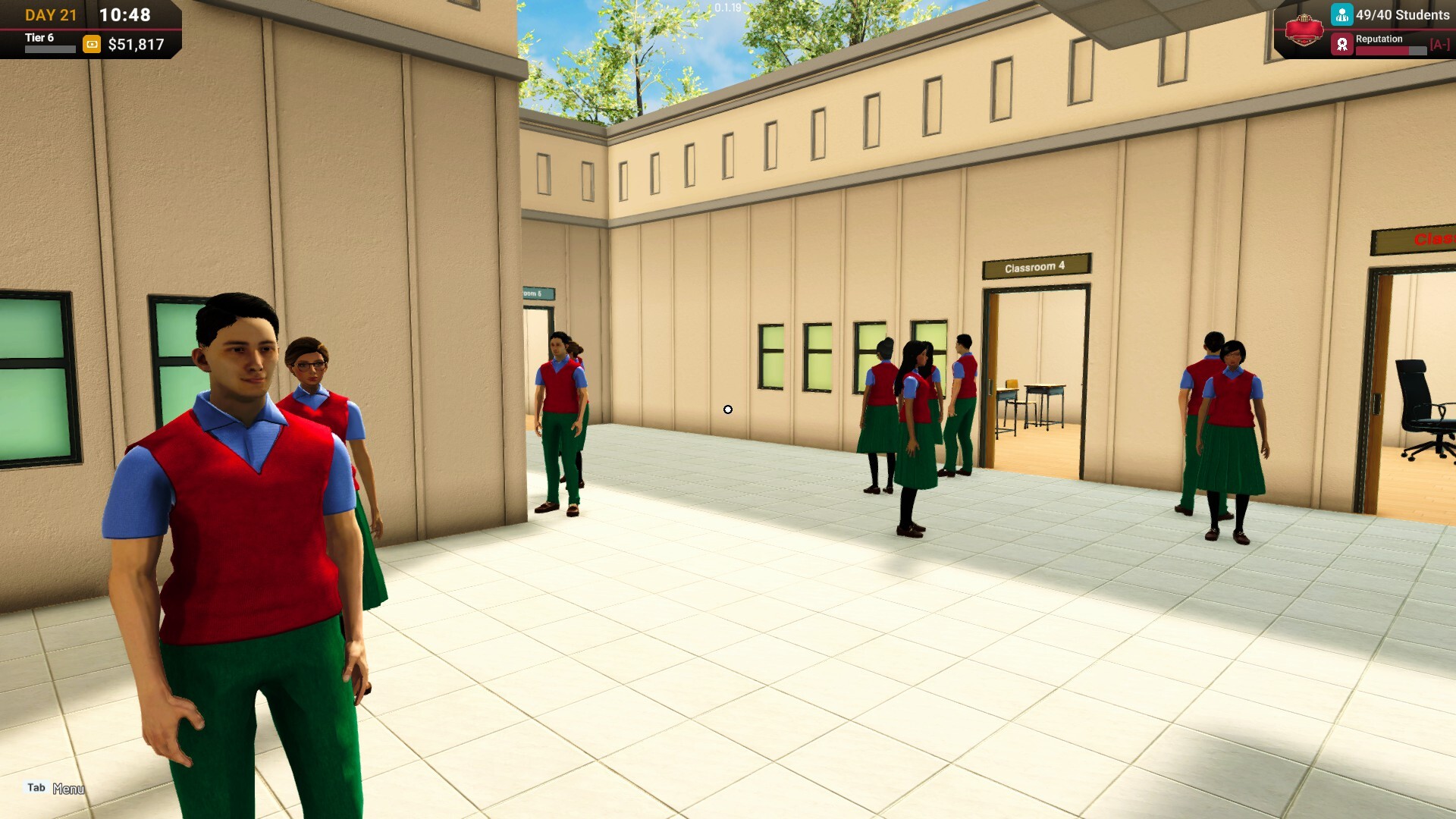
You can now choose the school-wide uniform colors used by your Students.
The uniform can be customized through three separate color options:
Vest
Top
Bottom
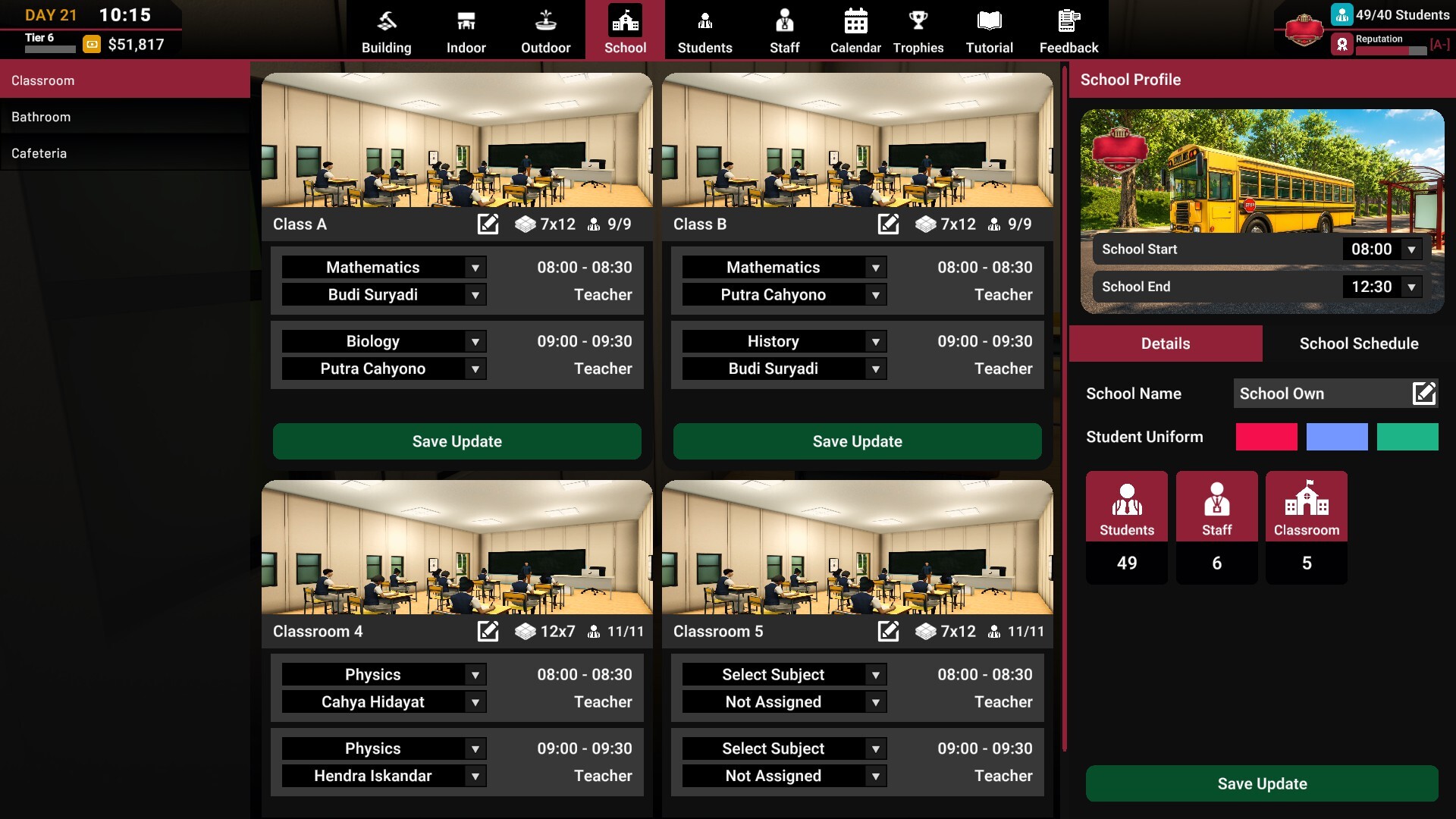
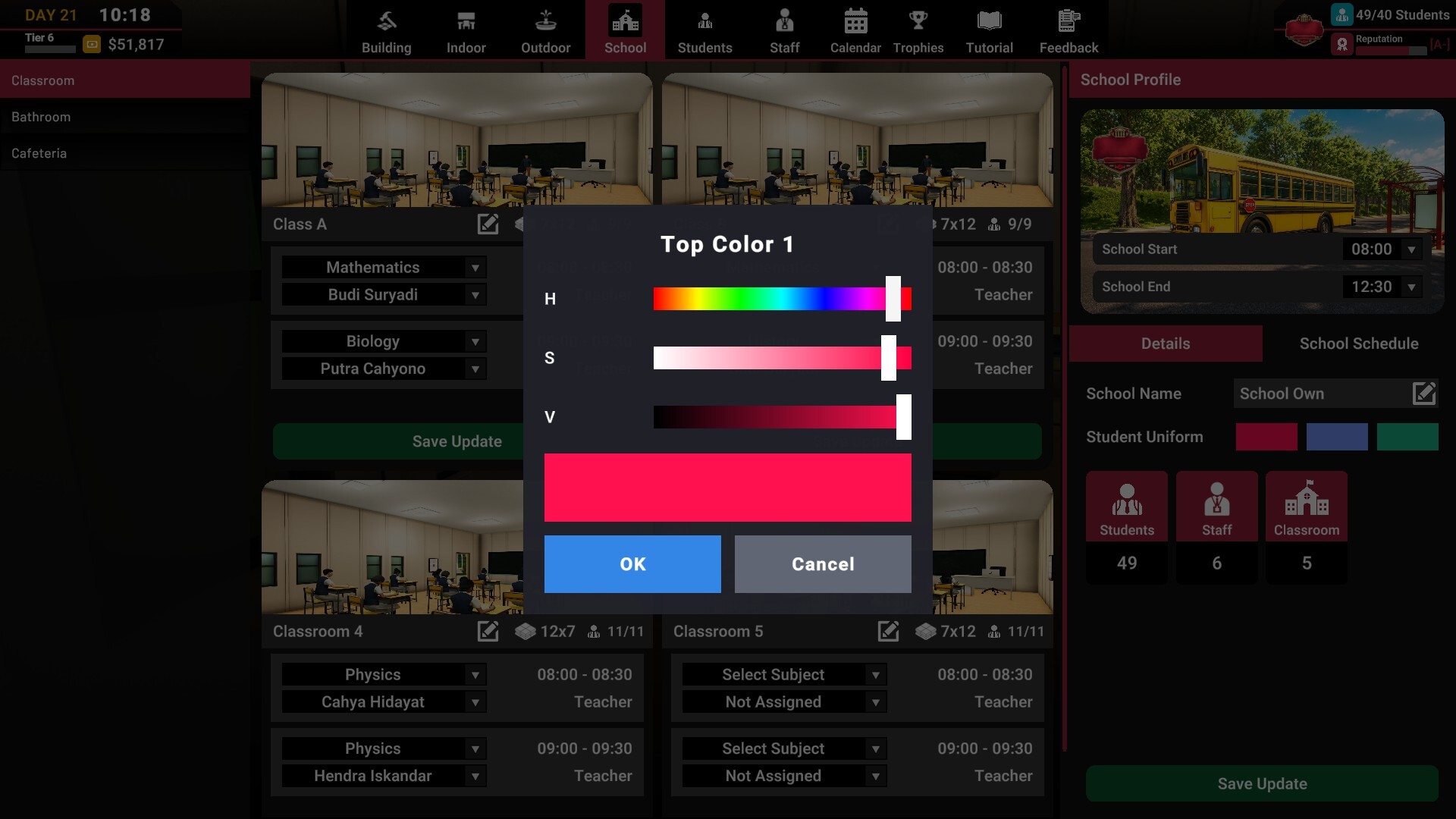
Uniform colors can be changed at any time, including while the school day is running. Any changes will immediately appear on the uniforms currently worn by your Students.
New Students who enroll afterward will also use the selected school uniform colors.
These settings apply to Students across the entire school and are saved with your game, allowing you to create a more consistent visual identity for your school.
Improvements
1. More Flexible Furniture and Infrastructure Placement
Placement rules have been updated for several specific furniture and infrastructure objects.
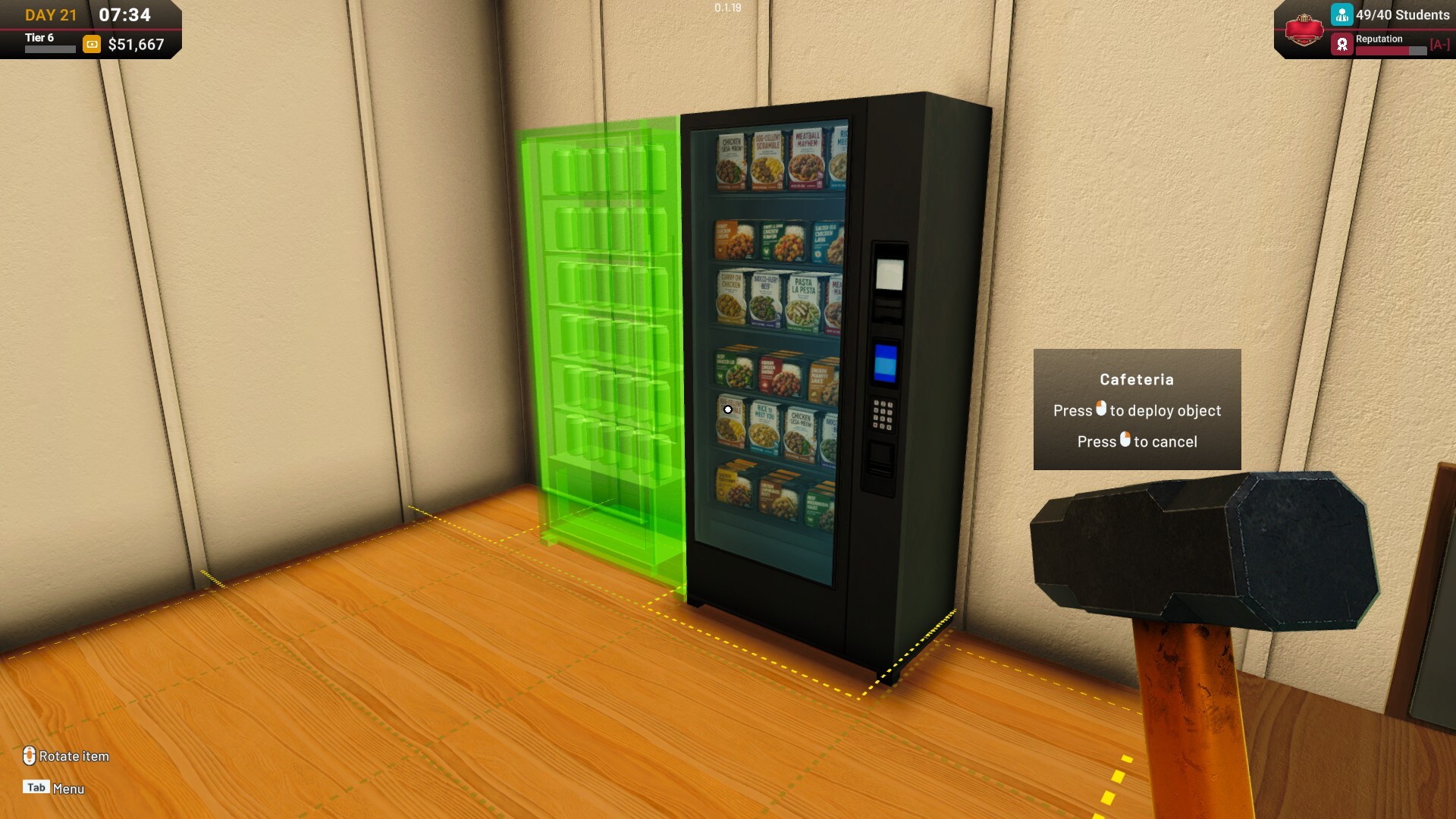
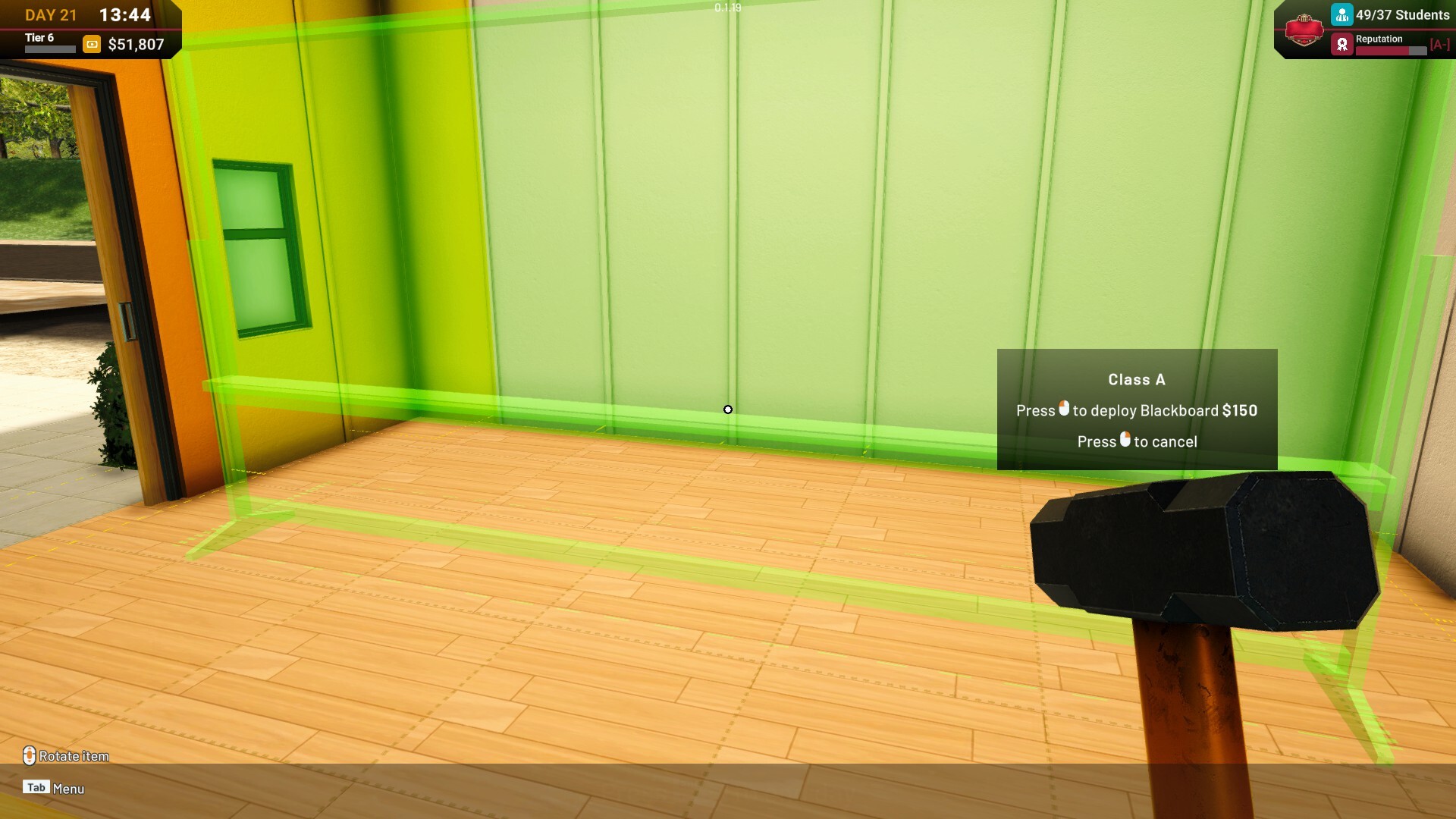
Each supported object can now follow placement rules that better match its design. Some objects may be placed against a wall, while others can also stand freely on the floor.
For example:
Blackboards can now be attached to a wall or placed as free-standing objects.
Vending Machines can now be placed against a wall in addition to standing freely on the floor.
These changes provide more flexibility when arranging classrooms, cafeterias, and other areas around the school.
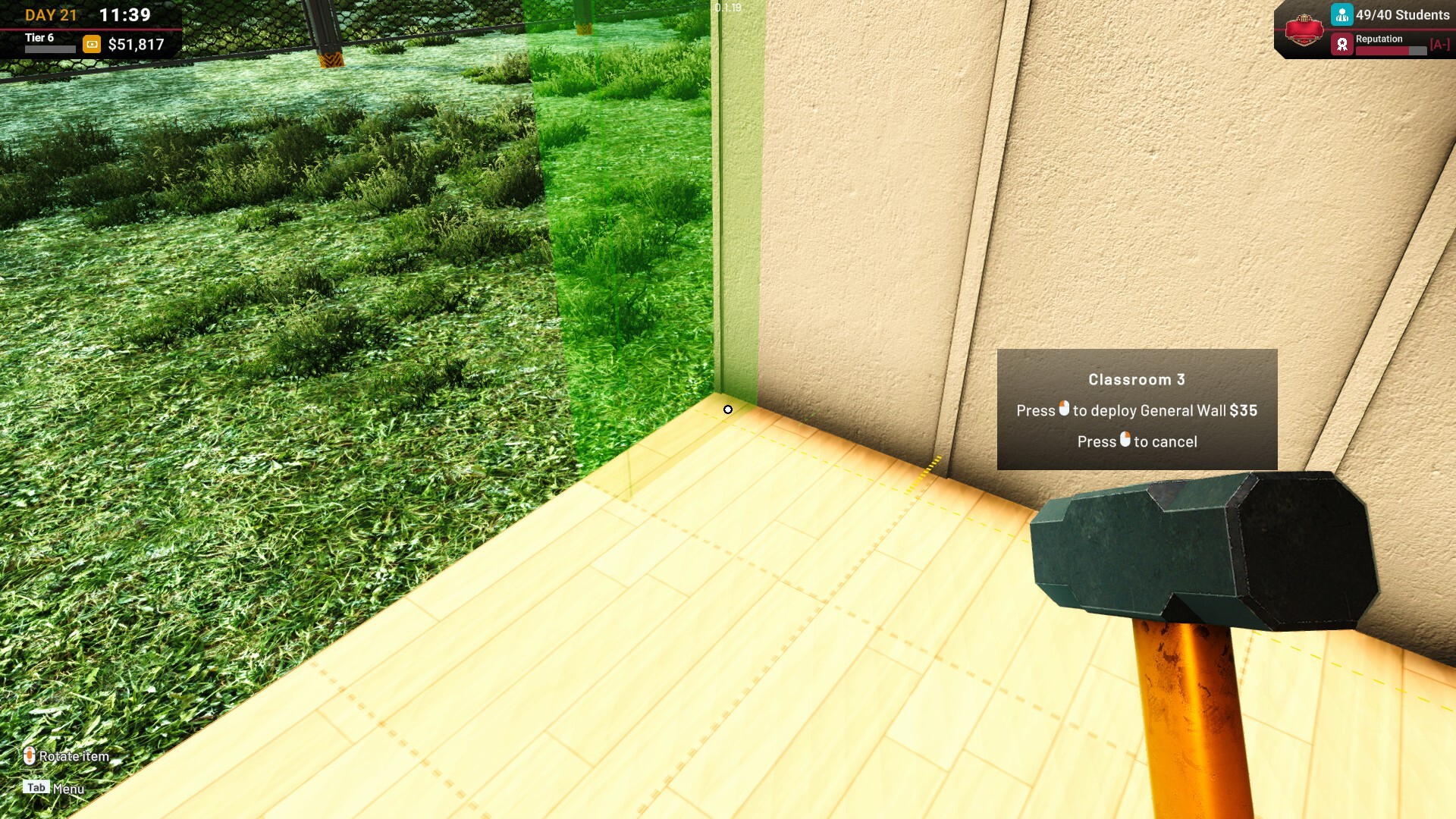
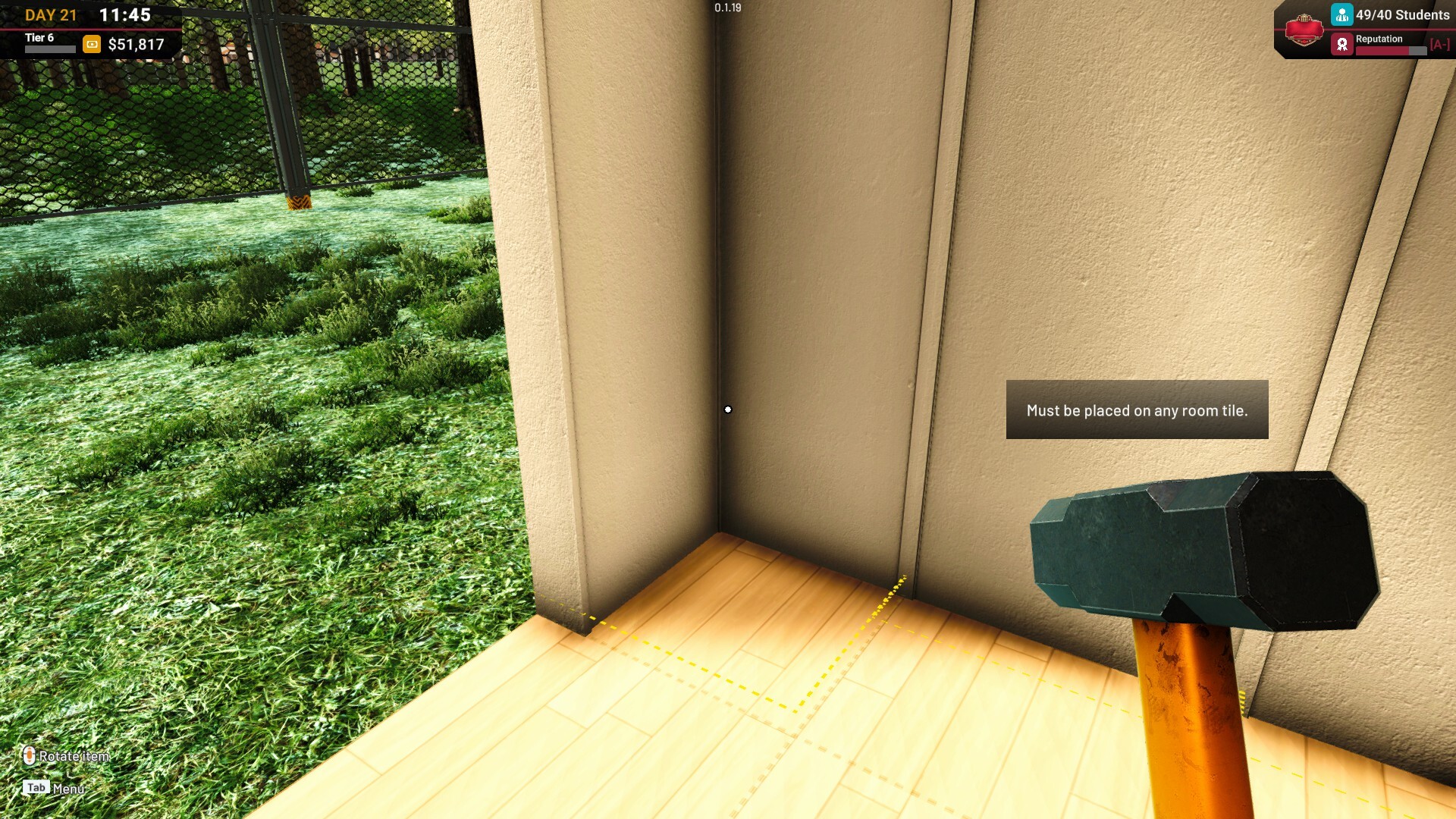
2. Automatic Corner Walls
Building connected wall layouts is now more convenient.
When two walls of the same type are placed to form a right-angle corner, they will automatically convert into the appropriate corner-wall model.
This applies to both general walls and Bathroom walls.
The construction cost is also adjusted to match a single corner wall instead of charging for two complete wall pieces.
3. Updated Classroom Banner
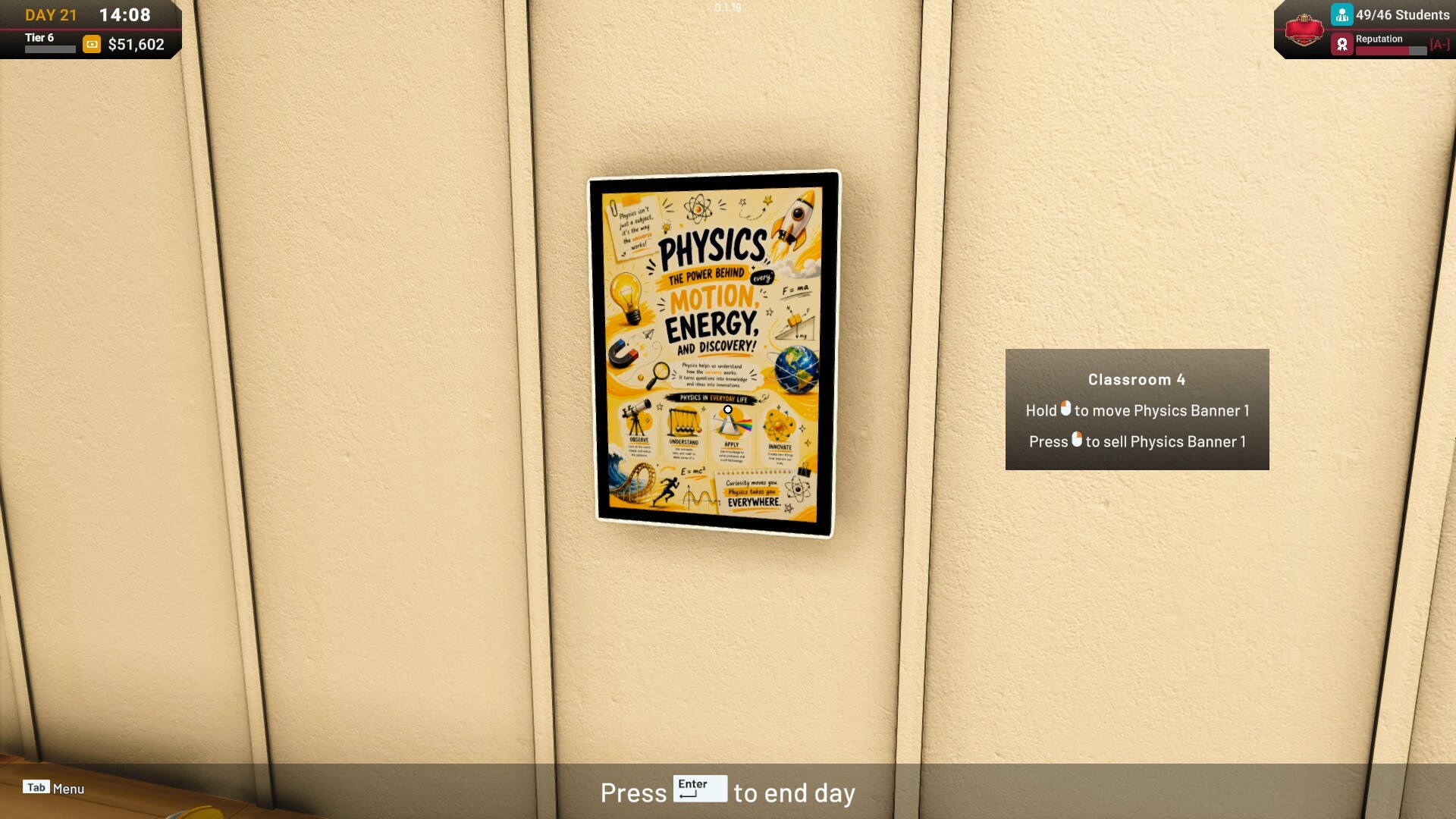
The English Banner has been removed from the furniture selection and replaced with a new Physics Banner.
Players using save files from an earlier Demo build do not need to replace previously placed banners manually. Existing English Banners will automatically be converted into Physics Banners when the save is loaded, while keeping their current placement.
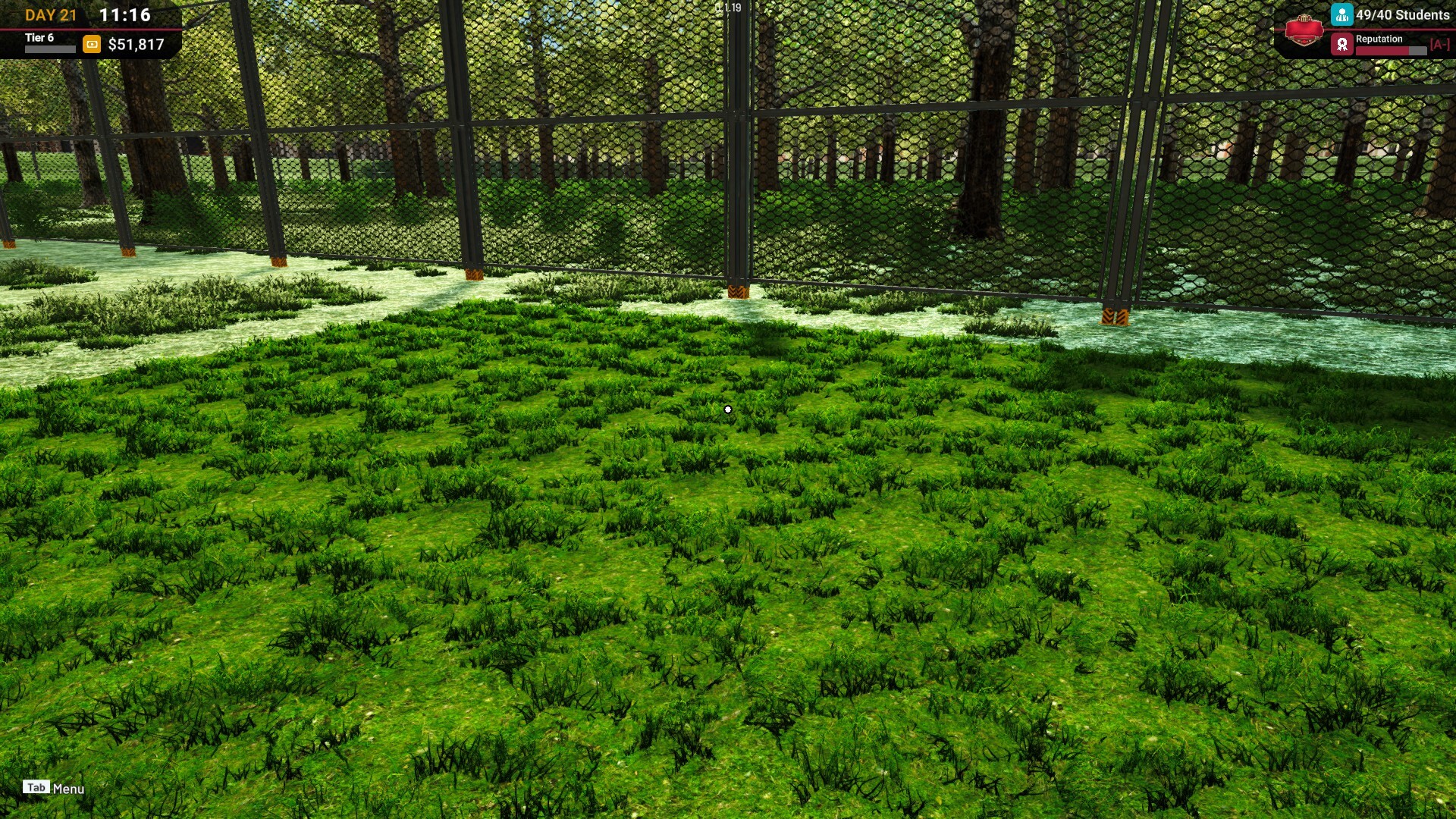
4. More Natural Grass Variation
Placed grass tiles now use randomized rotations.
This creates more visual variety and helps grassy areas appear less repetitive instead of having every tile face the same direction along the building grid.
Thank you again for playing the School Owner Simulator Demo and for continuing to support its development.
We are still reading and reviewing the reports, suggestions, and feedback you share. We will continue prioritizing future additions and improvements based on their feasibility and their impact on the overall gameplay experience.
If you encounter any issues or unexpected behavior, please let us know through the Steam Discussions so we can review them.
See you at school! 😄