
Hi everyone, 😄
Thank you for playing the School Owner Simulator Demo and for sharing your reports, suggestions, and feedback with us.
This Demo update introduces several new systems that expand daily school management, including NPC Needs, Cafeteria and Bathroom facilities, academic calendars, exams, challenges, and additional ways to inspect and personalize your students and teachers.
Here are the updates included in the latest version that are currently accessible in the Demo.
Main Updates
1. NPC Needs System
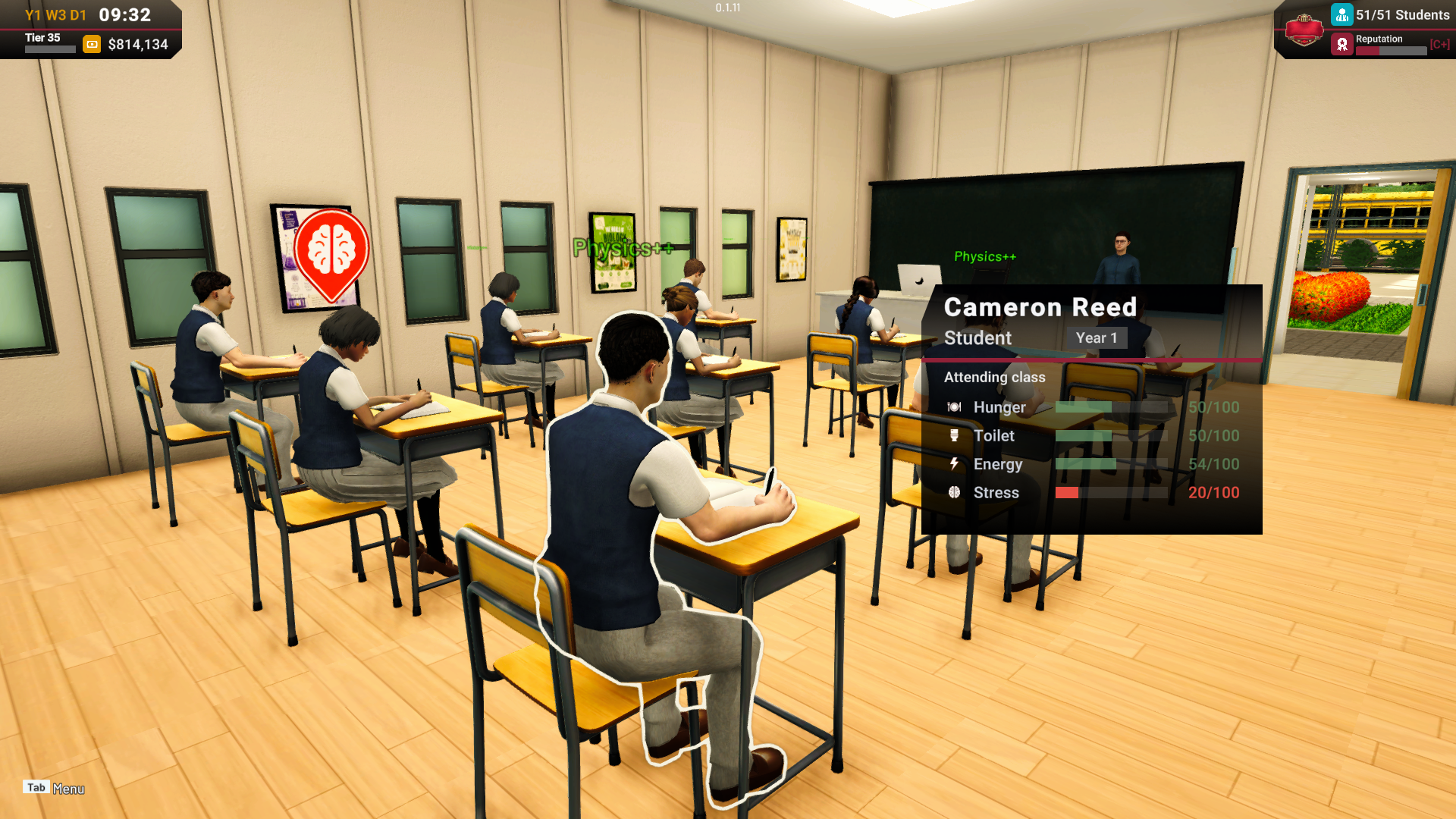
Students and staff now have four Needs that develop throughout the school day:
Hunger
Toilet
Energy
Stress
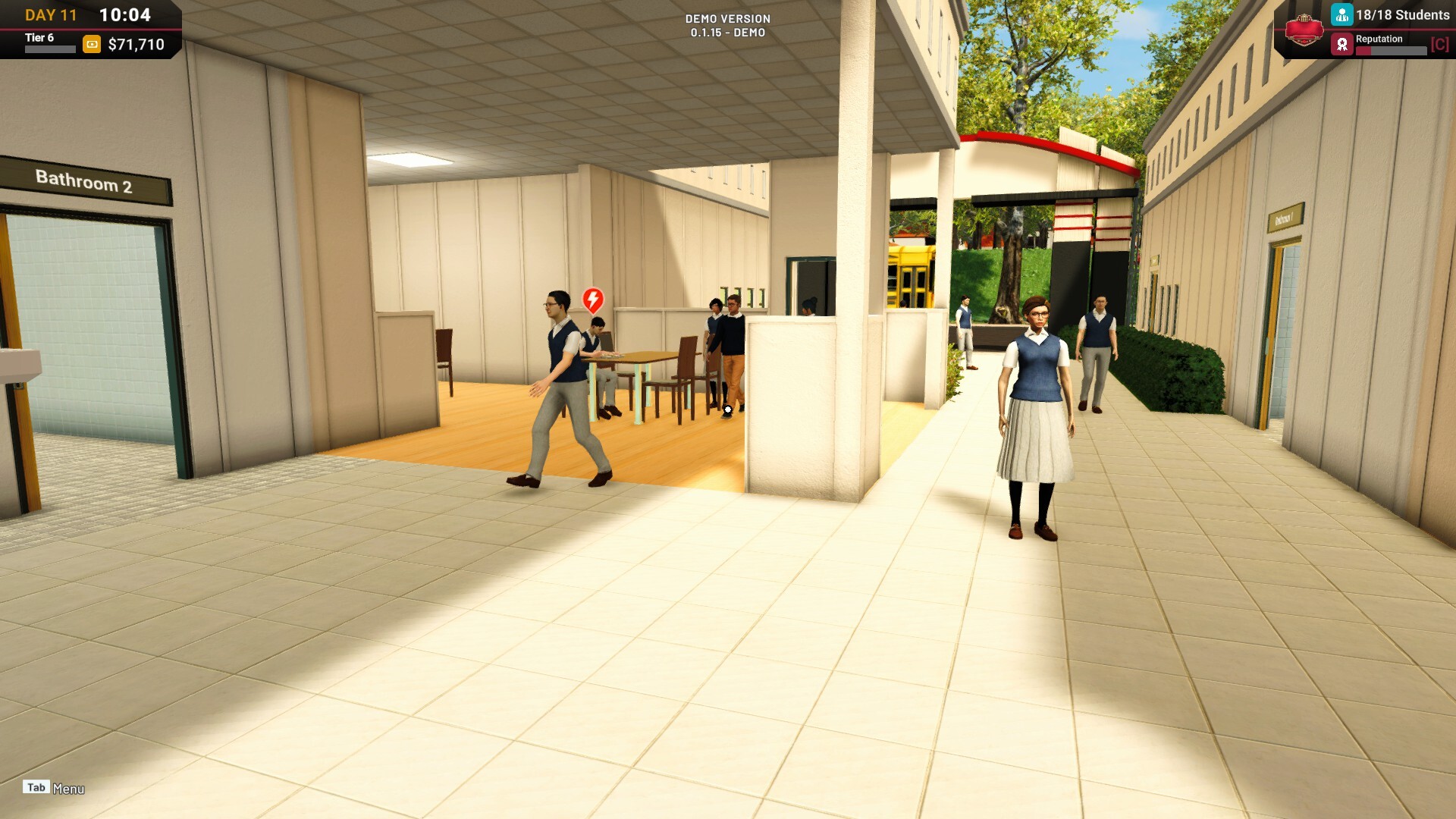
These Needs can influence how NPCs behave while they are at school. When an NPC has an urgent Need, an icon will appear above their head, accompanied by a related distress expression or animation. This makes it easier to understand when someone is hungry, needs to use the Bathroom, or is experiencing another urgent condition.
Needs can be recovered by using the appropriate school facilities. They will also fully reset after students and staff return home at the end of the school day.
Cafeteria and Bathroom
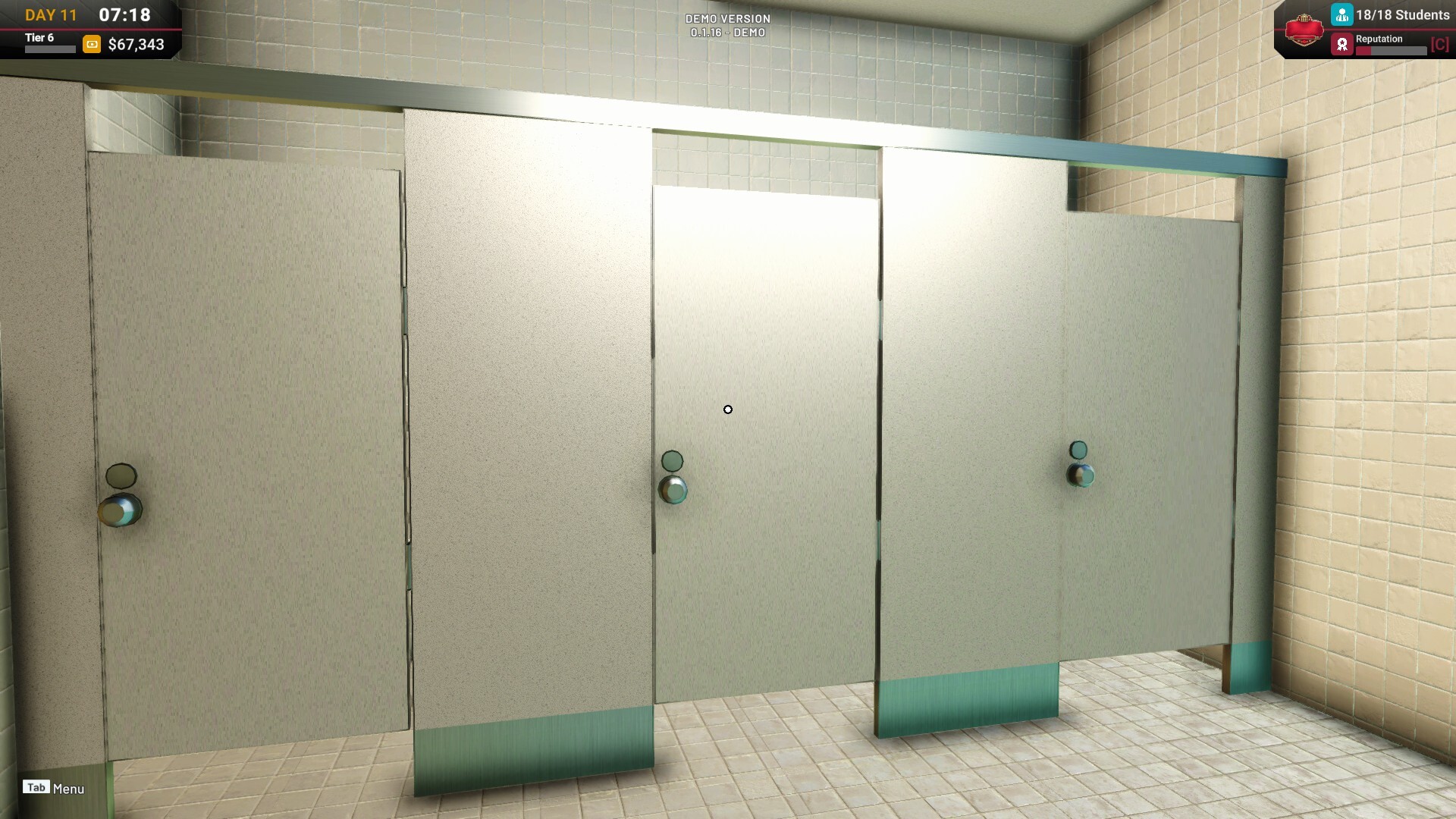
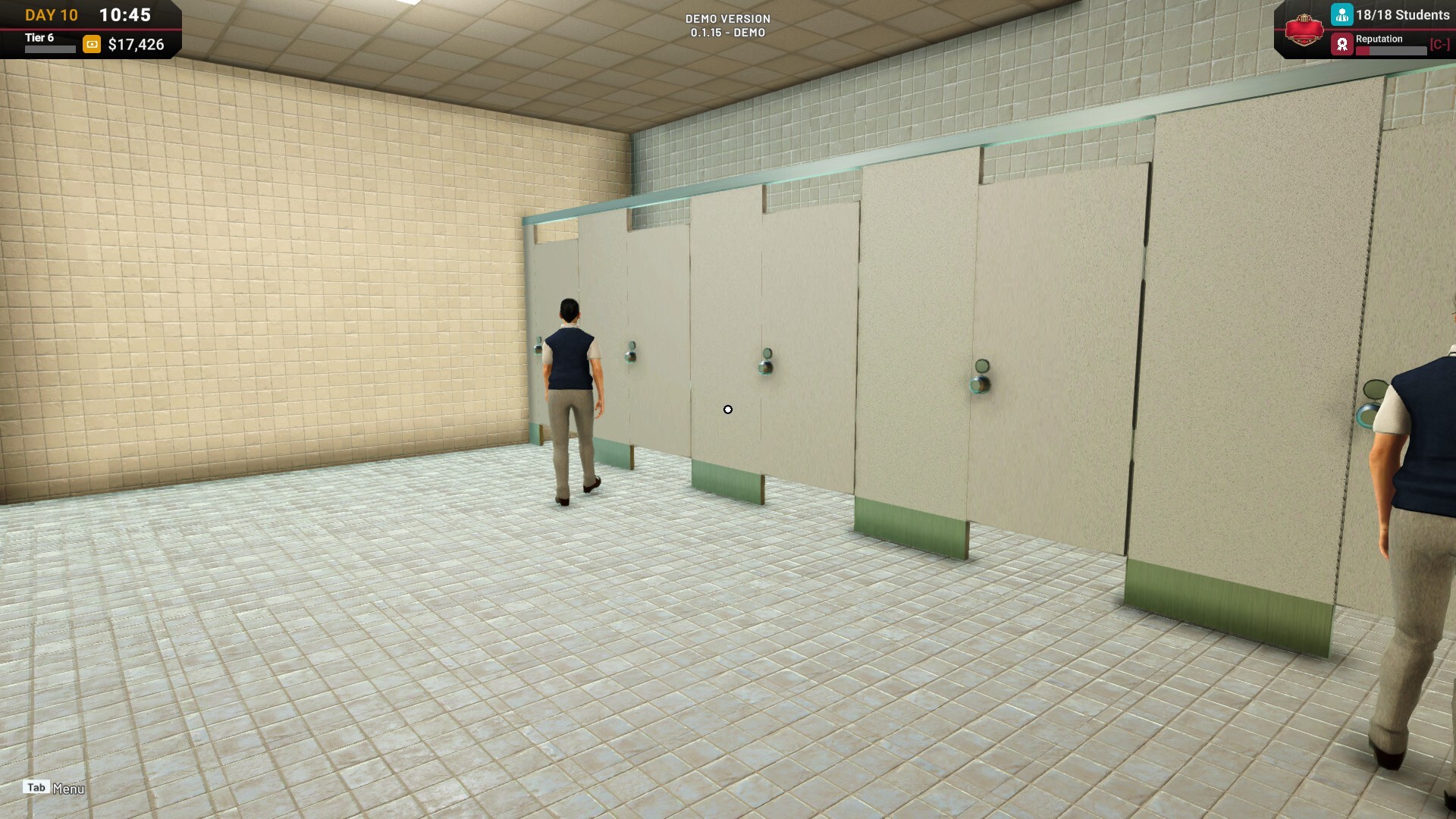
To help manage the new Needs system, Cafeteria and Bathroom zones have been added to the Demo.
These facilities are important parts of the school’s infrastructure. The Cafeteria helps manage Hunger, while the Bathroom helps manage the Toilet Need.


To create these rooms in the current build:
A Cafeteria requires a floor area of at least 7×8 tiles.
A Bathroom requires a floor area of at least 5×6 tiles.
After creating the floor area, make sure the room has a Door Part for each Cafeteria or Bathroom.
Once the Door Part has been placed, the remaining room requirements will appear.
Place the required items inside the area to complete the Cafeteria or Bathroom.
Players who begin a New Game will receive additional tutorial steps explaining how to create these facilities.
Players who continue using a save from the previous Demo build can also build and use Cafeterias and Bathrooms immediately. However, the additional tutorial steps will not appear on an existing save. To experience the new tutorial sequence, you will need to begin a New Game.
2. Academic Calendar
A new academic calendar system has been added to provide clearer long-term tracking of the school year.
The game now tracks:
Year
Week
Day
This information can be viewed through the updated HUD, as well as through a new read-only Calendar panel in the Tablet.
An Exam and Grading system will be introduced with this feature. These systems provide additional ways to review student academic performance over the course of the school year.

3. Inspect Students and Staff
You can now look directly at a student or staff member to open an inspection card.
The inspection card provides easier access to information and stats for the selected NPC without requiring you to search for them through another menu.
This makes it more convenient to check the condition and abilities of people while observing the school during an active day.


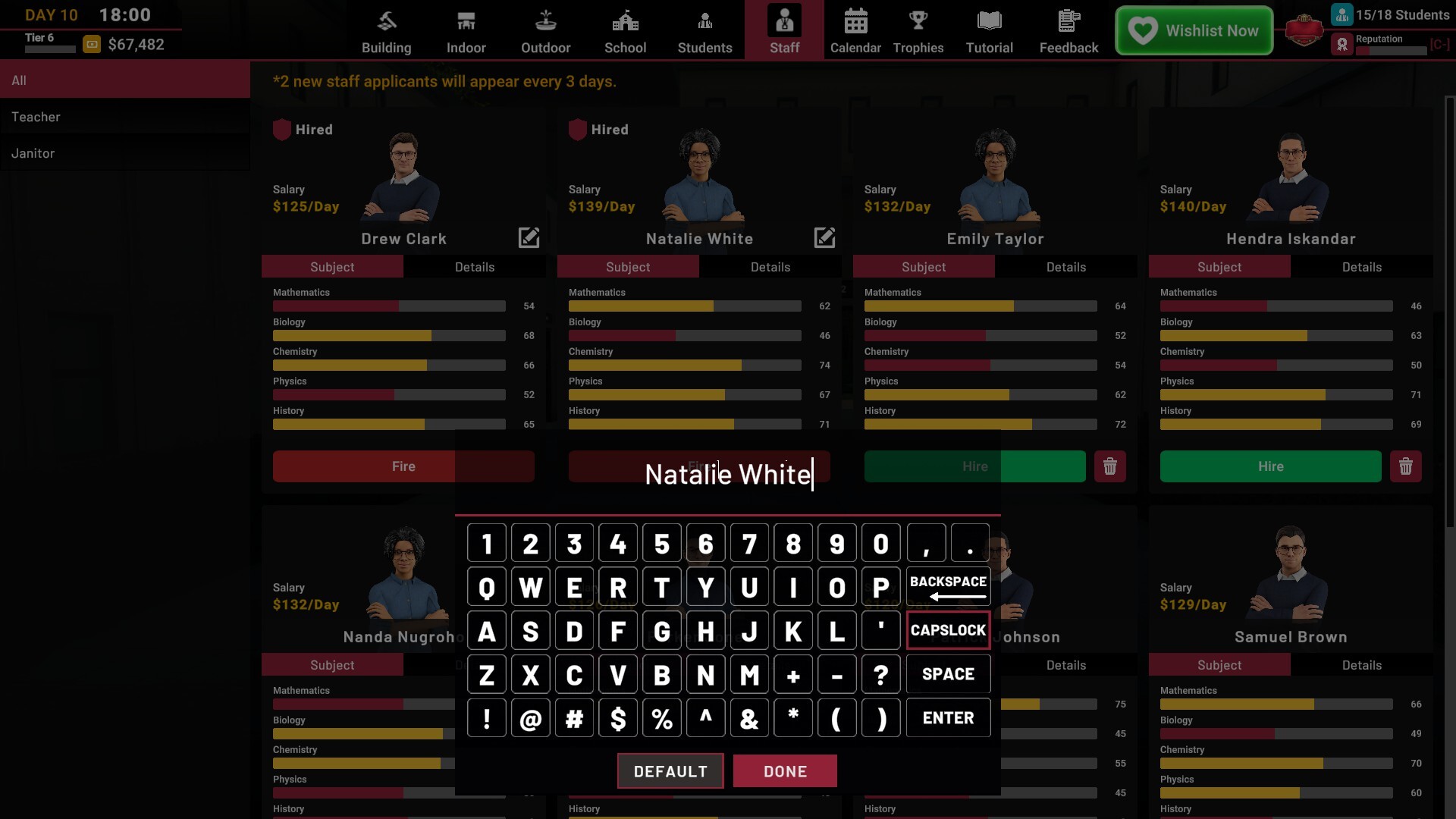
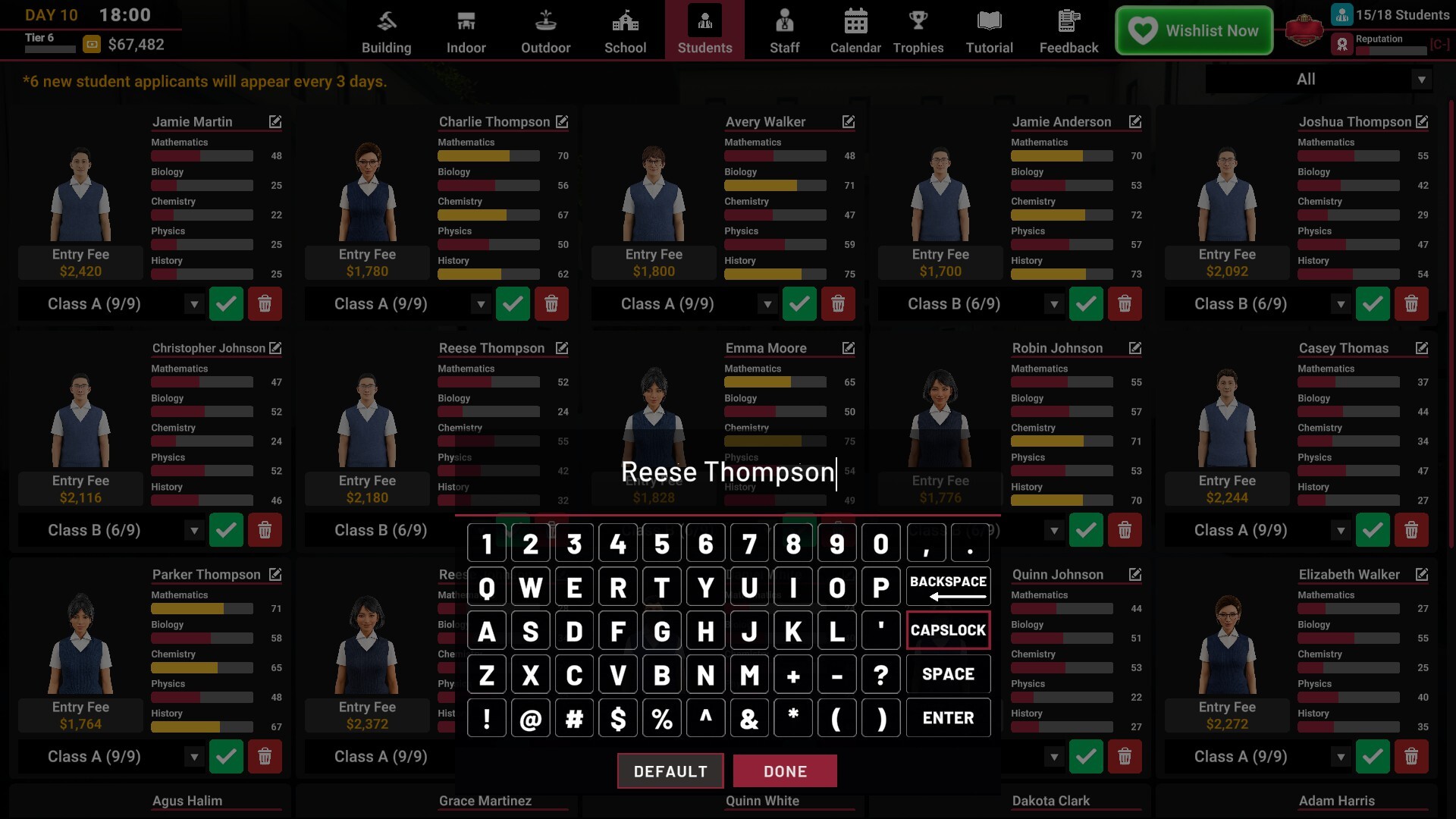
4. Student and Teacher Names
Automatically generated Student and Teacher names now adapt to the currently active game language.
This helps the generated names feel more appropriate for the language selected by the player.

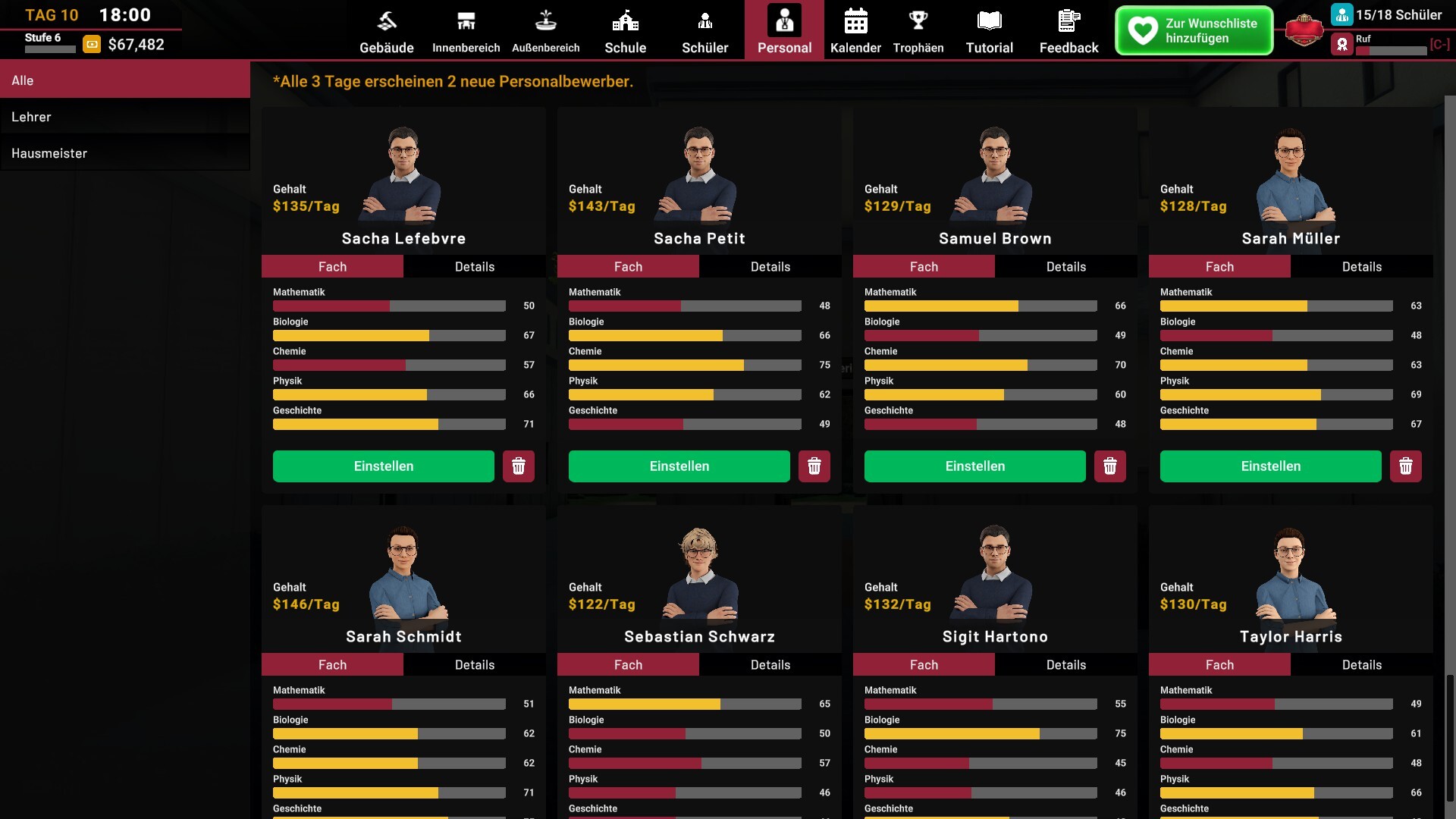
You can also customize the names of individual Students and Teachers, allowing you to personalize the people in your school.
Improvements
1. More Natural NPC Movement
Several adjustments have been made to make crowds feel more natural.
NPCs now have slight variations in their walking speed and animation timing, so students and staff do not all move in exactly the same way.
Their general walking speed has also been adjusted for more natural movement around the school.
NPCs will now queue for available school bus boarding slots instead of gathering together at the same location. This should make the arrival and departure process appear more orderly.

2. Updated Interaction and Time HUD
The focus interaction prompt has received a visual update, making the available interaction clearer when looking at an object or NPC.
The Day and Clock HUD has also been refreshed to support the new Year, Week, and Day information.
3. Consistent Room Terminology
Room terminology has been standardized throughout the game.
The names Cafeteria and Bathroom will now be used consistently across menus, requirements, and other related information.
Previous Demo Save Compatibility
Save files created in the previous Demo build will automatically be adjusted to Level 6 when loaded.
This adjustment allows the additional tutorial content to be introduced without damaging or interrupting the progress of existing save files.
Your previous progress will remain available, and you can immediately access and build the new Cafeteria and Bathroom facilities. As mentioned earlier, the new room tutorial steps are only available when beginning a New Game.
Thank you again for playing the School Owner Simulator Demo and for continuing to share your feedback with us.
We are still reading and reviewing your reports and suggestions. We will continue prioritizing future additions and improvements based on their feasibility and their impact on the overall gameplay experience.
If you encounter any issues or unexpected behavior, please let us know through the Steam Discussions so we can review them.
See you at school! 😄