
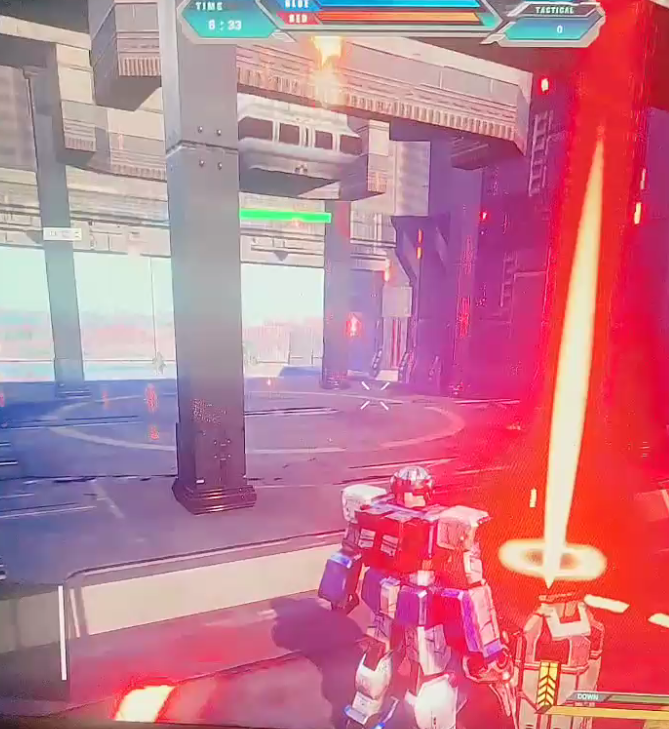
 This is a gameplay on how to activate strategic weapons. First, you need to pick up the material box and arrive at the designated location. You only need to touch them, and they will be automatically picked up from your hands. Of course, this process is a bit difficult to trigger, so you need to adjust your posture. If the posture is not correct, it is difficult to pick up (0v0). During the picking process, sometimes the animation does not switch back to the weapon posture and the arm is still raised. At this time, you need to stop and press the left mouse button again to release this bug and switch back to the weapon. You will return the picked up material boxes to the repair warehouse of the base or enter the interior of the base to complete the recycling. Afterwards, our strategic points will increase by 10 points, and the material boxes will refresh every 30 seconds. After collecting 100 points, you can press the M key to summon strategic weapons! Of course, picking up strategic weapons also requires posture. You need to first go within the distance of the strategic weapon, long press V, and then move and move within the range of the strategic weapon, which is easier to pick up. Afterwards, you can press G to put it down. If you want to start it, just press the left mouse button directly! I believe most players may not be very good at operating it yet. Additionally, regarding the picking up of the ammunition box, you only need to align it. When it is highlighted, it will be automatically picked up after 2 seconds, and your weapon magazine will be filled.
Source: Steam Community (opens in a new tab)