
New Features and Improvements
Added Simplified Chinese Support
Simplified Chinese is now supported.
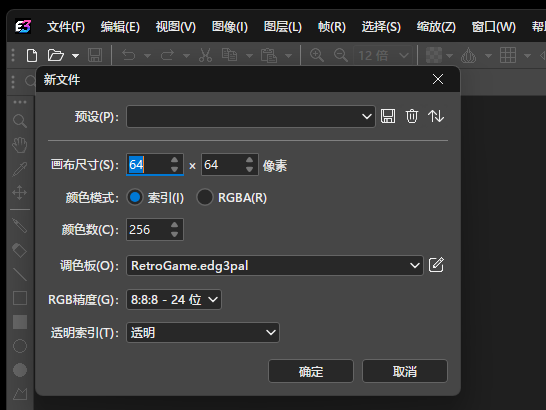
You can change the language from “Edge3 Properties > General > Language” in Steam.
If you find any unnatural translations, please let us know.
Added Theme Switching
Theme switching is now available.
You can currently choose from the following two themes:
Default (Dark)
Classic (Light)
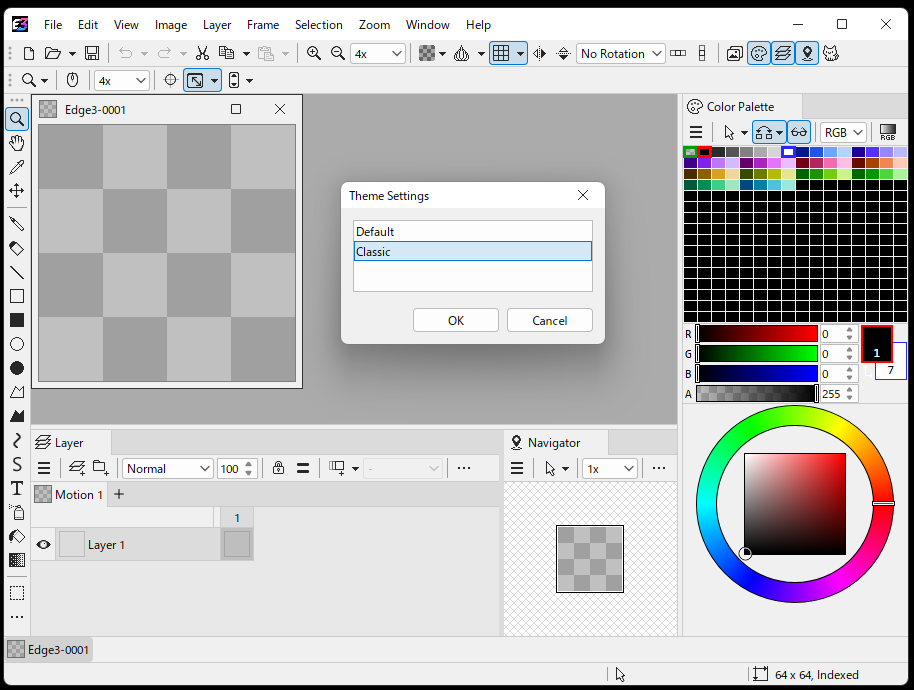
You can change the theme from “Edit menu > Appearance > Theme Settings”.
Note: We plan to consider more detailed settings and user customization after determining the appropriate granularity for the color definitions.
Added Tool Cycling
Tool cycling is now available.

Register multiple tools in the tool list and assign shortcut keys to them. Each time you press the assigned key, the registered tools are switched in order.
You can configure it from “Edit menu > Cycle Tools > Customize”.
Pen and Eraser Tools Now Support Pen Pressure
The Pen and Eraser tools now support pen pressure.
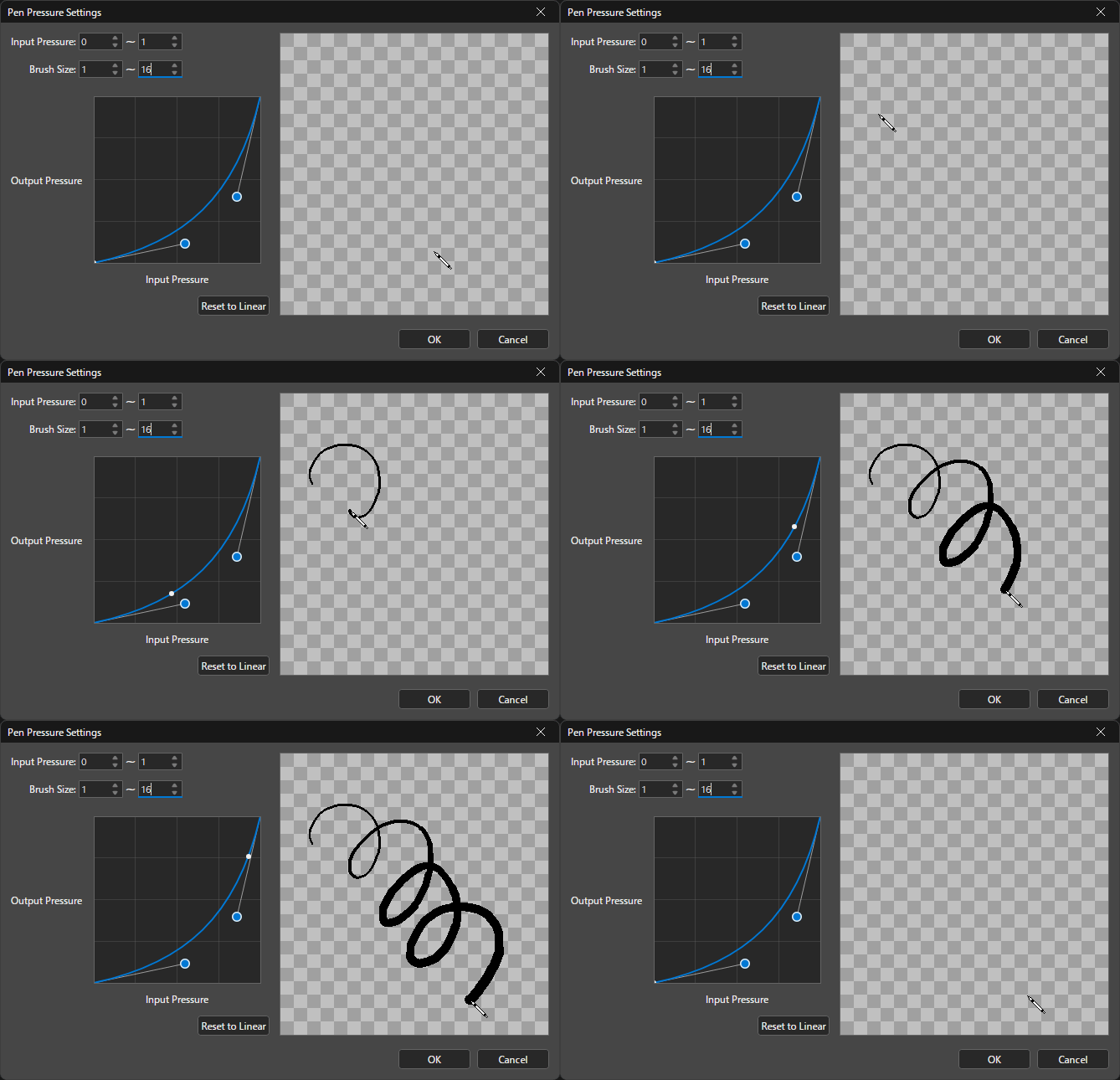
This feature is available with WinTab-compatible stylus pens.
You can enable “Use Pen Pressure” and change the “Pen Pressure Settings” from the option bar for the Pen and Eraser tools.
Note: Windows Ink devices are not currently supported.
Color Separators in the Color Palette Can Now Be Hidden
Color separators displayed between colors in the Color Palette can now be hidden.
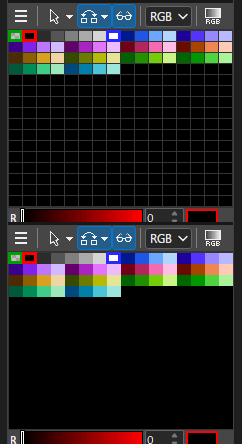
This is useful when you want to place adjacent colors directly next to each other for comparison.
You can toggle them from “Color Palette Panel Menu > View > Color Separators”.
Other Improvements
Added a setting that allows you to change the brush-tip cursor border size according to the zoom level.
Adjusted the behavior of the color picker and active-layer switching when “Show Active Layer Directly” and “Show Faded Composite Image in Background” are both enabled. For operations that reference all layers, such as right-click operations, the active layer is checked first, and all layers are checked only when no matching item is found there.
Bug Fixes
Fixed an issue where the taskbar display was not updated after using “Save As”.