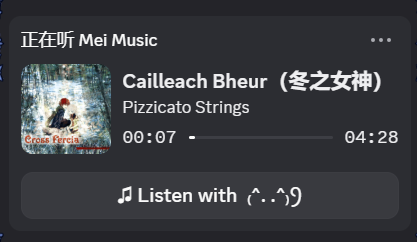
Fix: Volume bar adjustment
Fix: Playlist artwork adjust to crop
Fix: Delete Songs cause a clip
Fix: seek playback stuck on 0 when app opens
Fix: Unnecessary artwork cache that holds memory
French Translation
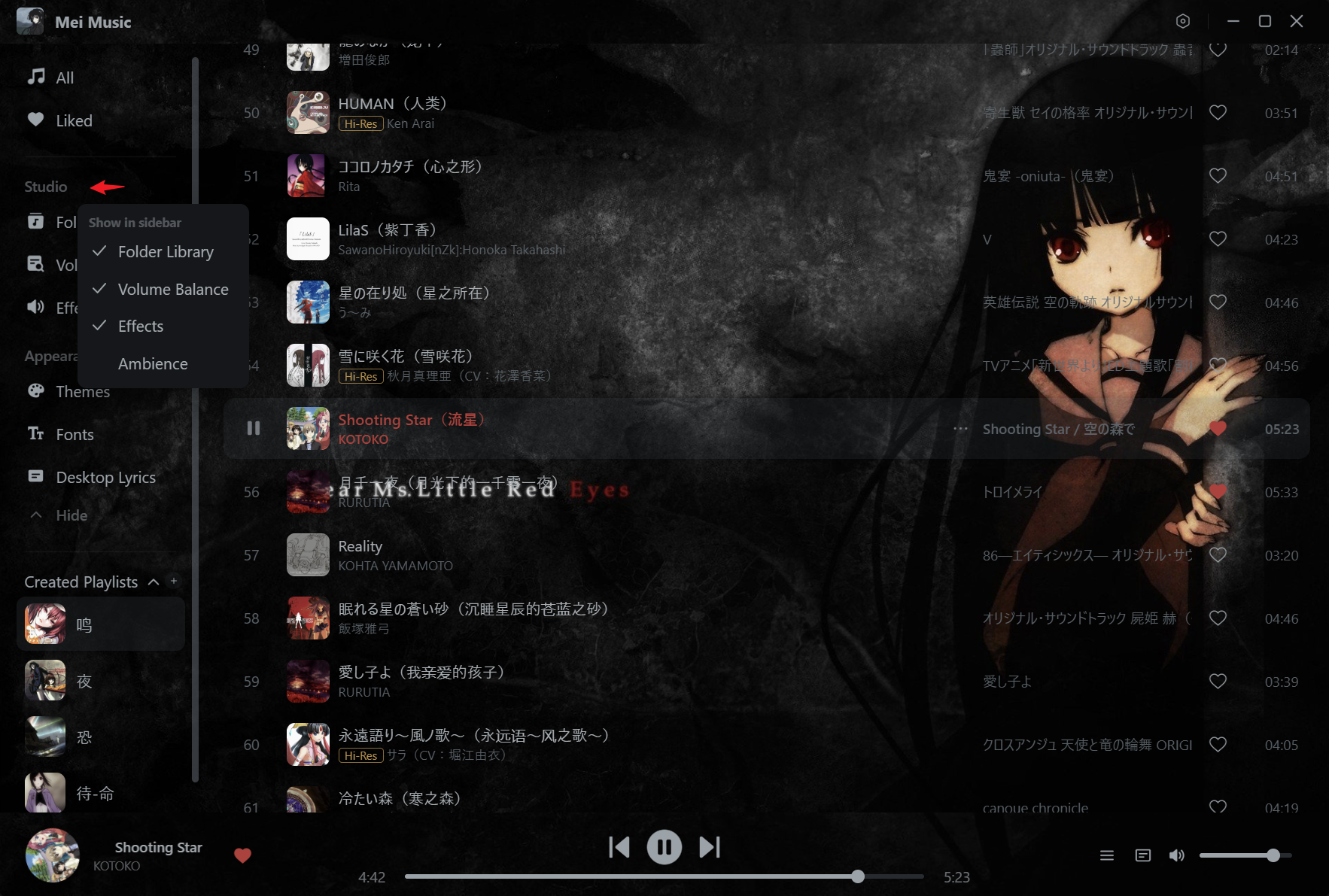
Right Click on Studio or Appearance to hide tabs
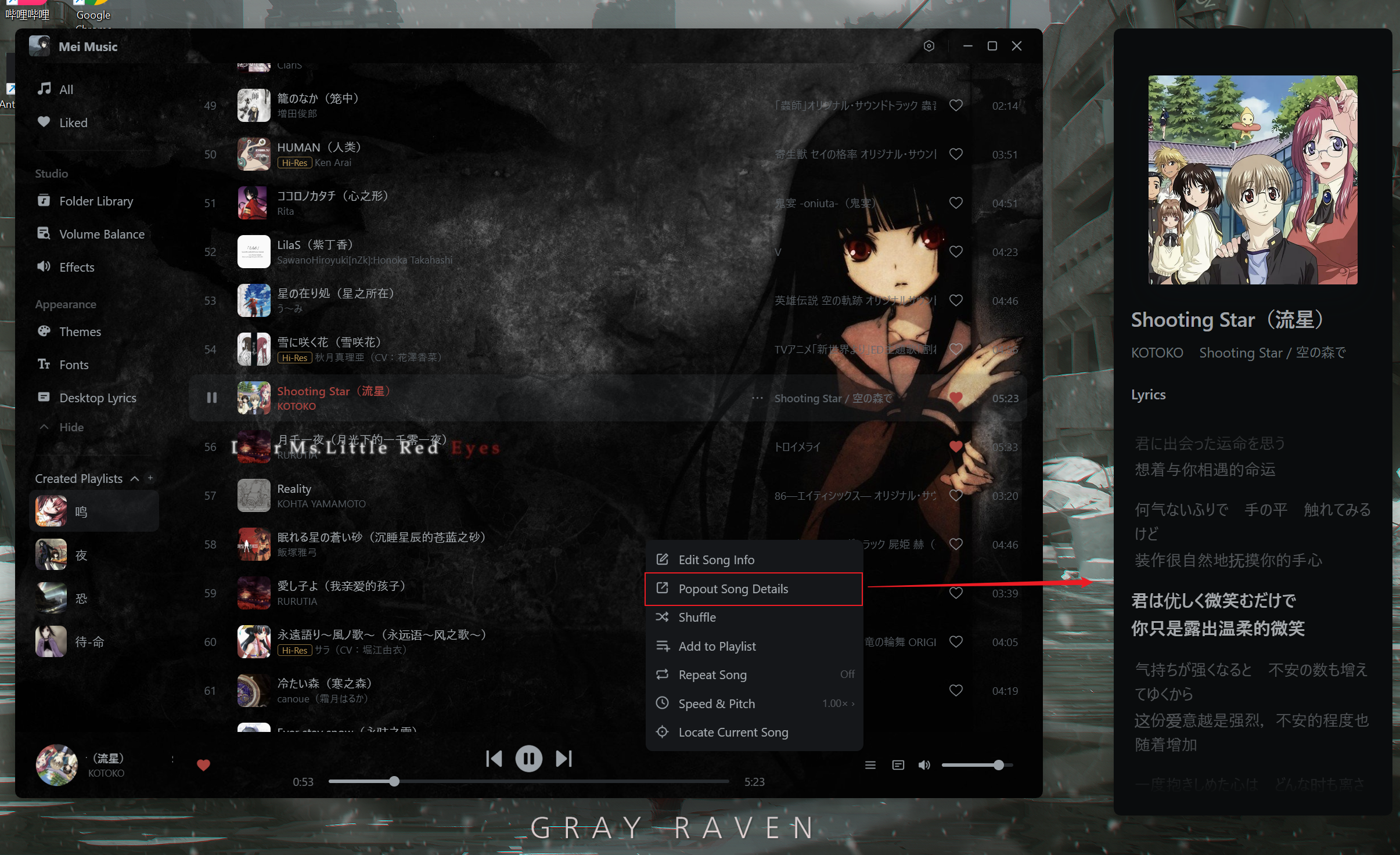
The Song Details popout window
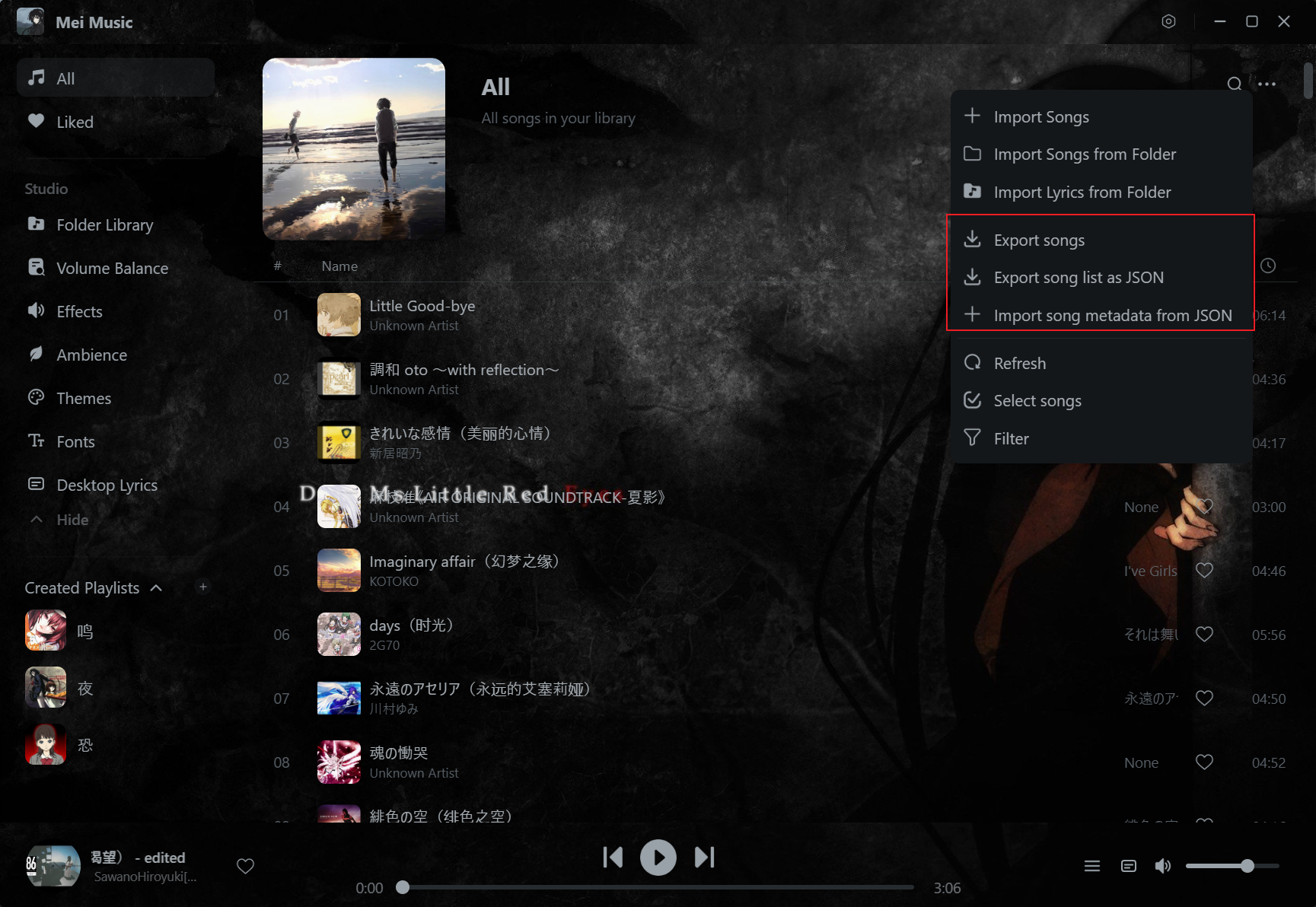
Page Export Songs (with LRC)
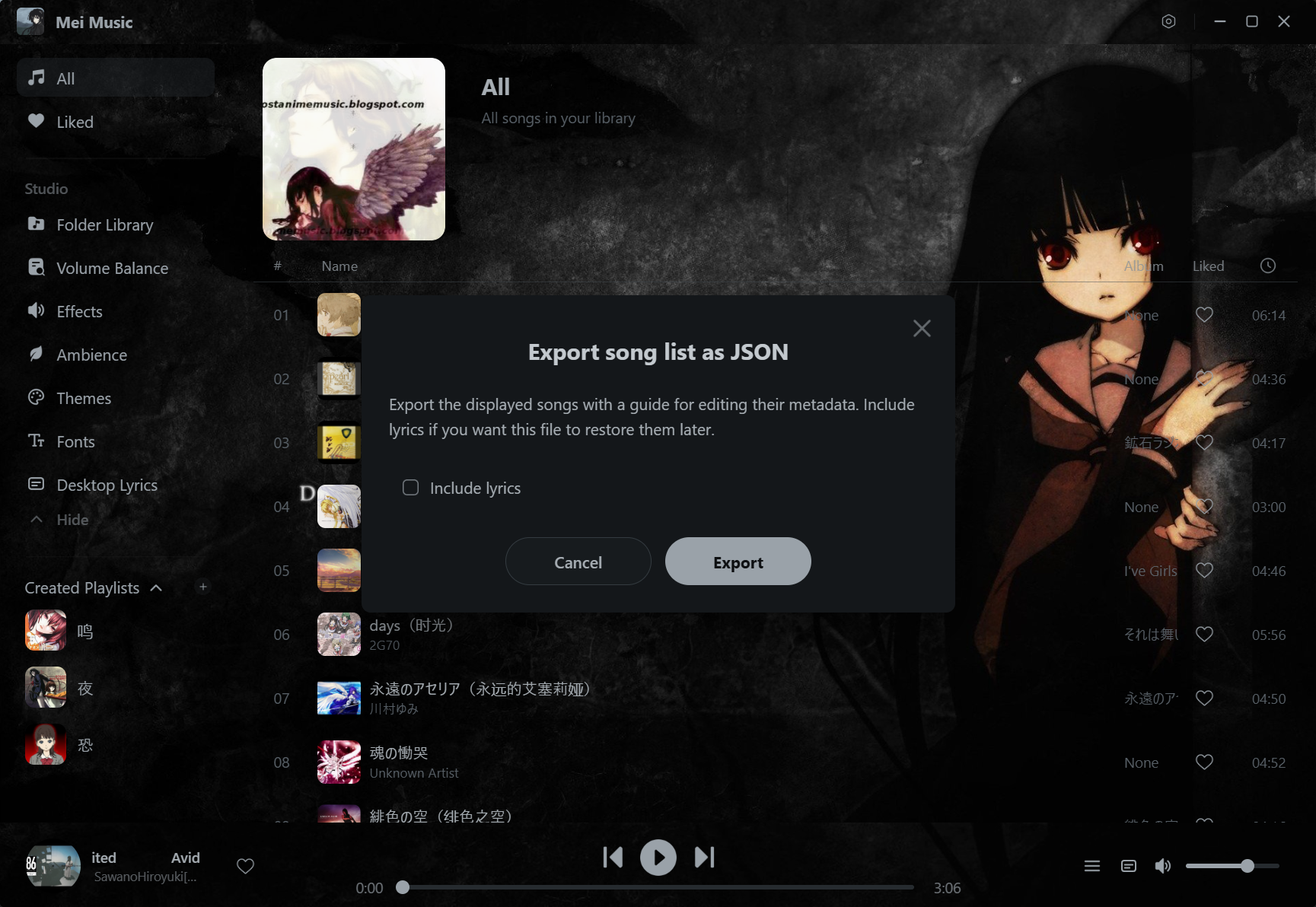
Export Song List as Json
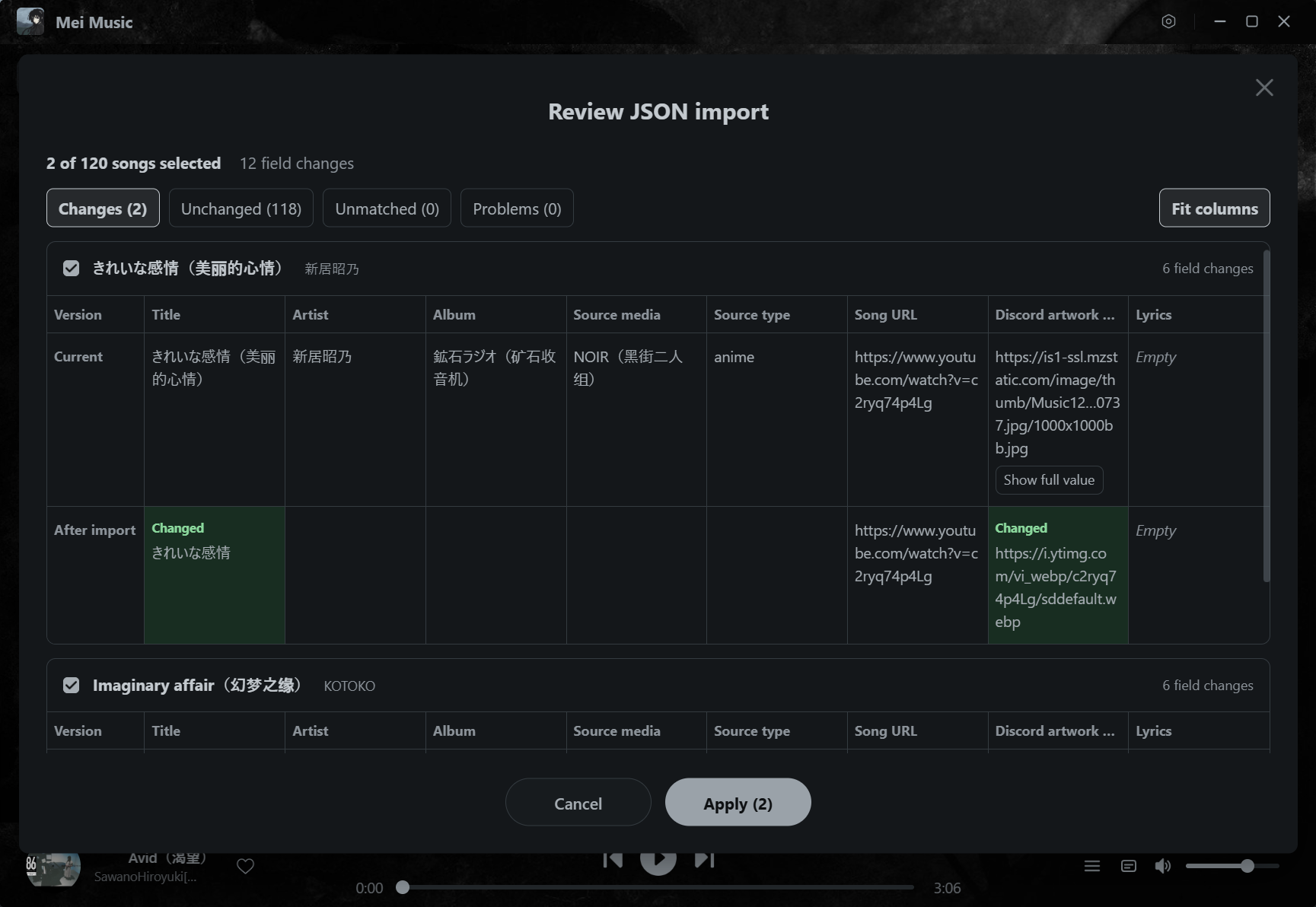
Import Song Metadata as Json
Edit Song Info: Google lense for artwork
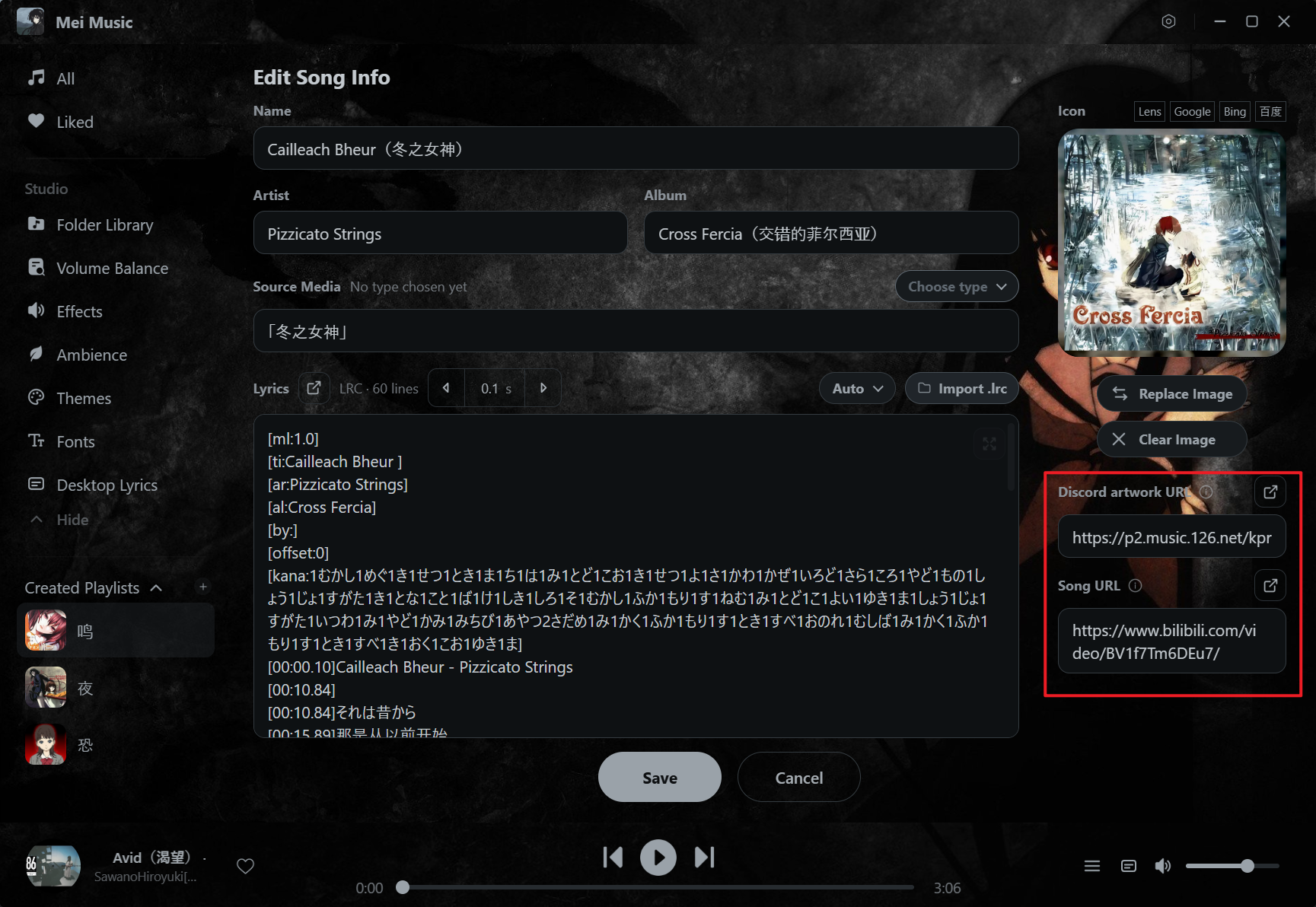
Edit Song Info: Custom Song Link, for Discord Listen to
Edit Song Info: Custom Discord artwork Icon Link
Fix: File error to advance to next song when near end
Fix: Folder Library missing a progress card for replace song
Fix: selecting a song snaps back to the previous index for 1 frame
Fix: Missing Confirmation toast notifications
Exporting as Json creates a Json file representation of the current song's metadata. This is useful when you want to directly edit the Json for song metadata changes instead of 1 by 1 in-app.
This also means it can be given to an AI agent so it can fill it in for you, though you should at lease make the song name identifiable. (format for the Json is already written as an object on the very top of the file)
After Editing, Importing the edited file can update the changes. The diff can be seen in the green boxes. Empty means cleared. Inside the edit song info page, there is 2 new fields
1. Discord artwork URL -> accepts a public image link that will display in discord rich presence. Use a square image for best result
2. Song URL -> for listen with clickable btn