
Fixed an issue where the manual panel would appear black on fresh installs or after Steam Cloud sync. The manual now displays correctly regardless of whether a config file is present.
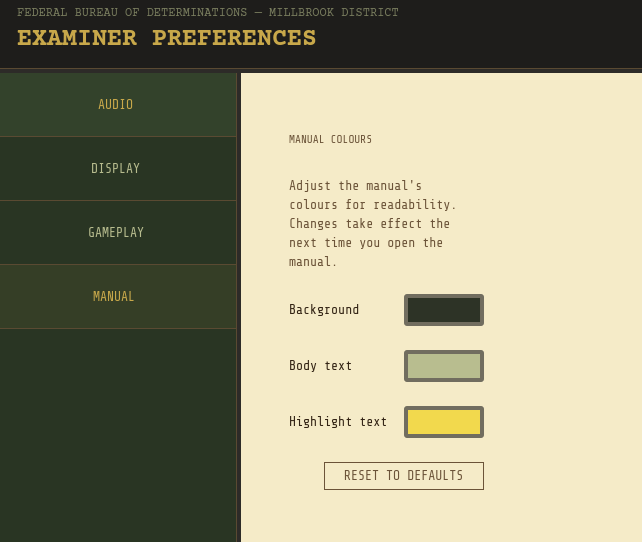
For those of you that have downloaded the game already, your config file has been already generated and saved out with the black colors for the manual. Go into the options and just tap "Reset To Defaults" under 'Options -> Manual -> Reset To Defaults -> Save'
Thank you to the player who reported this.
— Sass / 5 Star Software