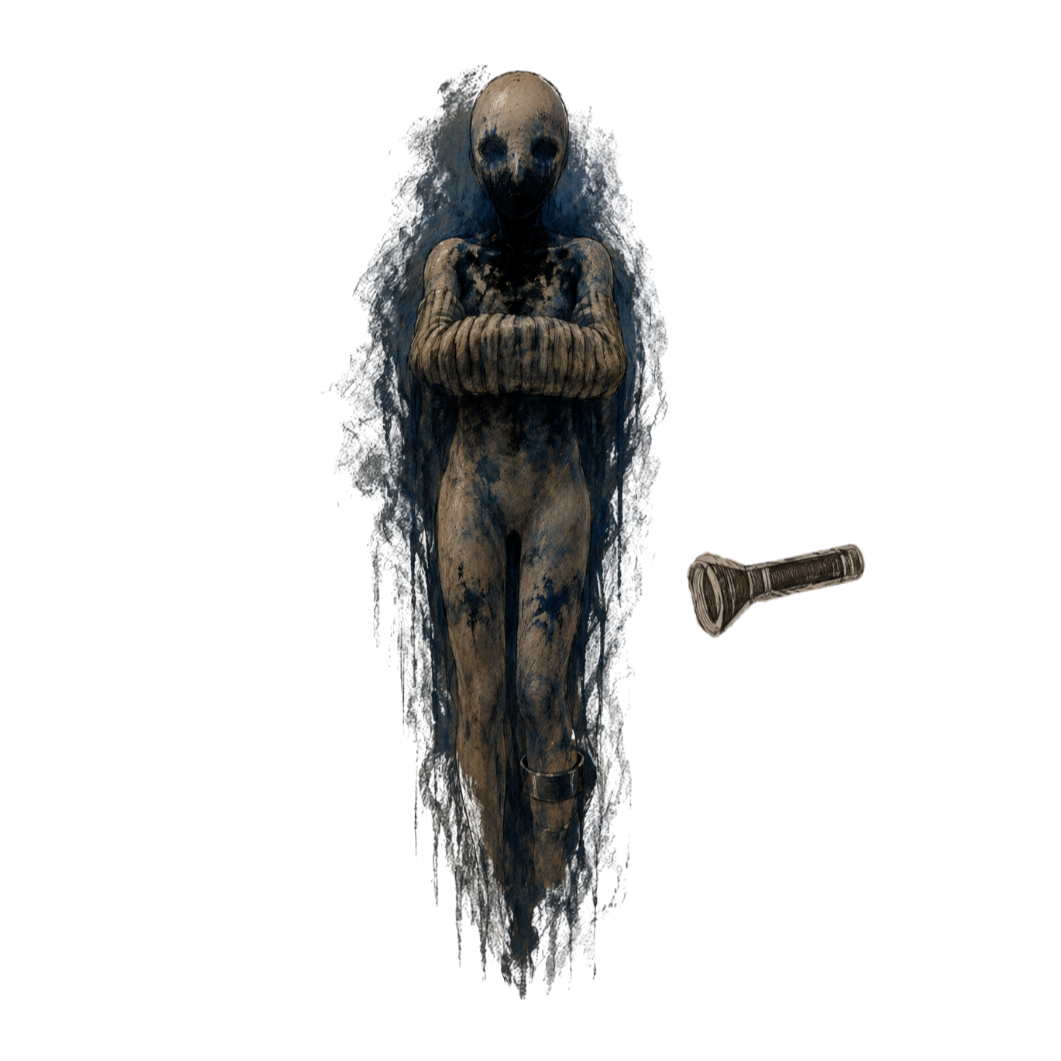
𝐓𝐡𝐞 𝐑𝐞𝐦𝐧𝐚𝐧𝐭𝐬 — 𝐏𝐚𝐭𝐜𝐡 𝟏.𝟎𝟏
Hello everyone! Tony Wang here from Team7 Studios.
♡ Thank you so much for playing The Remnants and for all of the feedback, bug reports, and critiques you've shared with us since launch. We truly appreciate your patience and support as we continue improving the game. ♡
This is our first patch update since launch. We've focused on fixing several important bugs, improving performance and gameplay, and adding new features to make the experience clearer and smoother.
We are aware that there are still some issues remaining in the game, and we'll continue working to address them in future updates.
Thank you again for your support, and we hope you enjoy the improvements!
Bug Fixes
Main Menu
Fixed an issue where the game could start on the wrong Main Menu page, immediately displaying "Start New Game" and "Play From Last Saved" instead of the intended "Begin," "Options," "Credits," and "Exit" menu.
Pause Menu
Fixed a major issue where players could become stuck after opening the Pause Menu and pressing [Esc] to exit while inside the Options page.
Visuals
Fixed an issue where the Visualization feature in the Tutorial Level was missing its intended Visual Post-Process Effect.
Fixed an issue where the 2D Art Level Sequencers appeared excessively bright and blurry. Visuals should now be significantly clearer and easier to view.
Locker
Fixed an issue where repeatedly clicking the Locker Door while exiting from inside the locker could cause the player to become trapped inside.
Concept Journal
Fixed several text descriptions that extended beyond the left page of the Concept Journal and appeared on the right page.
Adjusted the font size of affected descriptions for improved readability.
Fixed inconsistencies between certain Door Numbers displayed in the Main Level and the Door Numbers listed in the Concept Journal
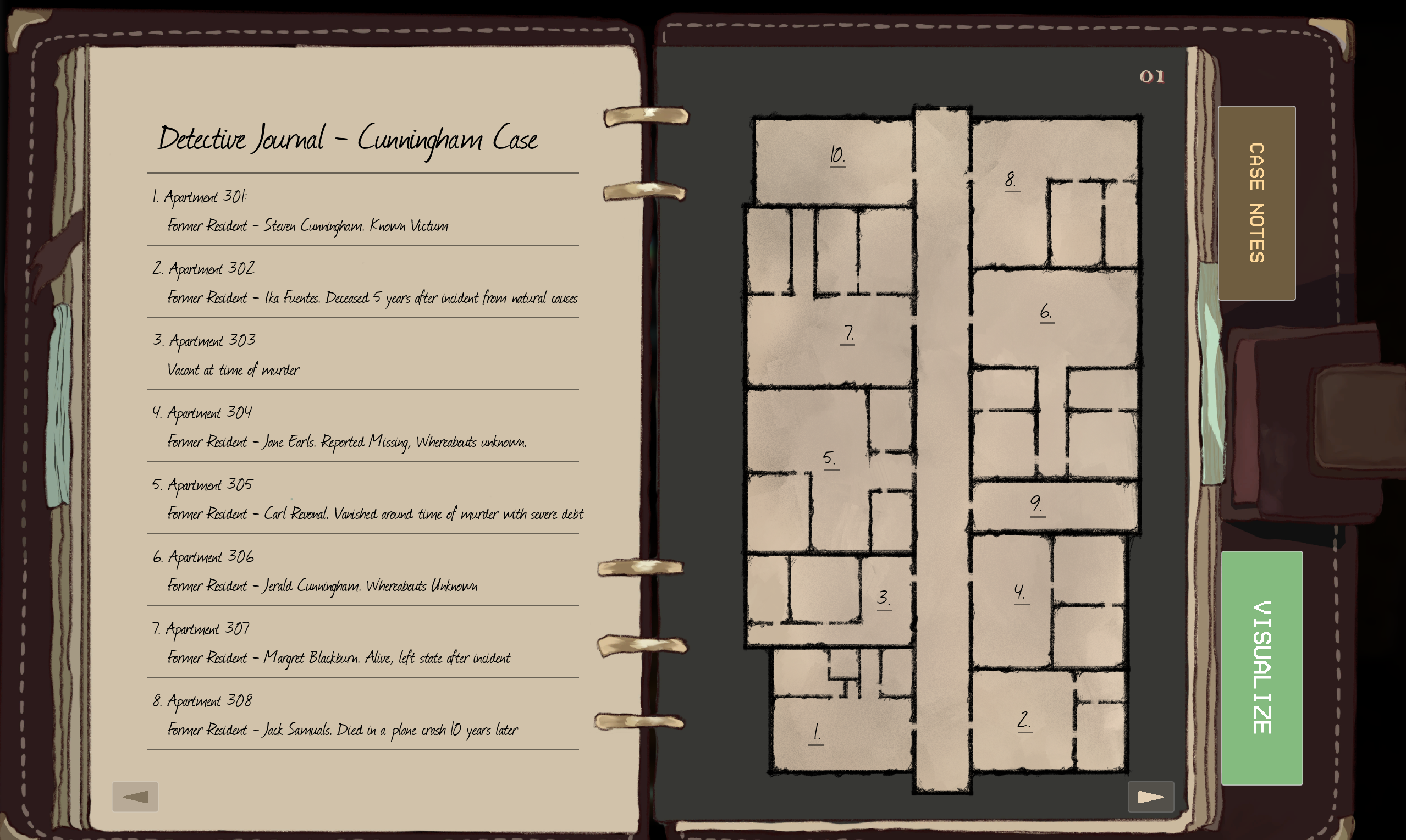
Note: At this time, only Door 301 is currently displayed in the Main Level. Additional Door Numbers will be implemented correctly on our next update.
Save System
Fixed a major issue where the game's Save State did not properly save doors that had been unlocked.
Unlocked doors should now remain unlocked after loading a properly saved game.
Important: Remember to properly save your game using the Concept Journal and Visualizing the Concept Points in the Level to ensure your progress is recorded.
Refinements & Improvements
Ghost Journal — Color Riddle
Adjusted the first Color Riddle in the Ghost Journal to make it easier to solve.
We found that the original version was more difficult than intended, so we've made the puzzle more accessible while preserving its core challenge.
Performance & Optimization
Improved overall game optimization and performance.
Players should experience smoother gameplay, improved frame rates, and reduced lag in various areas of the game.
Red Entity — Ghost Hunts
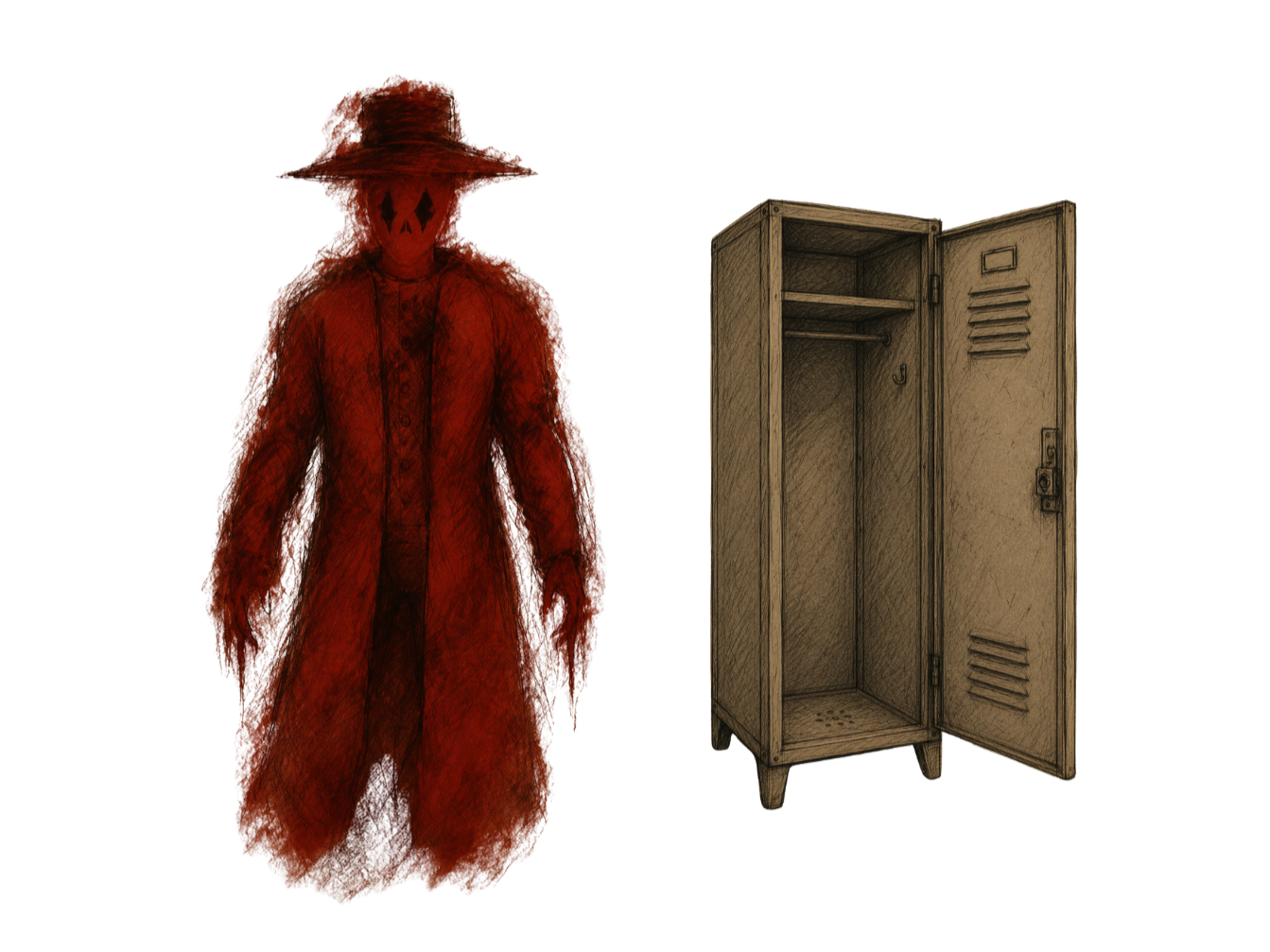
Refined the Red Entity's AI behavior during Ghost Hunts.
The Red Entity's behavior during Ghost Hunts has been refined to provide more varied and dynamic encounters.
Now after detecting the player, a lot less chance of directly chasing after the player.
New Additions
Sanity Bar
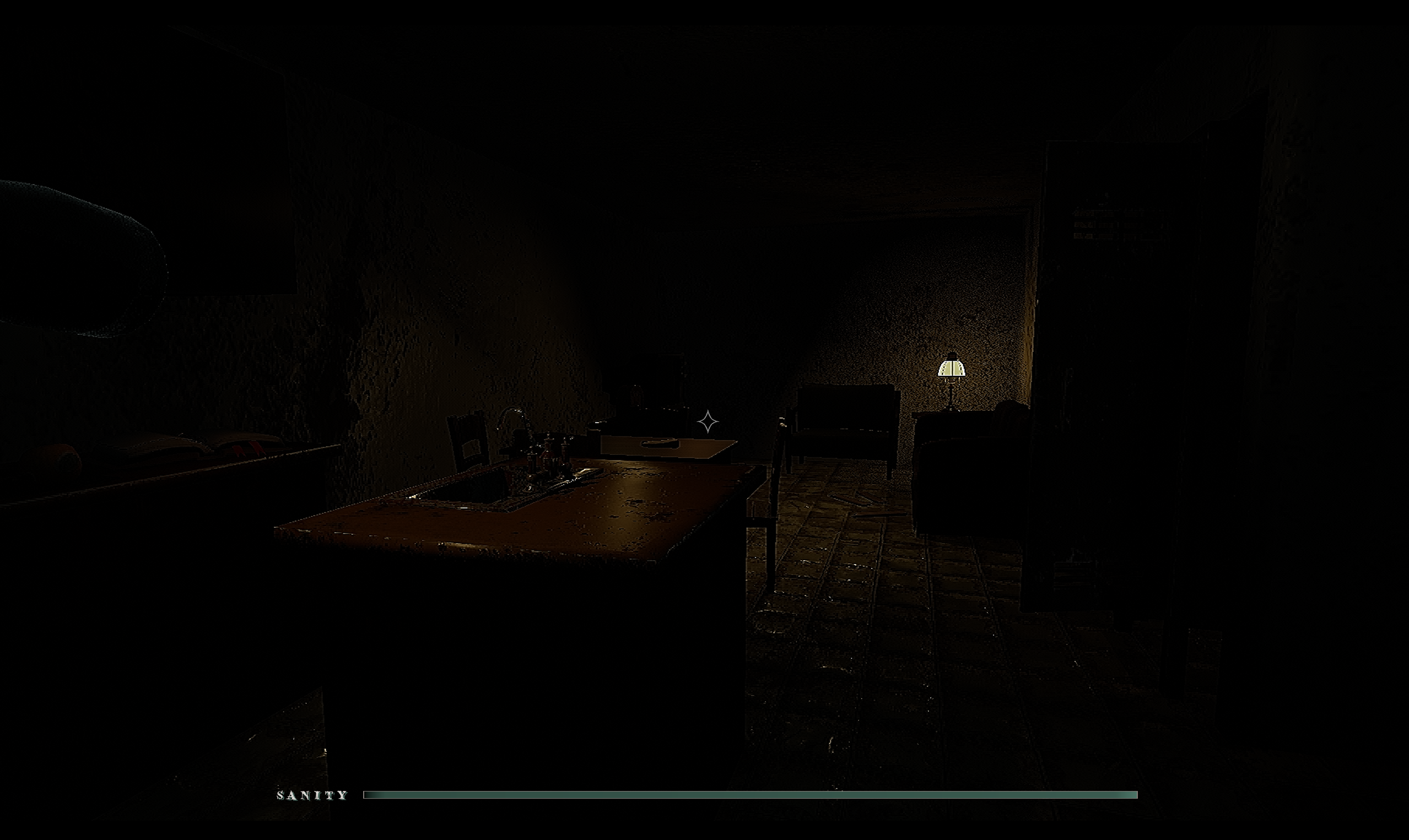
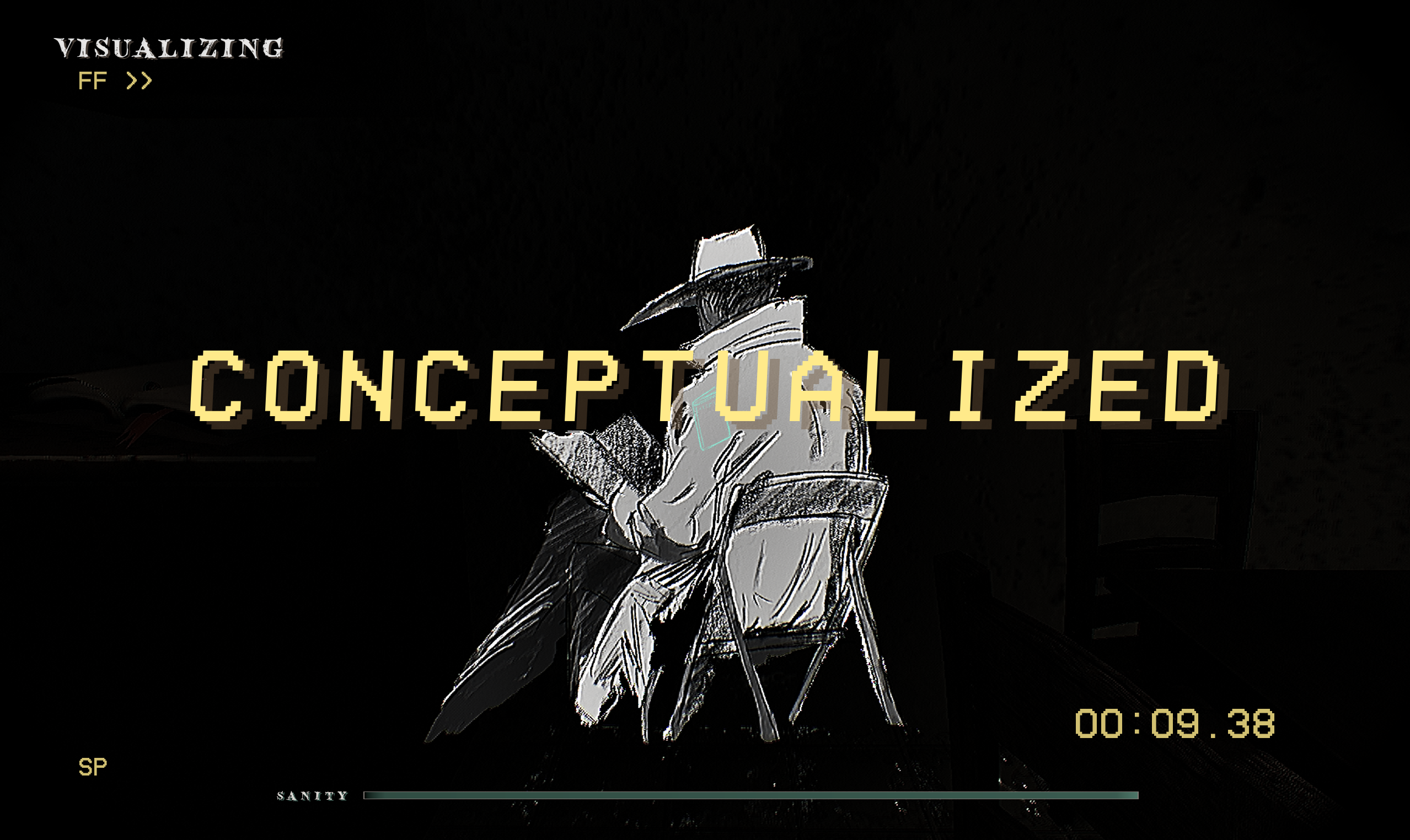
Added a new Sanity Bar at the bottom of the screen.
Players can now more easily monitor their current Sanity level during gameplay.
The Sanity Bar will also change color based on the player's current Sanity, providing a clearer visual indication of their condition.
Four-Room Checkpoints
Added checkpoints throughout the Four Rooms.
After properly saving their game, players who die can now select "Play From Last Saved" and respawn at the furthest room they have reached.
Clues & Notes
Added an entirely new Clues & Notes section to the Concept Journal.
These notes are designed to help players who may need additional guidance while progressing through the game.
To access the Clues & Notes:
Press [ J ] to open the Concept Journal.
Navigate to the Top-Right corner of the Journal.
Press the brown [ CASE NOTES ] button.
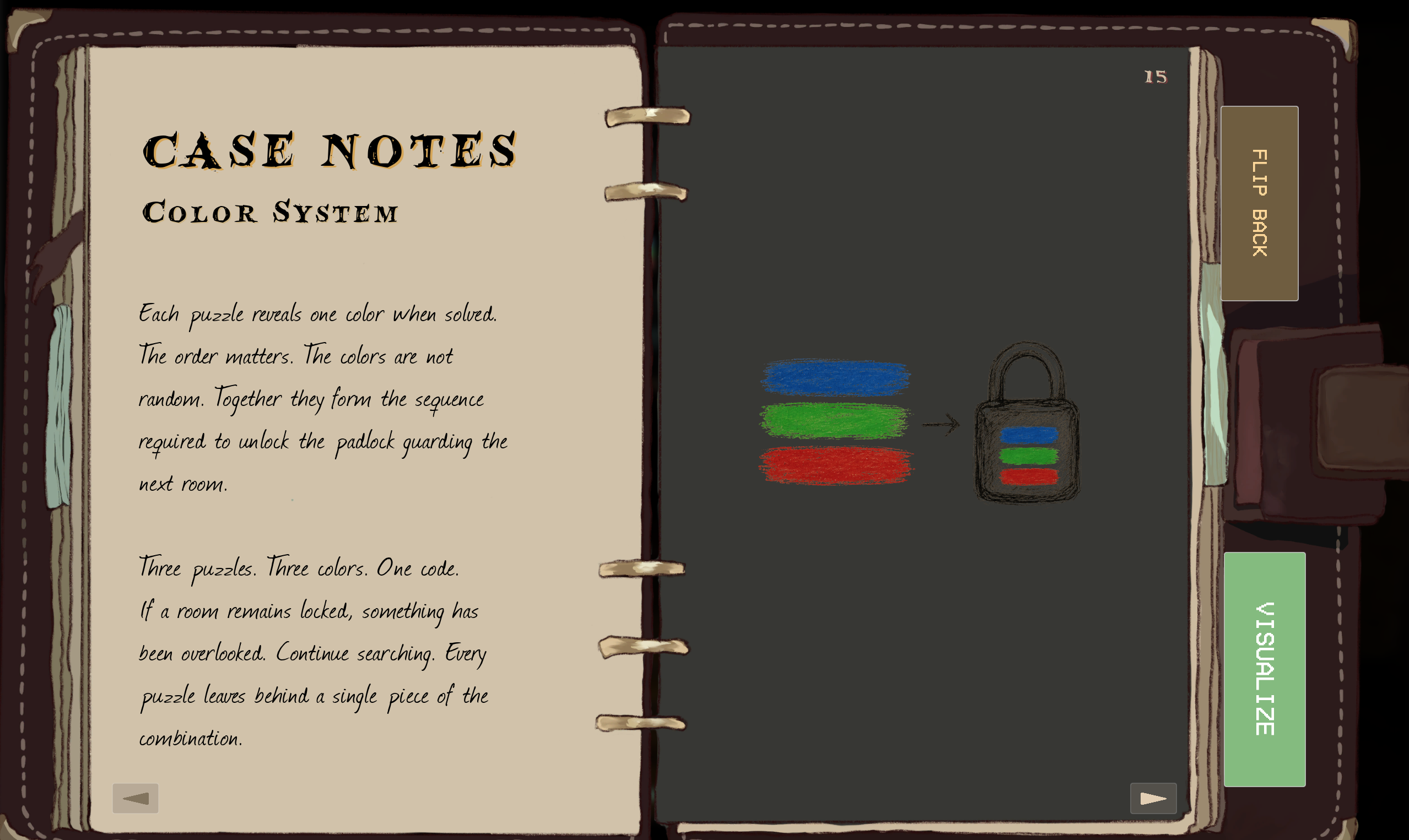
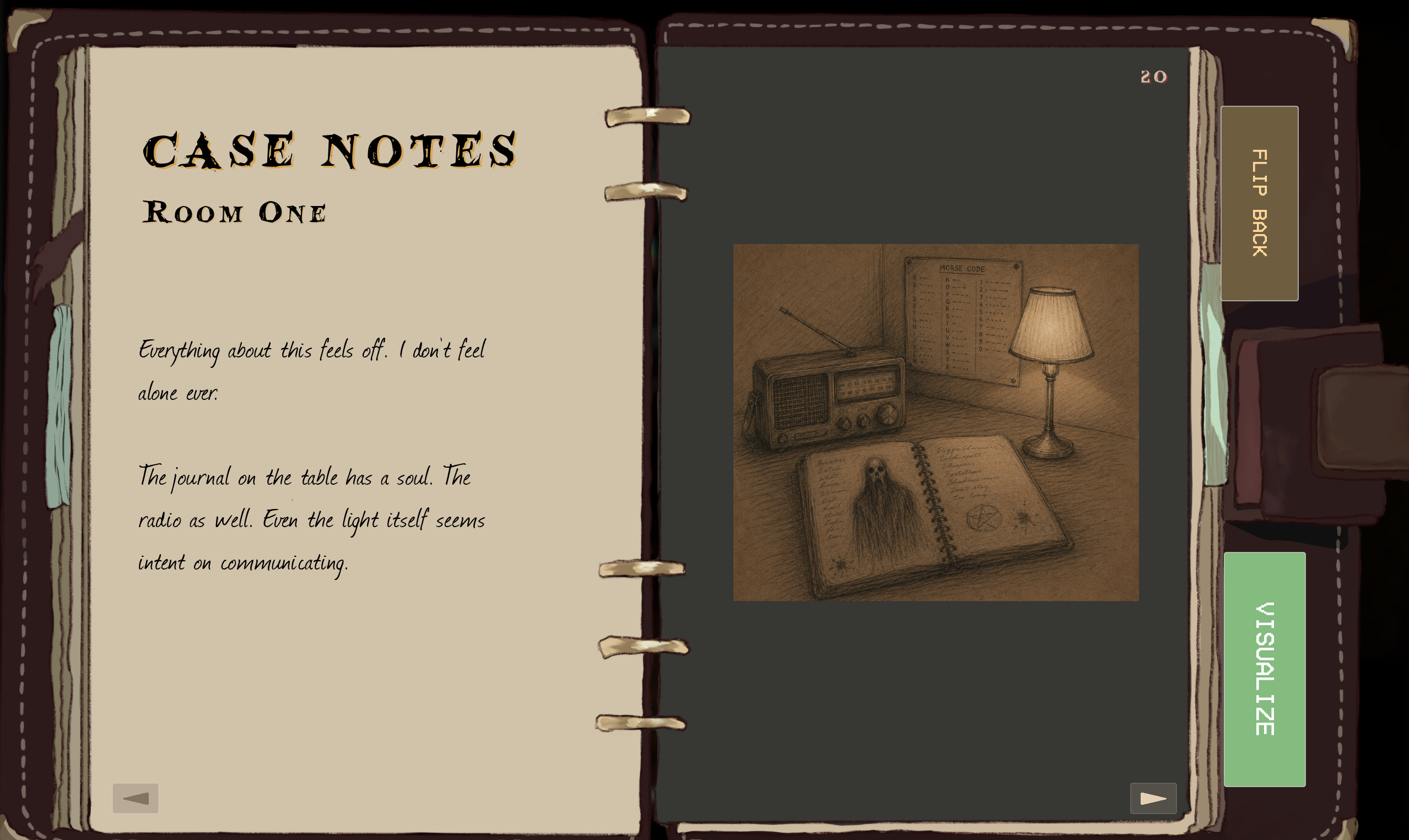
Some things are easier to find when you know where to look...
Visualization Indicator
Added a "Visualizing" display at the top of the screen whenever the player is actively using the Visualization ability.
This should make it clearer when Visualization is currently active.
Crosshair Feedback
The player's Crosshair will now change from Red to Cyan when a Concept Point is available to be Visualized.
Concept Journal Page Numbers
Added page numbers to the top-right corner of the Concept Journal.
Players can now more easily keep track of their location while navigating through the Journal.
What's Next?
This is only the beginning of our continued work on The Remnants.
We are aware that there are still additional bugs and issues within the game, and we'll continue working to address them as quickly as possible in future updates.
We want to sincerely apologize for any inconvenience caused by the bugs and issues that players may have encountered while playing The Remnants. We know how frustrating it can be to encounter problems while trying to enjoy a game, and we truly appreciate everyone's patience as we work to improve the experience.
Please continue to send us your feedback, bug reports, and critiques. Your feedback helps us identify problems we may not have caught ourselves and allows us to continue improving the game.
Thank you again for playing The Remnants, and thank you for supporting our team.
We hope you enjoy the update.
— Team7 Studios