
Hey again everyone,
Quick update this time, but it's one of those quality-of-life changes that makes you wonder how you ever played without it.
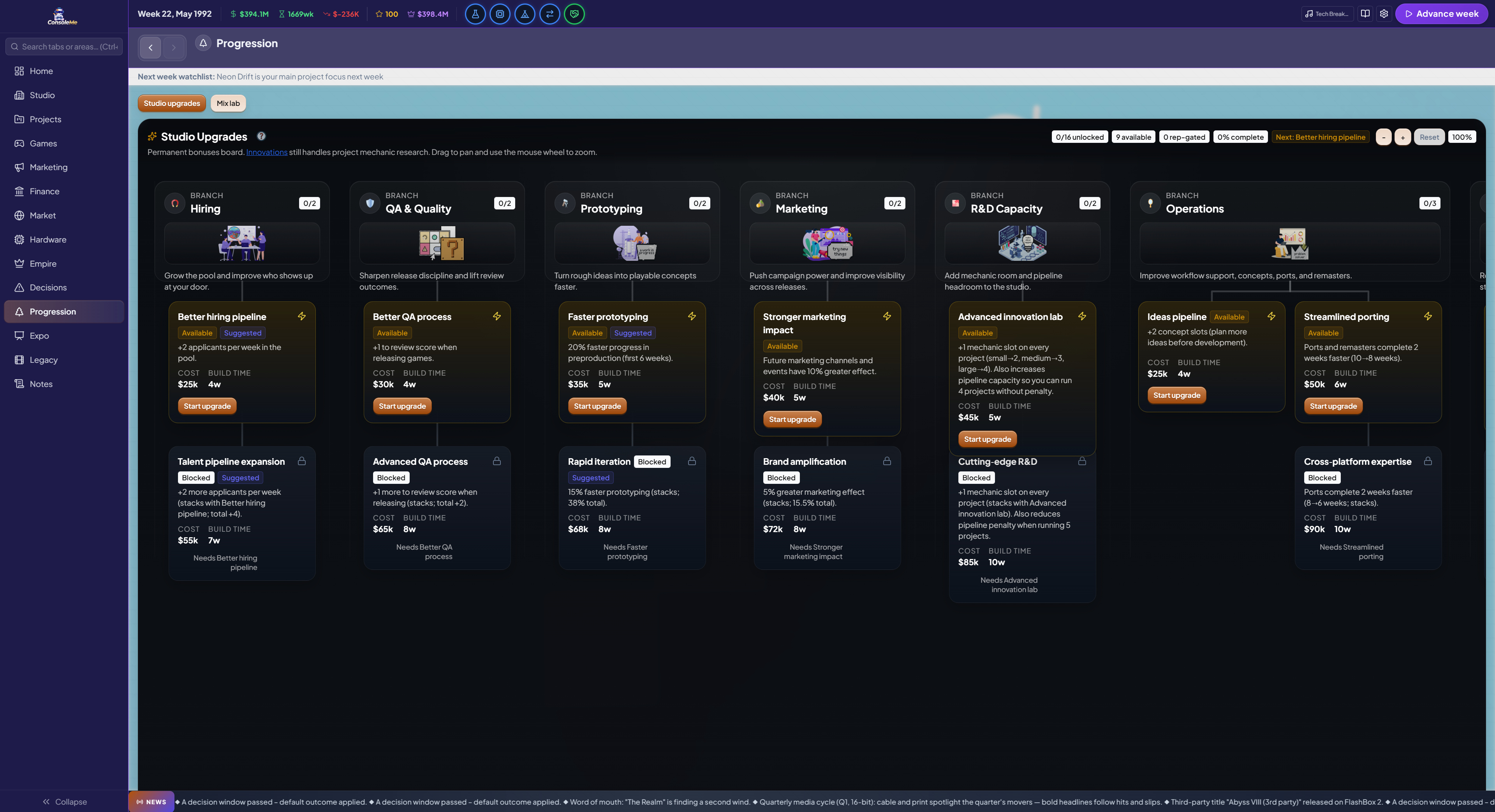
Grand strategy-style status bar
If you've ever played a grand strategy game, you know the top bar.
Key numbers at a glance, alert icons that pop in when something needs your attention, and everything clickable so you can jump straight to the problem.
That's what we've built for ConsoleMe.

The old header bar is gone. In its place is a proper information-dense status bar that sits across the top of your screen.
Always-visible stats:
Your cash balance (colour-coded green/amber/red based on how healthy your runway is)
Your runway in weeks, or just "OK" when you're in the green
Your weekly net income with a trend arrow
Your reputation score
Stock price with a mini up/down indicator (only shows when you're publicly traded)
Mogul net worth and rank (only shows once you've climbed above Entrepreneur)
Every stat is clickable. Cash takes you to Bank, reputation goes to Company, stock to the Stock Market, and so on.
Dynamic alert icons:
Circular icons appear along the bar whenever something needs attention, and they disappear when you've dealt with it. They're colour-coded by urgency:
Red (critical): Runway under 4 weeks, missed loan payment, financial crisis, staff burnout, key person threatening to leave, leadership crisis
Amber (warning): Low runway, contracts expiring, poach attempts, milestone decisions, greenlight requests, crunch active, controversies, ethics dilemmas, expo deadlines
Blue (info): Projects ready to ship, research slots idle (mix lab, tech tree, mechanics, upgrades), movies ready, consulting reports, transfer window open
Green (opportunity): Opportunities, platform deals, investor offers, football match day, race weekends, space launches
Critical alerts pulse gently so they catch your eye. Every alert has a tooltip explaining what's going on, and clicking it takes you straight to the right place.
For passion project alerts like football match day, race weekend, or space launch, clicking the alert takes you to the passion project tab AND flashes the dock popup in the bottom-right corner so you know exactly where to click.
Music player in the top bar
The music player has moved into the status bar (top-right, next to Settings and Player Guide). Click the music note icon to get play/pause, skip, a track picker dropdown, volume slider, and mute toggle. No more floating widget in the corner getting covered by dock popups.
3 new music tracks
We've added three new tracks to the in-game radio:
Dubstep Empire
Empire Main
Epic History
They're in the shuffle rotation automatically.
Alert sound
A subtle pop sound now plays when a new alert appears in the bar, so you don't miss anything even if you're focused on something else.
That's it for EA13. Small in scope, big in everyday feel. We've got more planned, as always.
Thanks for playing, The ConsoleMe Team