
Main Updates
1. Change Cell Selection
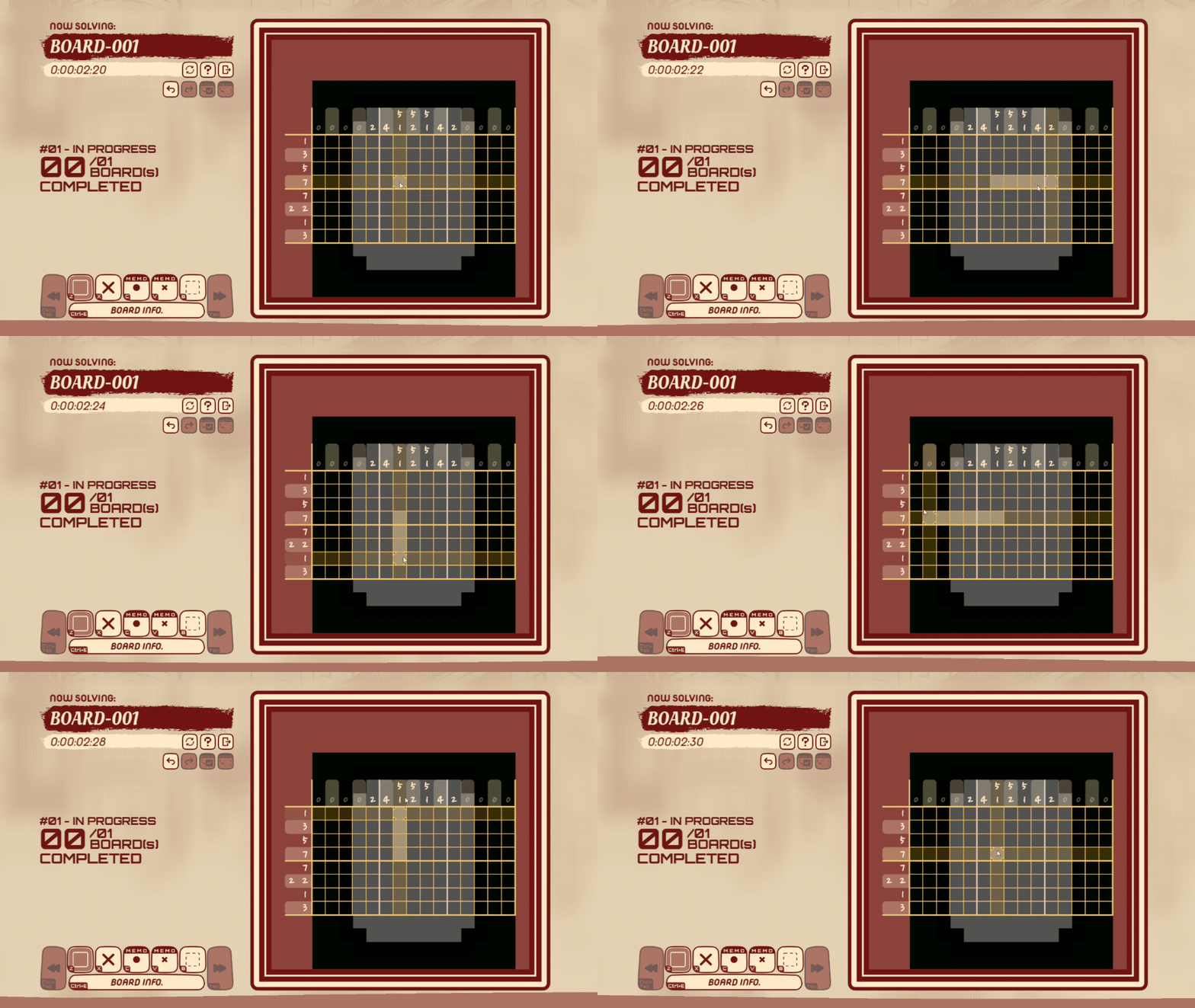
The previous area-selection method has been changed to row or column selection.
1-1. Some Puzzles in the Existing Tutorial (TOC-101) Revised
Due to the change in cell selection method, some existing tutorial puzzles have been revised.
If you have already cleared these puzzles, you do not need to clear them again. However, even if you previously solved a puzzle, its completed image will now display the revised version. If you delete that record and play again, it will be played with the revised version.
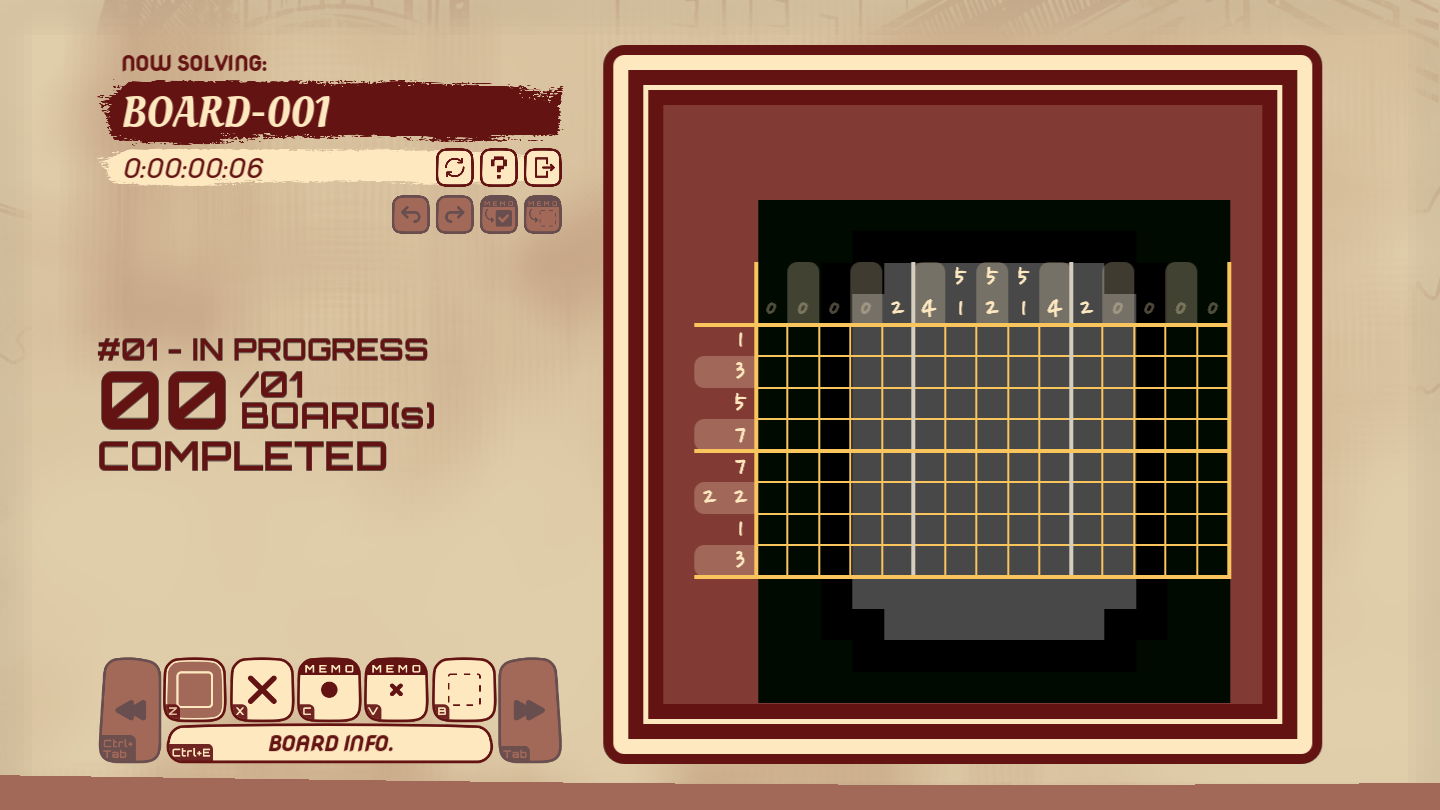
2. Add an Auto-Fill Option on Start
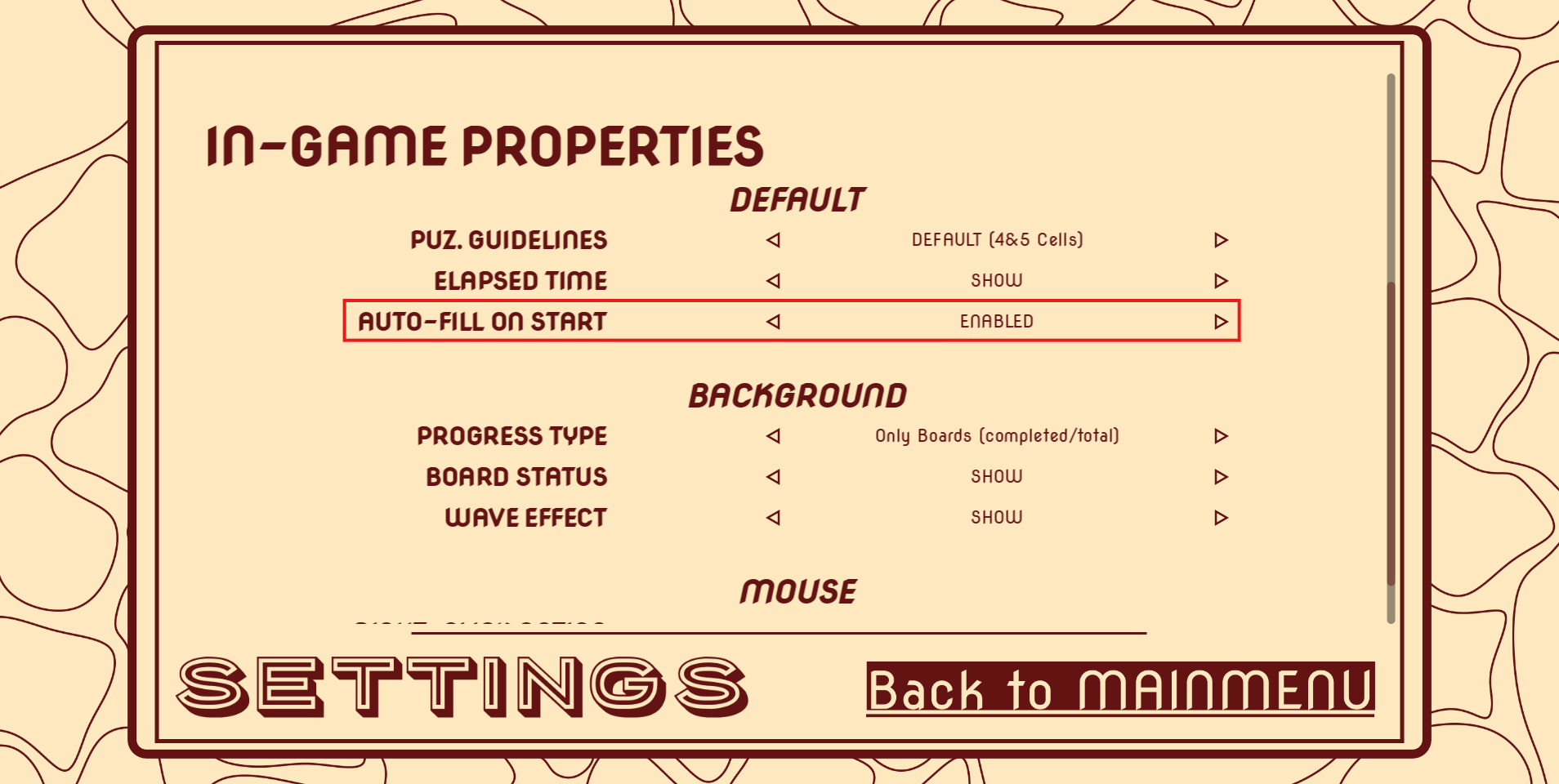
Added an option for whether rows/columns (that are all 0 or completely full) should be automatically filled at the start.
ENABLED(Default) | DISABLED |
|---|---|
|
|
3. Add Convenience Buttons
3-1. Add Undo/Redo Buttons
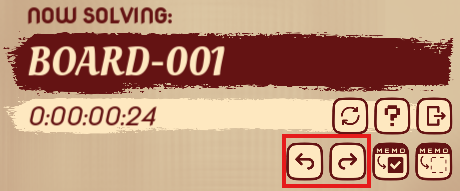
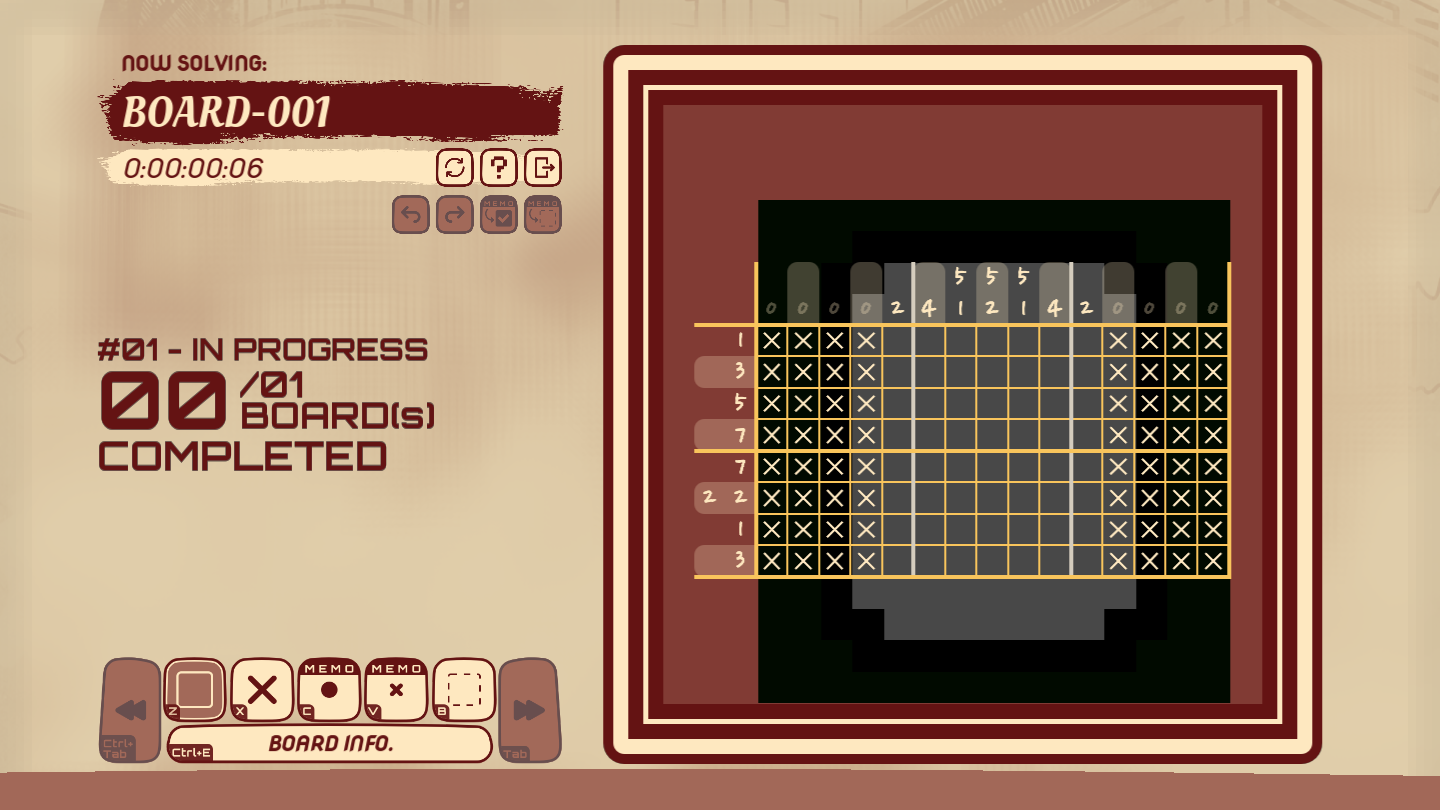
A feature that was previously only available via keyboard shortcuts (Ctrl+Z, Ctrl+Y) can now also be used via mouse buttons.
3-2. Add Buttons to Bulk Apply/Clear Cells Marked with Memos (・, ✖)
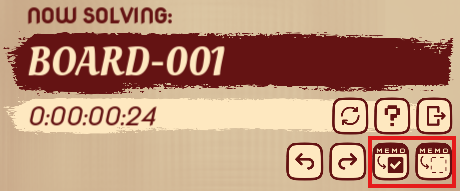
Added buttons to bulk apply or clear memos. Shortcut keys for this will be added in a future release.
4. (To Be Applied in a Future Release) About the Change Some Shortcut Key
First, my apologies to those who have been waiting for this update. Regarding the shortcut key changes previously announced in v0.3.2, I decided it would be better to add/adjust features over a few more releases before making the change, rather than implementing it right away in this update. Therefore, shortcut keys will not be changed in this update.
In a future update, I plan to move:
From: Ctrl+□ format (e.g., Ctrl+Q to quit mid-game, Ctrl+E to view board info, etc.)
To: (for some shortcuts) a single-button-press format
Bug Fix
Bugs fixed are as follows:
An issue where double-clicking buttons such as Fill or X with the mouse would result in no Fill Mode being displayed (even though it was actually in Blank mode)
Upcoming Updates
The following features are planned for future updates. Since the development scope is somewhat larger than for recent updates, we are aiming to release them all within September, or October at the latest.
Game Interface Revisions
Adjusting the layout positions of the puzzle board, buttons, etc.
Shortcut key changes
Adding Pause
Introducing an in-game settings window
Adjusting how HUD windows (manual, board reset window, etc.) are accessed
Additional Tutorials
I will provide more details in a separate announcement sometime next week.