
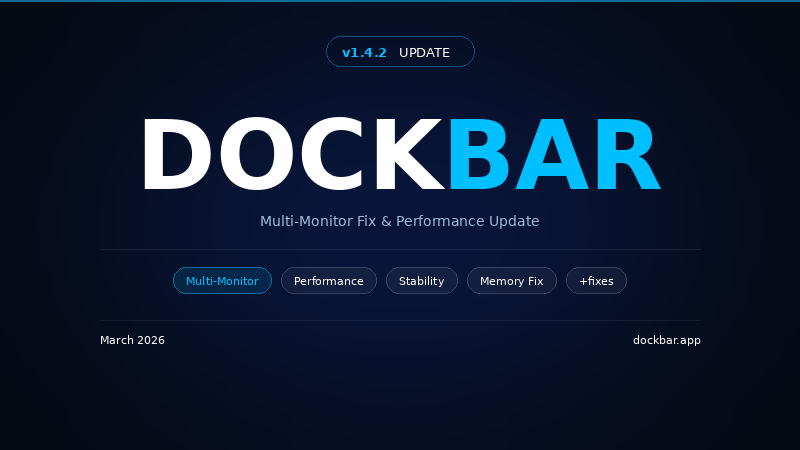
 🖥️ Multi-Monitor
Fixed bar positioning on secondary monitors with different resolutions/DPI scaling
Hover-to-open and fullscreen detection now work correctly on any monitor
Bar width automatically adapts to smaller/portrait displays — no more overflow
⚡ Performance
Reduced memory usage and CPU overhead
Optimized Win32 API calls with static buffers (no per-frame heap allocation)
Equalizer rendering optimized — skips unnecessary GPU repaints
Smoother experience when dragging or switching monitors
🛡️ Stability
Fixed potential crashes caused by disposed widgets and unhandled async callbacks
Improved timer and memory cleanup across all widgets
ℹ️ Other
Version number now shown in Settings (bottom of General tab)
⚠️ Performance Note:
Features like Glass Effect, Blur, Textures, and Equalizer visualizations affect performance. If you experience high memory or CPU usage, consider adjusting these in Settings:
Lower Glass Blur intensity or disable Glass Effect
Reduce Texture Opacity or remove custom textures
Switch to a simpler Equalizer style
📌 Recommended: After updating, open Settings and review your configuration. Default settings may not be optimal for your setup — adjust UI Scale, display selection, and visual effects based on your monitor and system specs.
Source: Steam Community (opens in a new tab)