
This week’s development on Checkpoint 19 focused on improving player interaction, game flow, and giving players more control over their experience.
From managing multiple infrastructure elements at once to improving save management and introducing the first game settings, several quality-of-life improvements are starting to come together.
Multiple Infrastructure Selection
Players can now use area selection to select multiple infrastructure elements at once.
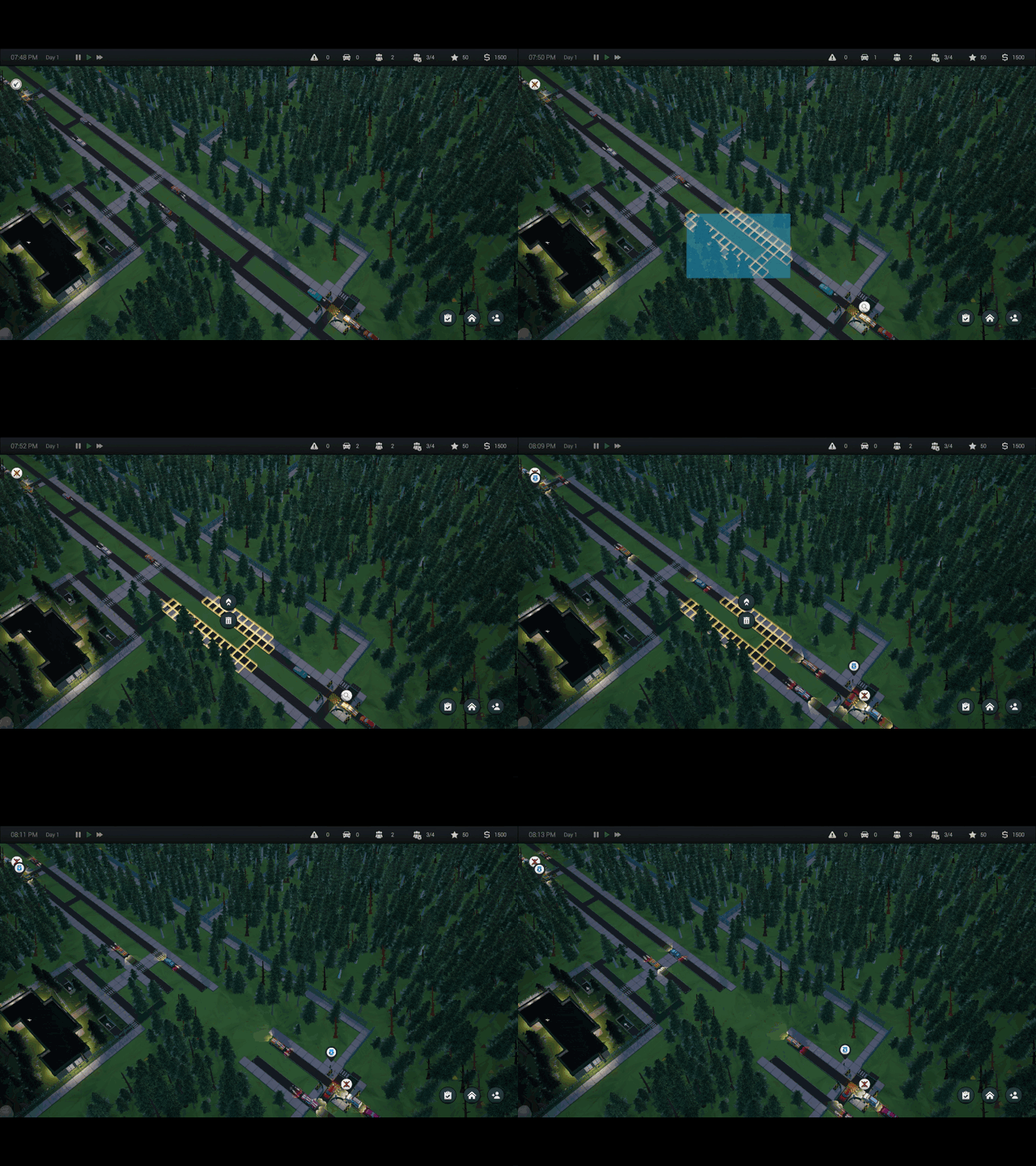
As checkpoints grow, managing individual pieces of infrastructure one by one can quickly become cumbersome. Area selection makes larger-scale management faster and more intuitive, providing the foundation for more efficient interactions with complex checkpoint layouts.
New Day Transition Animation
Starting a new day now comes with a dedicated day transition animation.
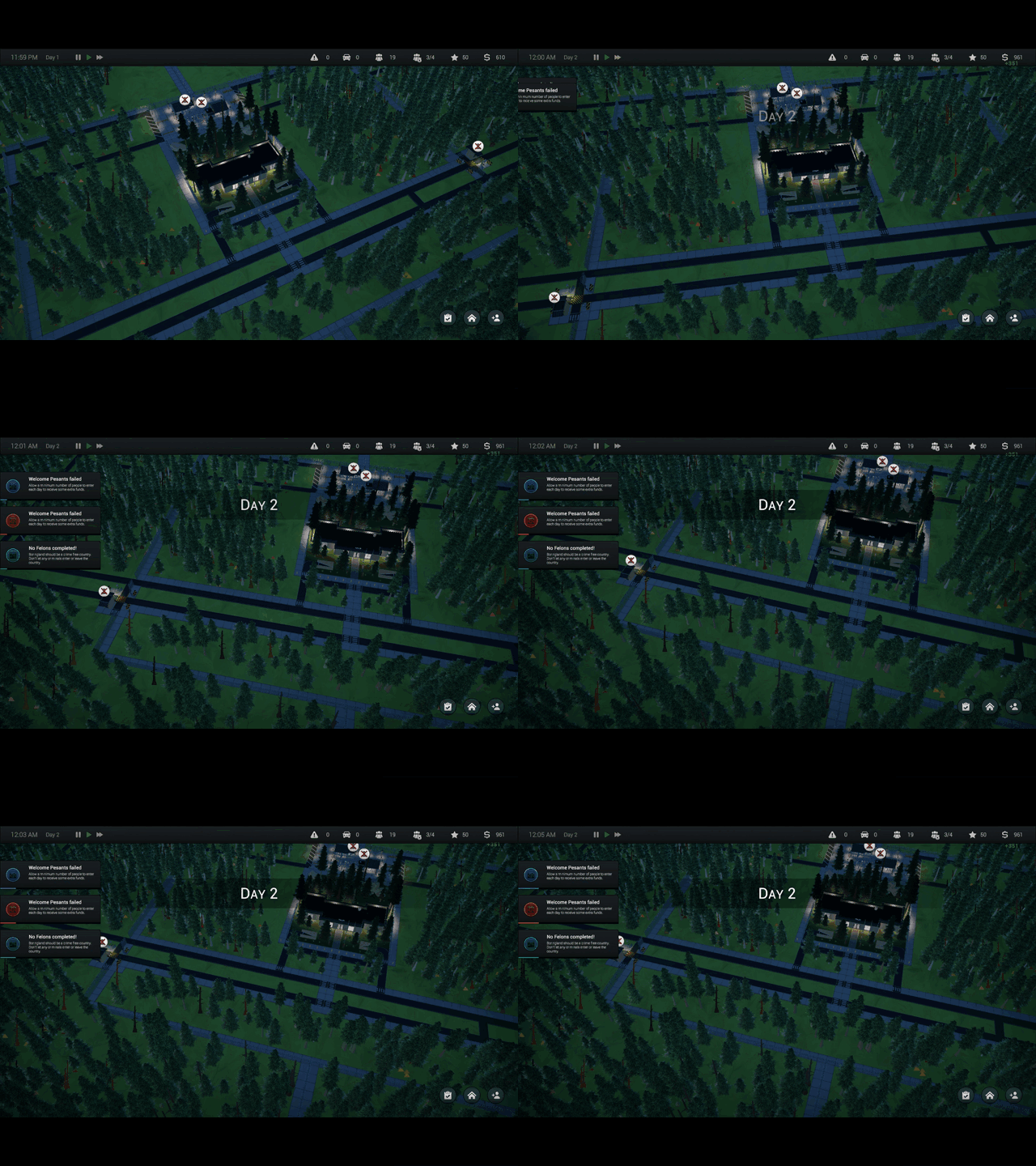
This provides clearer feedback when one operational day ends and another begins, while also giving each new day a stronger sense of progression as players continue developing and managing their checkpoint.
Load Game Menu
A new Load Game Menu has been implemented.

Instead of automatically relying on a single save, players can now view their available save slots and choose exactly which game they want to load.
The Load Game interface is available both from the main menu and from within the in-game menu, making it easier to manage and switch between different saved checkpoints.
Settings Menu in Development
Work has also begun on the Settings Menu, giving players more control over how they want to experience Checkpoint 19.
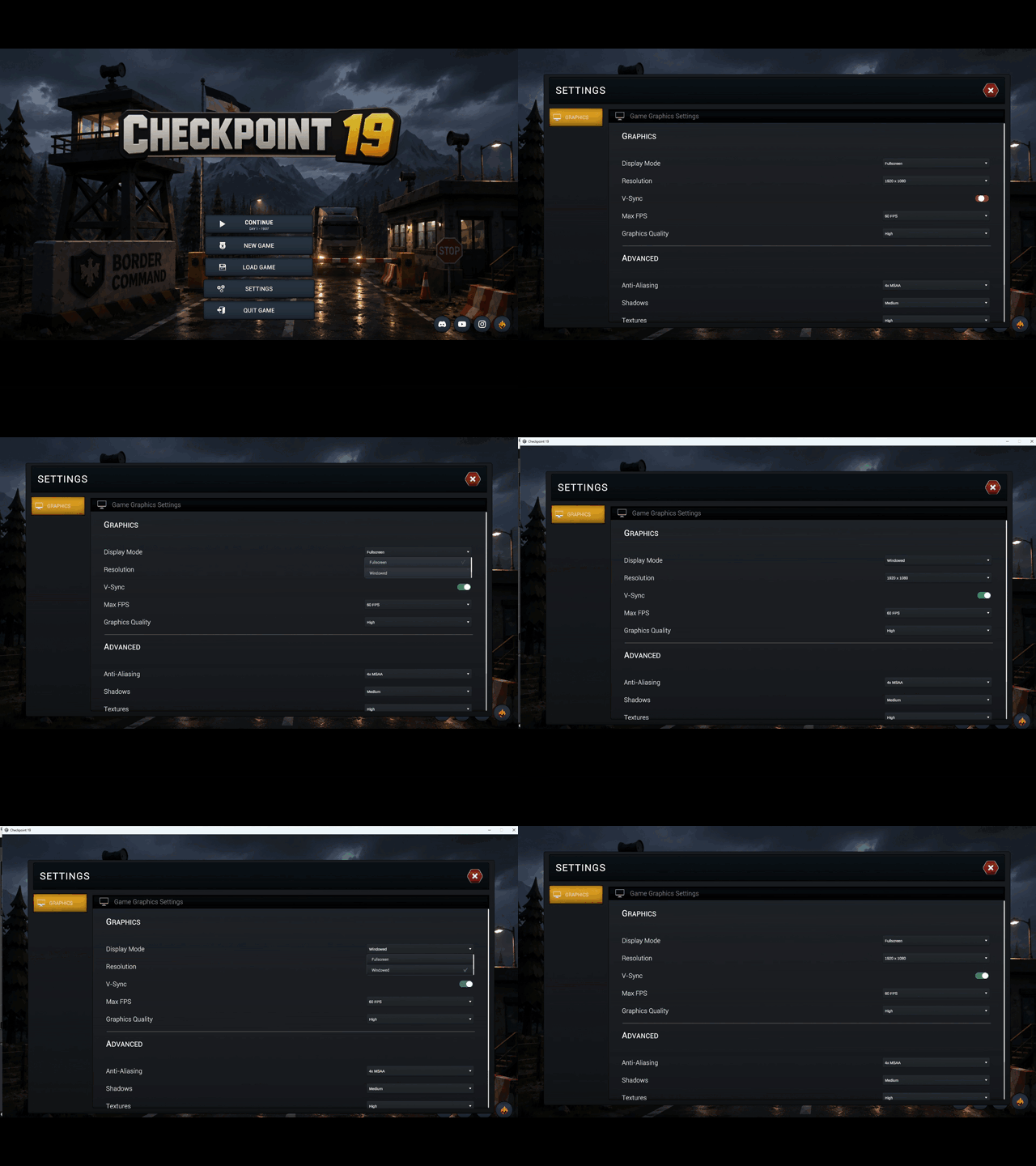
The menu is being designed to include options for graphics, sound and music volume, language, and other game preferences.
More settings and customization options will be introduced as the system continues to be developed.
These changes are another step toward making Checkpoint 19 feel like a more complete and polished experience, with smoother interactions, clearer feedback, and more control in the hands of the player.
More development updates coming soon.