
Thank you all for playing NnaPix! 🍬
An update has been released.
Regarding the “Sticky Note” (temporary mark) feature added in the previous update,
there was no key assigned for keyboard controls,
so new key bindings have been added.
New Content (Recap)
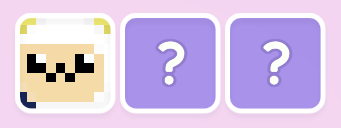
Normal puzzles have been added.
You can play them from each difficulty tab, or from the “✨” tab.
Some of the newly added puzzles are the first puzzles that require “Guess Filling.”
Guess Filling is a strategy where you use the “Sticky Note” feature to try out cells that look like they might be filled.
This is being added on a trial basis, so please give it a try!
Keyboard Binding Changes
The P key and + key have been assigned to “Sticky Note.”
The updated controls are as follows:
Fill Cell: Left Click or Enter key
Empty Mark: Right Click or Backspace key
Hint: H key
Sticky Note: Middle Click, P key, or + key
Other Fixes and Changes
Fixed an issue on the puzzle selection screen where puzzles could be started before the in-game announcement had finished.
Fixed an issue where UI controls could stop responding for a while on the Config screen.
Sound effects now play when using “Empty Mark” and “Sticky Note.”
Fixed an issue where keyboard controls might not work if the mouse cursor was outside the game window.
We will continue making fixes and improvements to make the game easier to play.