
This update brings MT5 market data support, synchronized chart controls, and several improvements and fixes.
Present Mode: Connect to Your Local MT5
Present mode now supports connecting to MT5 running on your computer!
Launch MT5 and make sure it is receiving market data. Then open Settings > Instruments > Add Instruments in the game to select MT5 instruments and add them to your watchlist.
Round History in Present mode now displays each round’s start time, making it easier to find the market period you want to revisit. Every historical round supports Review and Practice.
In other modes, each instrument uses a fixed historical data range. To practice more recent market periods beyond those ranges, select the corresponding round in Present’s Round History for Review or Practice.
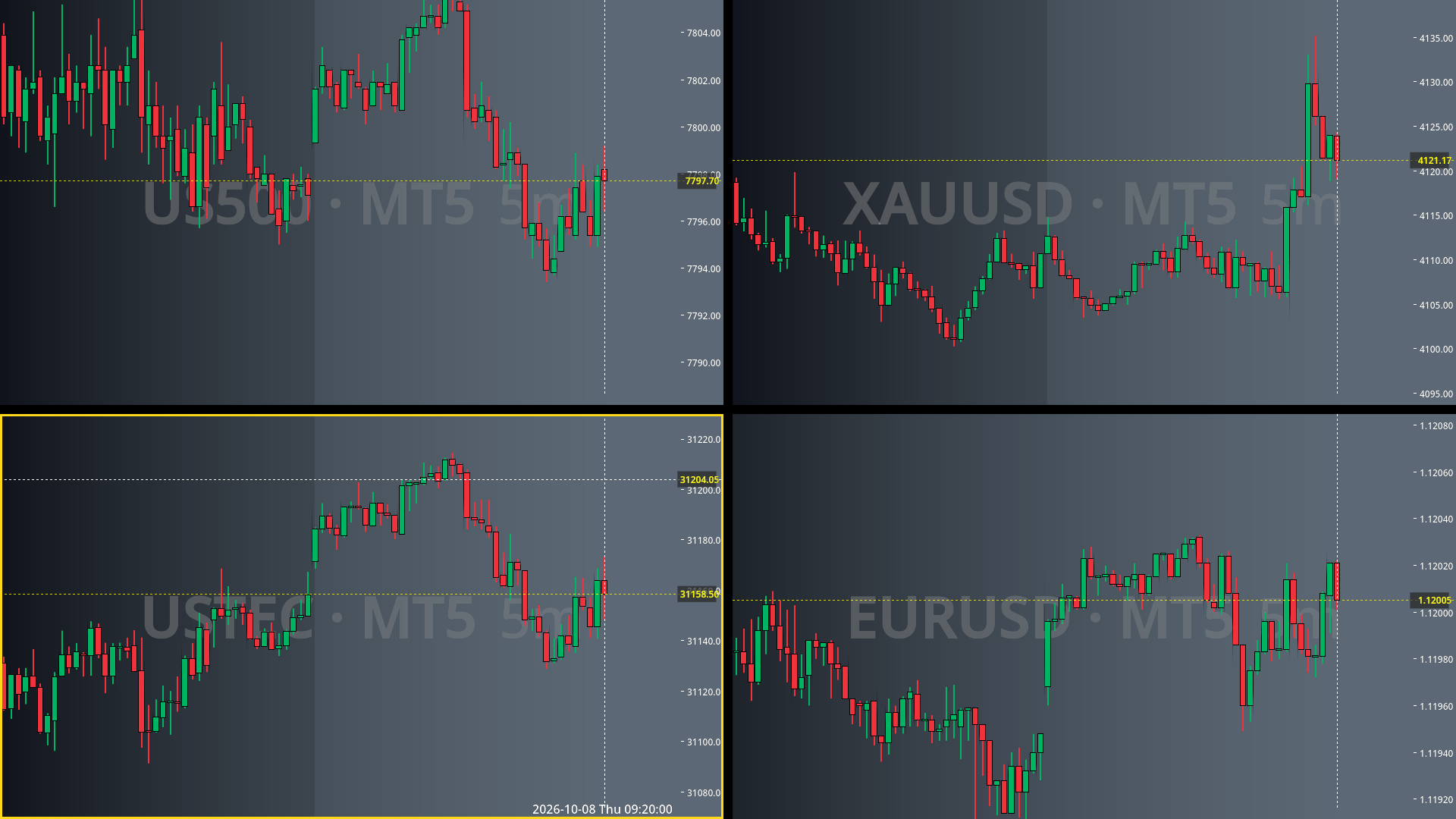
Synchronized Chart Controls
Managing multiple charts just got easier!
Previously, changing the timeframe or instrument affected only the current chart. Now, hold Ctrl to apply these actions to all charts:
Change timeframe: Switch all charts to the selected timeframe.
Change instrument: Switch all charts to the selected instrument.
Pan and zoom: Move or zoom all chart views together.
A new tutorial in Learning & Achievements walks you through these controls.
Other Improvements and Fixes
Review mode now supports switching instruments.
Present mode: Fixed missing or incorrect countdown displays and delayed price line updates when using multiple charts.
Improved the appearance of the Add Instruments interface.
Binance instruments are sorted by trading volume, from highest to lowest.
MT5 instruments are sorted by quote activity, from highest to lowest.