🛠️ Update 1.0.5.1: The Stability & Input Hotfix
Developer Note: This update addresses critical feedback regarding mouse input during high-intensity moments and optimizes the menu flow for a smoother experience.
🔄 Input & Control Improvements
Standardized Mouse Look: Fixed an issue where mouse sensitivity would fluctuate wildly depending on whether the flashlight was toggled. Sensitivity is now frame-rate independent, ensuring consistent control regardless of performance.
Death-State Reset: Resolved the "Infinite Spin" bug. The camera and cursor now correctly reset when the player dies, preventing the mouse from going haywire on the Game Over screen.
🔦 Performance & Flashlight Fixes
Torch Optimization: Optimized real-time lighting calculations to reduce stuttering when navigating through high-density areas.
Flicker Logic: Fixed a script conflict where flashlight flickering caused input lag for the player's movement.
🖥️ UI & Menu Overhaul
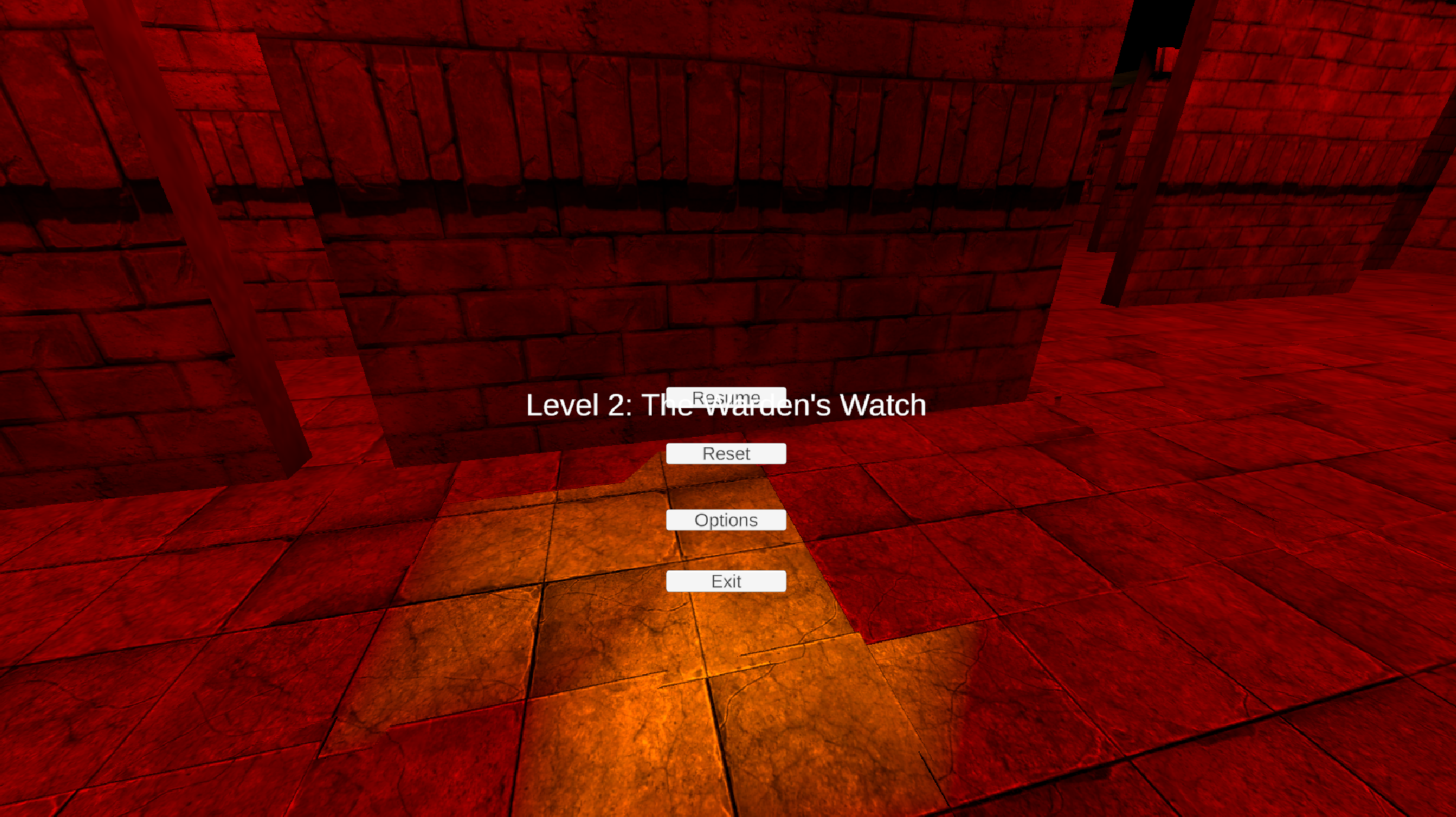
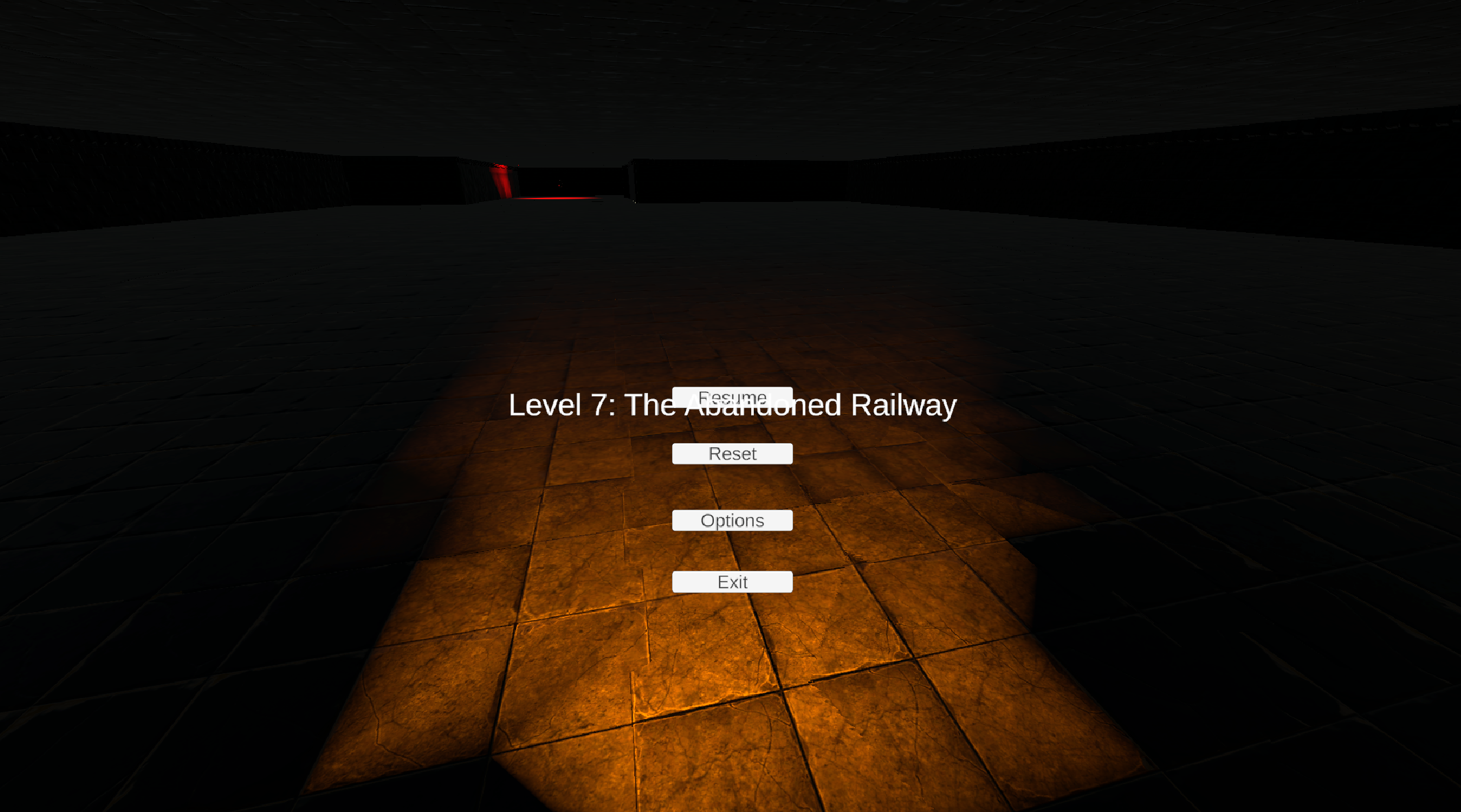
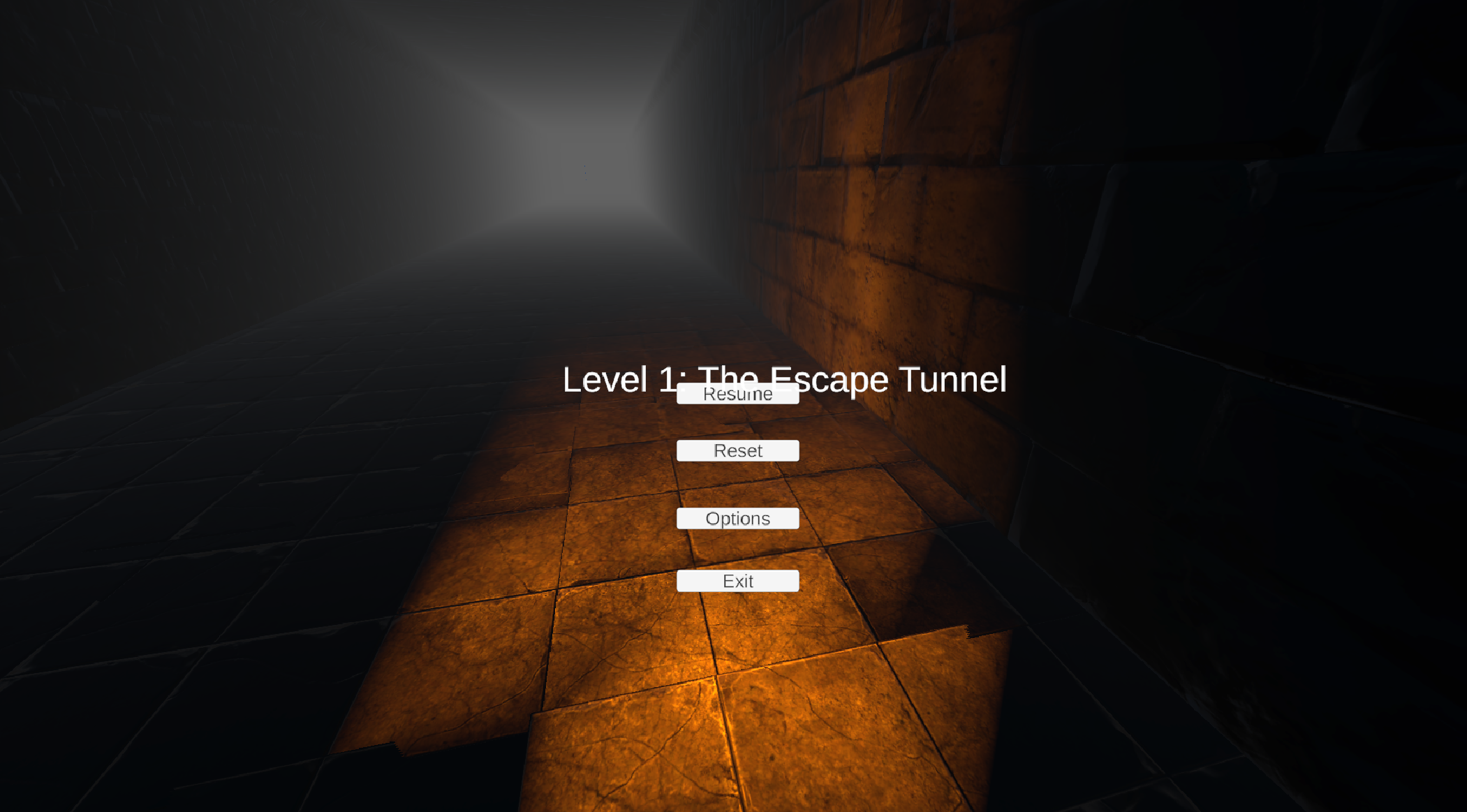
Scene-Based Options: The Options Menu has been moved to a dedicated scene. This significantly reduces memory overhead and prevents UI overlap bugs during gameplay.
Intro Flow: Refined the "Begin Mission" transition. The game now properly clears the intro sequence before initializing the Main Menu interaction layer.
Global Reset: Added a "Force-Unlock" to the cursor when returning to the Main Menu, ensuring you never get stuck without a mouse pointer.
🐛 Minor Bug Fixes
Fixed a rare crash when clicking the "Options" button from the Intro screen.
Corrected the "Level 2 Loop" in the Maze Randomiser; level variety should now be much more consistent.
⚠️ Known Issues (Work in Progress)
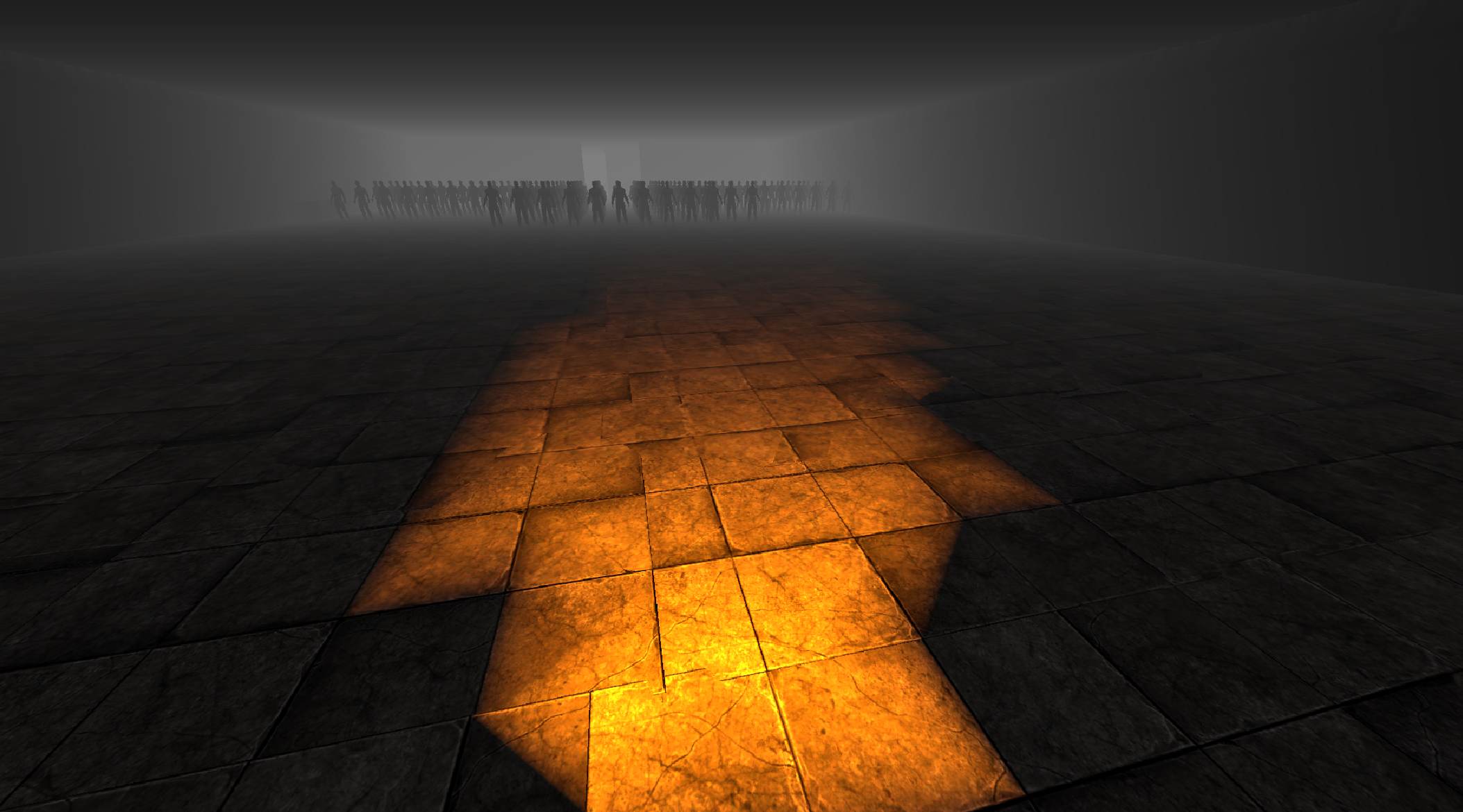
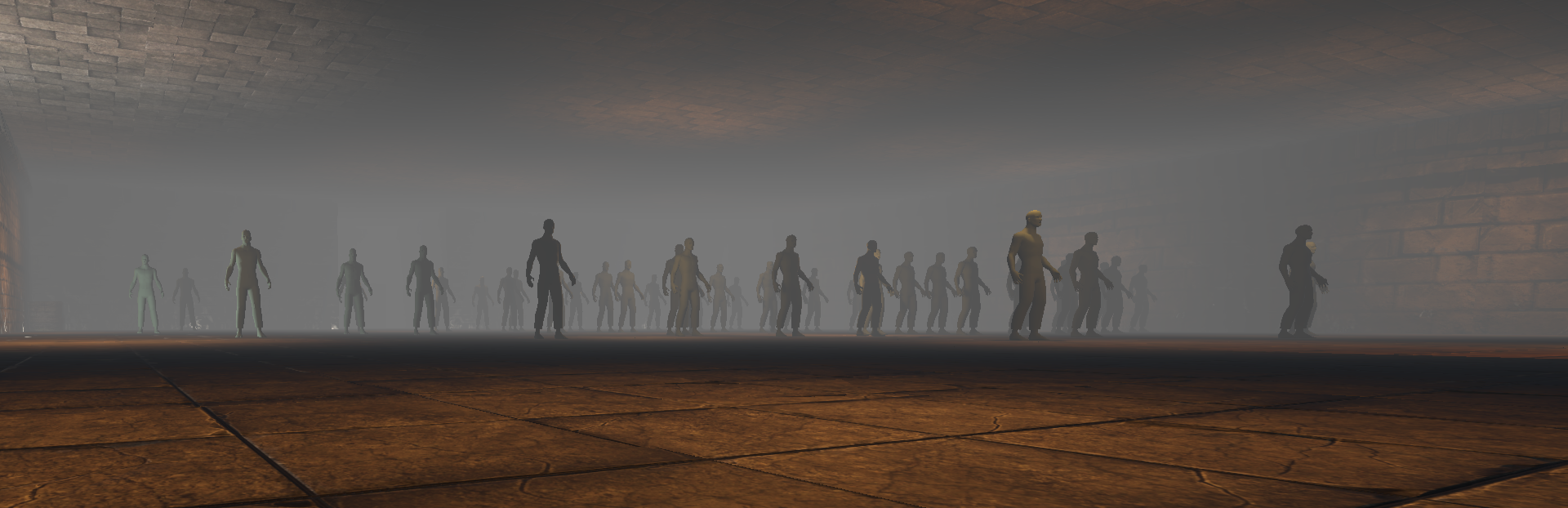
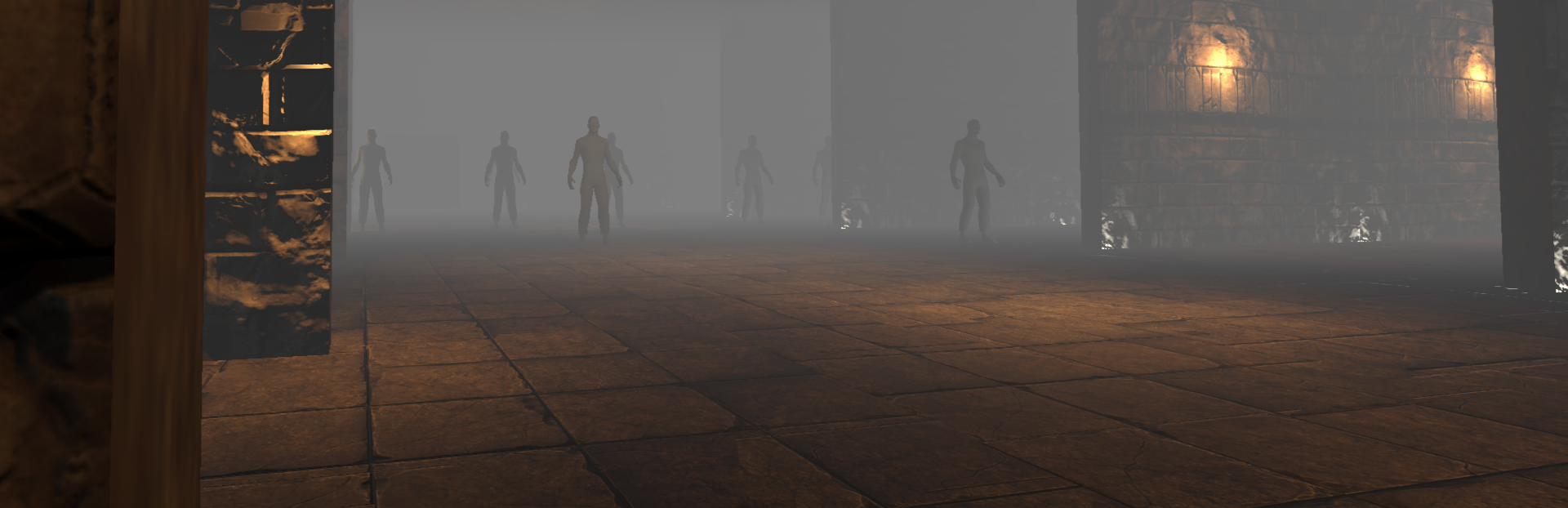
Shadow "Ghosting": On lower-end hardware, flashlight shadows may flicker slightly when standing near multiple mannequins. (Fix scheduled for v1.0.6)
Volume Persistence: Some players report that audio settings reset when moving between the Options Scene and Level 1.
Physics Jitter: Rare instances of the player getting "stuck" in walls if running while the torch is flickering.
Options Menu: we are currently aware the options menu doesn't work anymore this will hopefully be fixed on the next version of the full update.
🚦 How to update:
Your Steam client should begin the download automatically. If not, please restart Steam or verify the integrity of your game files.
Build Version: 1.0.5.1
Status: Live for Playtest Only!