

What's possible now:
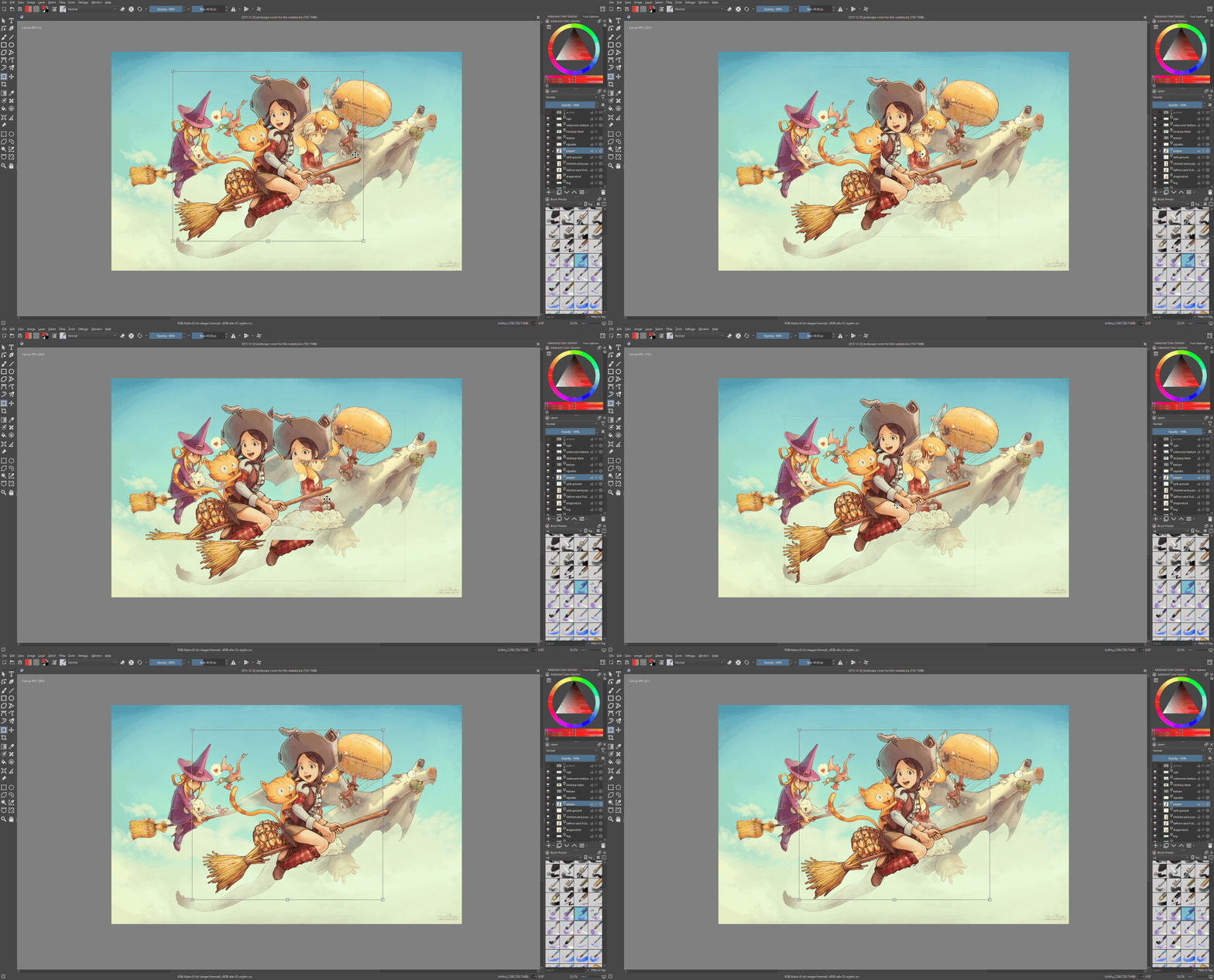
Not only can you import static drawings from Krita — direct animation import now works too. All layers, all frames, the entire sequence — just drop it into Shack and get a ready-made scene.
 "Landscape cover for the website" by David Revoy

And yes, layers arrive with all their blending settings intact — the same blend modes you set in Krita are preserved. Multiply, overlay, screen — everything works right out of the box. No need to set anything up again.
And here's the really interesting part:
Krita is a brilliant program for drawing, but when it comes to playing back animation, it can be... difficult. It lags, freezes, drops frames...
In Shack, that same animation flies. Smooth, fast, no surprises. We don't know how it happened, but that's how it turned out 🤷♂

(joke, of course we know)
How it works:
Draw everything that's more convenient to draw in Krita in Krita: animation, backgrounds, concepts, characters — with all layers and blend modes. Then simply load it into Shack.
And this is where the magic begins:
Backgrounds drawn in Krita can be brought to life with depth in Shack. Add depth, light, camera — make a flat image breathe like a 3D scene. Without complex modeling, just using real-time light and layers.
Concepts don't go to waste either. If you prefer to think and sketch in Krita — go for it. Transfer them to Shack when it's time to animate. Throw them into the scene as reference.
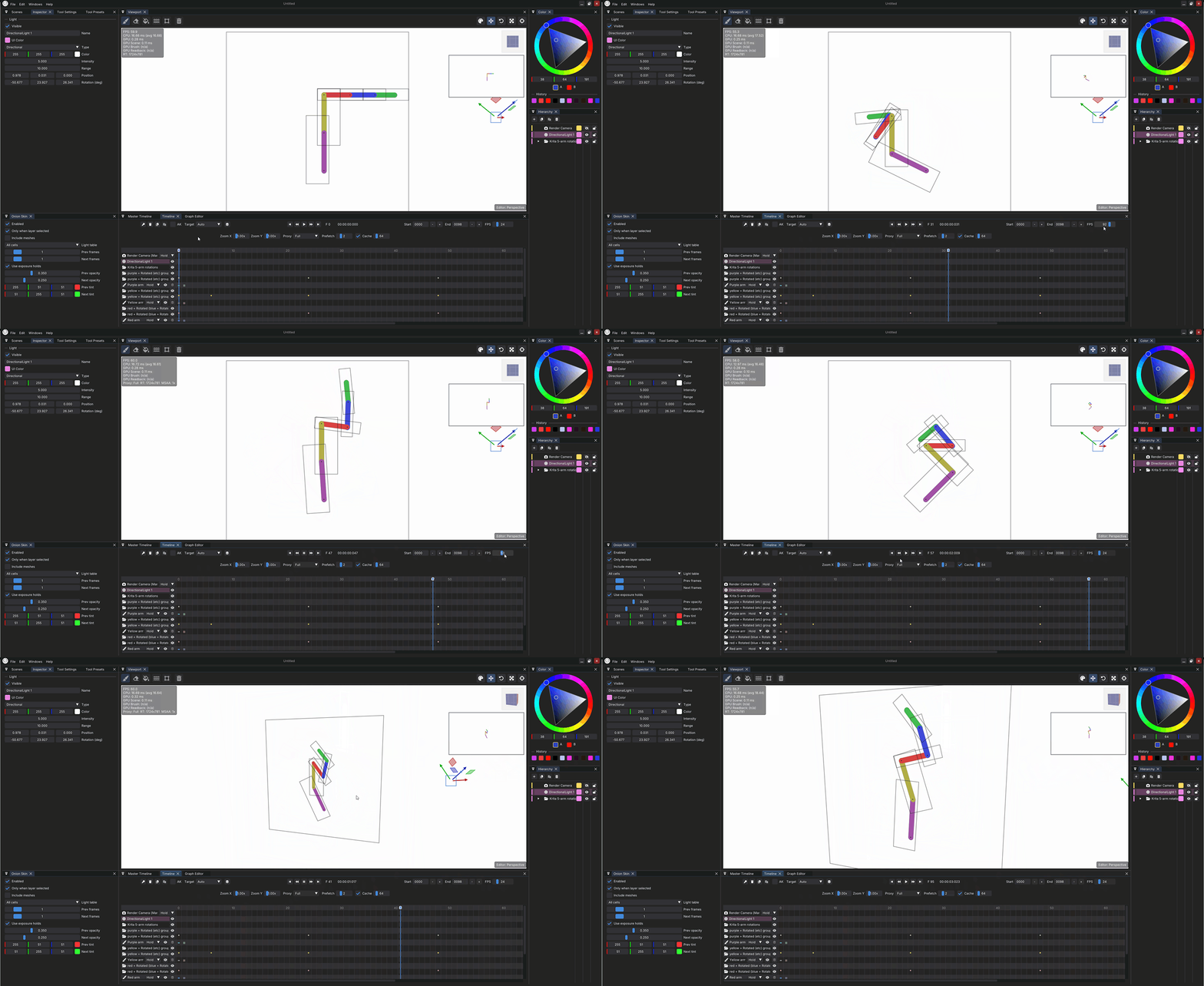
Animation from Krita, as we already mentioned, finally runs smoothly in Shack. Because our timeline doesn't lag even on heavy scenes and doesn't drop frames (not because it can't, just no need to).

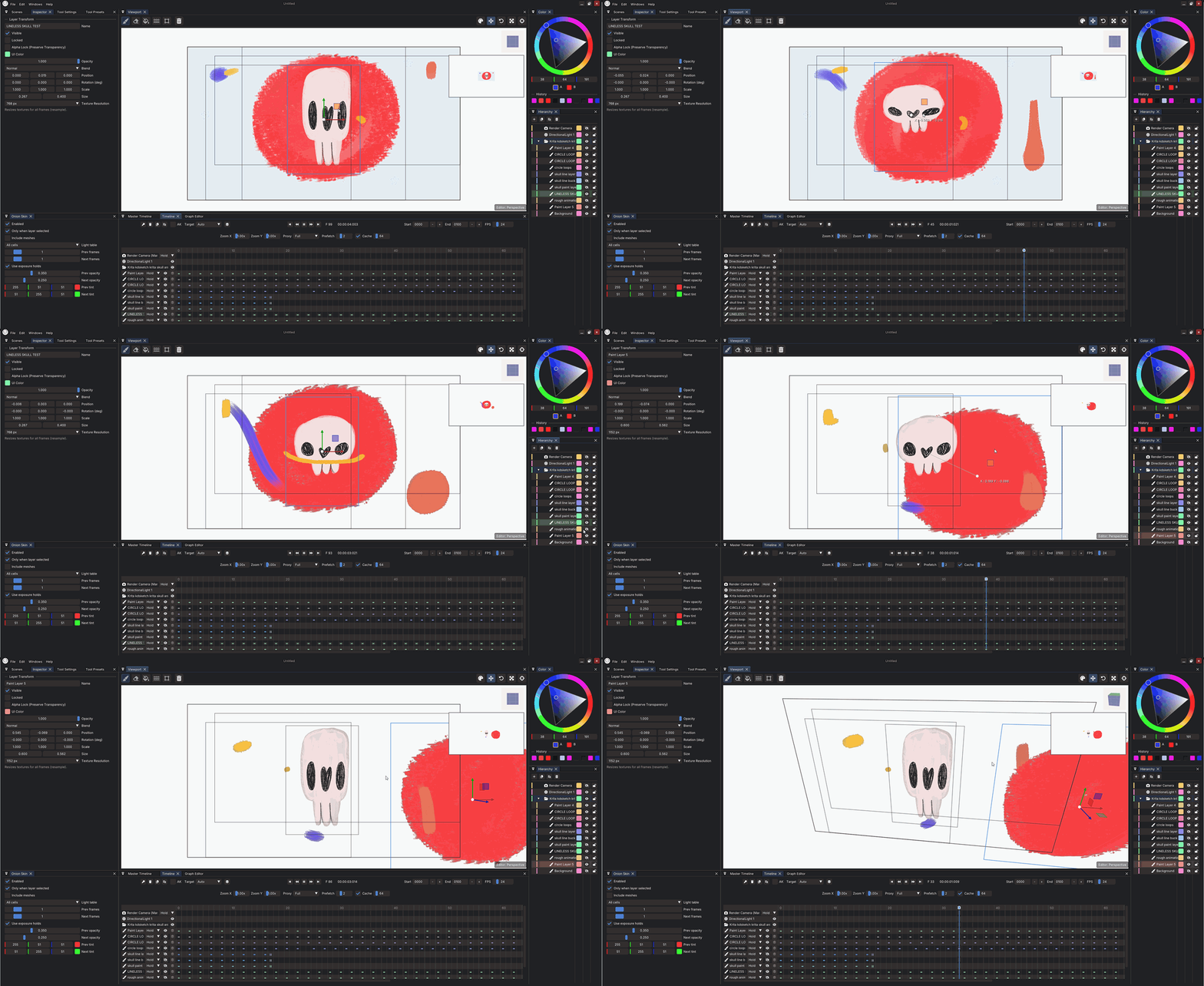
 https://krita-artists.org/t/armature-animation-with-free-kra-file/88662
And about audio.
In Krita you can only import one audio file — and that's painful. Shack has no such limits. 10 tracks, 20 tracks — doesn't matter. Layer music, voices, sound effects on different tracks, sync them with animation, do whatever you want. Load as many as you need.

And about 3D — yes, we're friends there too!
Remember how in old Disney cartoons — "Tarzan", "Beauty and the Beast", "Treasure Planet" — they drew over 3D scenes? Complex perspectives, cameras, moving backgrounds that are impossible to draw by hand without distortion. They used 3D as an underpainting, then drew characters and details on top.

In Shack you can do exactly like that:
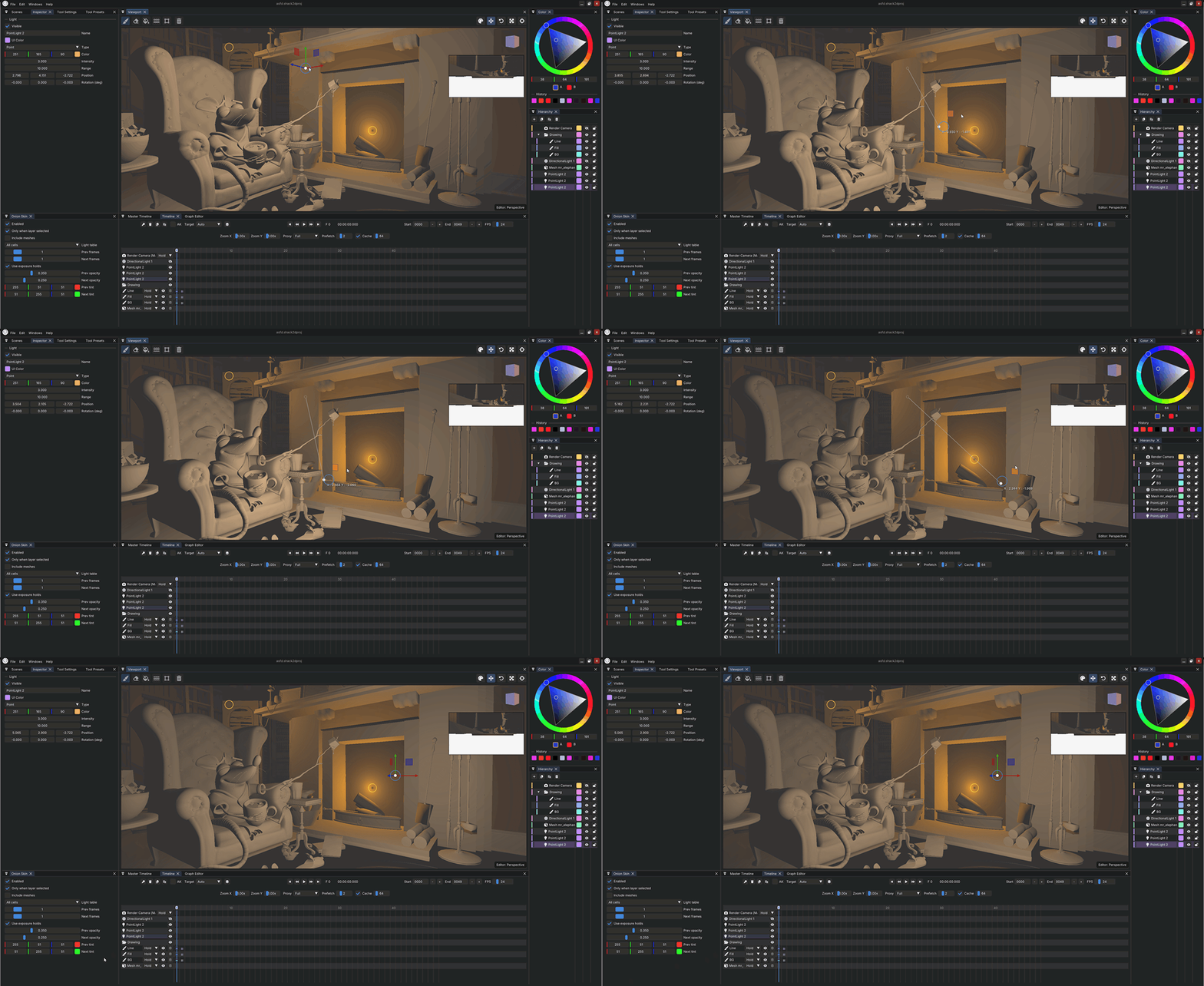 Mr. Elephant By Glenn Melenhorst
Import 3D scenes (objects, cameras, simple models) directly into your project
Use them as perspective reference — for example, set up a 3D room and draw a character walking through it
Build complex shots with moving cameras, like in "Tarzan" — and draw over them while keeping a lively line
Animate the 3D models themselves — do simple or complex transformations, rotations, camera movements right in Shack
Or just render a 3D background, then add 2D characters, lights, effects on top in Shack
Why you'd need this:
If you want epic camera sweeps like in old Disney masterpieces
If you need complex angles and perspectives that are impossible to construct by hand
If you have 3D models (from Blender, Maya, any format) and want to bring them to life with 2D animation on top
If you just don't feel like drawing a background and already have a 3D mockup
How it works:
Set up a 3D scene as an underlay
Draw ontop
Add light, camera animation, effects.
Everything in real-time, all in one window. Like in the good old days at Disney, but without tons of paper cels and expensive cameras.
Who'll love this:
Those who draw animation in Krita but are tired of lag during playback
Those who want to keep their brushes and workflows but get a proper timeline
Those who draw backgrounds in Krita and then want to add depth and movement to them in Shack
Those who miss having multiple audio tracks in Krita for proper sound syncing
Those who want to create complex camera scenes but don't want to go full 3D
Those who love hybrid animation — 3D background + 2D characters
Those who remember "Tarzan" and always wanted to try it themselves
And simply those who find Krita comfortable but want more features
It's all working now! Use it, draw, bring things to life, write to us!
Links:
YouTube:
Thank you for the support—every wishlist, review, and message helps us keep improving.