

We get this question a lot — and it's totally fair. There are plenty of powerful tools out there, each with its own superpower, and we genuinely respect them.
The short version: Shack Animator 2D is a lightweight, fast 2D animation program built around drawing and frame-by-frame work. In terms of feel, we're somewhere near TVPaint and Procreate: responsive, organic brushes, a flow state, the ability to just pick up and bring things to life. But we've also added modern features like GPU effects and real-time lighting — so when you want to add atmosphere or style, you don't have to jump to another app.
What we love about our own tool:
Drawing first, everything else second.
Raster brushes with natural, responsive feel — just as good as Photoshop, often faster and more reactive. Nothing cluttering the UI, nothing slowing you down. You actually want to draw, not Google where the settings are.

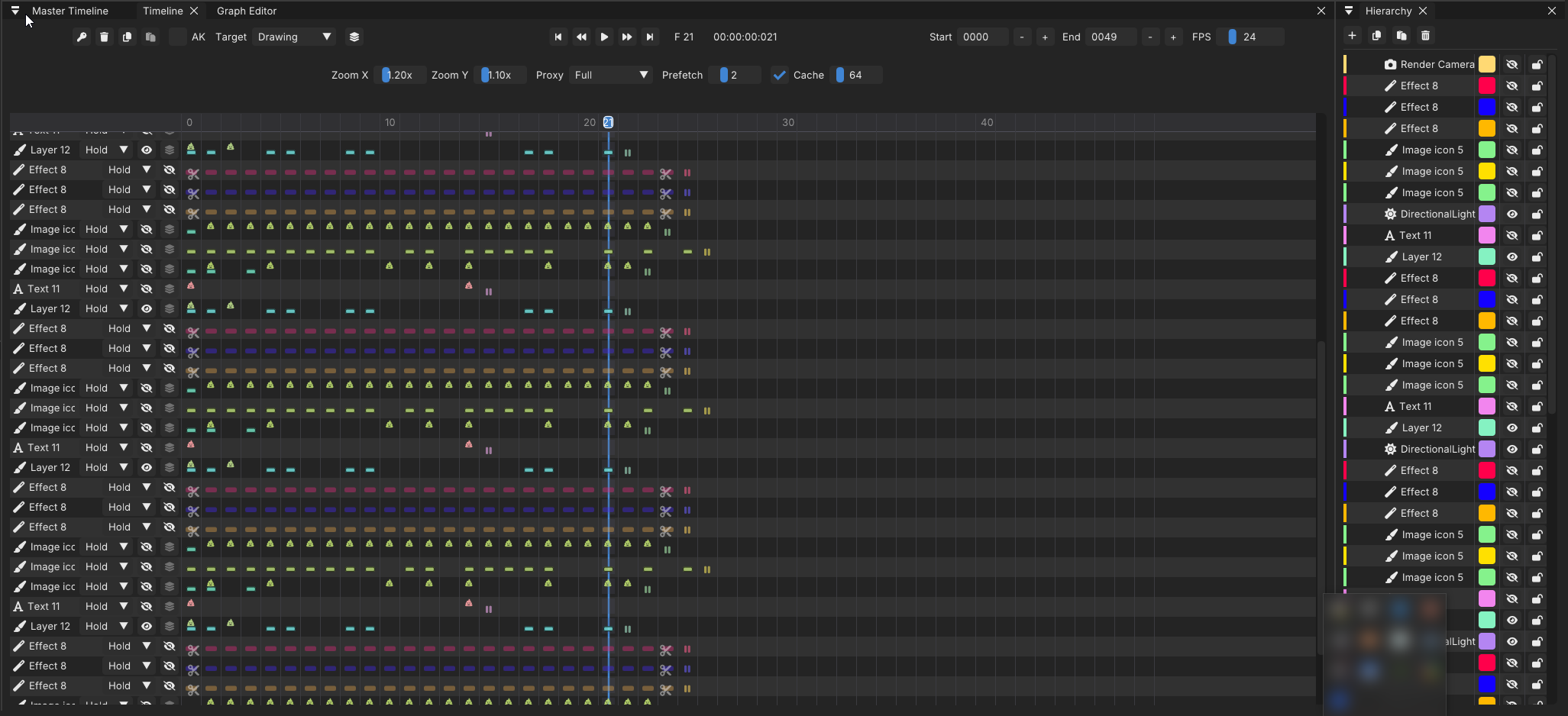
Everything flies.
Timeline doesn't stutter, scrubbing is instant, onion skin doesn't fight you. Less waiting, more animating.
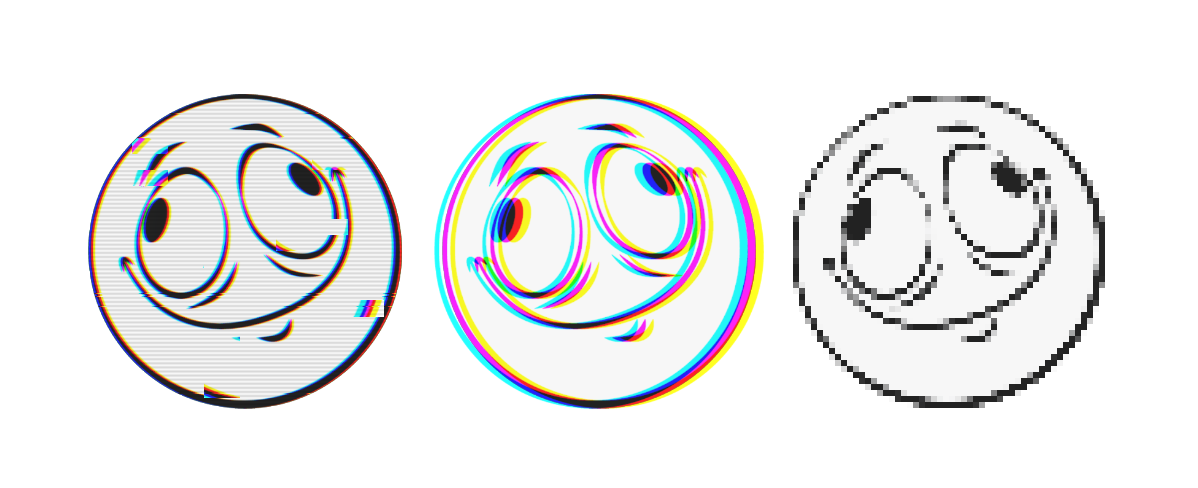
Effects right there.
GPU-powered stylization, no rendering out to third-party editors. Want grain, glow, or glitch? Couple of clicks.
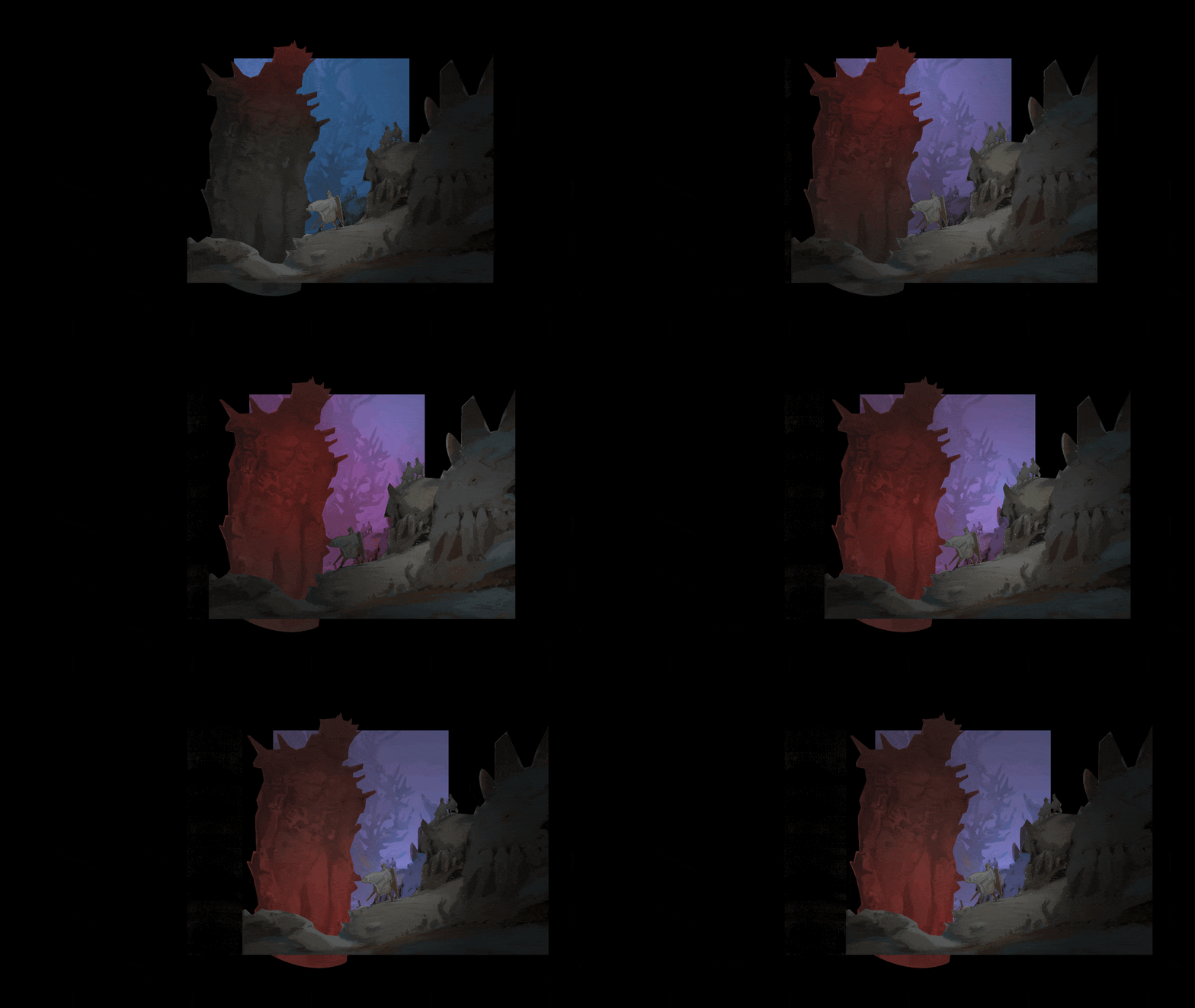
Light as an expressive tool, not a gimmick.
We didn't build a "material creator" — but we added real-time lighting and a PBR-inspired approach that works with your style, not against it. Highlights, depth, 3D-inspired mood — from photorealism to flat stylization.

 https://www.artstation.com/artwork/nJ65lK
No-nonsense pricing.
We believe entry to animation shouldn't cost as much as a mortgage subscription. Accessible for solo creators and small teams.
Now, the comparison — no fluff:

Spine / DragonBones — Kings of rigging and cutout animation. If you need to rig a character for a game engine and bend it like clay — that's the place. We're about something else: frame-by-frame, drawing, "one frame, one picture."
Adobe Animate — Powerful vector tools, ecosystem, legacy. We're about raster animation, natural-feeling brushes, speed and simplicity. And no subscription.
After Effects — Industry standard for motion design and compositing, an incredibly deep tool with endless possibilities. And we play nice with it. You can draw and animate in Shack, then take it to AE for complex precomps and expressions — we export clean sequences, layers, AVOs. No turf war, just a solid pipeline. And for many tasks like stylization, lighting, or in-frame effects, Shack handles them faster and simpler — without jumping into a heavy composite.
Toon Boom — Industry standard for TV series and big studios, powerful cut-out and rigging pipelines. If you're running a 20+ person team with strict pipeline requirements — that's the right call. We're about a different speed: the freedom to just draw, no node graphs or controller setups. For solo creators and small teams who want to move fast and enjoy the process.
That said — fair warning — in our upcoming Pro version, we're closing that gap more than people expect. Not necessarily better, but definitely not worse.
Aseprite / ProMotion NG — Untouchable for pixel art, and we're not trying to replace them. But if you want pixel as a style choice rather than the entire medium — you can achieve it with our effects, then layer light, motion, and depth on top. It gets interesting.

https://katiebetter.carbonmade.com/projects/5225372
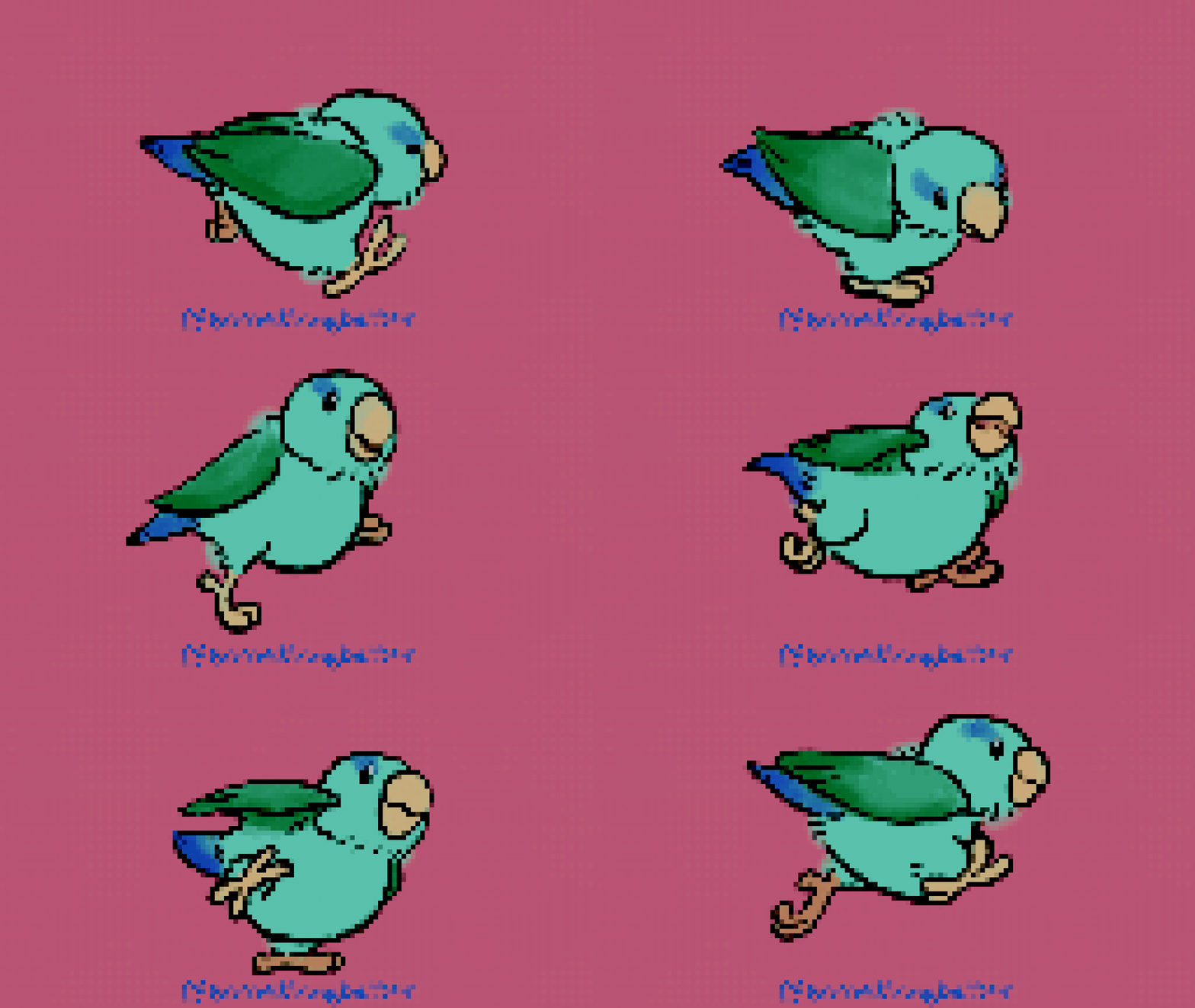
TVPaint / Procreate — We share the same DNA. This is about "draw and animate," about enjoying the process, about brushes you can trust. Shack Animator 2D is essentially that — with a bonus of modern effects and real-time lighting right in the viewport.
Tell us what you're actually making — animated shorts, 2D game art, music videos, lighting-heavy shots — and we'll tell you exactly where Shack Animator 2D shines. We're preparing detailed tutorials breaking down every feature, coming very soon.
Thanks for the curiosity, the questions, and the support. Without you, we'd just be writing code into the void.
Links:
YouTube:View game page
P.S. One more thing we don't shout about enough.
While the big guys roll out heavy artillery, we're not exactly unarmed. We just don't scream about our secret weapons yet: AI Inbetweener (already working, polishing it), Pro Grids, Pro Constraints, AVO exports, vector tools, node compositor, Pro X-Sheet, and Python API for custom plugins. All of this is already inside, slowly maturing into a full Pro version. But we're not rushing — we'll release it when it's genuinely solid and production-ready. In the meantime, we're sharing what already works: the Indie Edition is here with you now. Use it, draw in it, break it, write to us.