
Hello everyone! This is the development team of Astro Mouse.
The Demo for Astro Mouse is now available!
Compared with the previous Playtest version, this Demo includes many adjustments to exploration, the backpack, collection systems, UI interactions, and the overall player experience. Here are the main updates in this version.
Demo Now Available
In this Demo, you can experience the basic exploration loop of Astro Mouse.
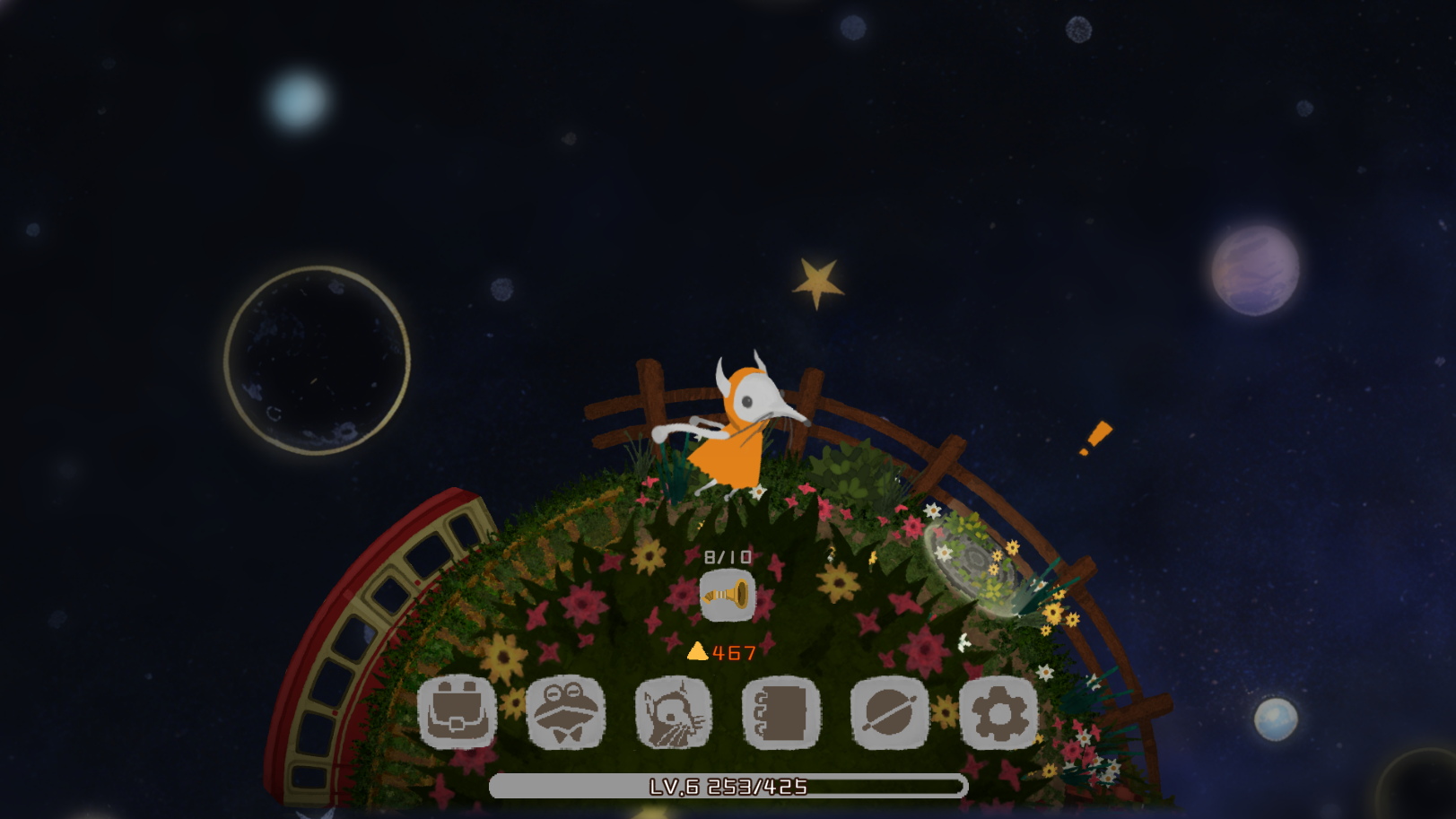
Coco will automatically move across the planet, discover different search spots, and find various items. You can organize your backpack, sell collected trash, upgrade abilities, and give certain special materials to Coco so it can slowly discover its own little treasures.
We hope this can be a small desktop game that quietly keeps you company. You do not need to stare at it all the time or interact with it constantly. Just check in from time to time and see what strange thing Coco has found next.
New “Coco’s Collection” System
A new Coco’s Treasures tab has been added to the game log / collection interface.
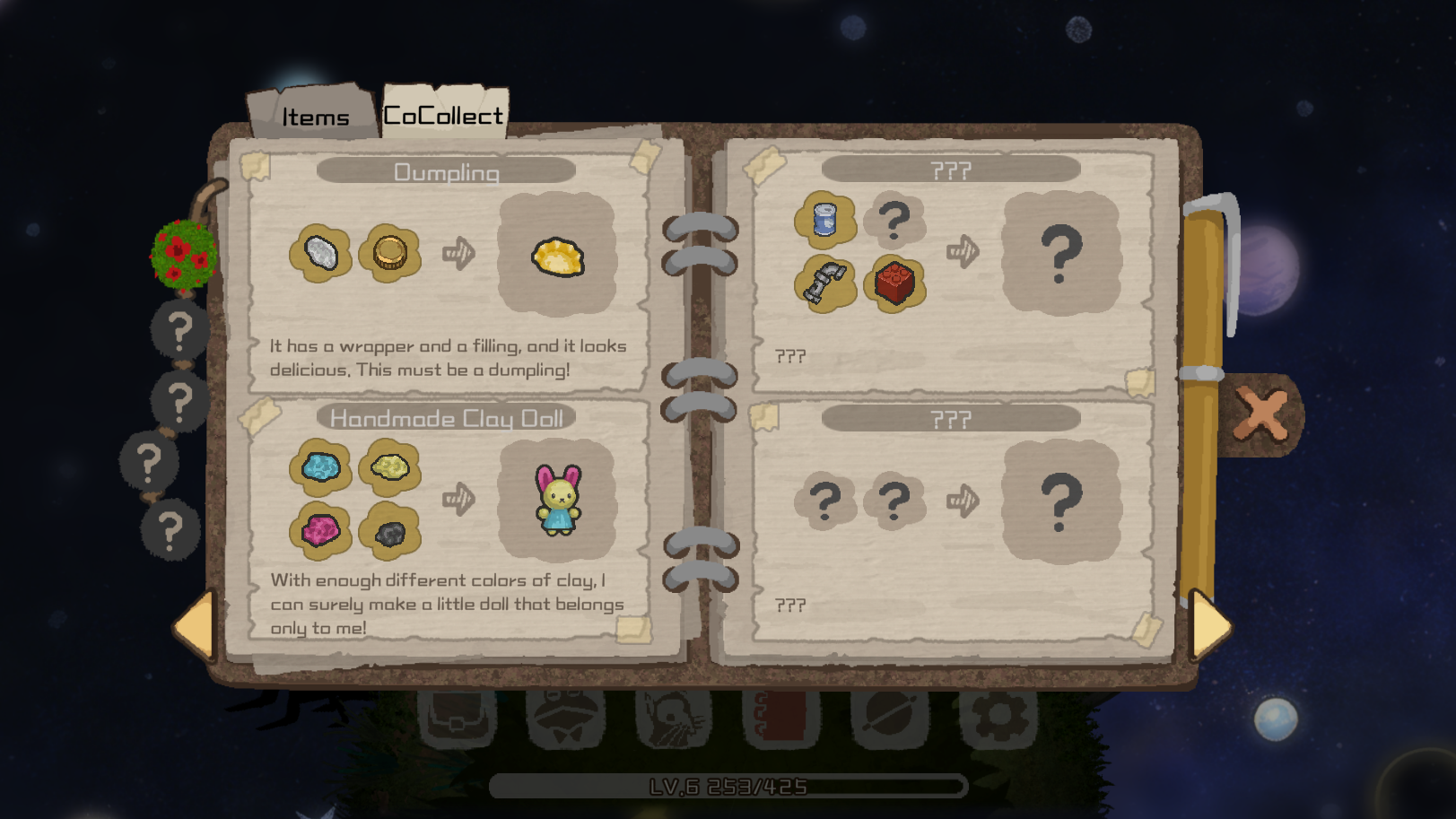
Here, you can view the silhouettes of all discoverable treasures. When Coco collects a material that may be related to a treasure, a small wrench prompt will appear in the backpack. By spending coins to let Coco “think” about it, you may successfully discover a clue, lighting up the corresponding material or part of the treasure’s progress.
Each treasure can only be discovered once. Some treasures can also unlock new Coco outfits or tools.
Now, cleaning out your backpack is no longer just about selling everything. Some items can be sold, while others might be worth handing to Coco for a little thinking.
Backpack Experience Improvements
We have reworked the display and interaction logic of the backpack.
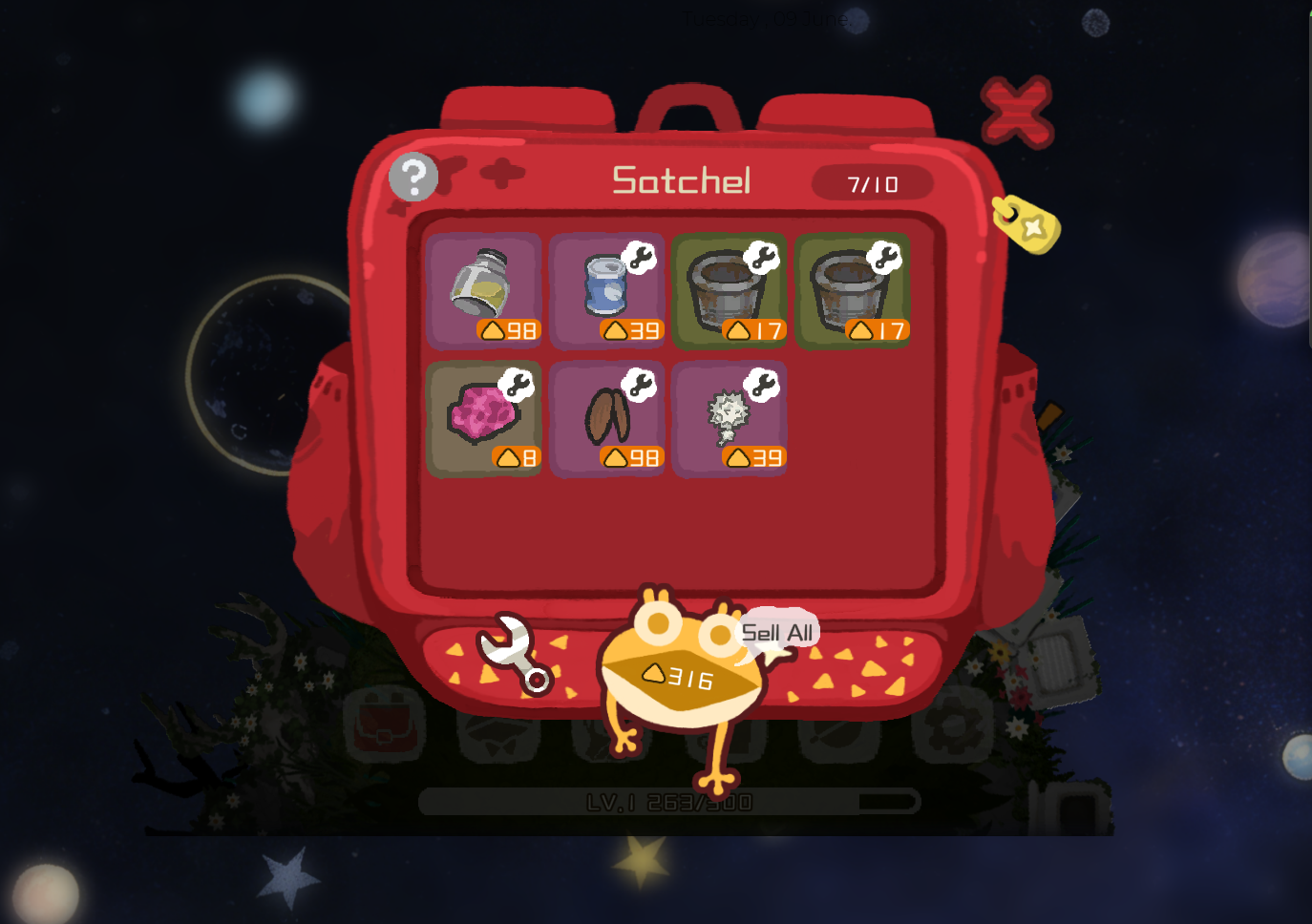
Item names are no longer displayed directly outside the item slots. Instead, when hovering over an item, an information tip will appear on the right side, showing the item name, price, and a short description. This makes the backpack interface cleaner and easier to read.
Selling items now also has a snappier feedback animation: the item shrinks and disappears, while a “Sold” text floats upward.
A new wrench mode has been added. In wrench mode, you can hand items that Coco has thoughts about to Coco. The Golden Toad’s selling function will be temporarily disabled to prevent misclicks. Clicking the wrench or the Golden Toad again will exit wrench mode.
When a material is added to the treasure discovery list, it will now fly toward the target and trigger a progress highlight, making collection progress easier to understand.
Tool Interaction and Charge Optimization
Tool interactions at the bottom of the main screen have been adjusted.
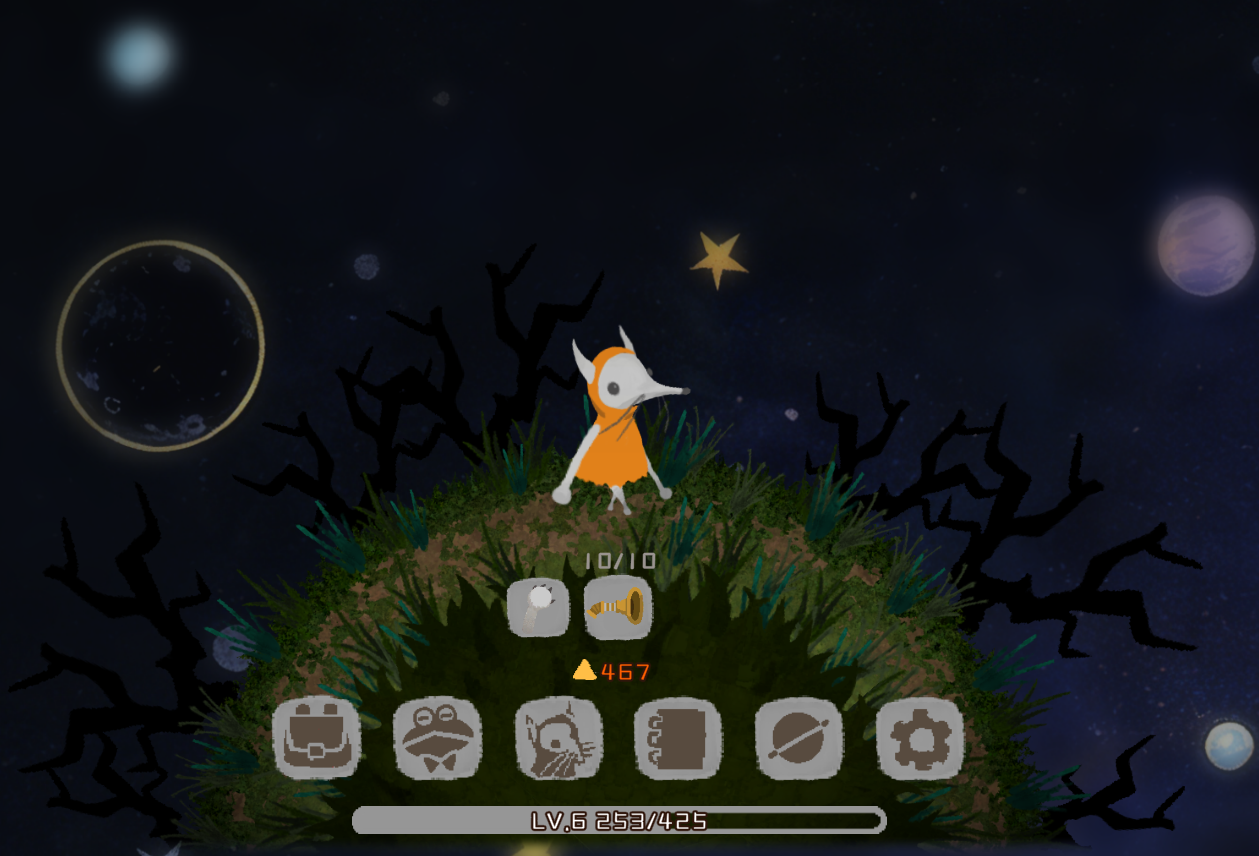
Now, hovering over the current tool will expand and show all available tools. When clicking a tool, if it still has remaining uses, it will be switched to directly. If the tool has no remaining uses, the first click will recharge it, and the second click will switch to it.
This change should reduce misclicks and make tool switching and recharging clearer.
Planet Terrain and Search Spot Generation Adjustments
We have optimized how terrain and search spots are generated on the planet surface.
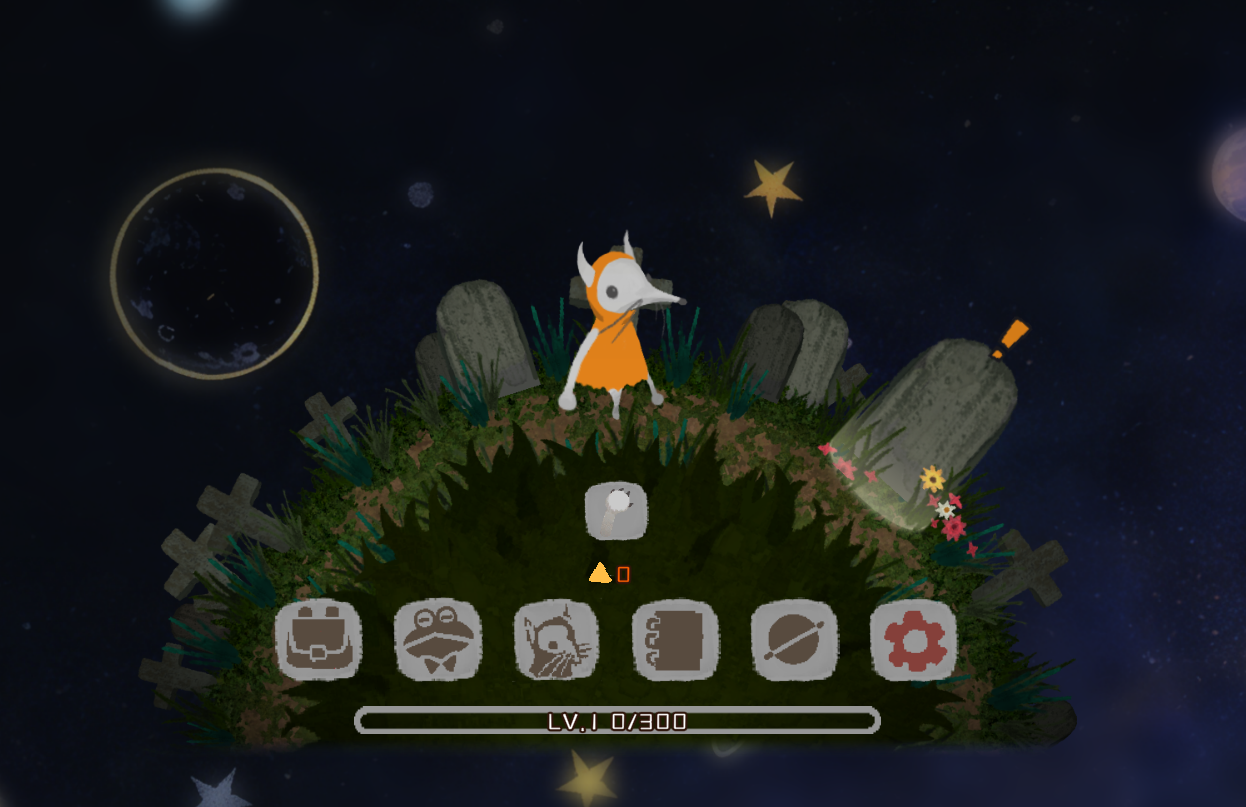
The planet is now generated based on different environmental regions. Different regions can contain different sub-terrain, background decorations, and search spots. Terrain transitions should feel more natural, and the rhythm of search spot appearances should be more varied.
Search spots now also have clearer visual cues, including a floating exclamation mark animation and a glowing area under the spot, making interactive areas easier to notice.
Search Minigame Improvements
The search minigame has received several improvements and fixes.
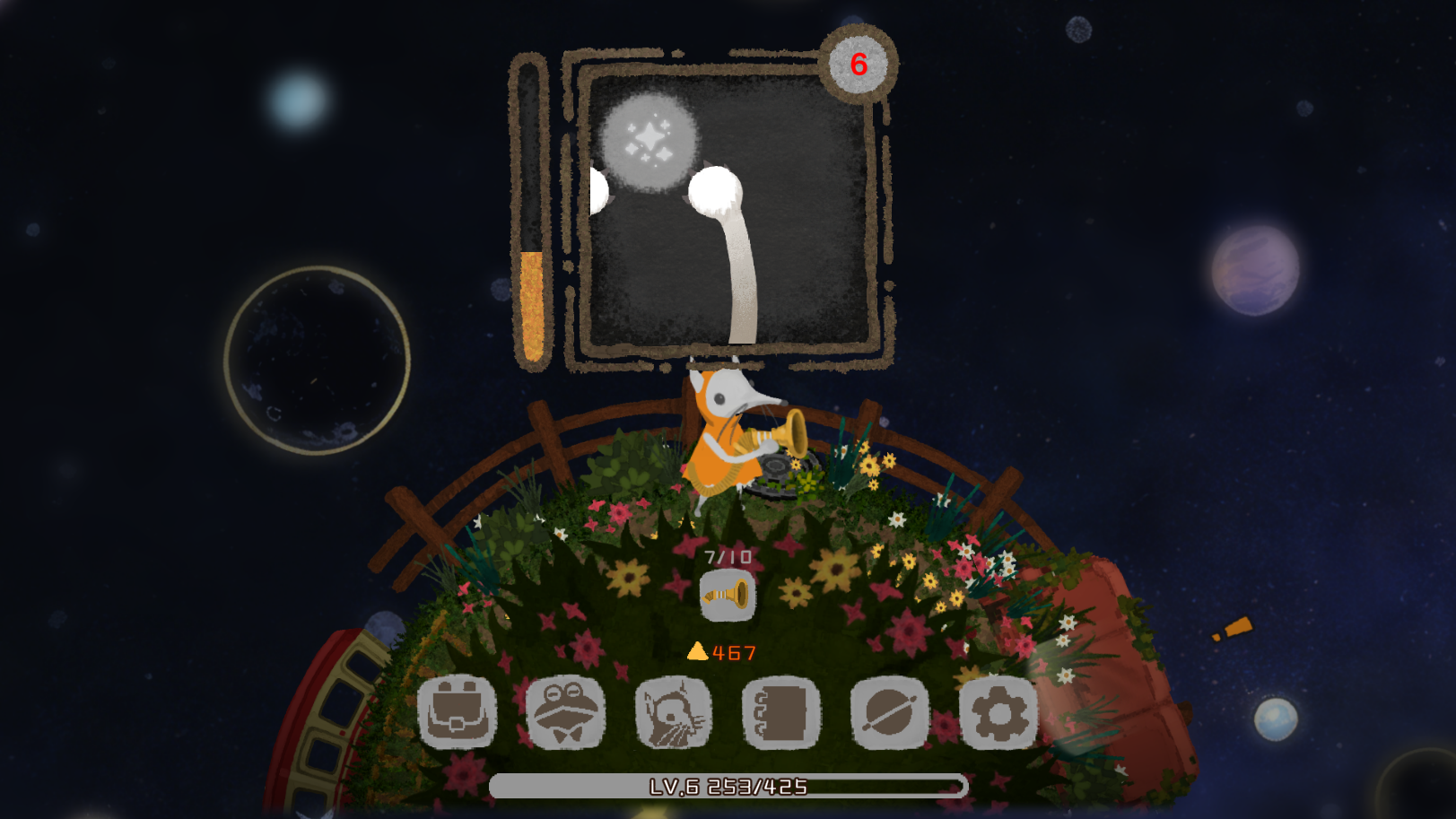
Before the minigame begins, Coco will now show an exclamation mark animation again. Different alert sounds will also play depending on the rarity of the item being discovered.
We have also fixed several issues, including light points not resetting properly when the minigame appeared multiple times, triangle markers appearing in incorrect positions, the final search progress not being displayed completely, and display layer issues.
UI, Sound Effect, and More
The game log / collection interface layout has been adjusted, and the new Coco’s Treasures tab has been added so you can check your current collection progress.
The shop interface has been improved, including the ability upgrade layout, English text display, hover feedback, and the search power icon.
The equipment interface now correctly displays initial “Default” or “Empty” options, and some missing localization text has been fixed.
We have also added more sound feedback for the search minigame, shop, collection interface, treasure discovery, and other interactions.
Some interfaces now include question mark help buttons. For example, in the backpack, you can view explanations for the wrench tool, wrench icon, and the Golden Toad’s Sell All function.
Thank You for Your Feedback
Many of the changes in this Demo version come from issues we observed during the previous Playtest, as well as suggestions shared by players.
Astro Mouse is still in active development. We will continue improving the exploration rhythm, desktop companion experience, item collection content, planet presentation, and many more small details related to Coco.
If you like this tiny mouse that slowly walks across the planet, carefully digs through trash, and occasionally treats strange objects like precious treasures, we hope you will try the Demo and add the game to your wishlist.
Thank you for your support. We hope you and Coco have a wonderful time on the planet!